Services and Profiles
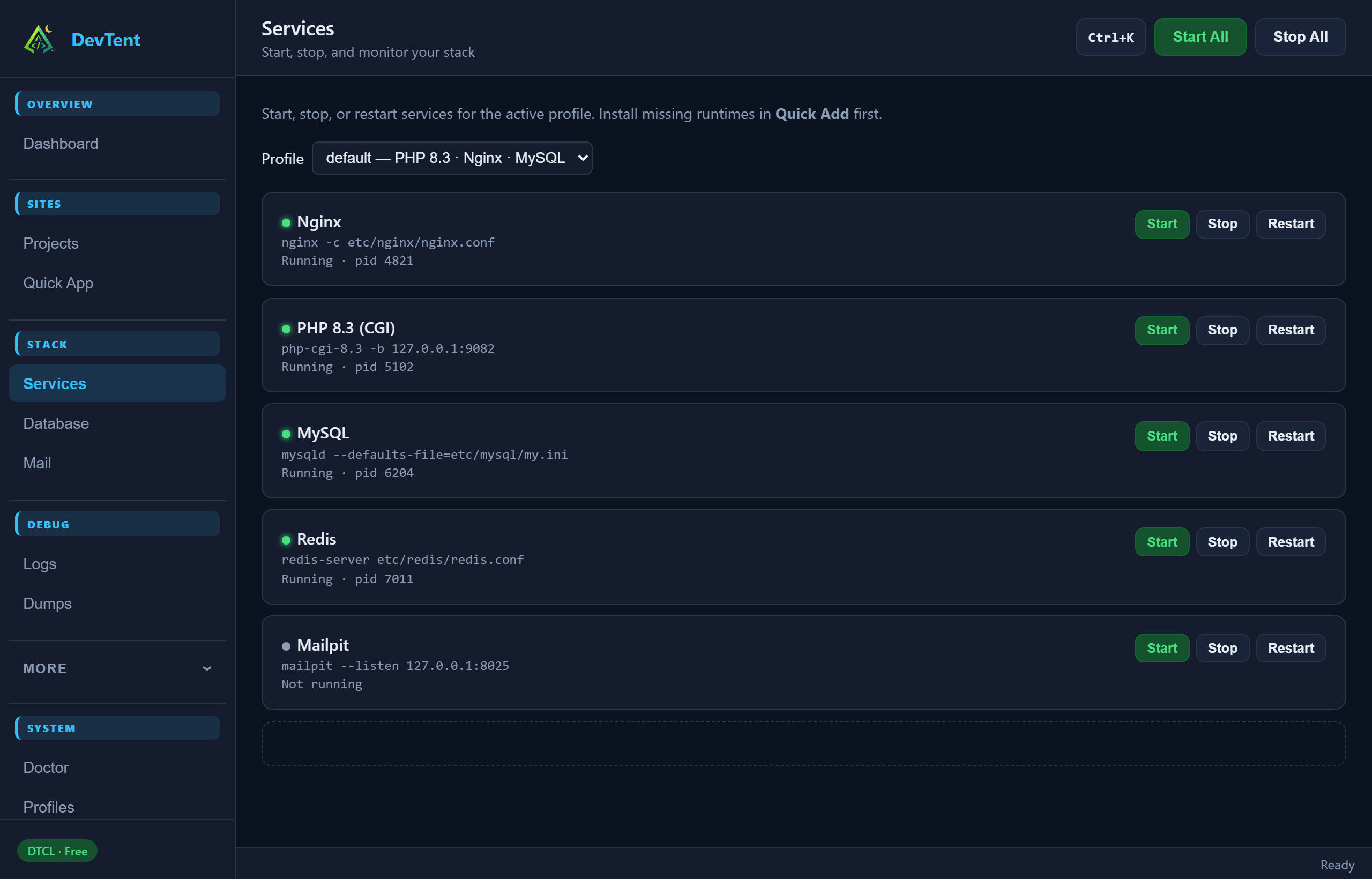
Stack → Services lists everything in the active profile (Nginx/Apache, PHP-CGI/FPM, MySQL/MariaDB/PostgreSQL, Redis, Mailpit, …).
- Start / Stop / Restart per service
- Switch profile from the dropdown at the top (running services not in the new profile are stopped)
- Missing runtimes? Install them in More → Quick Add
Global Start All / Stop All live in the dashboard top bar and the tray.
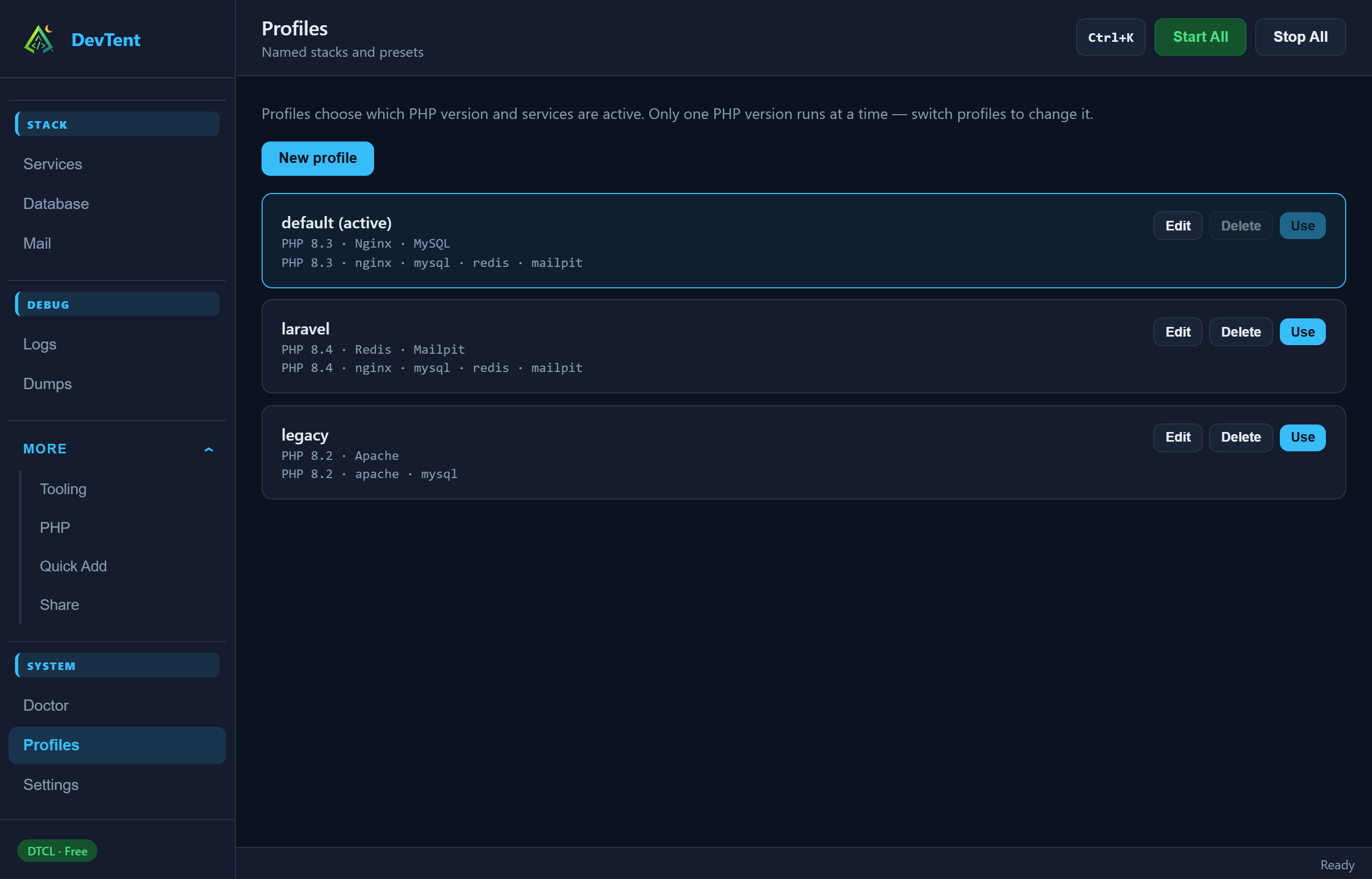
A profile is a named stack: default PHP version, web server, database engine, and optional services (Redis, Mailpit, Meilisearch, MinIO, …).
- Open System → Profiles
- New profile or edit an existing one
- Click Use to switch (confirm if services will stop)
Per-site PHP on Projects still overrides the profile default for that one site.
More → Quick Add installs portable runtimes into bin/ from manifests (PHP versions, Nginx, MySQL, Redis, Mailpit, mkcert, Node, …).
On macOS/Linux, some packages can be copied from Homebrew/apt into the portable tree so DevTent stays self-contained.
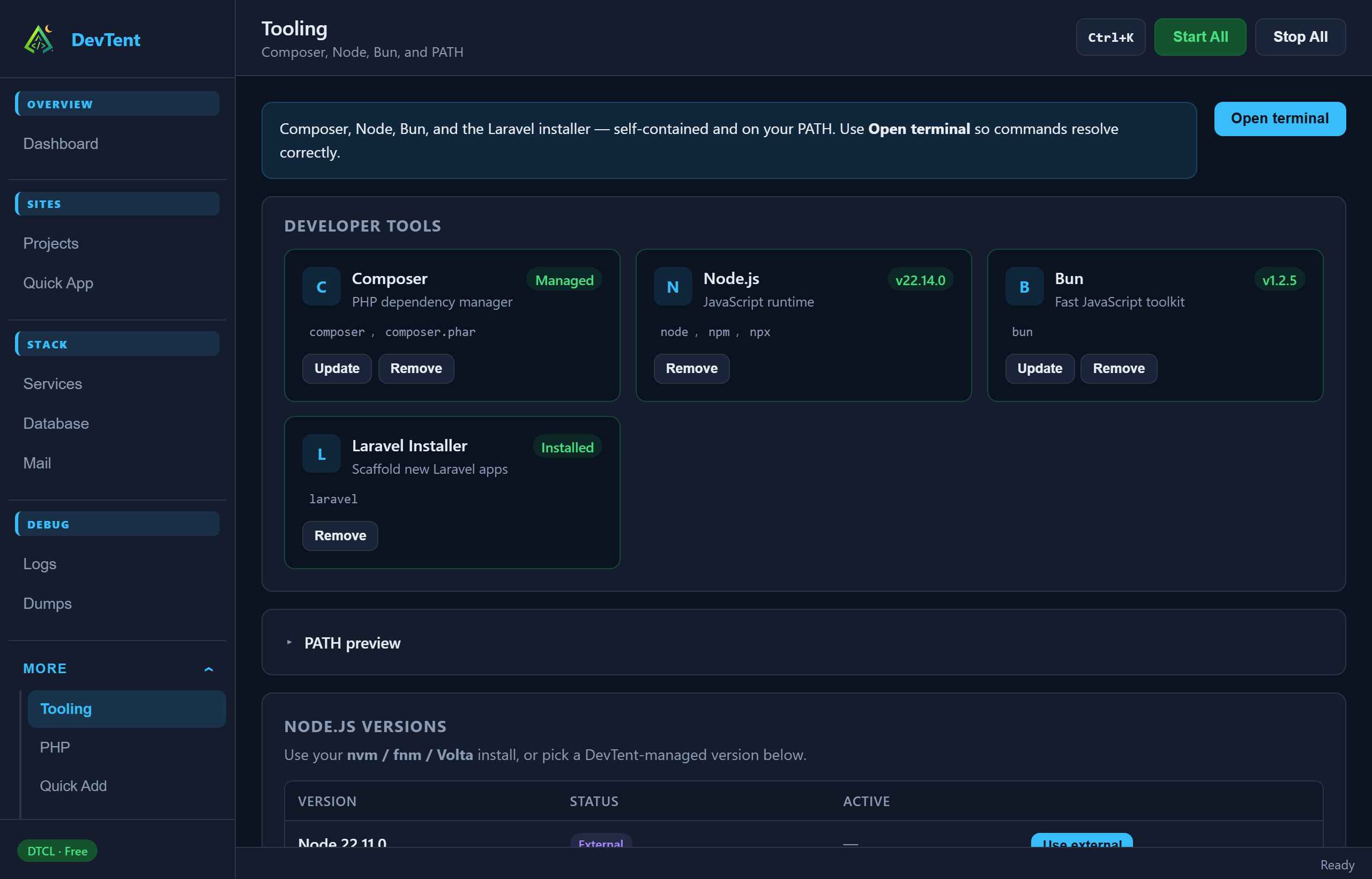
More → Tooling manages Composer, Node, Bun, and the Laravel installer, plus PATH preview. Always open a DevTent terminal so binaries resolve correctly.
Next: Debugging