Repository navigation
Skills
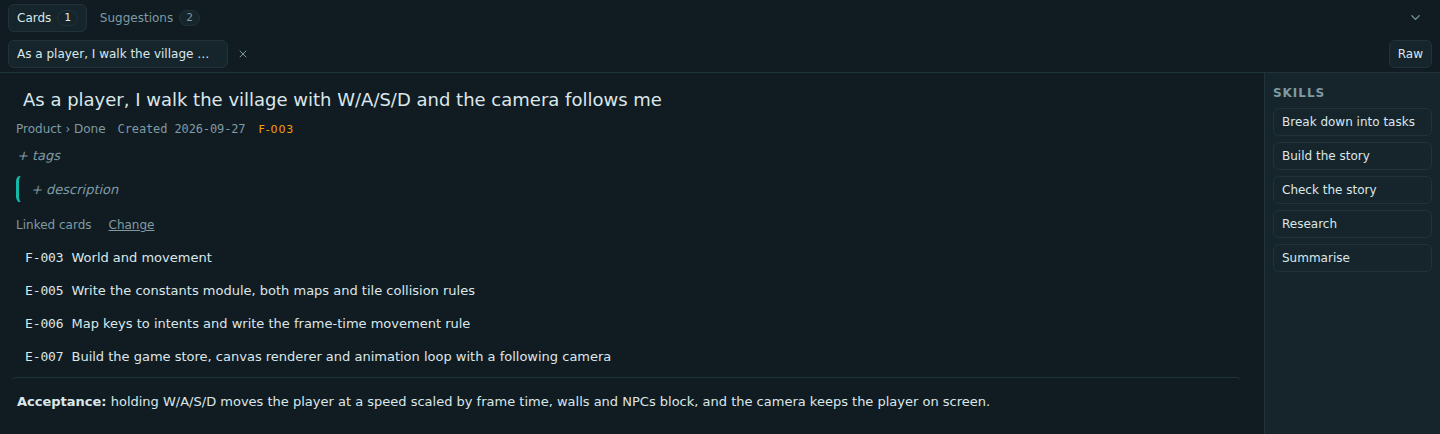
A skill is a prompt with a scope. Open a card and the rail beside it lists the skills that fit it; pick one and an agent works that card.
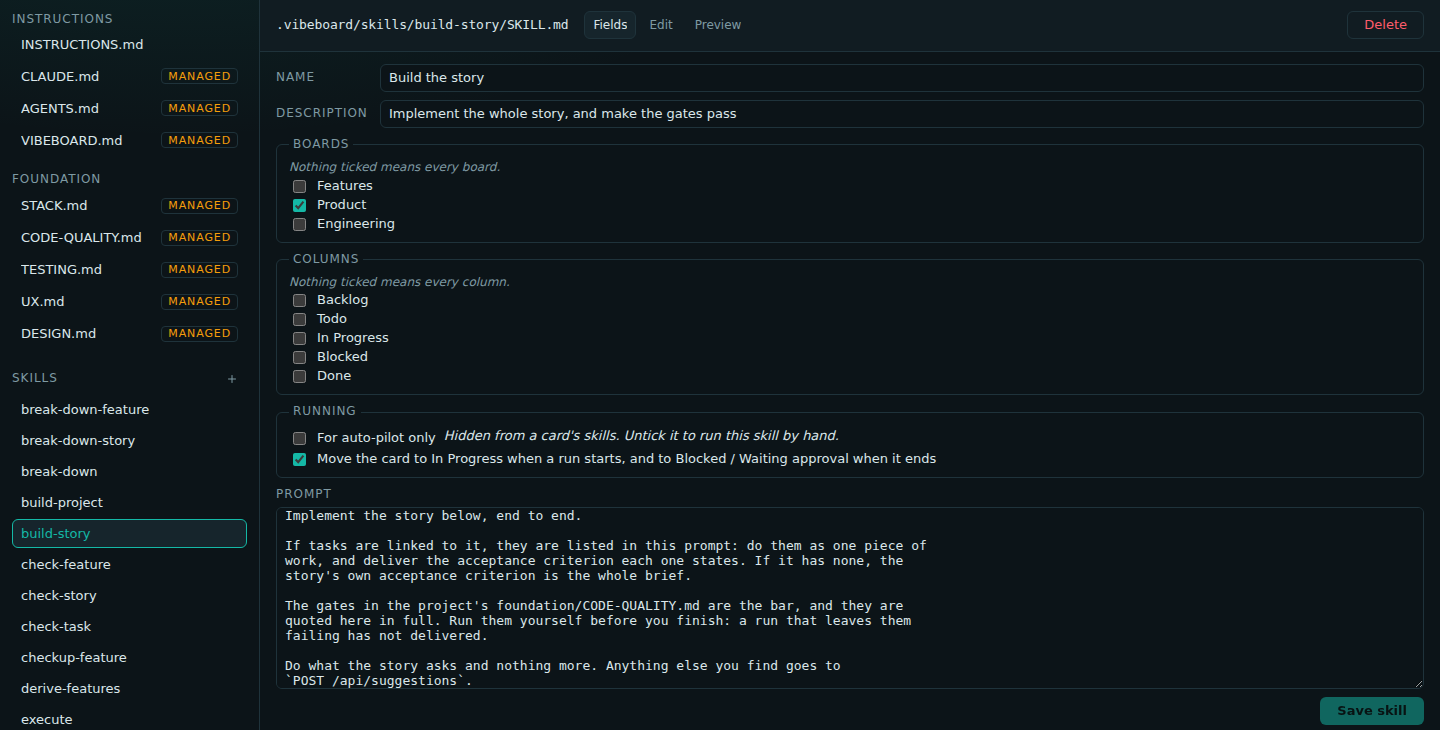
Each skill is .vibeboard/skills/<slug>/SKILL.md: frontmatter, then the prompt the agent is given.
---
name: Build the story
description: Implement the whole story, and make the gates pass
boards: [product]
---
Implement the story below, end to end.
…| Field | Meaning | Default |
|---|---|---|
name |
what the rail shows | required |
description |
one line under the name | required |
boards |
boards it appears on: features, product, engineering
|
every board |
columns |
column slugs it appears in | every column |
autopilotOnly |
hide it from the rail; auto-pilot still uses it |
true for auto-pilot's and setup's own skills |
movesCard |
let a run you start move its card | true |
You can edit a skill as fields in Project Control, or as the raw file. A file that fails validation, such as a board that does not exist, shows up with the reason rather than vanishing.
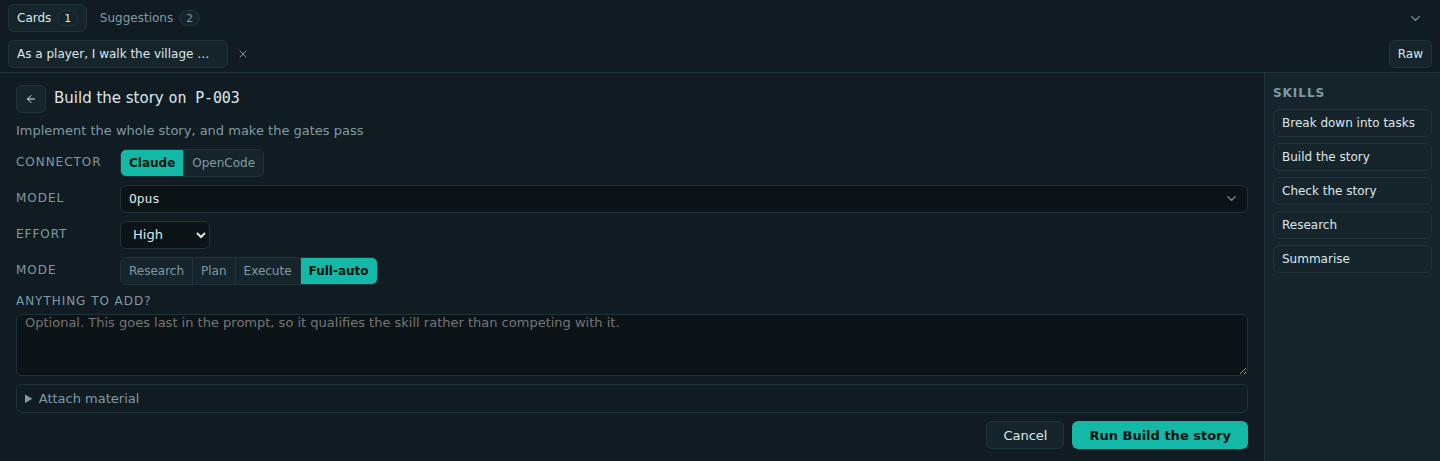
Pick the backend, model, effort and mode (pre-filled from your defaults), add a prompt if you want, and attach project files.
The agent reports back in one of two ways:
- Success: the report lands on the card, with links to any cards it created.
- Needs you: it stops with options. Picking one runs it again, carrying the previous report.
A run you start moves its own card, so you can see what changed without opening anything:
- When it starts, the card goes to In Progress, unless it is already there or already done.
- When it ends, the card goes to Blocked / Waiting approval, if it is still in progress. The Features board has no Blocked column, so feature cards stay put.
The check skills go one step further: when the work passes, the agent moves the card to Done itself. Nothing moves a card while auto-pilot is running.
Your runs are yours. Auto-pilot does not count them against a card's attempts and does not read them, but it will not start while a card is waiting on you: it names each one instead.
For you, on the rail:
| Skill | Board | What it does |
|---|---|---|
| Break down into stories | Features | writes the user stories a feature needs |
| Check the feature | Features | tries the product and judges whether the feature works |
| Break down into tasks | Product | writes the engineering tasks a story needs |
| Build the story | Product | implements the whole story and makes the gates pass |
| Check the story | Product | judges whether the work delivers the story |
| Execute | Engineering | builds what the task describes and makes the gates pass |
| Check the task | Engineering | judges whether the work delivers the task |
| Research | any | gathers context and options, changing nothing |
| Summarise | any | condenses a card and everything it links to |
With these, any card can go from Backlog to Done by hand.
For auto-pilot, hidden from the rail until you untick autopilotOnly: Derive features,
Break down, Implement the story, Review the story, Fix, Feature checkup, Build the project and
Review the project. The setup wizard has two more: Scan project and Suggest a stack.
When a new version of VibeBoard adds a skill, existing projects get it once. A skill you edited keeps your edits, and one you deleted does not come back.