Repository navigation
Patterns

Patterns are a way of saving how blocks should be placed. This is used in commands and in the API. The patterns used by Redaktor are basically the same as the ones used in WorldEdit. There are, however, a few exceptions.
Here are some examples:
stone This will just set the area to stone.
stone,air This will make a 50-50 divide between stone and air. Example:
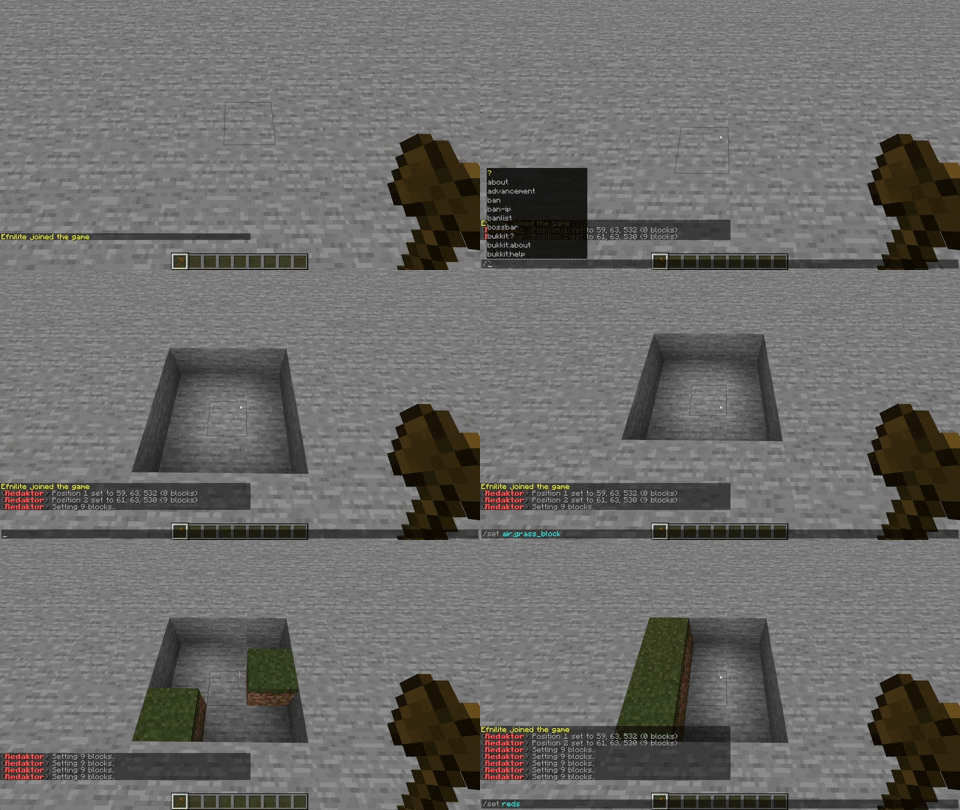
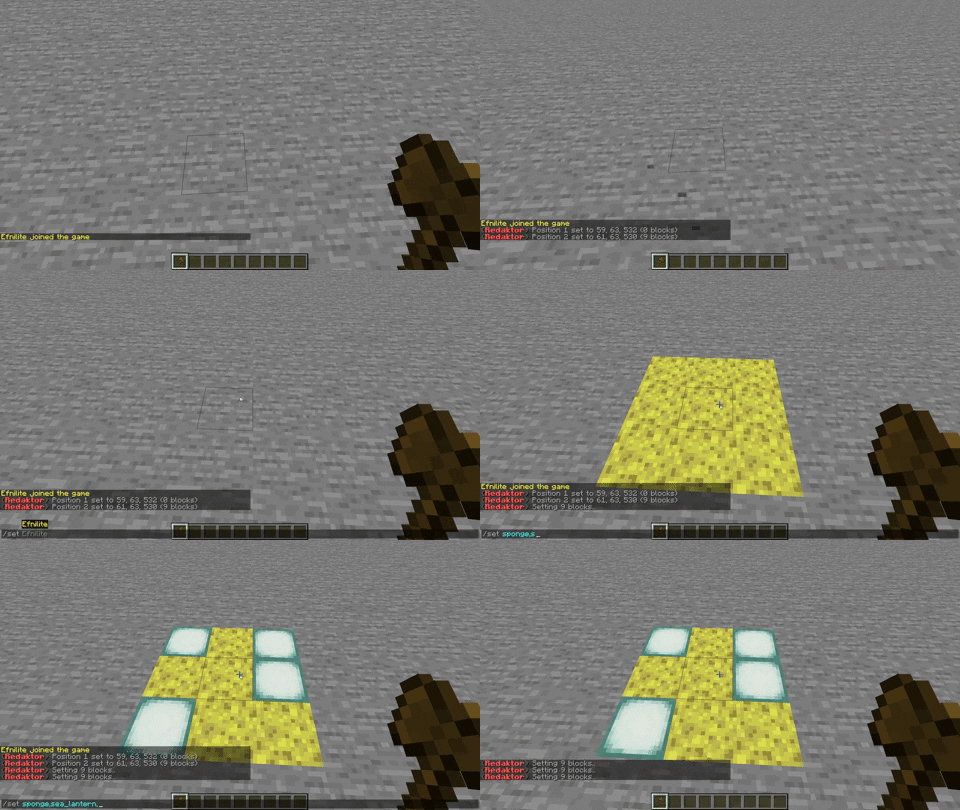
stone,air,grass_block If you have more then 1 material in a pattern, it will have a random chance of picking one of the materials you listed. Example:
#planks This will set the area to all available planks. Example:
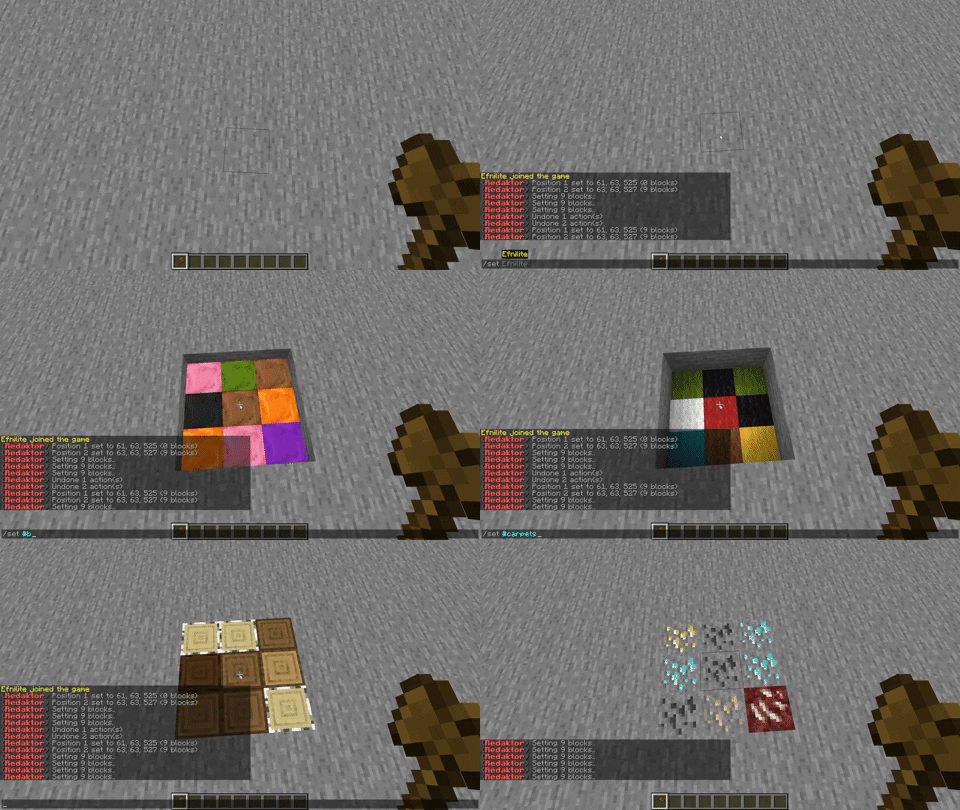
#planks,#slabs This will set the area to all available planks and all available slabs (the same as stone,air)
View all available types here. Example:
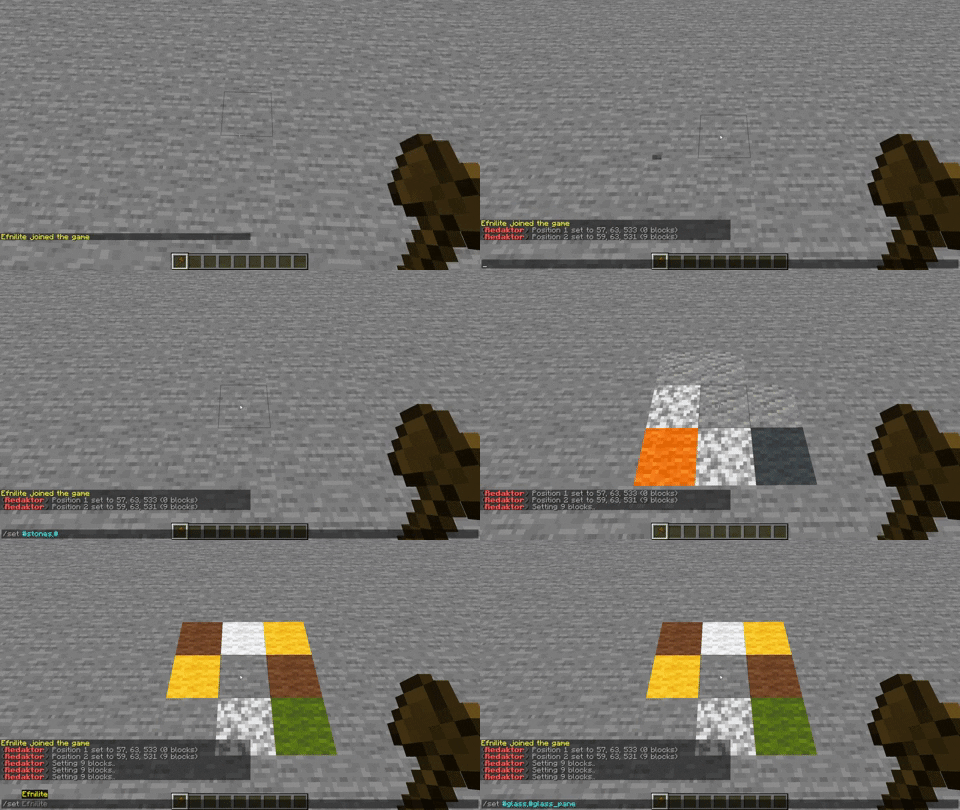
&stone This will set the area to stone with different types of data. For example, if you use &stone_stairs, it will set a random direction and a random waterlogged stat.
Patterns are a way of saving how blocks should be placed. You have a lot of different patterns, that all result in different outcomes. Right now, there are 3 types of patterns:
The BlockPattern is a pattern of one block. This means that if you use a block setting method, every block that is set will be set to the specified block.
The MorePattern is a pattern of multiple blocks. When applied to a block, it chooses a random material from the blocks given.
If you want your users to, for example, create their own Pattern from a String, you can use the Pattern$Parser class to parse a Pattern from a String. View the Pattern Parser here
View the Pattern interface here