3. First Steps with Arduino
The Arduino Integrated Development Environment - or Arduino Software (IDE) - contains a text editor for writing code, a message area, a text console, a toolbar with buttons for common functions, and a series of menus. It connects to different boards’ hardware to upload programs and communicate with them.
You need to download and install Arduino IDE you can find it here for different O.S.

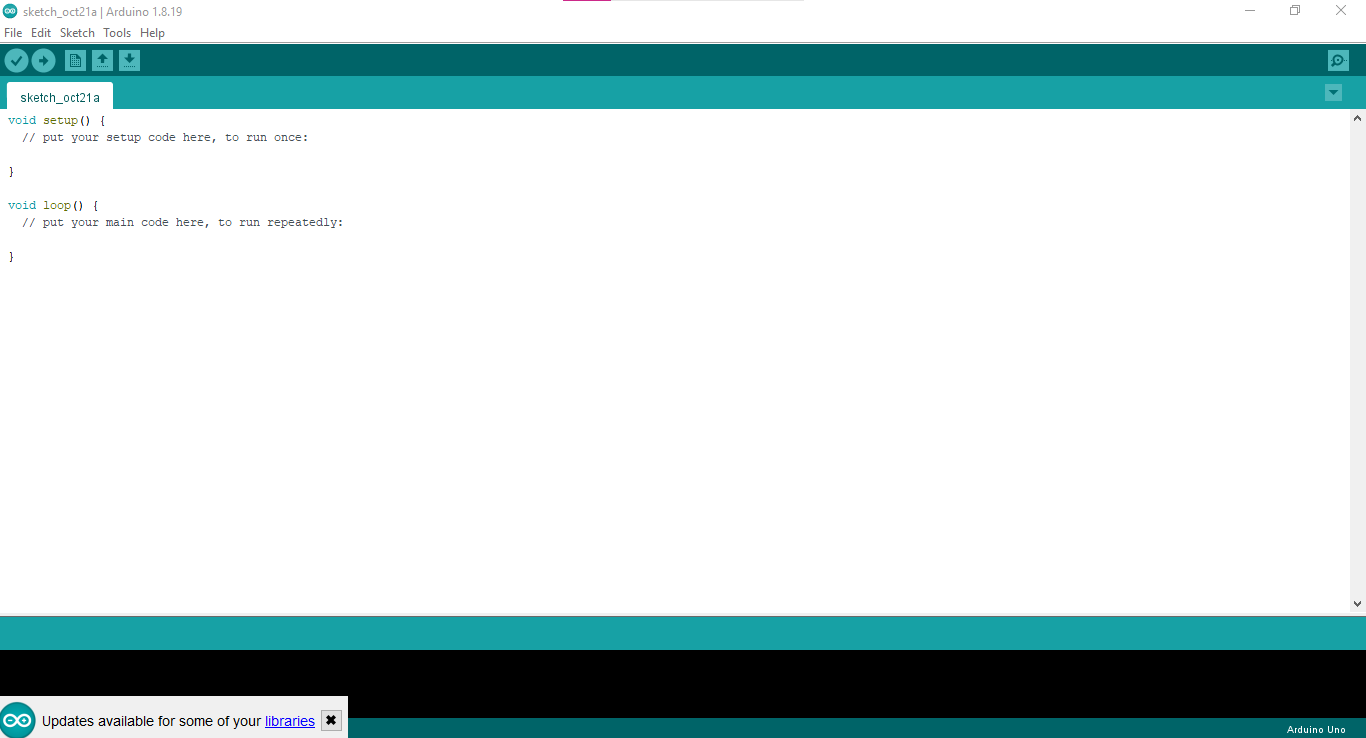
After installing Arduino IDE you will see the next window.
After you have the Arduino IDE, you will have to install RAK 3172's core, don't worry it is nothing to write home about, here is a quick guide on how to install them:
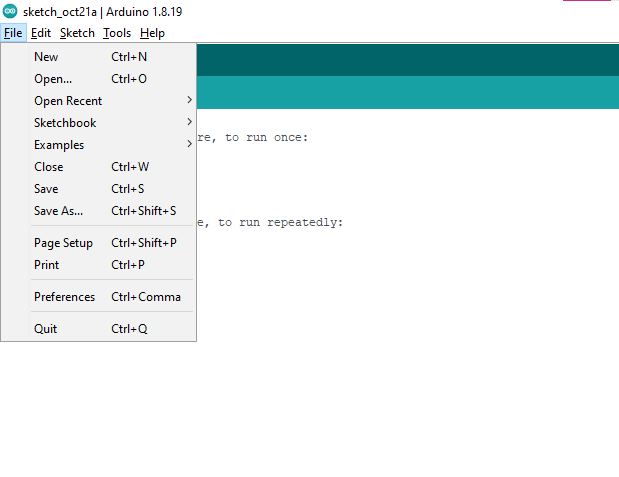
To add board support for our products, start Arduino IDE and open the Preferences window (File > Preferences).
Now copy and paste the following URL into the 'Additional Boards Manager URLs' input field:
https://raw.githubusercontent.com/RAKWireless/RAKwireless-Arduino-BSP-Index/main/package_rakwireless.com_rui_index.json
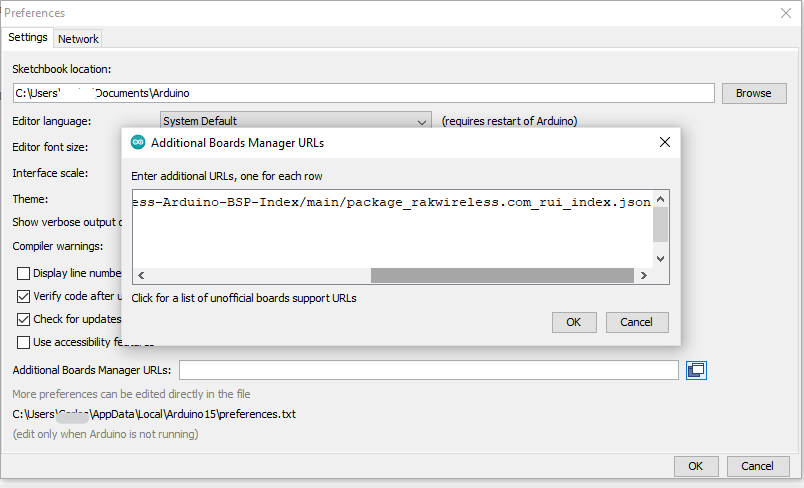
- If there is already an URL from another manufacturer in that field, click the button at the right end of the field. This will open an editing window allowing you to paste the above URL onto a new line.
- Press the "OK" button.
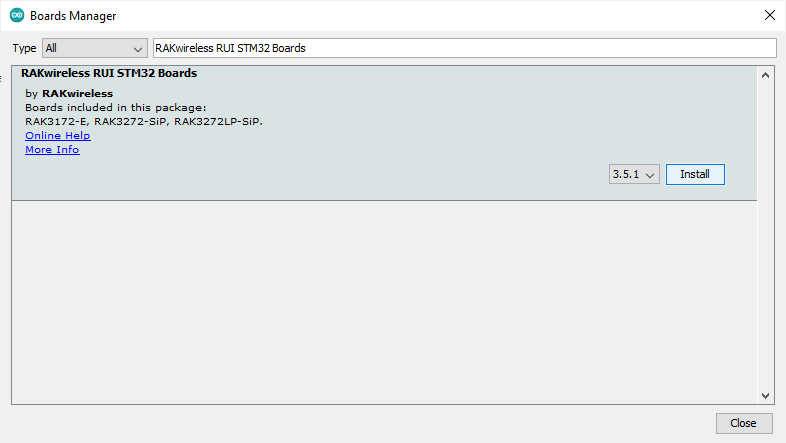
- Open the "Boards Manager" that is in Tools>Board>Boards Manager.
- Now write "RAKwireless RUI STM32 Boards" (without quotes) in the search bar.
- Click in install, just wait to finish installing, and only close the window.
- In Tools>Boards, scroll down in the boards' list you can see the RAKwireless RUI STM32 Boards.
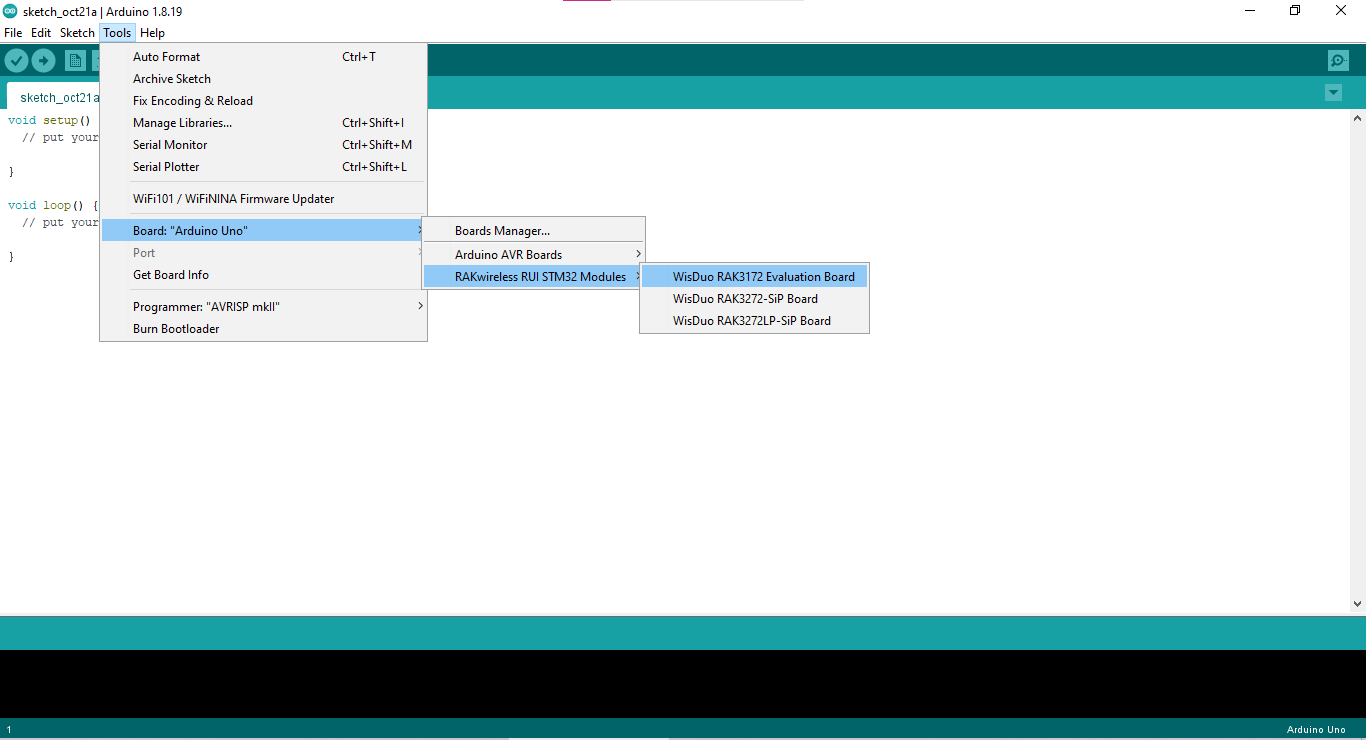
This board is recognized as a WisDuo RAK3172 Evaluation Board.
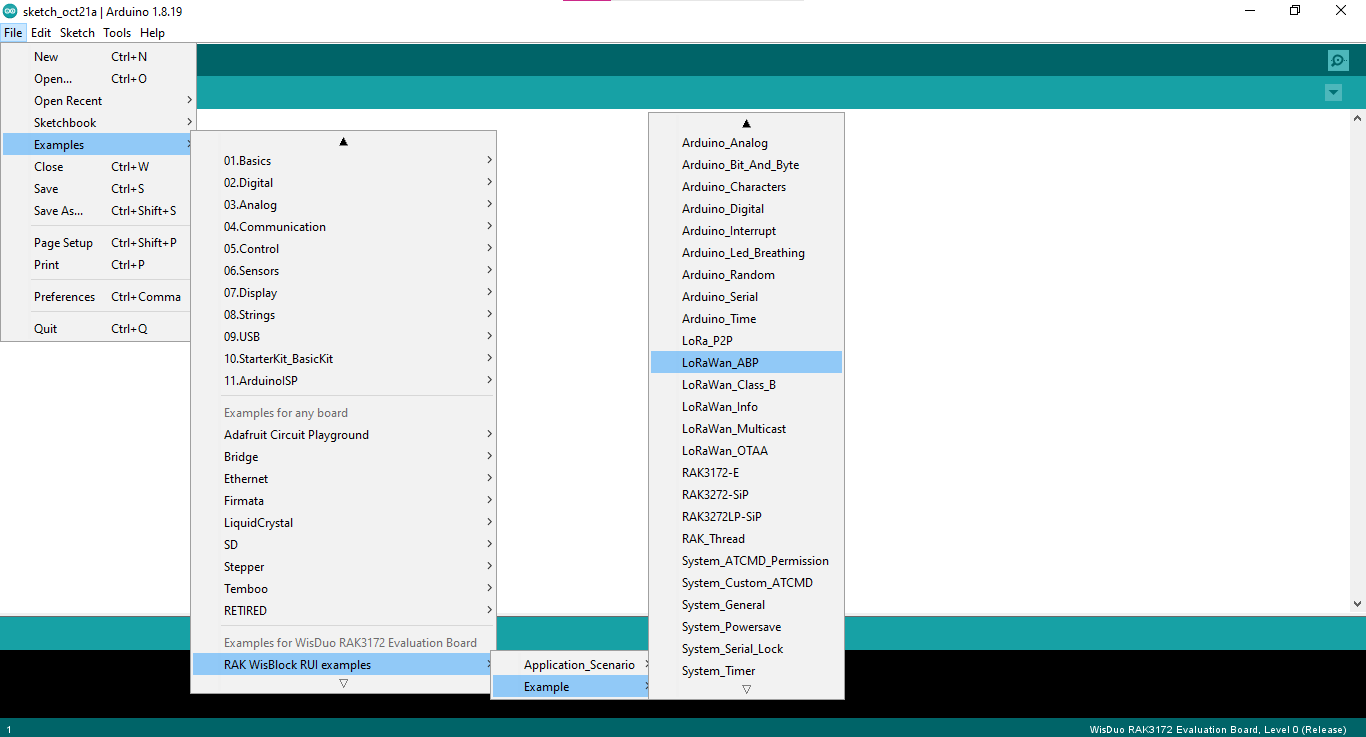
Once you installed the RAKwireless RUI STM32 Boards core you will have directly the examples without the need of installing them from the Libraries manager.
You can find the examples in File>Examples> RAK WisBlock RUI examples