2019_08_14_ToDoToday
Le 14: Create your first hello world in Oculus Quest (under Android)
Where to start ->
Oculus Light
- Installer Java et Android
- Set phone as developer and Quest as developer mode
- Configure and compile classic Android Application
- Workshop: Create android application
- Configure and compile Oculus Quest application
- Create the AndroidManifest.xml
- Explore OVRPrefab, OVRMAnager, OVRInput
- Workshop: What do you want to see become real by using VR?
- Demo: Use of ALVR with Steam VR
- Demo: Use of VRidge with Steam VR
- Challenge: Make the Oculus Rift work on the formation center PC
- Workshop: Use AlVR or VRidge on your Quest or on your phone.
//VR
float isTriggerDownValue = OVRInput.Get(OVRInput.Axis1D.PrimaryIndexTrigger, OVRInput.Controller.RTouch);
Vector2 joystick = OVRInput.Get(OVRInput.Axis2D.PrimaryThumbstick, OVRInput.Controller.RTouch);
if(joystick==Vector2.zero)
joystick = OVRInput.Get(OVRInput.Axis2D.PrimaryTouchpad, OVRInput.Controller.RTouch);
bool isTriggerDown = OVRInput.Get(OVRInput.Button.PrimaryIndexTrigger, OVRInput.Controller.RTouch);
//ANDROID
Vector3 accelerometer = Input.acceleration;
int numberOfFingerOnScreen = Input.touchCount;
// If you want to say the user he don't have luck.
bool hasGyro = SystemInfo.supportsGyroscope;
Quaternion gyroDirection = Input.gyro.attitude;
Vector3 gravityApplied= Input.gyro.gravity;
Touch touching = Input.GetTouch(0);
Vector3 screenPosition = touching.position; Feel free to support my work. A donation is always welcome to enlight my day.【ツ】
https://tipeee.com/eloilab
Feel free to support my work. A donation is always welcome to enlight my day.【ツ】
https://tipeee.com/eloilab
- Oculus Light
Step in VR by praticing

Réalité Virtuelle 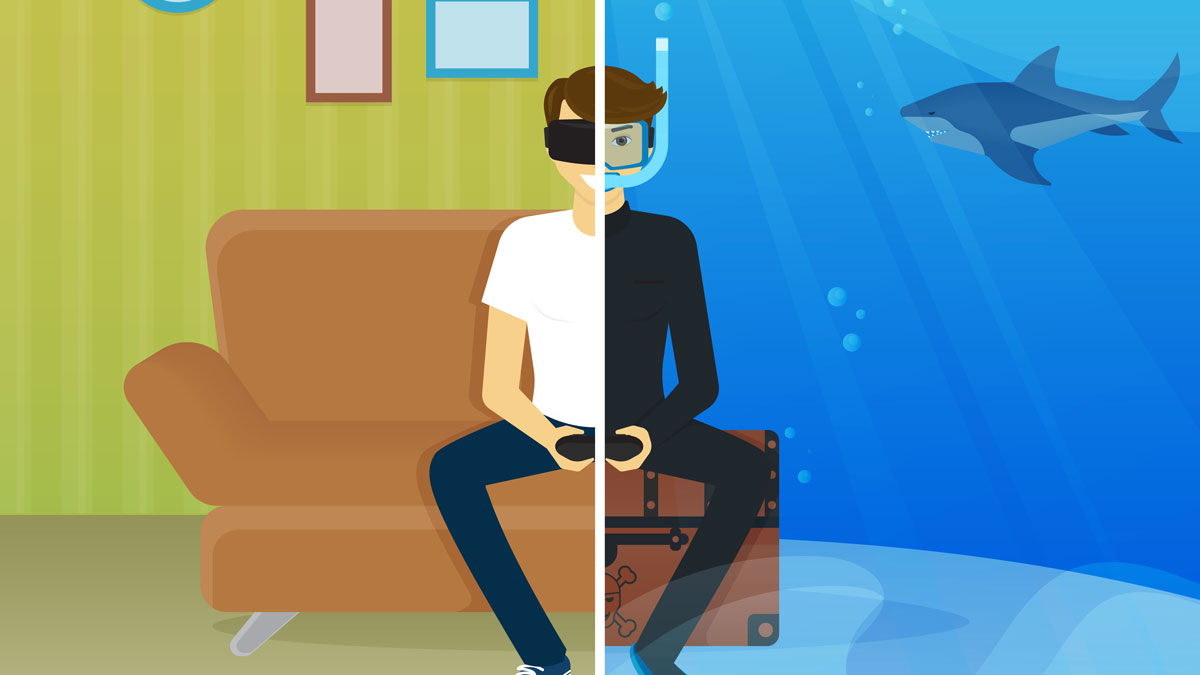 Base de Unity
Painting Jam
- TechnoBel 2018: Specialization VR
- TechnoBel 2017: Quick Introduction to VR
- Technifutur 2018: Unity Developer
- Technifutur 2018: Basic of Unity For Artists
- Technifutur 2019: Virtual Reality Introduciton
What am I working on ?