Usage
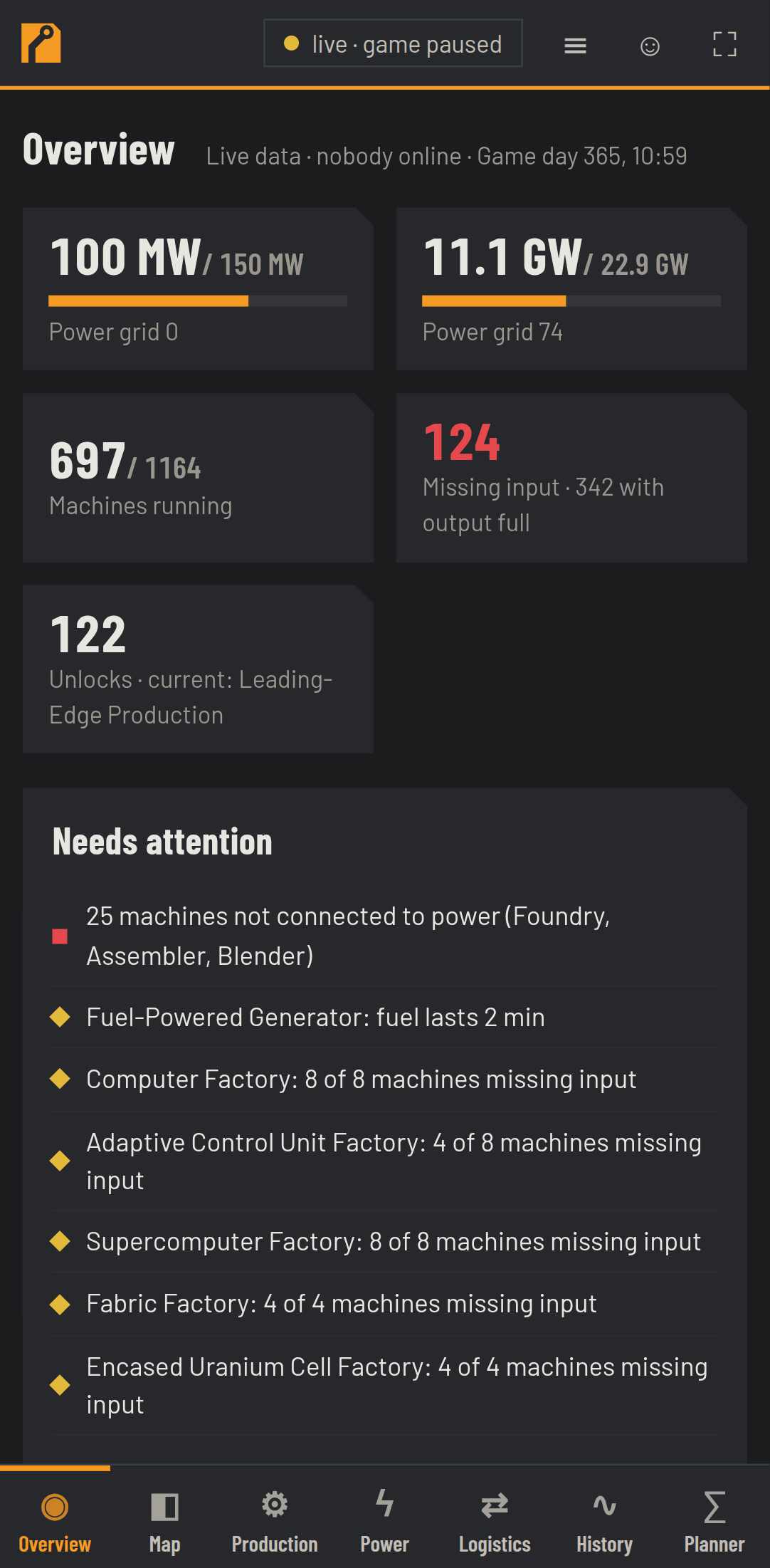
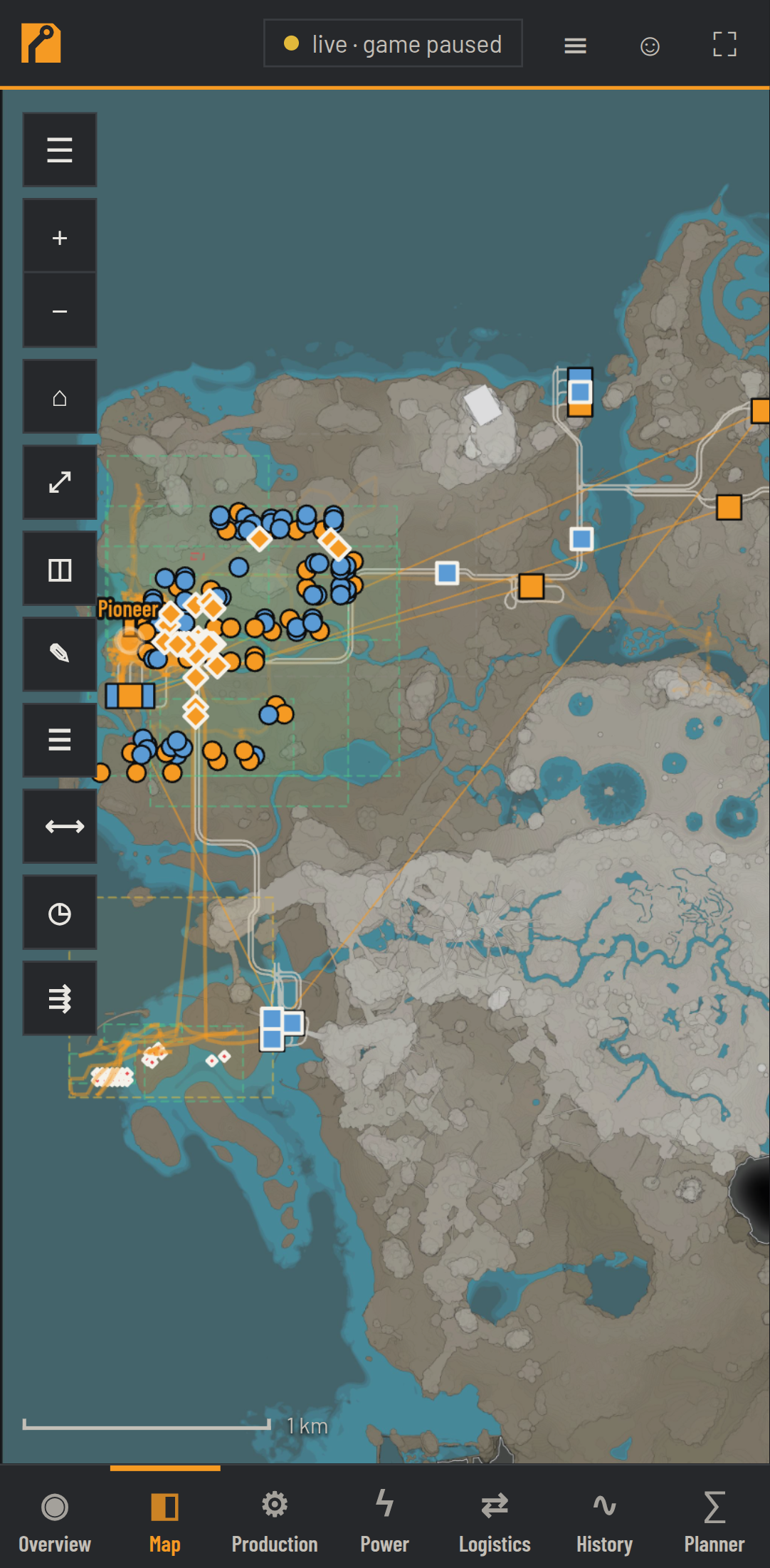
At the top are the pages, to the right the data source (live / save N min ago / offline), ≡ Events, ☺ My view and ⛶ Kiosk. On a phone, the navigation moves to the bottom.
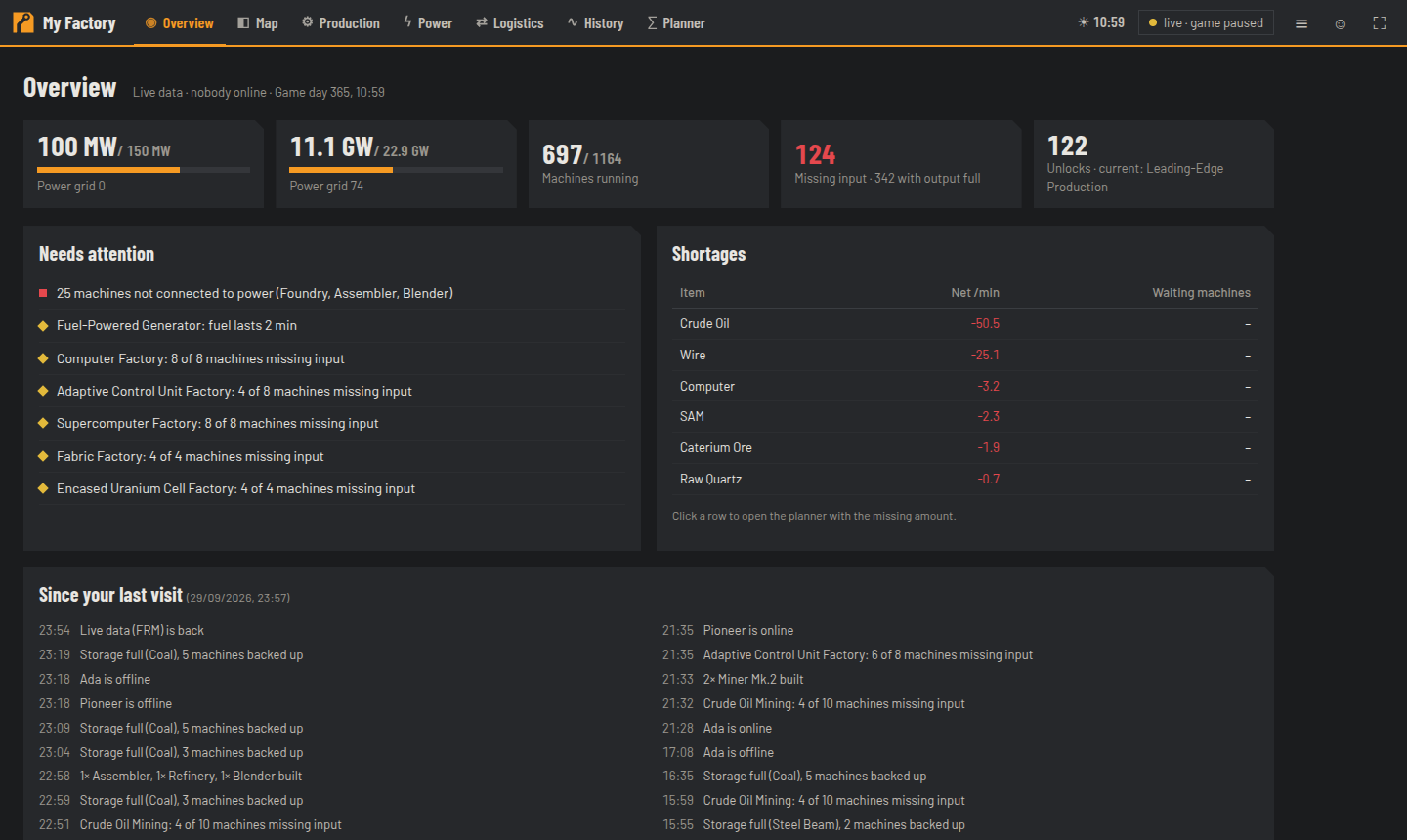
What needs attention right now: power grids with load, running machines, missing input, progress; a list of problems (factories with missing input, fuel running out, machines without power, full storage) and Shortages (click a row → Planner with the missing amount). At the bottom: Since your last visit.
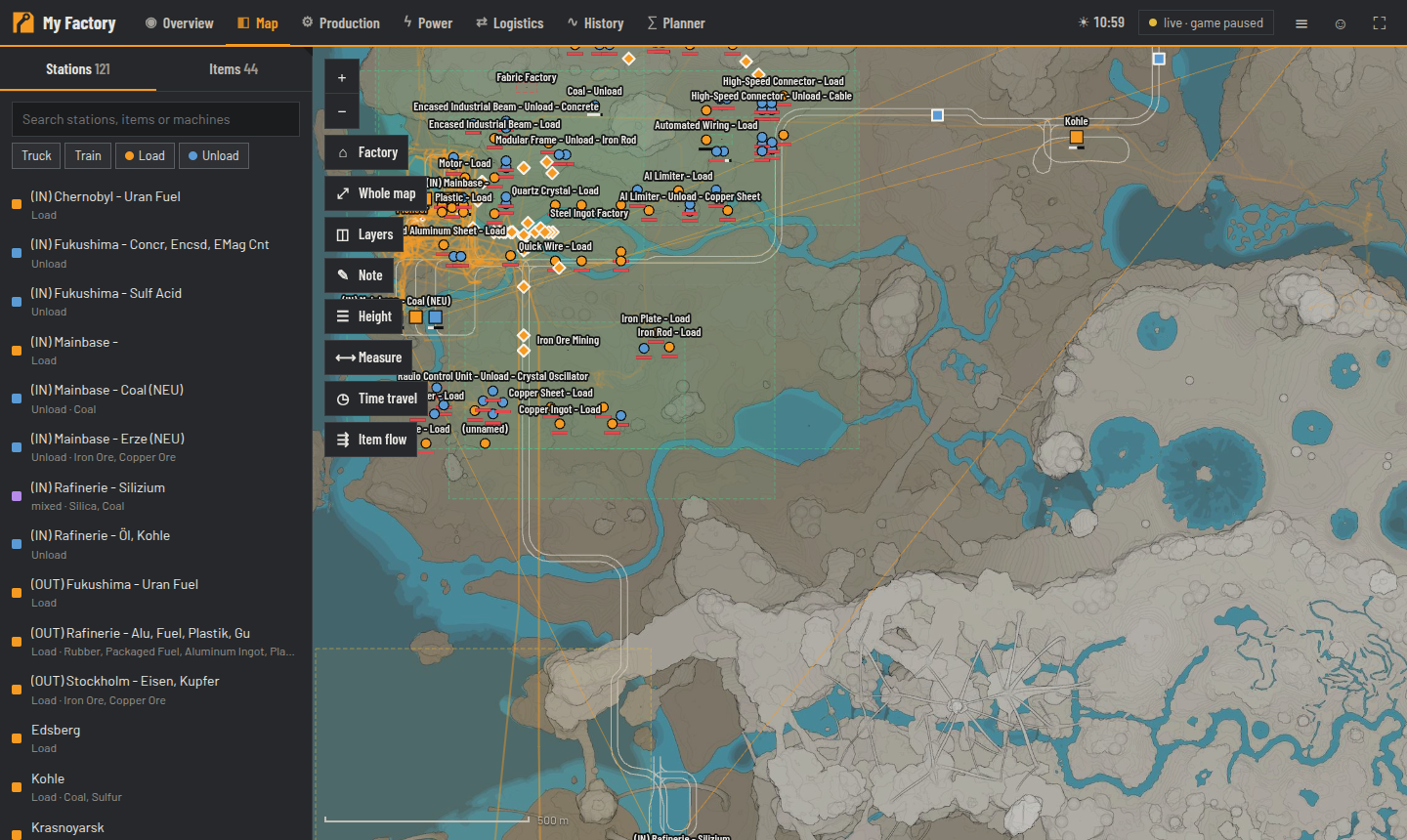
See The map.
- Item balance: produced/consumed per minute for each item, filter "only shortage/surplus", a click shows the last 24 h.
- Missing input: stopped machines with the reason ("waiting for Iron Plate") and since when.
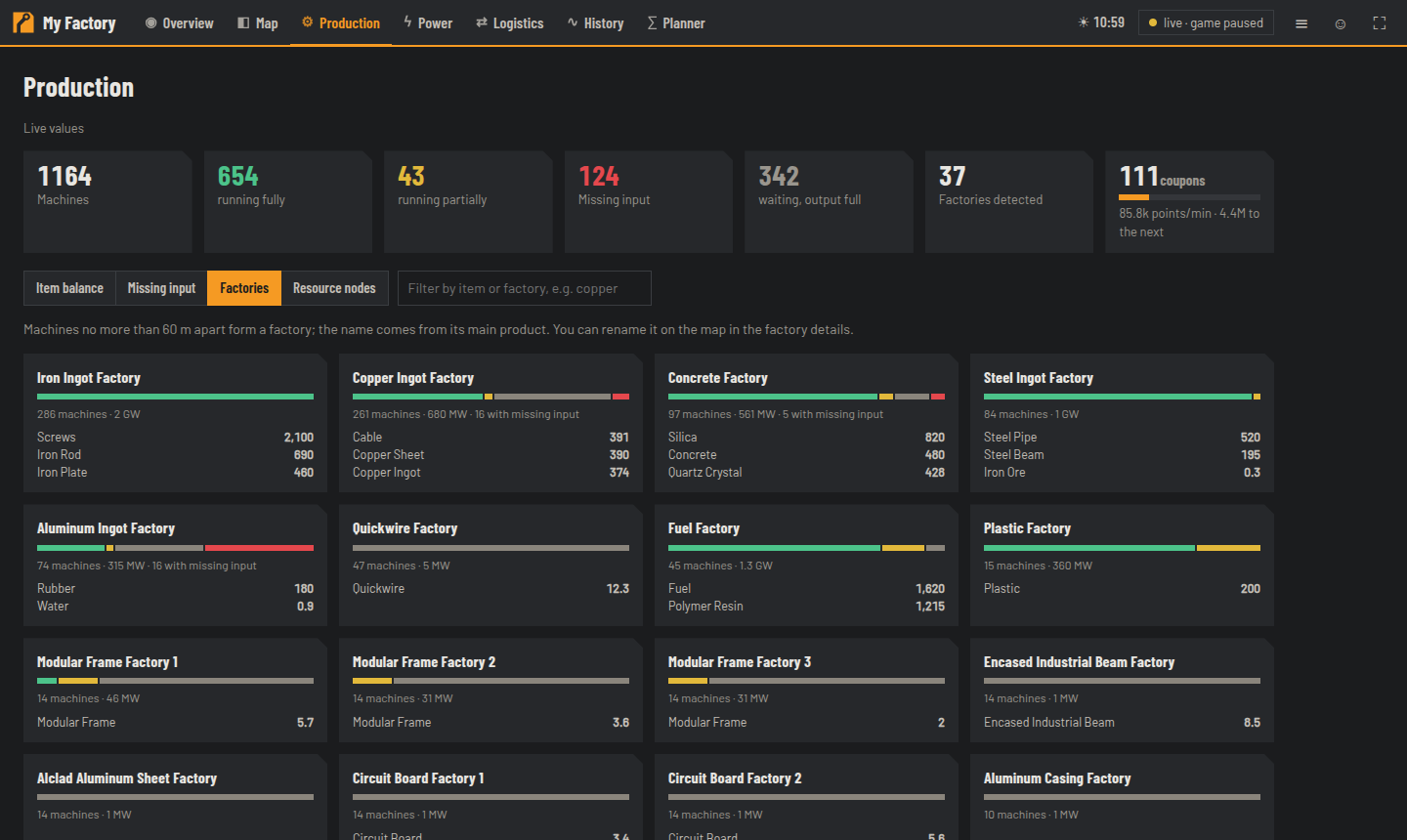
- Factories: automatically detected factories (machines connected by belts/pipes), with a status bar, main products and power. A click jumps to the map.
- Resource nodes: all nodes with purity, occupied/free.
Machines that only wait because their output is full count as an intended buffer and are grey instead of red.
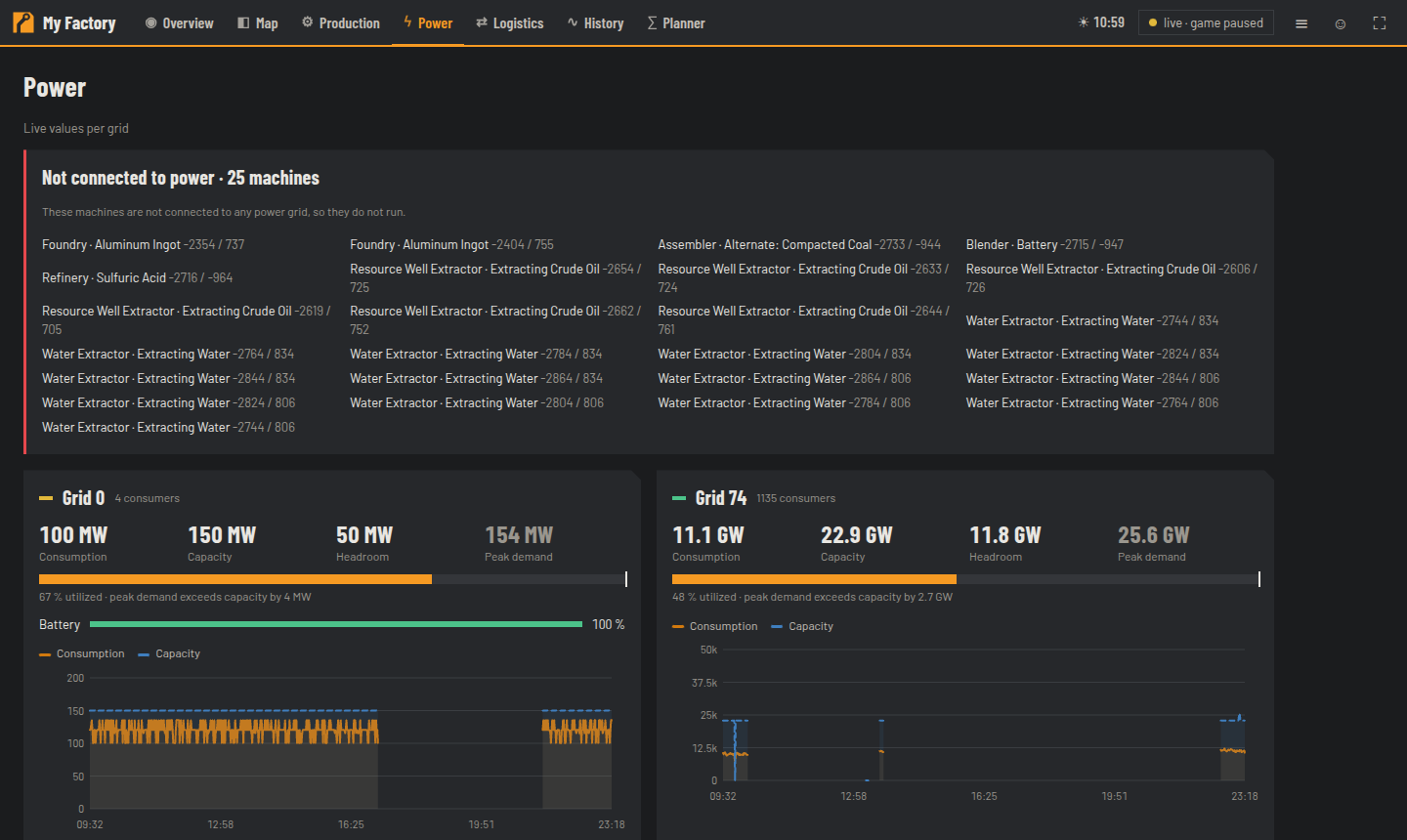
Every power grid with production, consumption, capacity and batteries, history, fuse trips (with FRM), fuel range of the generators and machines not connected to power.
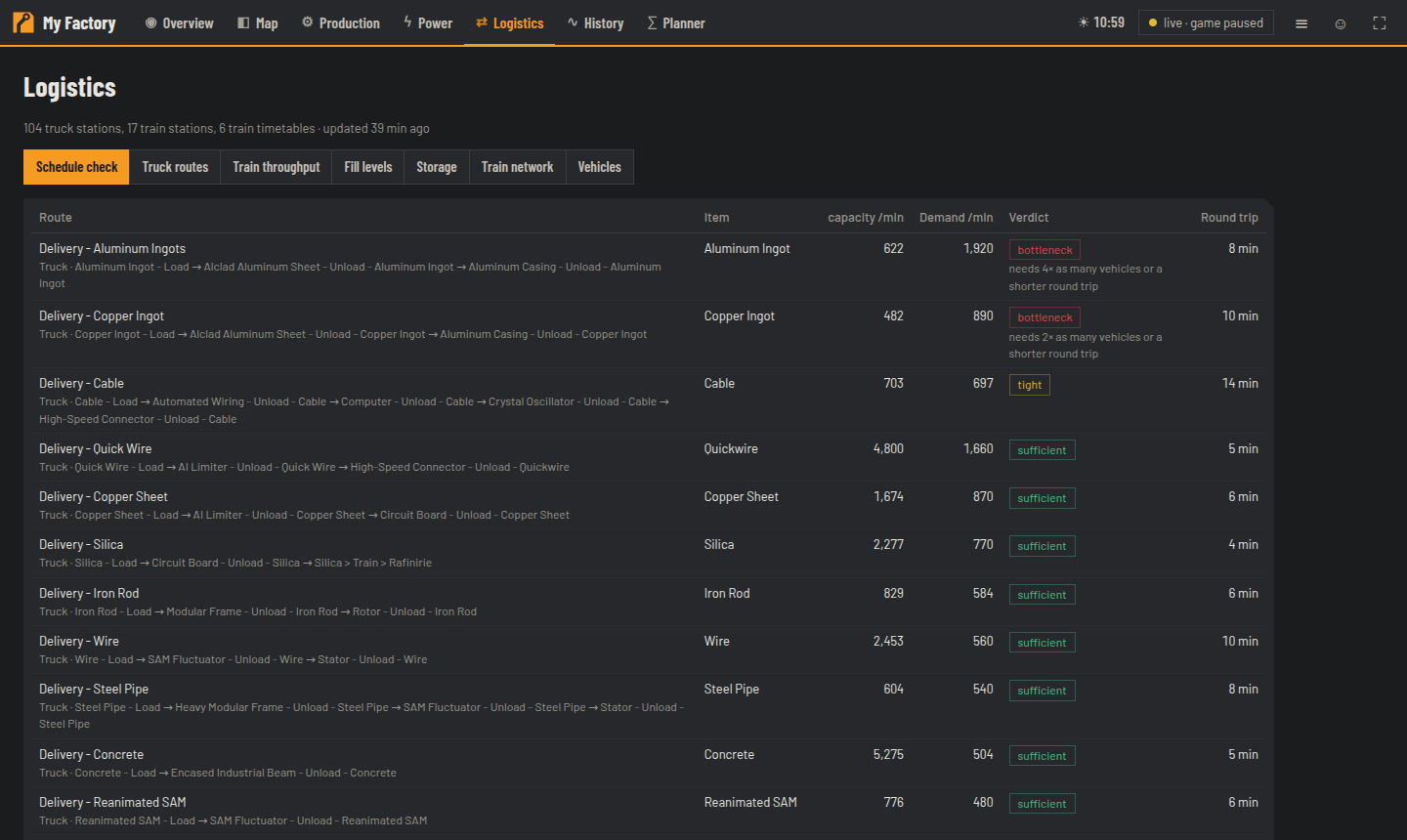
Truck and train stations with fill levels and a warning when empty/full, measured train throughput (with FRM), Schedule check (is a route's capacity enough for the demand of the factory at the unloading station?), storage overview per item and the AWESOME Sink (points, coupons).
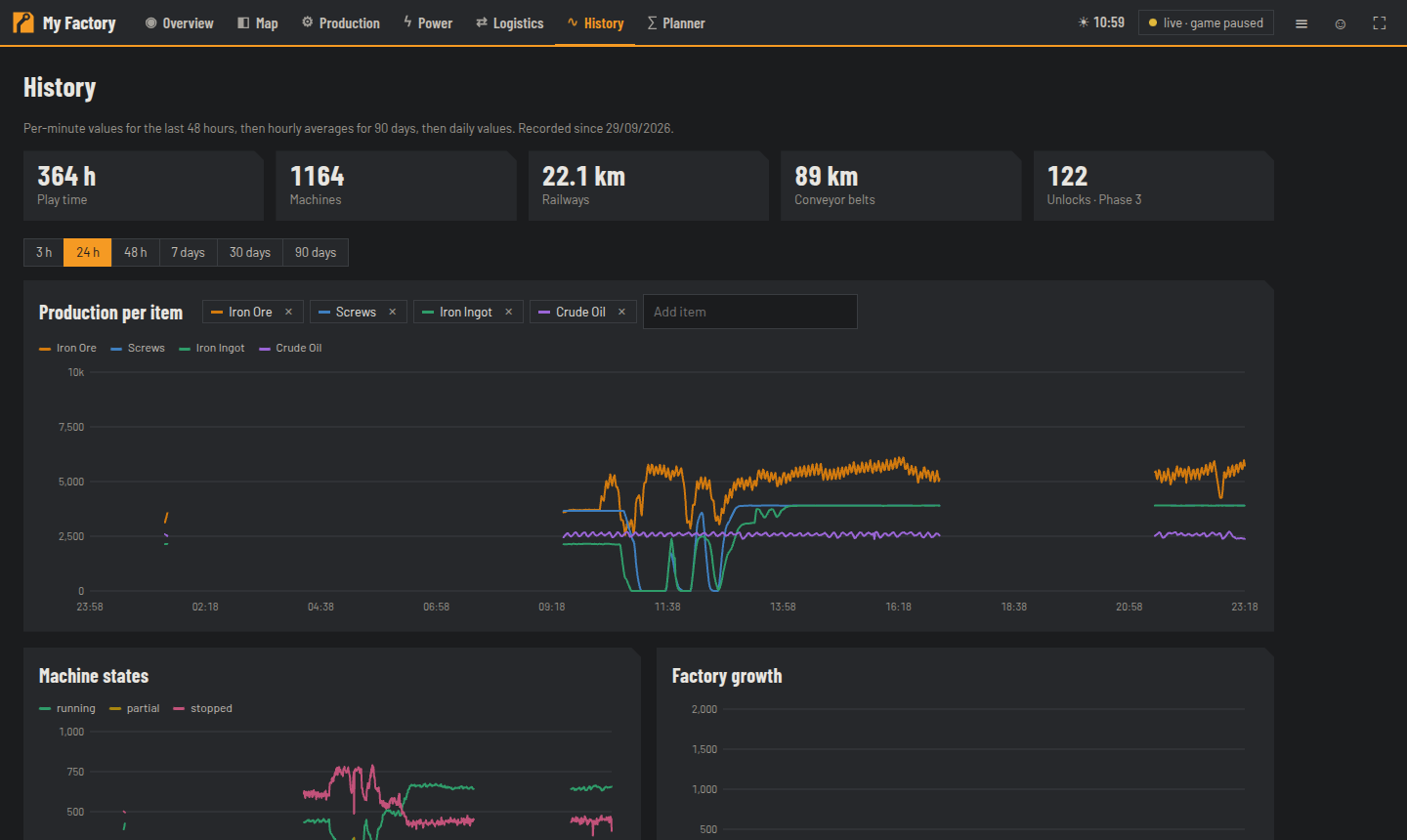
Production per item, power per grid, factory growth and a change log (built/dismantled) — from 1 hour up to months. Gaps = the server was paused.
See Planner.
Applies only to the current browser, no login needed:
- I am: your player name
- Map follows me when I'm online
- Start page: Overview, Map (last position) or Production
- Language: English (default) or German
- Item names: English (as in the game) or German — search always finds both
Machines stopped/running again, storage full, players online/offline/died, built/dismantled, unlocks, live data unavailable. Clicking an event jumps to the spot on the map. Notifications are damped: the same notification appears at most every 2 hours, and thresholds have hysteresis.
All pages are built for phones. The map fills the screen, the station list is a drawer (☰), detail cards appear as a sheet from the bottom (swipe up for more). With "Add to Home Screen" the map becomes an app (see How-to).