Repository navigation
Home
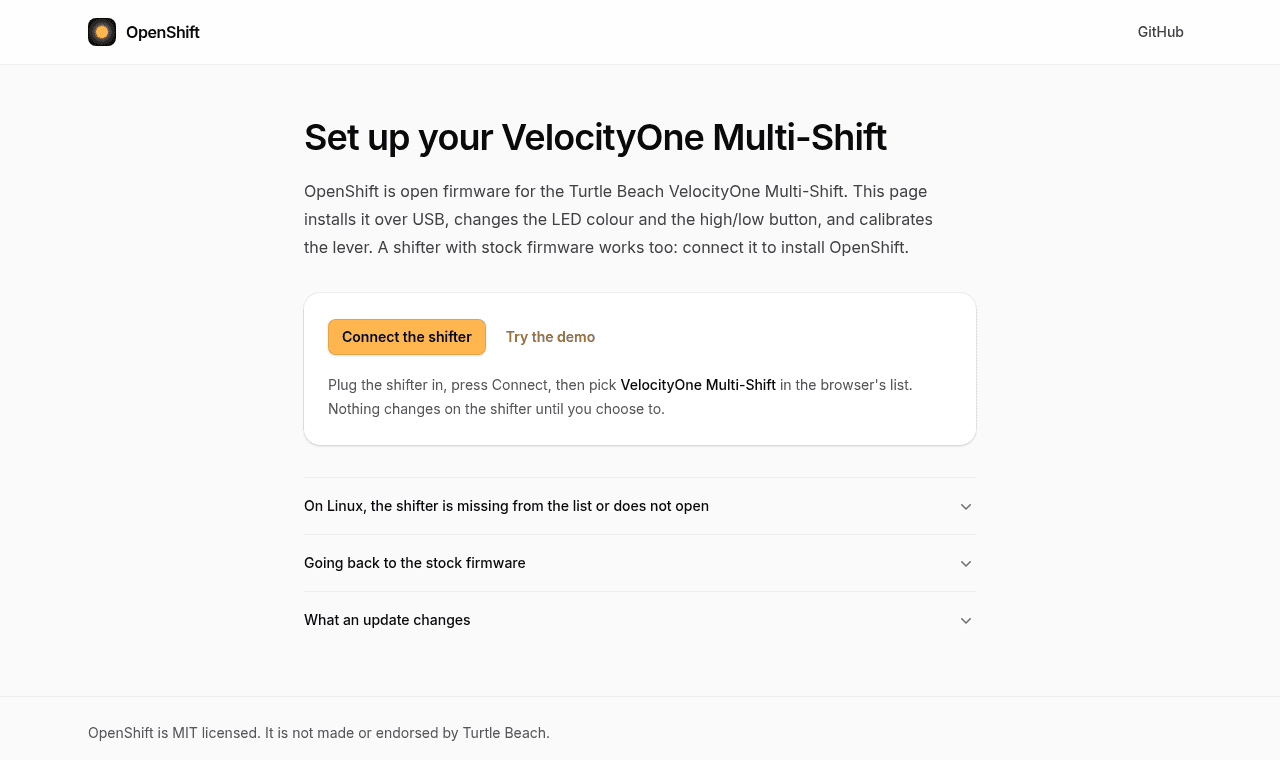
OpenShift is free replacement firmware for the Turtle Beach VelocityOne Multi-Shift. You install it from your browser.
- Choose the colour of the LEDs, and turn the logo LED on or off.
- Use the Handbrake button as a normal button while the switch is in H.
- Make the High/low button a toggle if you like.
- Get a neutral button, for games that stay in gear when you move the lever to neutral.
- On Linux, games find the shifter as a joystick with no extra driver.
- You can go back to the Turtle Beach firmware at any time.
| Step | Page |
|---|---|
| 1. Install OpenShift | Install |
| 2. Calibrate the lever | Calibrate |
| 3. Pick your colours (optional) | Settings |
You need the shifter, its USB cable and a computer with Chrome, Edge or Opera. Safari and phones do not work. Firefox needs an add-on: see Firefox.
- Using the shifter: modes, LEDs and the buttons games see
- Troubleshooting
- Go back to stock
- Firefox
- Command line (Linux)