Repository navigation
Follow me
Music follows a person from room to room. It is always opt-in: nothing follows anyone until that person says so.
Turn it on: Settings → Features → Follow me. Each zone needs a linked speaker that can group, such as Sonos (see Zone links).
-
Notification. When music starts in the zone you are in, BPS asks "Follow me?". It doesn't ask when an automation or script starts the music (for example restoring it after an announcement), and it asks at most every 30 minutes per speaker.
-
Dashboard button. It calls
bps.follow_me_startand acts for whoever presses it. Settings → Features → Follow me buttons for the dashboard builds the card YAML for your persons.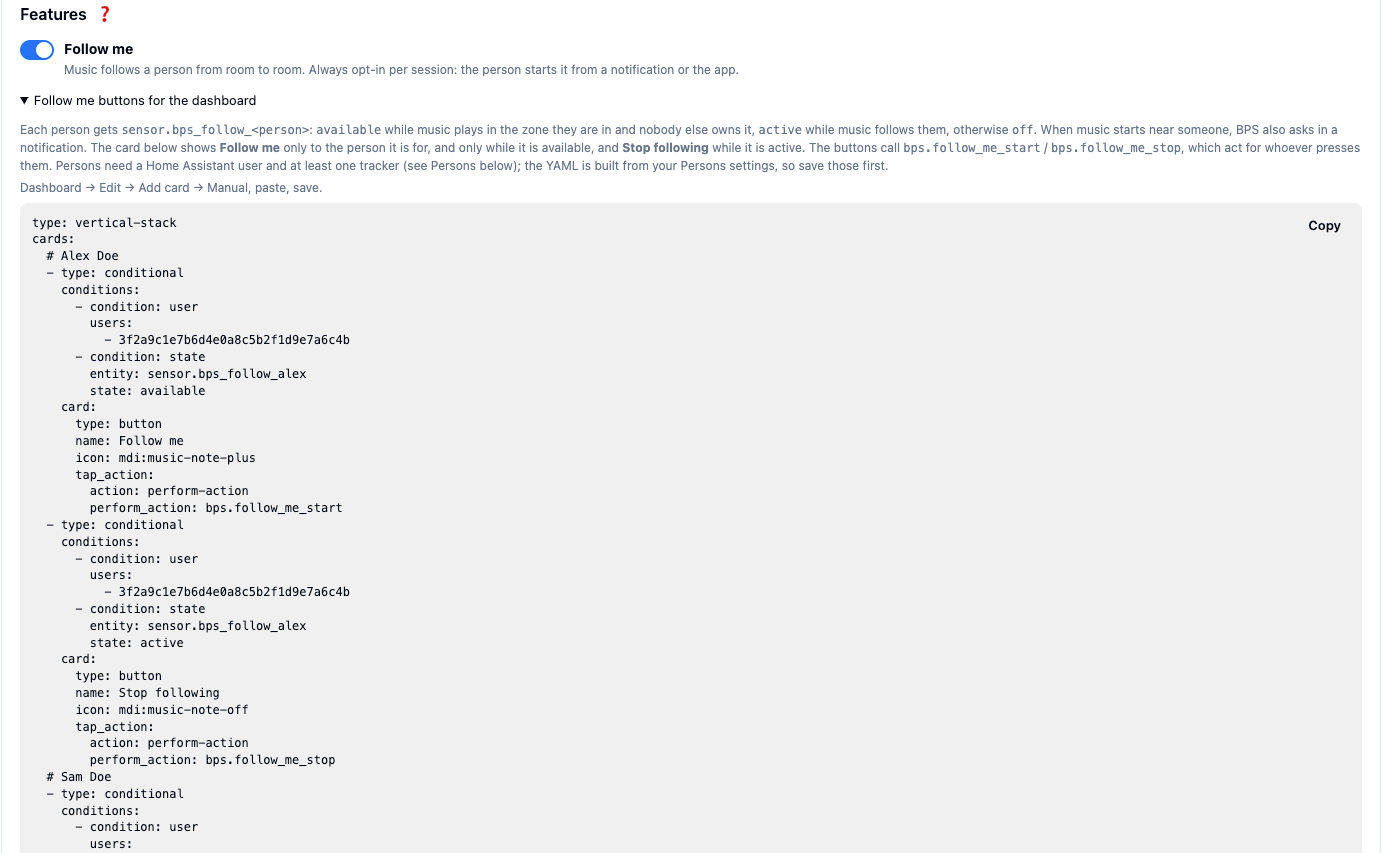 Settings → Features → Follow me buttons for the dashboard: copy, then Dashboard → Edit → Add card → Manual.
-
Automation. Call
bps.follow_me_startwithperson:.
- The speaker of each new zone you enter joins the group.
- The zone you left drops out after 30 seconds.
- The first person in a zone keeps it: music owned by someone else's session, or playing outside follow me, is never taken over.
-
Stop following in the notification or on the dashboard (
bps.follow_me_stop). - Leaving home: the music pauses.
- The music has been paused or stopped for 10 minutes.
- Turning the feature off.
sensor.bps_follow_<person> is available (music plays where you are and nobody owns it), active or off. Use it to show the right button.