Repository navigation
Settings
Settings tab (administrators only, unless Full access is on).
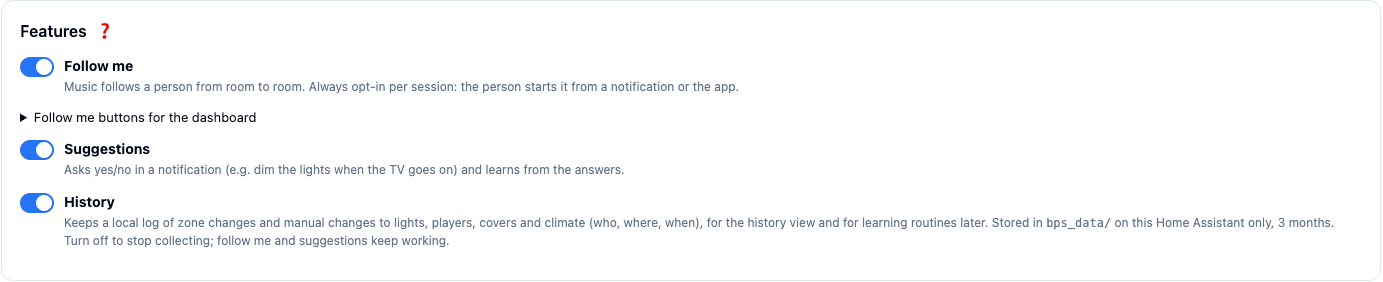
All features start off, except History.
- Follow me: see Follow me.
- Suggestions: see Suggestions.
-
History: a local log of zone changes and manual changes to lights, players, covers and climate (who, where, when), plus questions, answers and follow-me sessions. It feeds the Learned tab and, later, learned routines. It is stored in
<config>/bps_data/events-YYYY-MM.jsonlon your Home Assistant only, for 3 months. Turn it off to stop collecting; follow me and suggestions keep working.
Choose which page the Home Assistant app opens when someone taps a BPS notification. Put the suggestion card there (YAML in the same section).
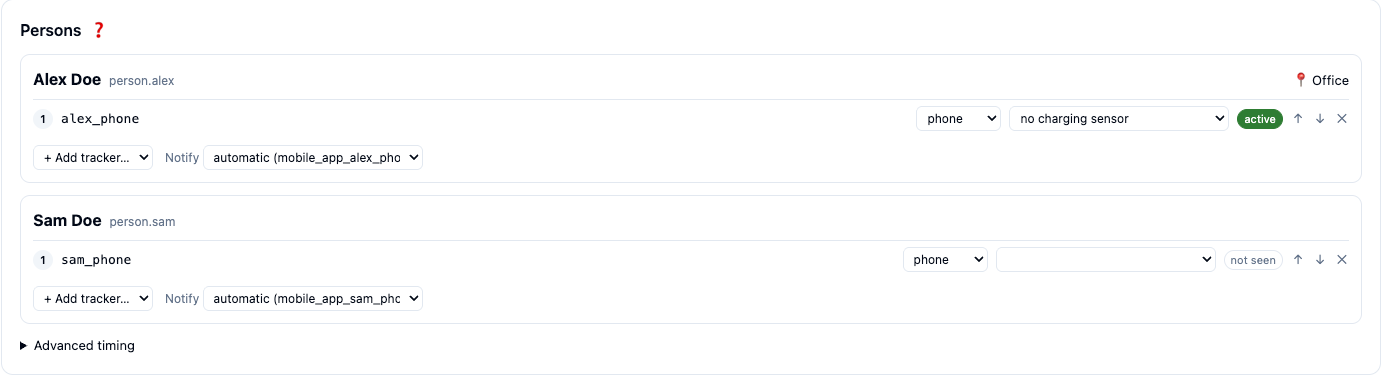
See Persons.

Everyone in Home Assistant can open the BPS panel. By default, only administrators can change floor plans, zones, calibration and settings. Other users only see the Learned tab, with their own data. Full access for all users lets every user configure BPS, as before 0.3.0. Learned patterns stay private either way.
The panel, notifications and the services in Home Assistant follow each user's language. Swedish and English are included; other languages fall back to English.