Repository navigation
For End Users
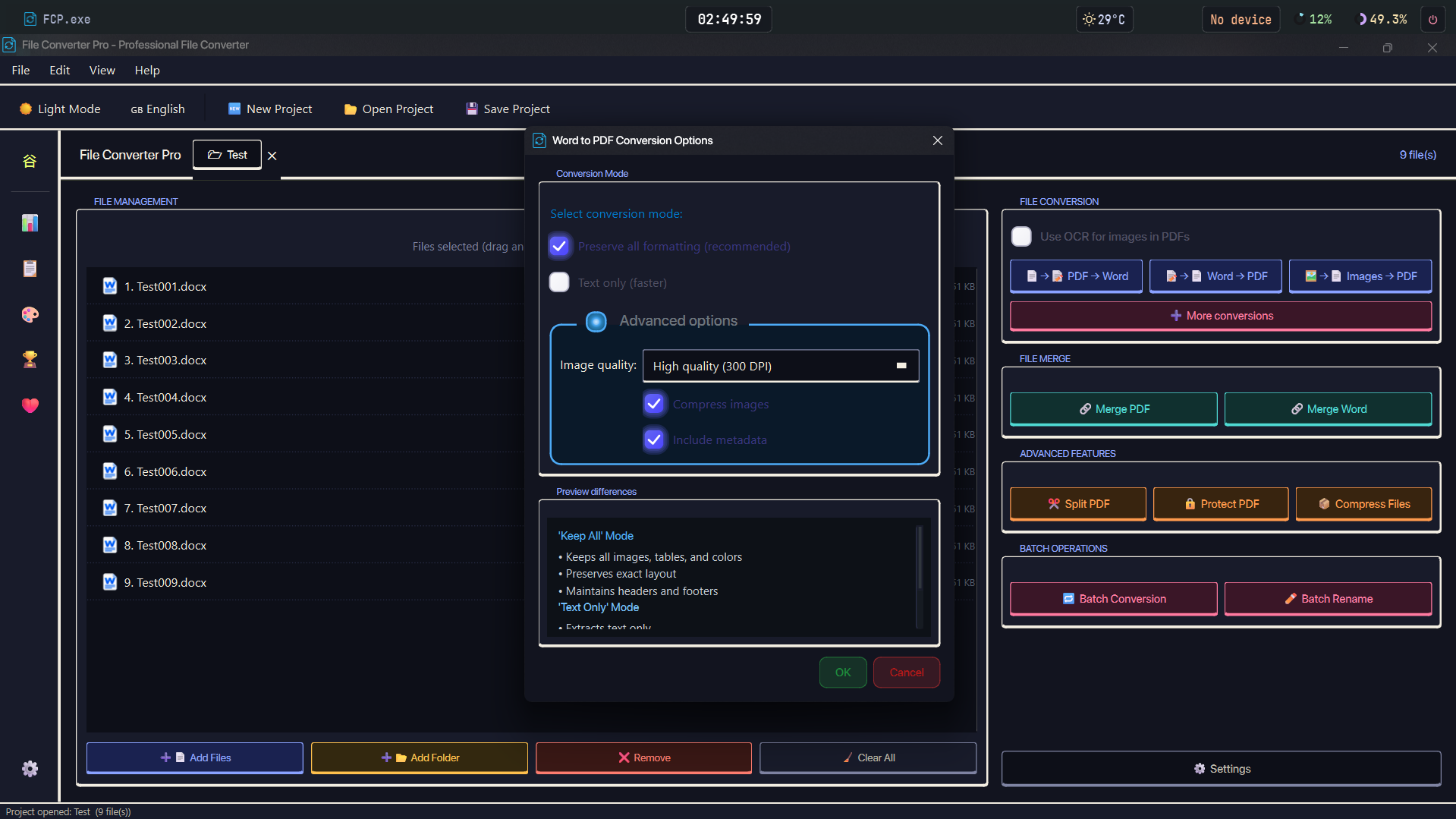
No Python and no terminal required. Install the app, then install FFmpeg if you need audio or video conversions.
Note: FFmpeg is not bundled with File Converter Pro. Audio and video conversions require FFmpeg to be installed separately. The app detects it automatically and shows the install command if it is missing. Document and image conversions work without it.
| Component | Requirement |
|---|---|
| OS | Windows 10 or Windows 11 (64-bit) |
| RAM | 4 GB minimum / 8 GB recommended |
| Disk | ~225 MB free |
| Display | 1280 × 720 or higher |
| Dependencies | FFmpeg required for audio/video conversions. No Python installation required. |
v1.0.8 is the upcoming release. The
mainsource tree is versioned 1.0.8.
Download the latest FileConverterPro_Setup_v1.0.8.exe from the Releases page and run it.
The installer:
- Supports English, French, Italian, Russian, and Turkish during setup
- Runs without administrator rights
- Targets 64-bit Windows only (Windows 10 / 11)
- Optionally creates a Desktop shortcut
- Optionally adds Explorer context-menu integration
- Optionally associates
.fcprojproject files with the app - Offers to add a Windows Defender exclusion for the install folder (recommended)
Once installed, launch from the Start Menu or Desktop shortcut.
Download the portable .zip from the Releases page, extract it anywhere, and run FCP.exe directly.
The portable build keeps its settings, history, and achievement data inside the extracted folder, so moving the folder keeps everything together. Settings and the encryption key sit beside FCP.exe; the SQLite databases live in the _internal/ data folder. The only exception is a small donor-return marker stored in %APPDATA%\FileConverterPro\.
⚠️ The portable version does not create automatic file associations for.fcprojfiles. You can still open project files via File → Open Project inside the app, or via Open with → File Converter Pro.
Installer:
$f="$env:TEMP\fcp.exe"; Invoke-WebRequest "https://github.com/Hyacinthe-primus/File-Converter-Pro/releases/download/v1.0.8/FileConverterPro_Setup_v1.0.8.exe" -OutFile $f; Start-Process $f "/SILENT" -Wait; Remove-Item $fPortable:
$z="$env:TEMP\fcp.zip"; $d="$env:USERPROFILE\Downloads\FileConverterPro"; Invoke-WebRequest "https://github.com/Hyacinthe-primus/File-Converter-Pro/releases/download/v1.0.8/File_Converter_Pro_v1.0.8.zip" -OutFile $z; Expand-Archive $z -DestinationPath $d -Force; Remove-Item $z; Start-Process explorer.exe $dRun as a regular user, no admin needed. The installer installs silently and cleans up. The portable version extracts to your Downloads folder and opens it automatically.
File Converter Pro works out of the box for document and image conversions. Audio and video conversions require FFmpeg. When any of the tools below is installed, the app detects and uses it automatically with no configuration needed.
| Tool | What it unlocks | Where to get it |
|---|---|---|
| FFmpeg |
Required for audio and video conversions (MP3, WAV, AAC, OGG, FLAC, M4A, MP4, WEBM, MOV, MKV, AVI). Also used for media optimization. Includes ffprobe. |
Download or run winget install -e --id Gyan.FFmpeg
|
| Microsoft Office | Pixel-perfect DOCX/XLSX/PPTX → PDF and OpenDocument conversions via COM. | Microsoft 365 or standalone Office |
| LibreOffice | High-quality Office/OpenDocument conversions when Office isn't installed. | Download |
| Pandoc | Primary EPUB → PDF rendering; MiKTeX enables its LaTeX pipeline for the best typographic output. | Download |
| MiKTeX | Works with Pandoc for high-quality EPUB → PDF typesetting. Install alongside Pandoc. | Download |
| wkhtmltopdf | Best HTML → PDF rendering (full CSS, fonts, local images). | Download |
| Ghostscript | Better PDF optimization / compression (smaller files). | Download |
| Tesseract | OCR engine used by the bundled scanlayer library to convert images into searchable PDFs (selectable/copyable text). Optional, images still convert to plain PDFs without it. | Download |
| ImageMagick | Required for image → PSD output. | Download |
Engine chains for each conversion are listed on Supported Formats.
It is strongly recommended to add the File Converter Pro folder to your Windows Defender exclusion list. The installer offers to do this automatically.
Why? The app includes a PyInstaller-compiled executable, which heuristic scanners sometimes flag. If you install FFmpeg into the app folder, its binaries may also be flagged. Conversions are fully local: no files are uploaded. The only routine outbound request is a startup update check against GitHub's Releases API. Any flag is a false positive.
Portable version, add exclusion manually:
Add-MpPreference -ExclusionPath "C:\Your\Folder\FCP"If you get "application control policy blocked this file":
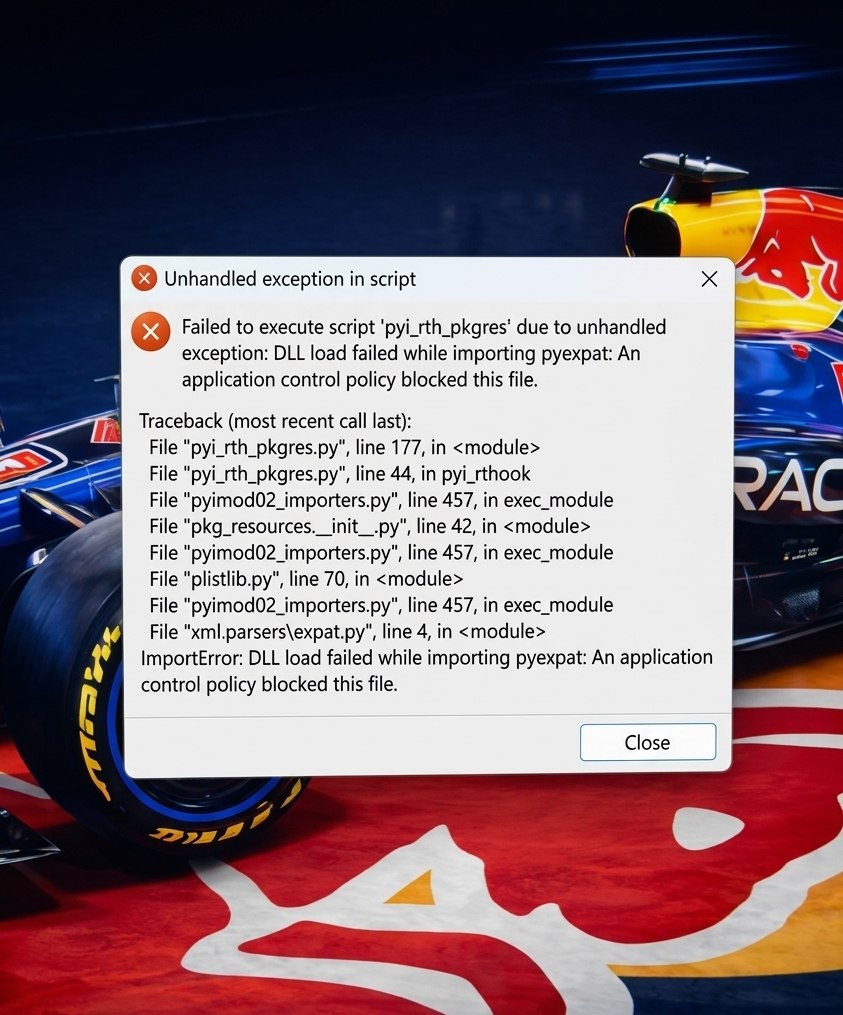
Run this in a PowerShell terminal as Administrator, replacing the path with yours:
Get-ChildItem -Path "C:\Your\Folder\FCP" -Recurse | Unblock-FileThis removes the Zone.Identifier mark Windows adds to downloaded files, which can prevent DLLs from loading. Note: adding a Defender exclusion alone does not fix this. They are separate mechanisms.