Repository navigation
Themes
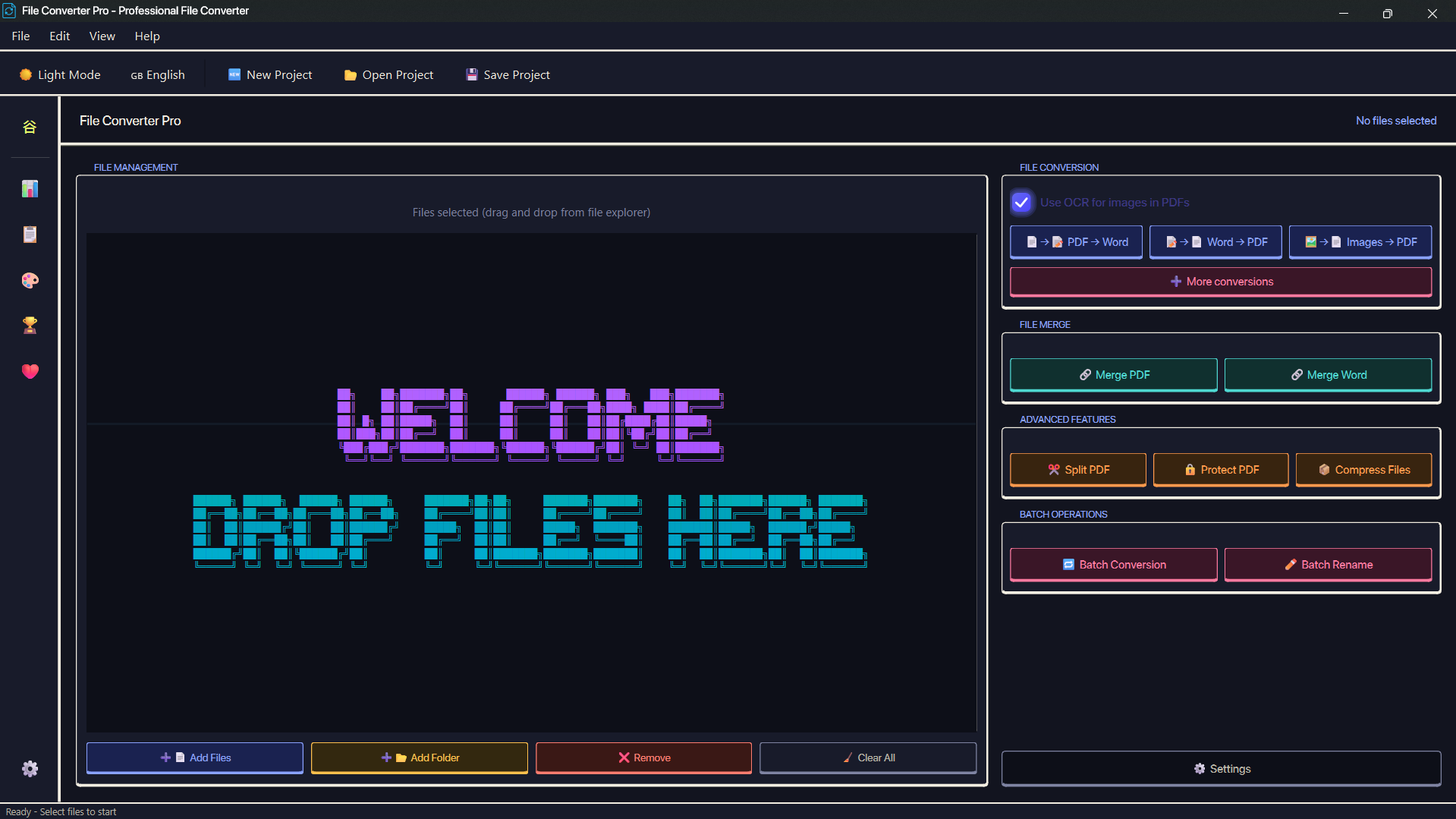
File Converter Pro ships with Dark and Light themes. The active theme follows your Windows setting by default; toggle it with F2 or override it in Settings → Themes. Custom themes apply instantly across the app, including the Advanced Conversions dialog.
- Download a
.fcthemefrom the FCP Themes gallery. - In File Converter Pro, open Settings → Themes and click Install a theme (.fctheme).
- Pick the file, select the new theme in the list, then click Apply and OK.
To uninstall a custom theme, open Settings → Themes, find its card and click Remove. Built-in themes cannot be removed.
Theme-authoring documentation lives in one place so this page does not repeat it:
-
Create a theme: start from the theme template and follow CONTRIBUTING.md. It covers the folder layout,
metadata.ini, required stylesheets, screenshots, packaging, testing and the pull-request workflow. -
Publish or update a theme: open a pull request against FCP-themes titled
[create-theme]: <name>or[update-theme]: <name>. After merging, the repository workflow builds the.fcthemeand refreshes the gallery automatically. - Report a theme problem: use the FCP-themes issue tracker.
| I want to… | Where |
|---|---|
| Browse and download themes | FCP Themes gallery |
| Install or remove a theme | Settings → Themes |
| Build a theme from scratch | Template + CONTRIBUTING.md |
| Submit or update a theme | FCP-themes pull requests |
Installed and manually copied themes live in styles/custom_themes/ inside the application's resource folder:
- Frozen onedir build:
_internal\styles\custom_themes\ - Source run:
src\styles\custom_themes\ - Built-in themes:
_internal\styles\themes\{dark,light}\(orsrc\styles\themes\from source)
Each theme has its own folder containing metadata.ini and the required QSS/CSS files. A .fctheme file is a ZIP package of that folder; importing it extracts the theme into custom_themes/. Themes copied by hand appear in the picker after restarting the app.