Repository navigation
MaxTMProSize
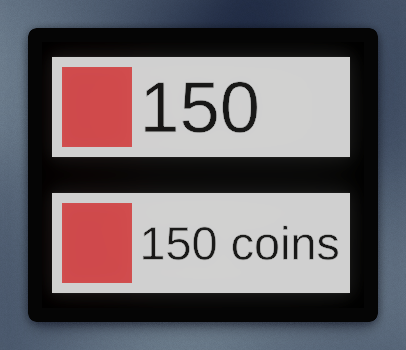
In terms of localization and UI counters, base Unity tools let you either define a static layout and vary the font size (which leads to inconsistent text, weird spacing and a different font size for every label)
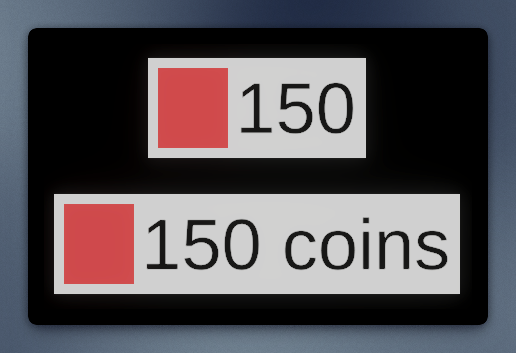
or let you size the text's parent by the length of the text (which makes it inconsistent with other layout elements).
In some cases it even blows up your UI, making it impossible to make different controls work together.
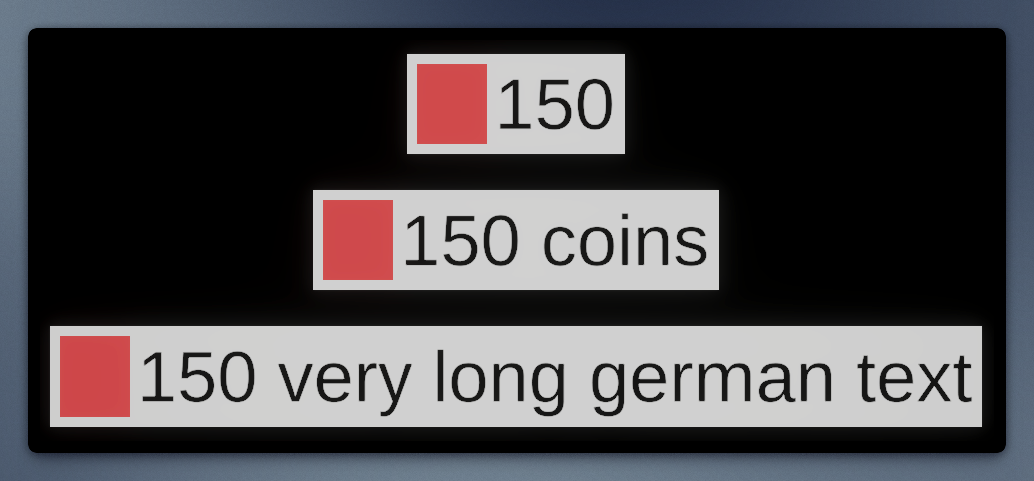
MaxTMProSize minimizes the downsides of these two approaches by combining them.
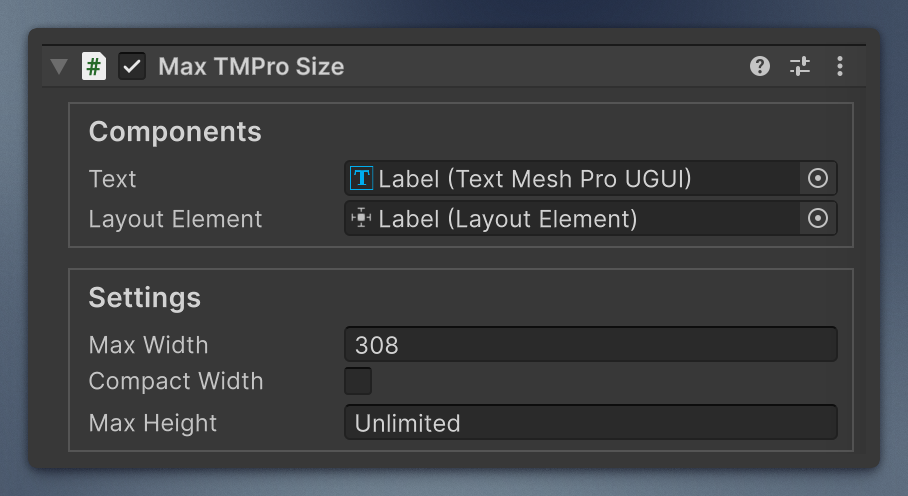
Layout size is still driven by the text label, but now you can set a Maximum Width:
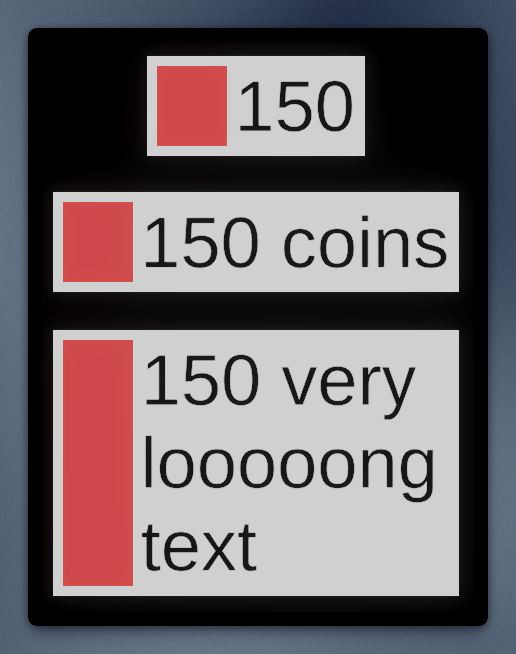
and Maximum Height, if you need it.
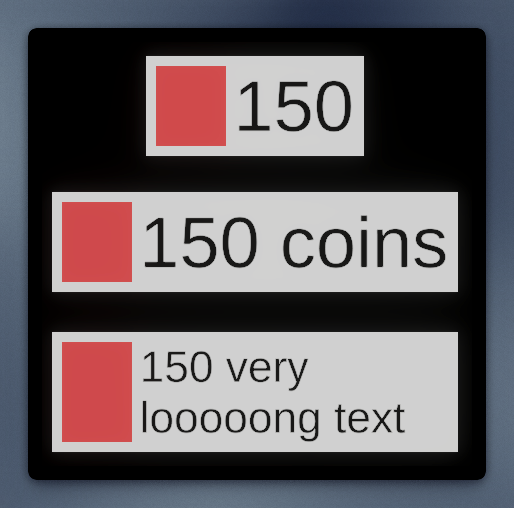
MaxTMProSize caps a TextMeshProUGUI's preferred size. It is a layout element itself with layout priority 2, so the capped value wins over the text and over a LayoutElement with the default priority (1). Zero on an axis means no cap: the text's own preferred size, or a LayoutElement's, applies.
Requires TextMeshProUGUI on the same GameObject (ExecuteAlways, one instance per object). Disabling or removing the component removes the caps.
using Mane.Unity.UI;

maxSize.MaxWidth = 240;  // pixels
maxSize.MaxHeight = 0; // unlimited heightCustom ManeEditor (UXML). Width/height fields use LimitedFloatField (decimal values are allowed): 0 shows as Unlimited rather than a raw zero.