Repository navigation
ThreeStatesToggle
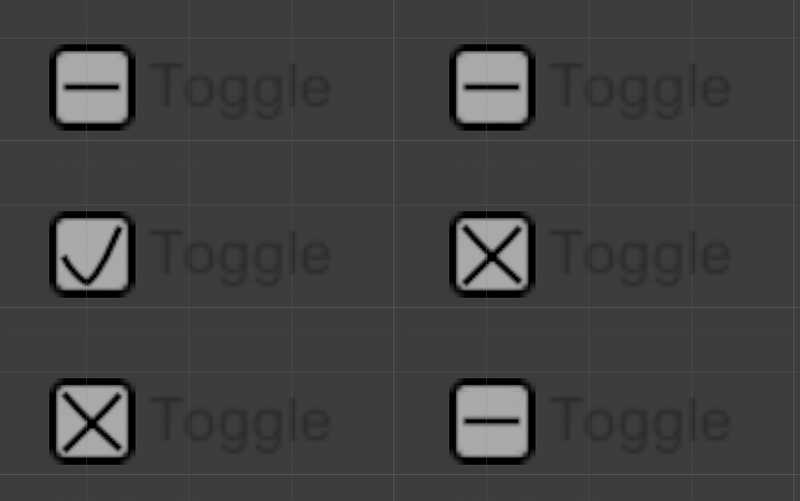
ThreeStatesToggle is a Toggle with three states: on, off, and undefined. A click cycles on → off → undefined → on. State is bool? (true / false / null).
using Mane.Unity.UI;
using UnityEngine;

public class FilterRow : MonoBehaviour
{
    [SerializeField] private ThreeStatesToggle _include;

    private void OnEnable() => _include.StateValueChanged += OnChanged;
    private void OnDisable() => _include.StateValueChanged -= OnChanged;

    private void OnChanged(bool? value)
    {
        if (value == null)
            ShowAll();
        else
            Filter(value.Value);
    }
}Unity's Toggle.graphic is the on visual. Assign:
-
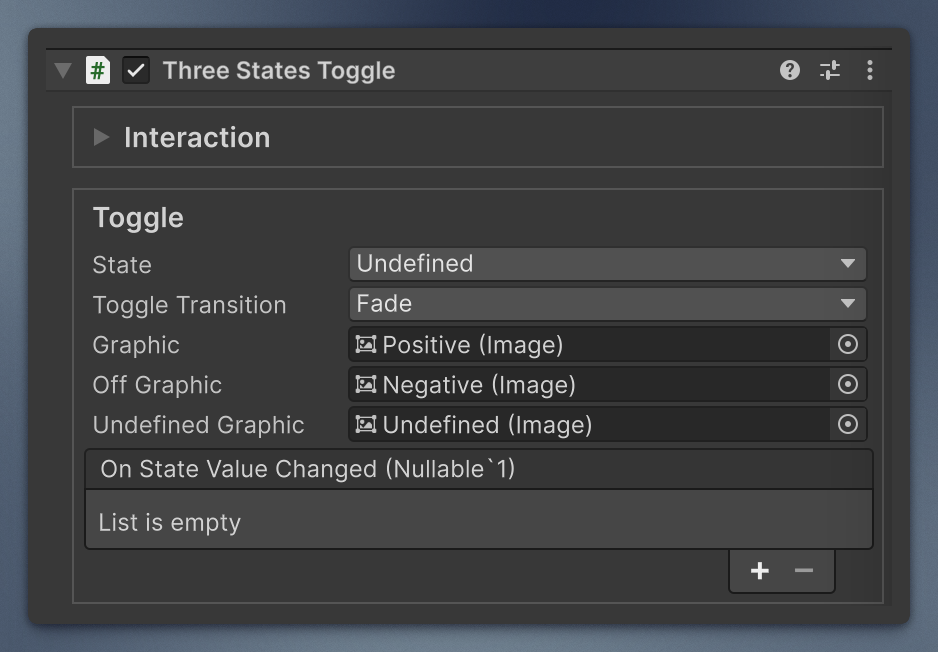
offGraphic— shown while off -
undefinedGraphic— shown while undefined
They follow Toggle Transition like the checkmark: with Fade, alpha fades (CrossFadeAlpha, 0.1 s) in play mode; with None, they switch instantly. In edit mode they always switch instantly, and changing the state in the inspector shows it right away. Missing graphics are skipped.
-
onStateValueChanged—UnityEvent<bool?> -
StateValueChanged— the same listeners, as a C# event - Setting
isOnalso setsStateto true or false (never undefined). - Setting
StateupdatesisOn(true→ on;falseandnull→ off).
ToggleGroup is not supported (group is obsolete and throws).
Animation: if the undefinedGraphic alpha is non-zero, the state is treated as undefined (OnDidApplyAnimationProperties).
A predefined composed control is available, like the standard Unity UI controls, under GameObject → UI (Canvas) → Three States Toggle - Mane Tools.