Hosting on github
MyFirstVectorMap
My First Vector Tile Map in Mapbox GL JS made during a Webmapper workshop
Public
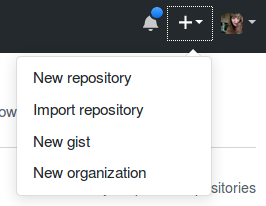
Now we have our own repository!
- index.html
- main.css
- main.js
❗ You can only host 1 page per repository. So put in only 1 index.html!! If you want to show multiple maps, create multiple repositories!
GitHub has this awesome trick! If we change our main branch to a GitHub Pages branch and put a index.html file in there, GitHub will host your website!
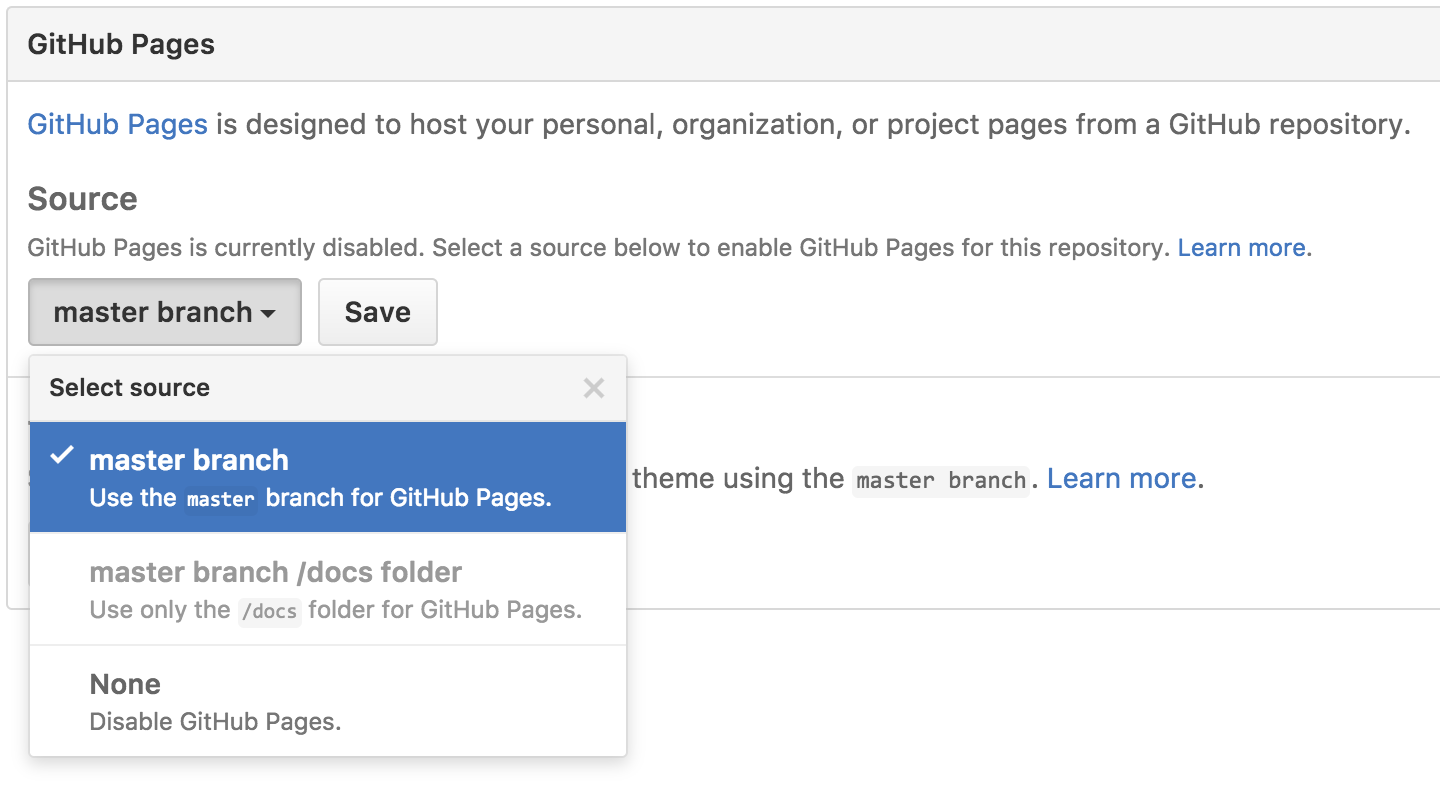
Fire up a browser and go to http://username.github.io/repository. Change the user-name in the link to your own GitHub user name and the repository to your repository name!
🔗 Read more about it here: https://pages.github.com/
The README contains the text that is shown at the bottom of your repository. This usually contains a small explanation of what the repository is about and links to useful other sources. Let's edit our README.md in the browser to customize it!
# My First Vector Tile Map in Mapbox GL JS

This repository contains the scripts and data for my first interactive web map made with Vector Tiles.

You can view my map <[HERE](http://username.github.io/repository)>
niene at webmapper.net
Send me the link to your map, your name and some nice comments, tips and tops on this workshop. I will make an overview of all the maps made today!
This was it! Thank you for joining this workshop.
Keep mapping!