Graphics
NOTE: If you are running the Perfect ART Works pack (for RetroArch with Beetle PSX HW core) or other texture replacement that already affects the portraits, do not select any of the portrait-related options below (Resized portraits, Portrait fixes, or PW Roni).
Xenogears was released at a time when aspect ratio was not particularly well understood in games development, so there are some inconsistencies in the game's presentation. One such inconsistency is that when the original ROM runs at its native (or storage) aspect ratio, the character portraits used for the main cast's dialogue display as perfect 64x64 pixel squares but the artwork within the squares is stretched along the x-axis, resulting in slightly squashed-looking characters. In contrast, with the same display settings the portraits in the game menu have the correct proportions.
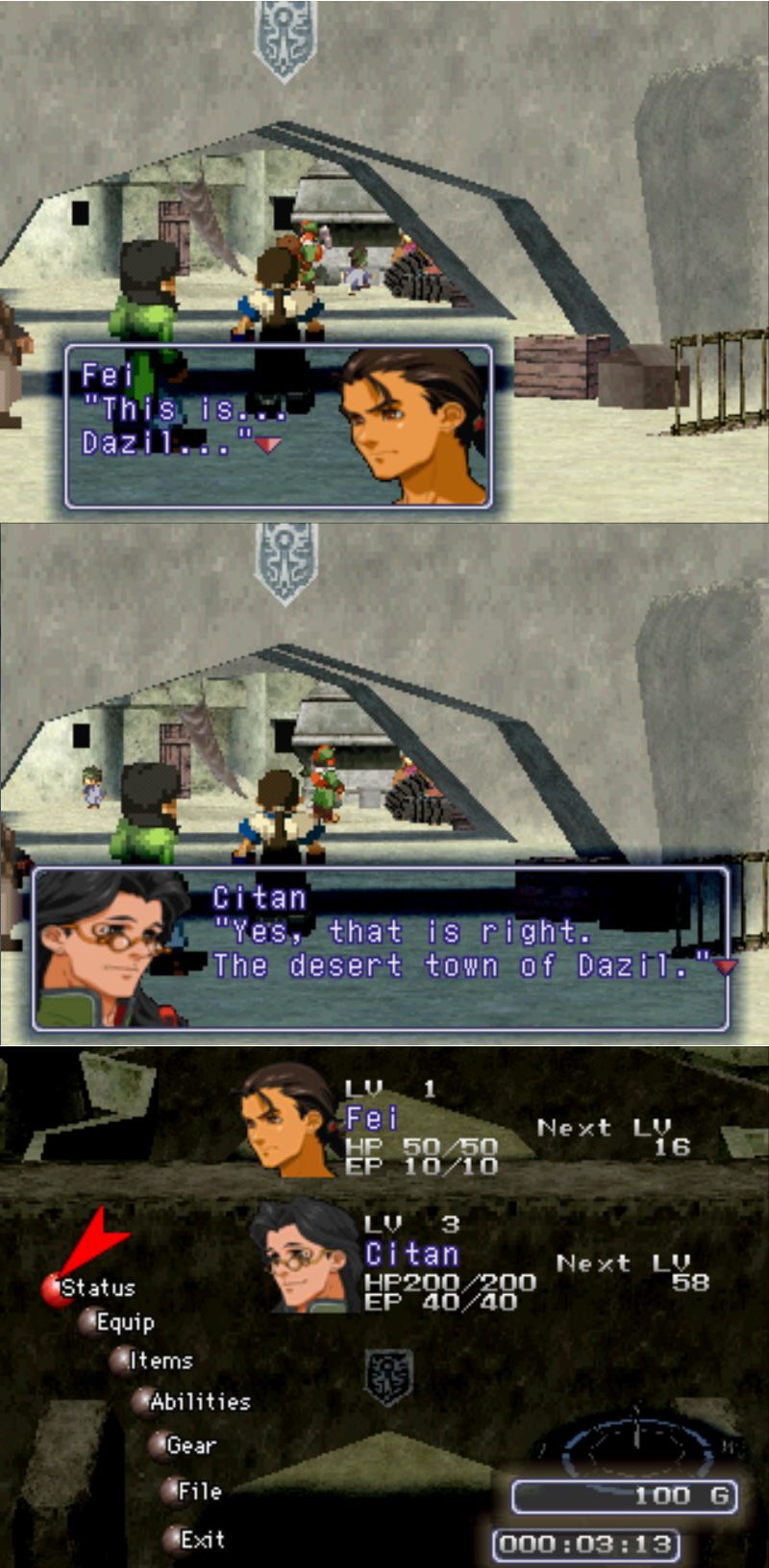
Dialogue portraits vs menu portraits, without patch
It's possible that the developers noted the variation from the native aspect ratio when the game was displayed on TVs, and tried to find a compromise that would look best on the majority of home equipment of the time.
The "Resized portraits" option in the patch will correct all character portraits when running the game at its native aspect ratio, and bring them into line with the proportions seen in the menu.
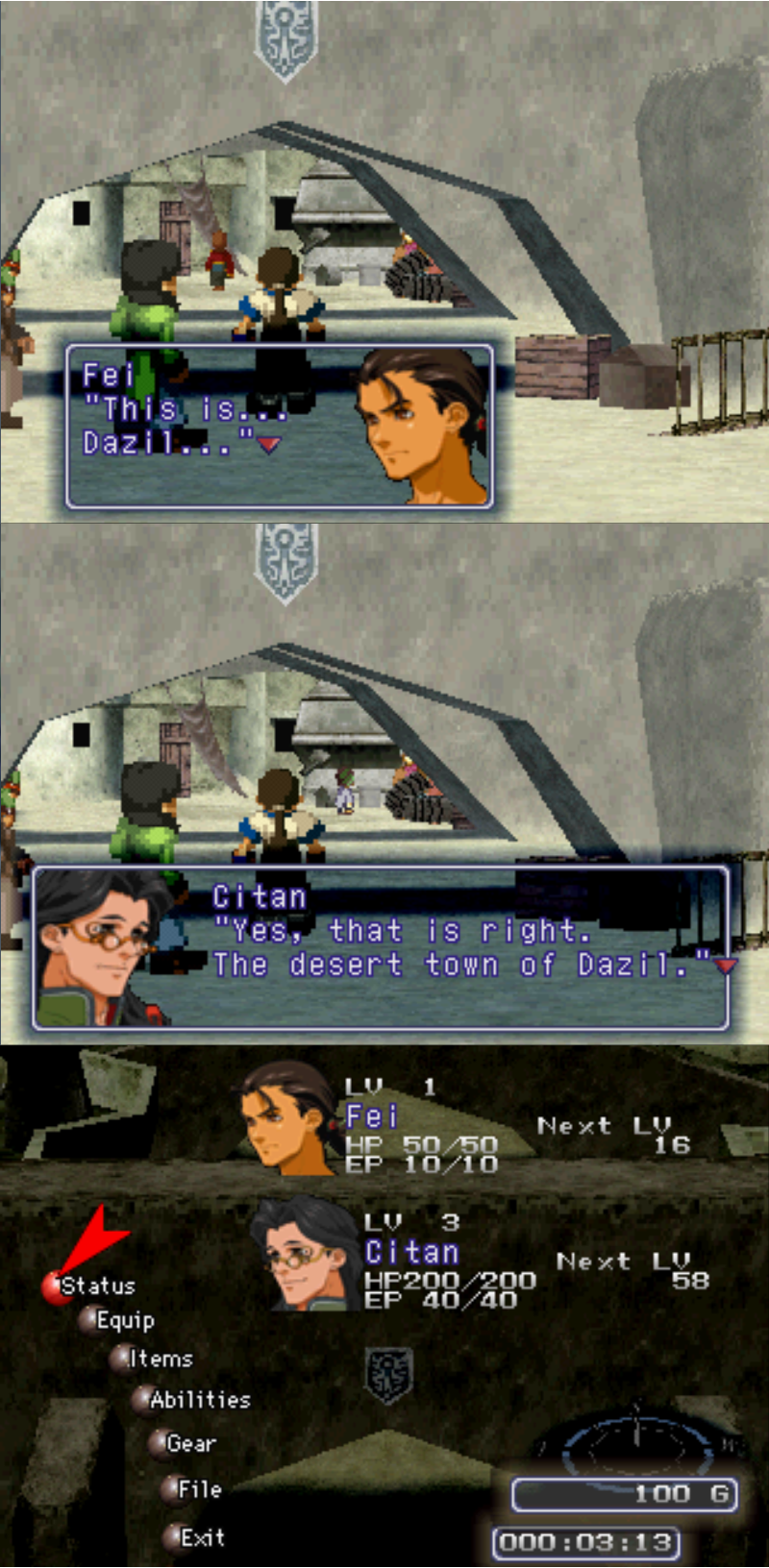
Dialogue portraits vs menu portraits, with patch
NOTE: If your emulator or scaler is stretching the game's overall aspect ratio to 4:3, there is probably no need to apply this fix on top of that - see what looks the most natural on your setup - but be aware that in 4:3 the menu portraits look slightly off (stretched vertically), and so will many other visual elements throughout the game.
This patch includes the same fixes for the minor transparency issues in some portraits mentioned below.
To check the aspect ratio of the game, trigger a battle while in the Gears. When your Gear gets a turn, check the shape of the command ring and the semi-transparent moving reticle. To play at native aspect ratio, adjust your graphics settings until these elements appear as perfect circles and not ovals.
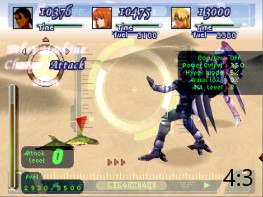
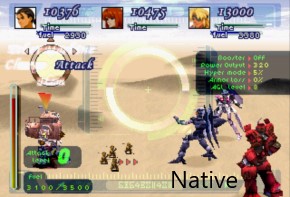
The resized-portraits patch exists to complement this aspect ratio, which is approximately 3:2 (letterboxed within a 10:7 display aspect ratio). ePSXe will show the game with these proportions by default when you use its "ePSXe core GPU". Other emulators will vary.
This option fixes rogue pixels in some of the default character portraits. It is available for players who do not wish to use the resized portraits, meaning the two features are mutually exclusive. The edited portraits are listed below.
Fei's Sad Portrait - it was missing black pixels on the back of his neck where his hair is.


Adult Emeralda - missing a few black pixels in her right eyelash.


Id - missing black pixel from eyelash.


Miang - 4 stray pixels near the bottom right edge of her portrait. Added 1 pixel to the bottom of her bang on the left side.


Karen - an area of brown pixels top left corner outside her apparent outline, removed them and seems to look right... esp. compared to Khan.


Vanderkaum - missing black pixels in his beard/suit.


Shakhan - missing black pixels on his jawline.


Renk - had stray pixels with a large gap of empty space in lower right corner, moved them down into bottom and cut extra on top.


Breur - removed 1 pixel off edge of cheek.


Stratski - colored in missing pixels on shoulder pad.


Franz - missing few black pixels in eye, removed couple black pixels on top of nose.


Yui - colored in 3 missing pixels from right eye.


Midori - missing 1 black pixel from pupil.


Chief Lee - missing 1 black pixel from chin.


Alice - colored in missing pixels around eyes.


Timothy - missing 1 black pixel on left eye.


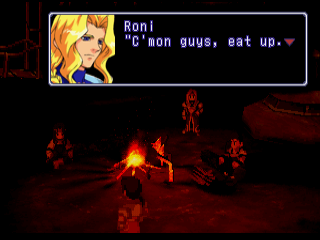
Selecting this option will replace Roni Fatima's "recoloured Sigurd" portrait with his more unique design from Perfect Works. The portrait will be sized according to whether the "Resized portraits" option is also selected or not.
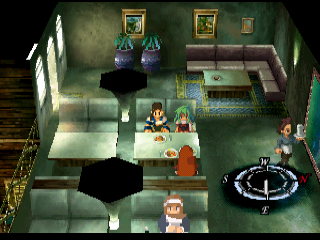
When visiting the Breidablik cafe with Emeralda in the party, the original game uses her nanoreactor sprite when ordering food, ostensibly as a deliberate easter egg. This additional option will display her normal sitting sprite in this scenario instead.