Repository navigation
Home

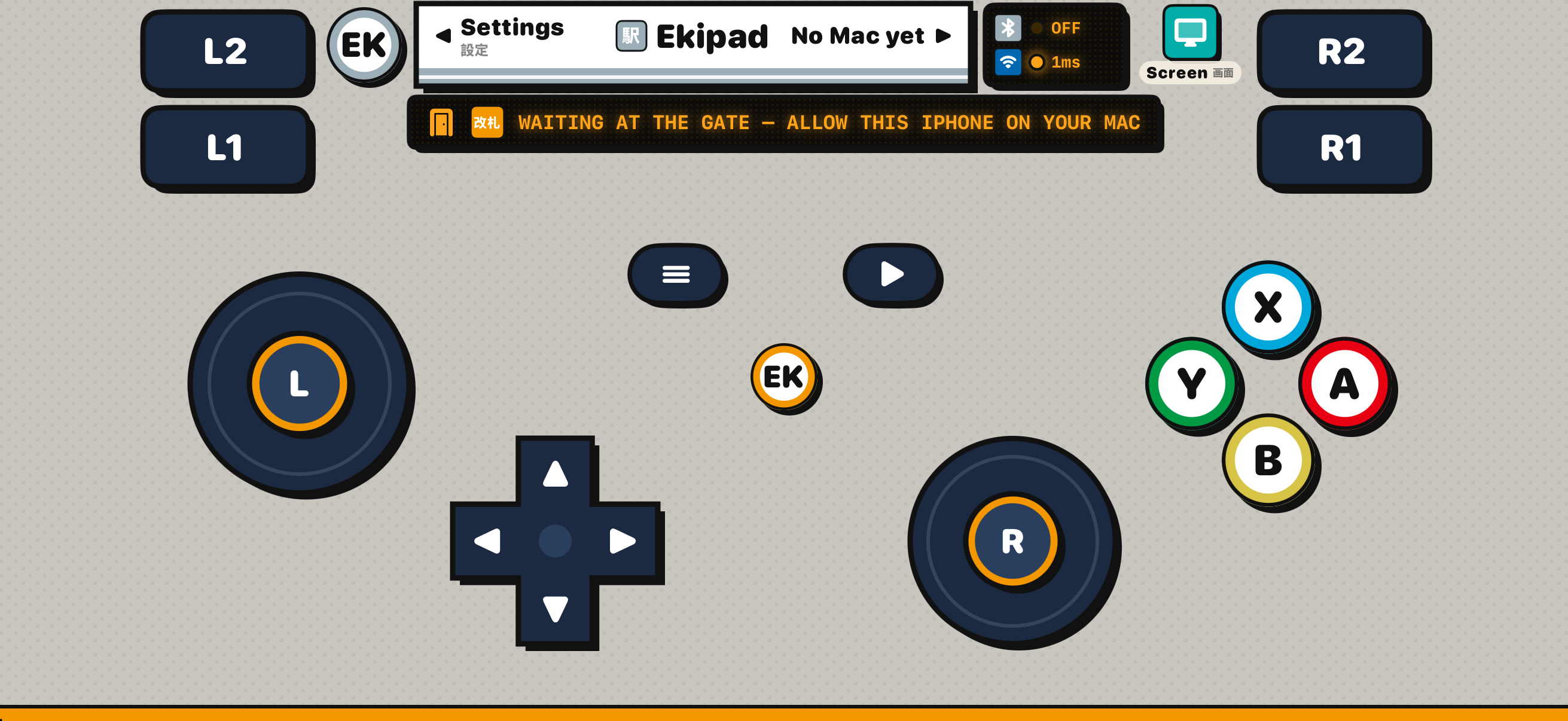
Ekipad turns your iPhone into a game controller for your Mac.
You need two apps: Ekipad on the iPhone and the free Ekipad Host on the Mac. The phone sends your buttons, sticks and gyro to the Mac over Bluetooth, peer-to-peer Wi-Fi or a USB cable (no router needed), and Ekipad Host turns them into a virtual game controller or into keyboard and mouse input.
| App | Where | Needs |
|---|---|---|
| Ekipad Host for Mac (free) | Latest release on GitHub | macOS 14 or later. The virtual game controller needs macOS 15. |
| Ekipad for iPhone | App Store | iOS 17 or later |
Ekipad Host is signed with Developer ID and notarized by Apple. It isn't on the Mac App Store, because the Mac App Store doesn't allow apps that create a virtual game controller or send keyboard and mouse input.
- Getting Started: install Ekipad Host, allow its permissions, open Ekipad on the phone.
- Pairing: let the phone in once (Allow, QR code or pictogram code).
- Routes and Controller Modes: choose what the phone controls on the Mac.
| Page | What's in it |
|---|---|
| Getting Started | Installing, permissions, the first-launch tours |
| Pairing | Allow at the Gate, QR code, pictogram code, revoking and forgetting, up to 4 players |
| Connections | Bluetooth LE, peer-to-peer Wi-Fi, USB cable, the Link setting, what the lights mean |
| Routes and Controller Modes | Virtual controller, keyboard and mouse routes, editing routes, auto-switch by game |
| Layouts | The layout editor, presets, stick click (L3/R3) |
| Mouse and Screen | The Mouse layout (trackpad) and seeing your Mac's screen on the phone |
| Gyro Aiming | Aim by tilting the phone |
| Settings Reference | Every setting on the phone's Departures board and in the Mac app's menus |
| Troubleshooting and FAQ | When something doesn't connect or a game doesn't react |
- Help & Support: redfernsoutpost.com/ekipad. Questions and bug reports are also welcome in Issues.
- Privacy Policy: redfernsoutpost.com/ekipad/privacy. In short: no accounts, no cloud, no analytics. Everything stays between your iPhone and your own Mac.
Ekipad means "station pad". Both apps are styled after Japanese railway signs and 1990s consoles: the Mac app's pages are stations on a line, the phone's settings are an LED departure board, and each player gets a track number.