Architecture
Summary: This app has two parts. The web app will be built using the Angular framework, written in TypeScript, JavaScript, HTML and CSS. Components will be formatted using Angular Material. Date, time, and scheduling will be implemented using Angular Common. Alerts for manual users will be implemented with the Notification API. User authentication will be handled with Firebase Authentication and Cloud Firestore will be used for dynamic data storage. Lastly, the web app will be deployed with Firebase Hosting services. The desktop app will be a Windows Service app that is downloadable from the web app. It will be built using the .NET framework, written in C#.
- Languages: TypeScript, JavaScript, C#, HTML, CSS
- Frameworks: Angular and .NET
- Libraries: No third-party libraries
- Services: FireBase (Cloud Firestore, Hosting, and Authentication)
- APIs: Angular Material, Notifications API, Angular Common
- Package/Build Manager: npm
- Store user data with Firestore: desmartw
- User login: zhiquan
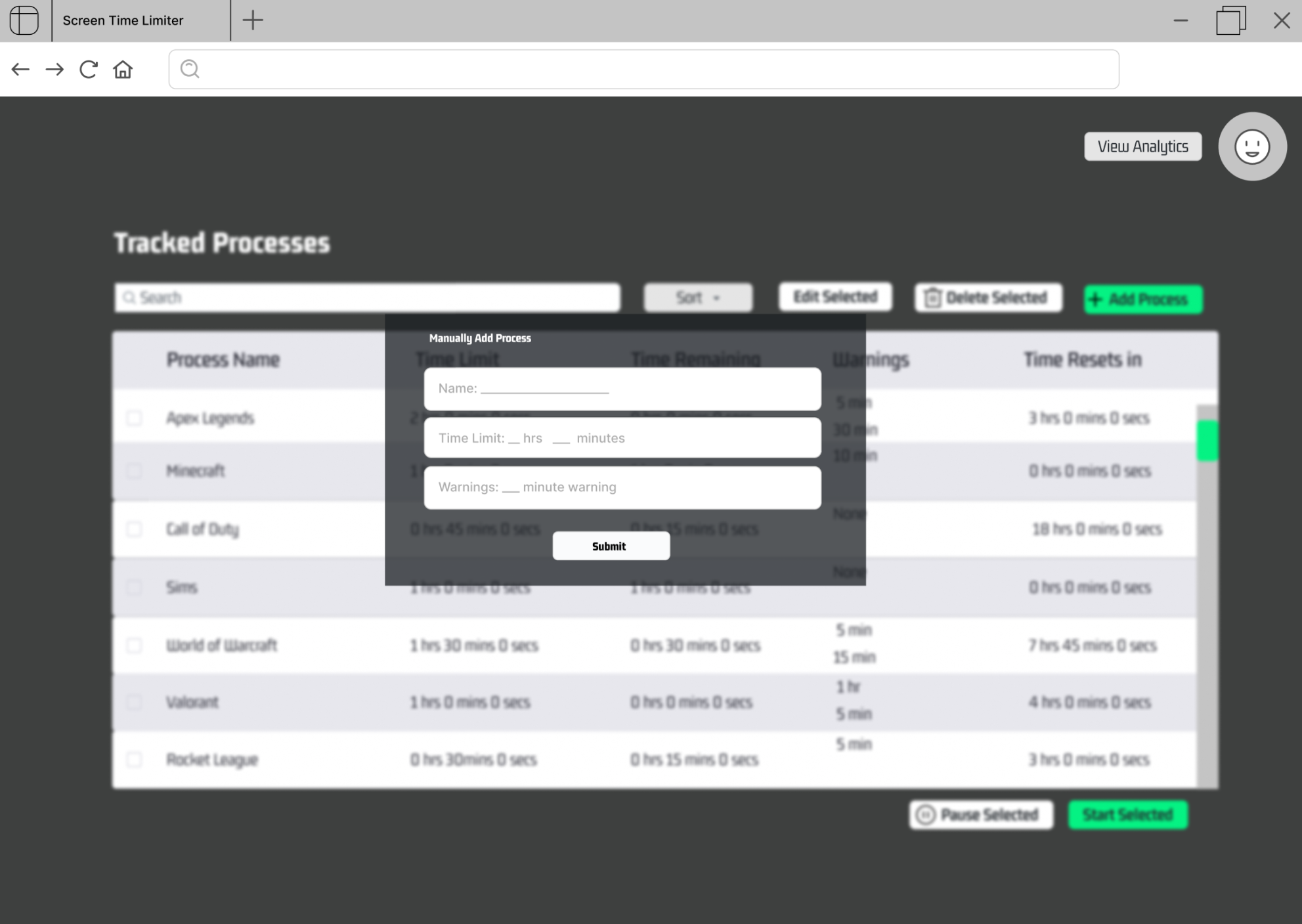
- User add process through reactive form: kelli-alan
- Implement timer, determinate progress spinner: pattersonhowell
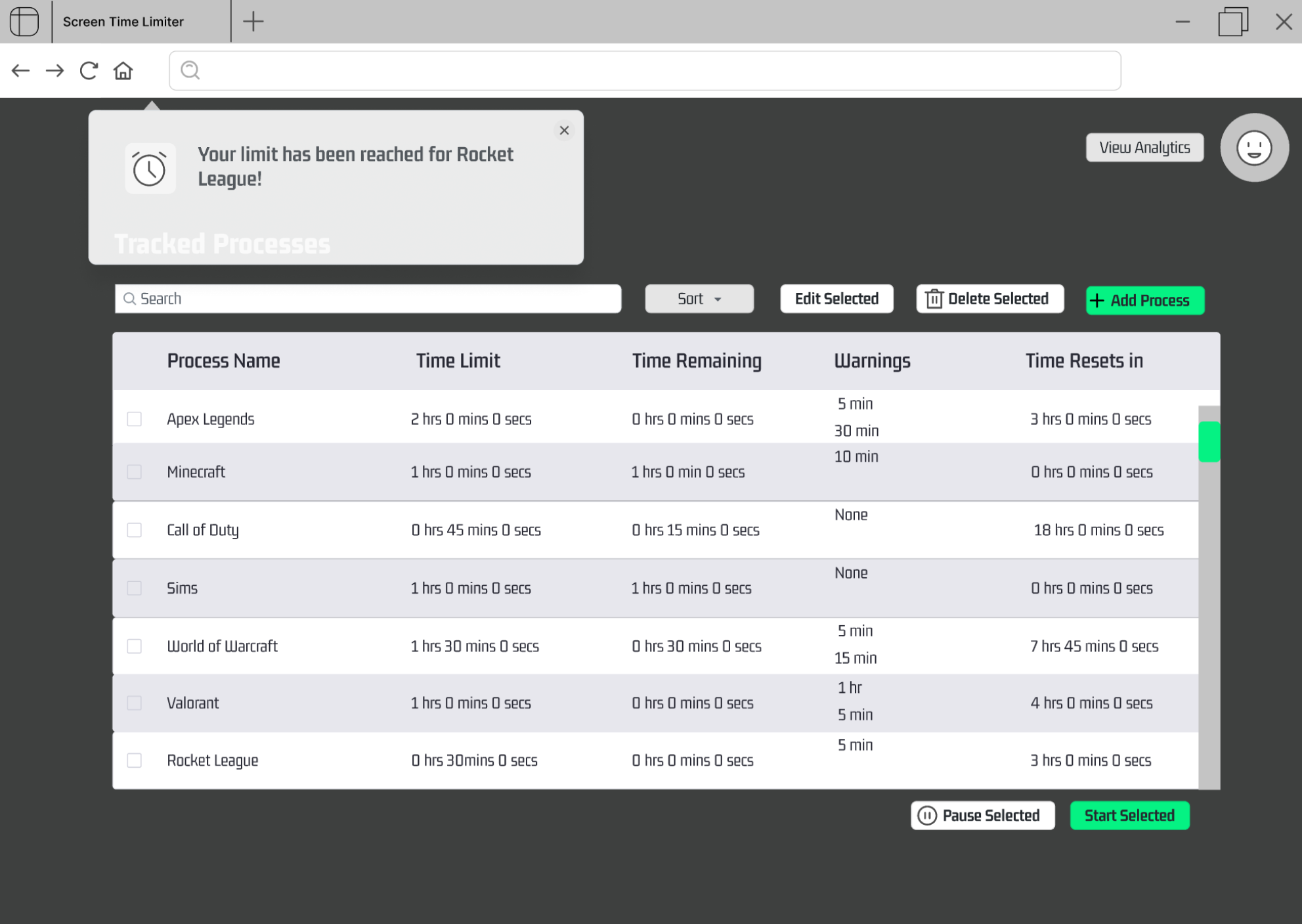
- Implement notification API: BranavanKalapathy
- Deploy Web app: desmartw
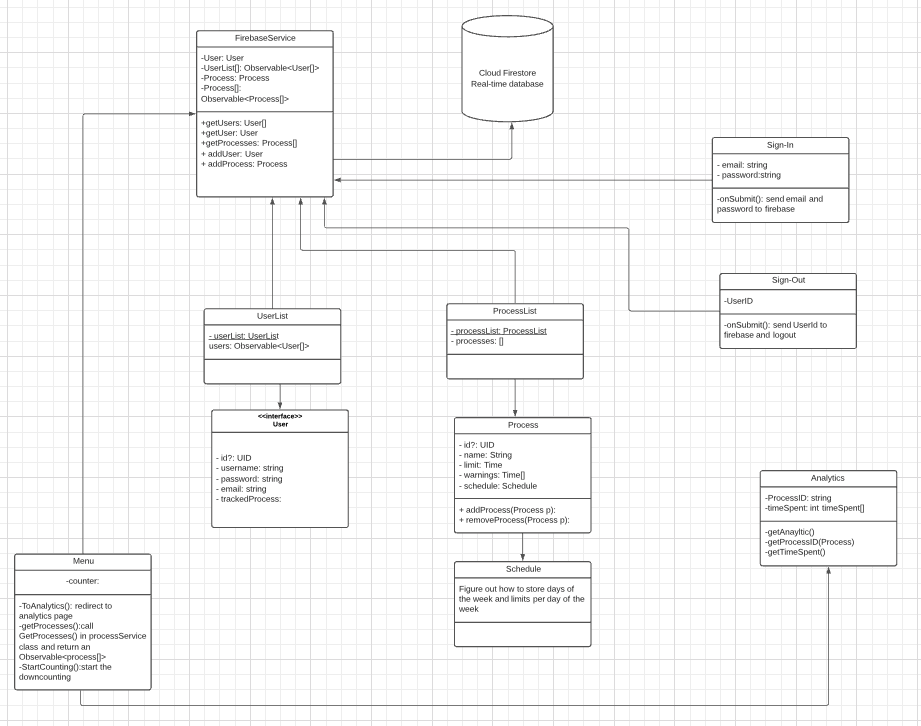
- Deployment: Firebase Hosting
- Single Page Application
-
app/home/sign-in
- GET: renders sign in page
-
app/home/register
- GET: renders registration page
-
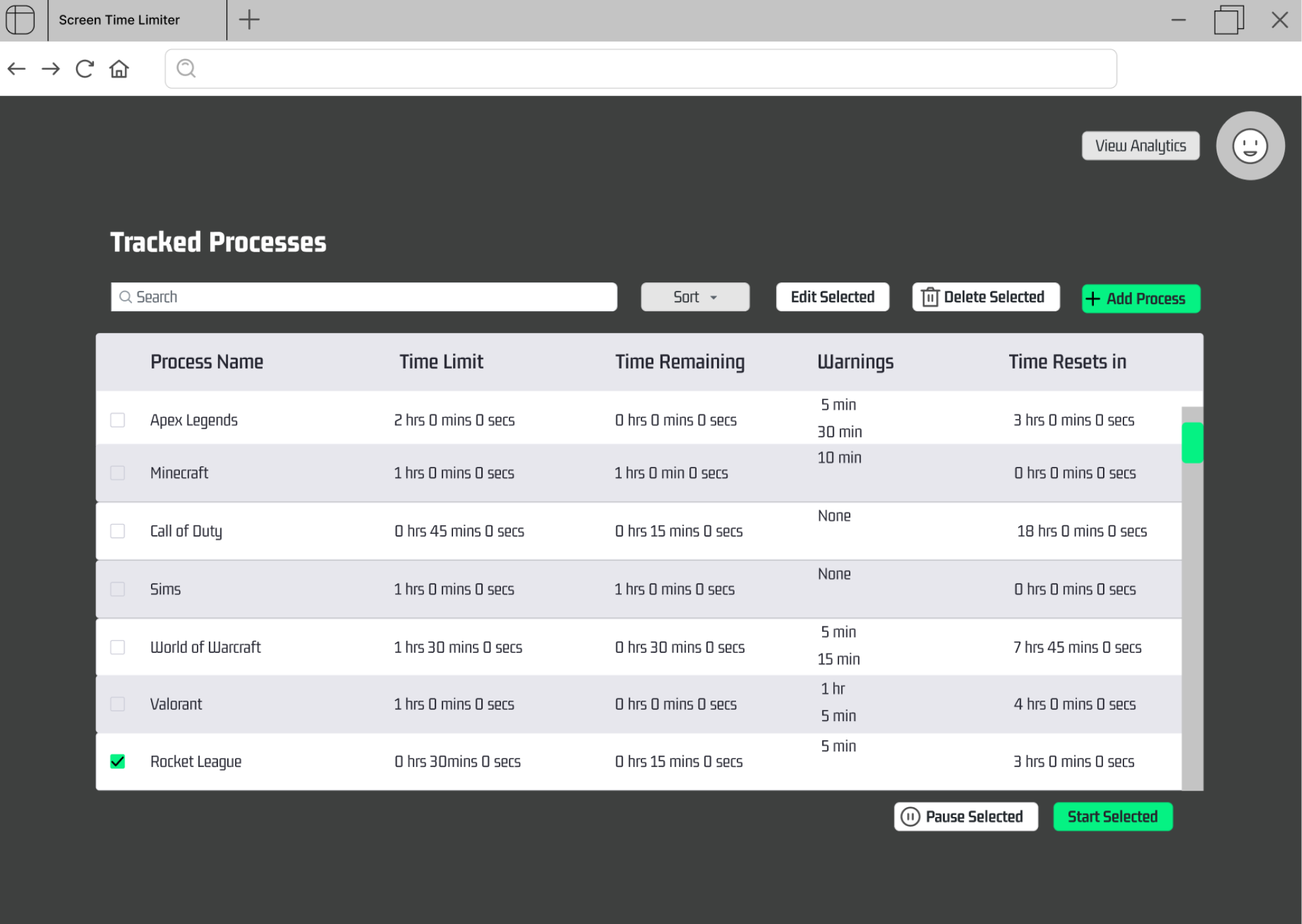
app/home/:userID
- GET: displays tabular process data corresponding to user with userID
-
app/home/addprocess/:userID
- GET: pulls up add process form
- POST: adds new process to user's homepage
-
app/home/removeprocess/:userID/:processID
- GET: displays warning message
- POST: removes process corresponding to processID from user's tabular data, corresponding to userID
-
app/home/analytics/:userID
- GET: displays analytics for tracked processes belonging to user with given userID
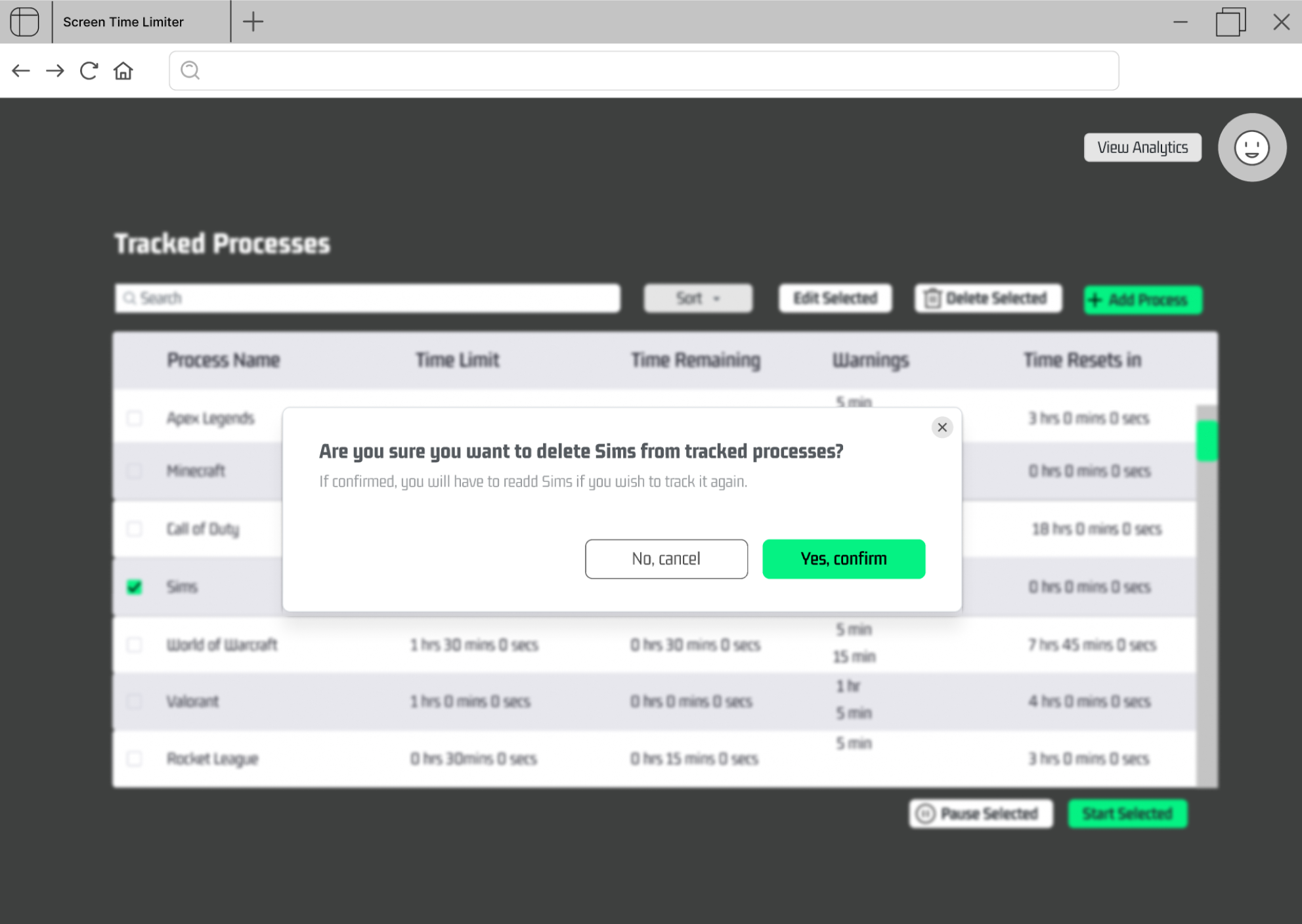
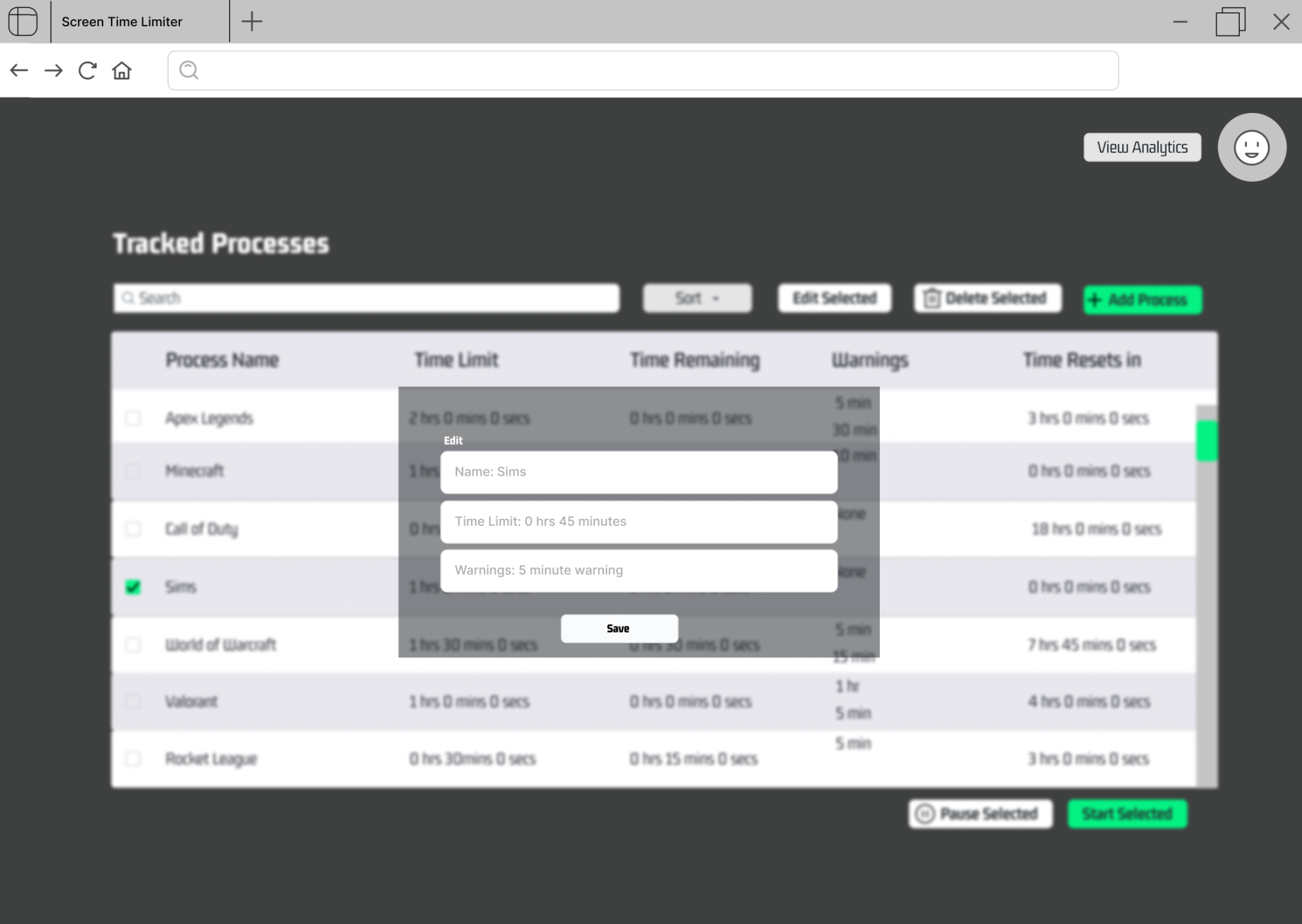
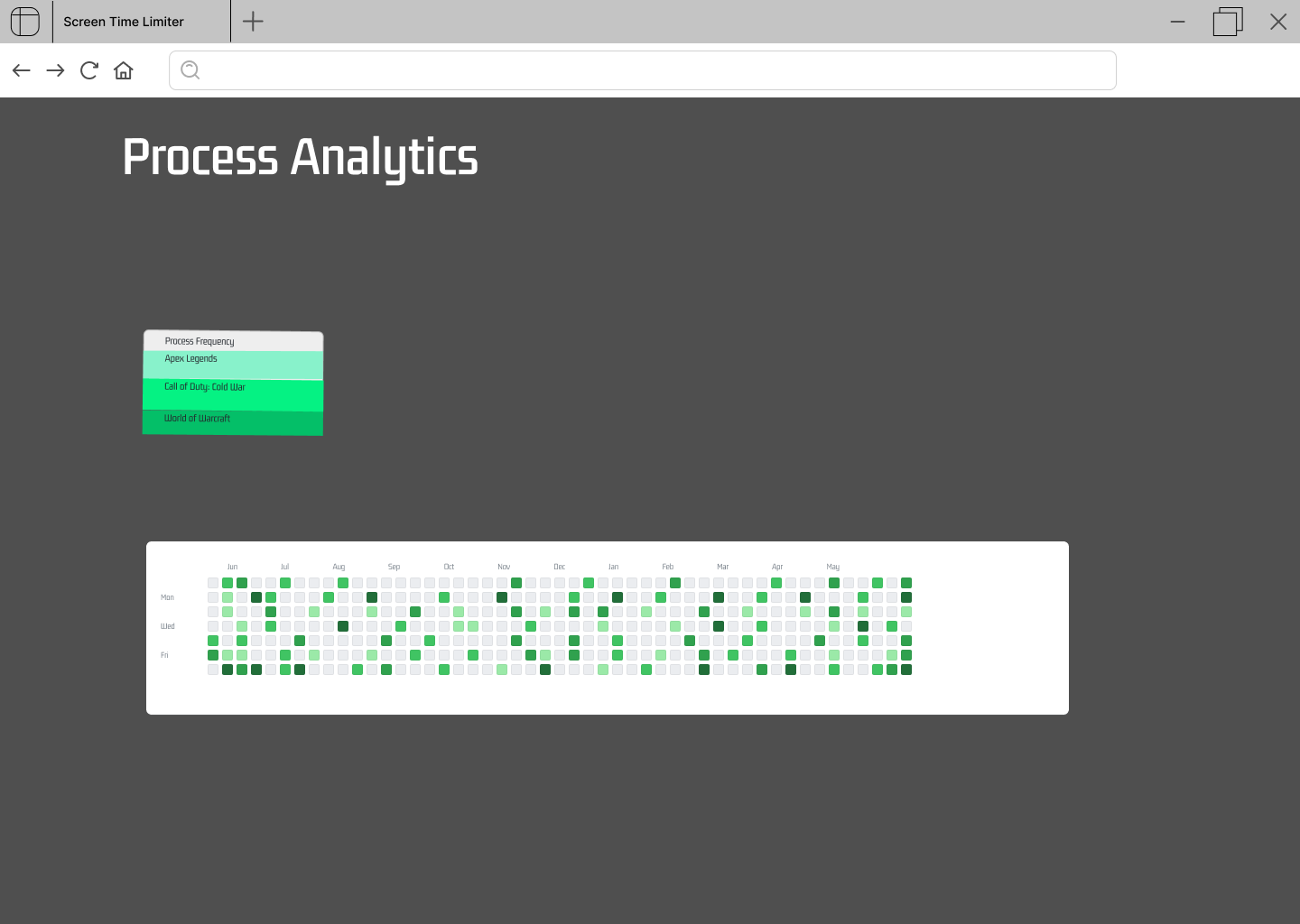
- Database1: Firebase Authentication contains:
-
- User email
-
- User password
-
- Table A
-
- User uid
-
- List of processes user selected
- Database2: ProcessDatabase contains:
-
- All processes known to system
- user query: this query will search whether the email and password user inputted matches any users in the database. This query will be used both in sign in and register page process database query: this query will retrieve all process that the processDatabase have.
- There will be an installer that users and tester can install
- no virtual machines or containers for development
-
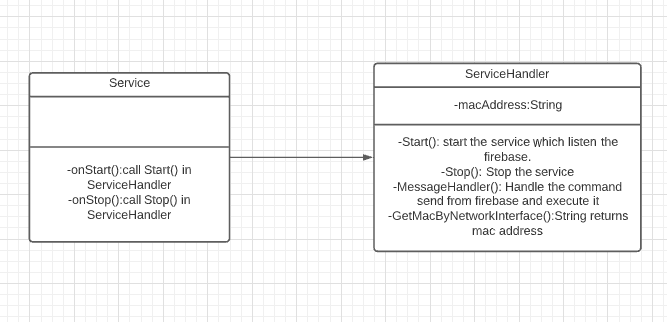
- both, the Windows service will get the mac address and stored it in memory. Other data will from and send to firebase.
- Same as the web app
- The windows service does not query the database but listen to the database, receiving commands and execute them.
- Windows serive works behind the scene so that there will be no user-interaction and no views