Requirements
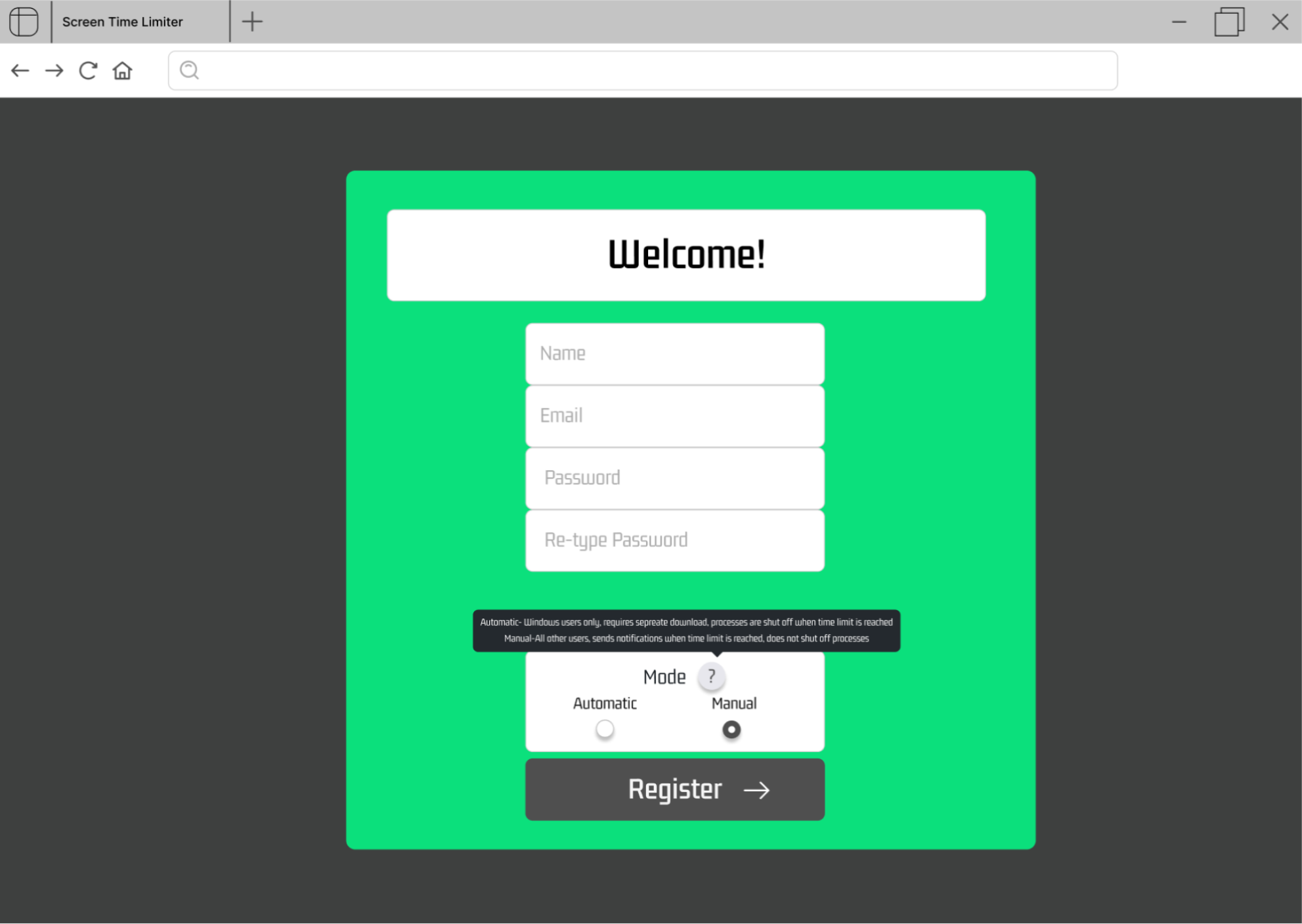
- The user can create an account using manual mode
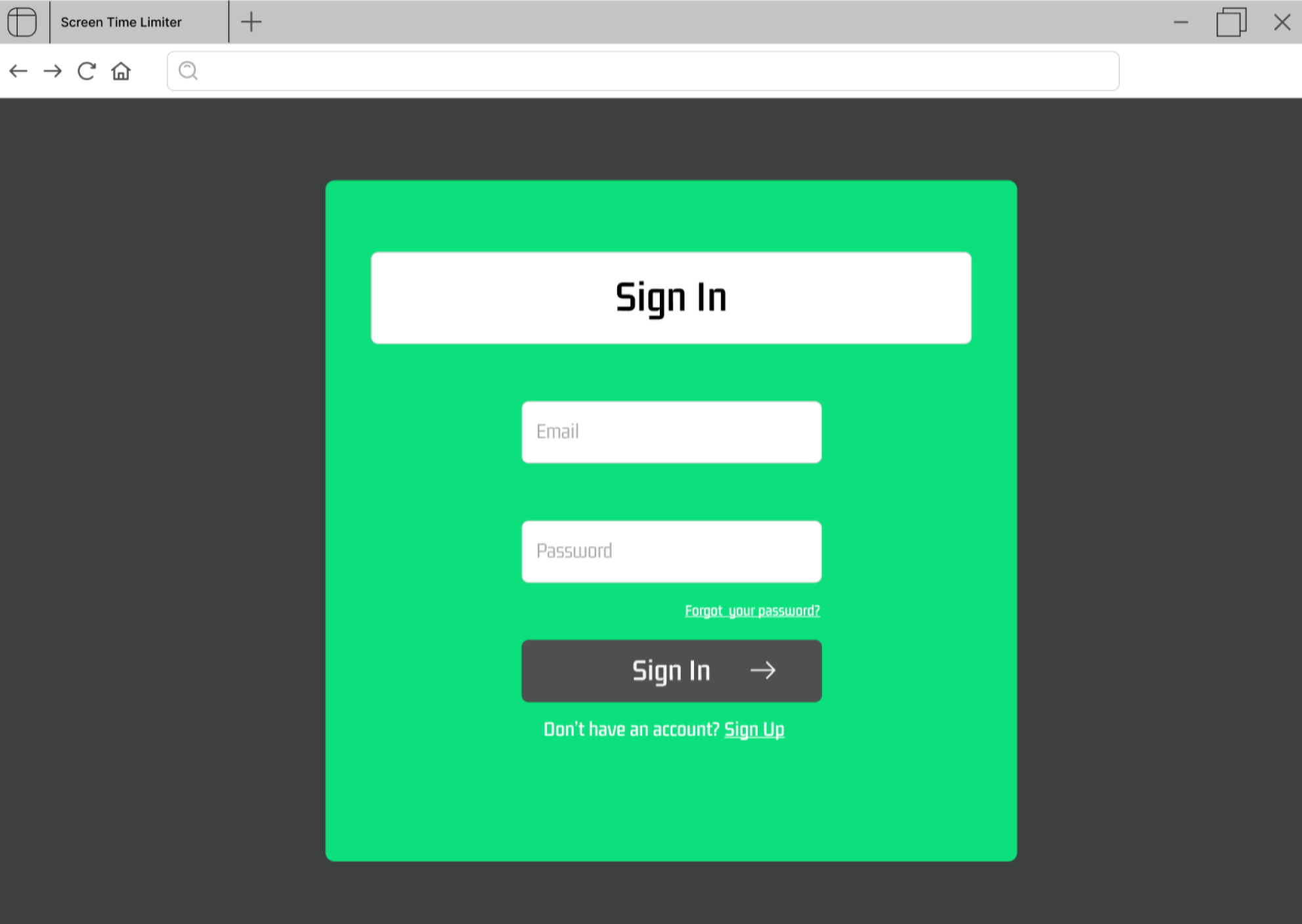
- The user can login to their account with their email and password
-
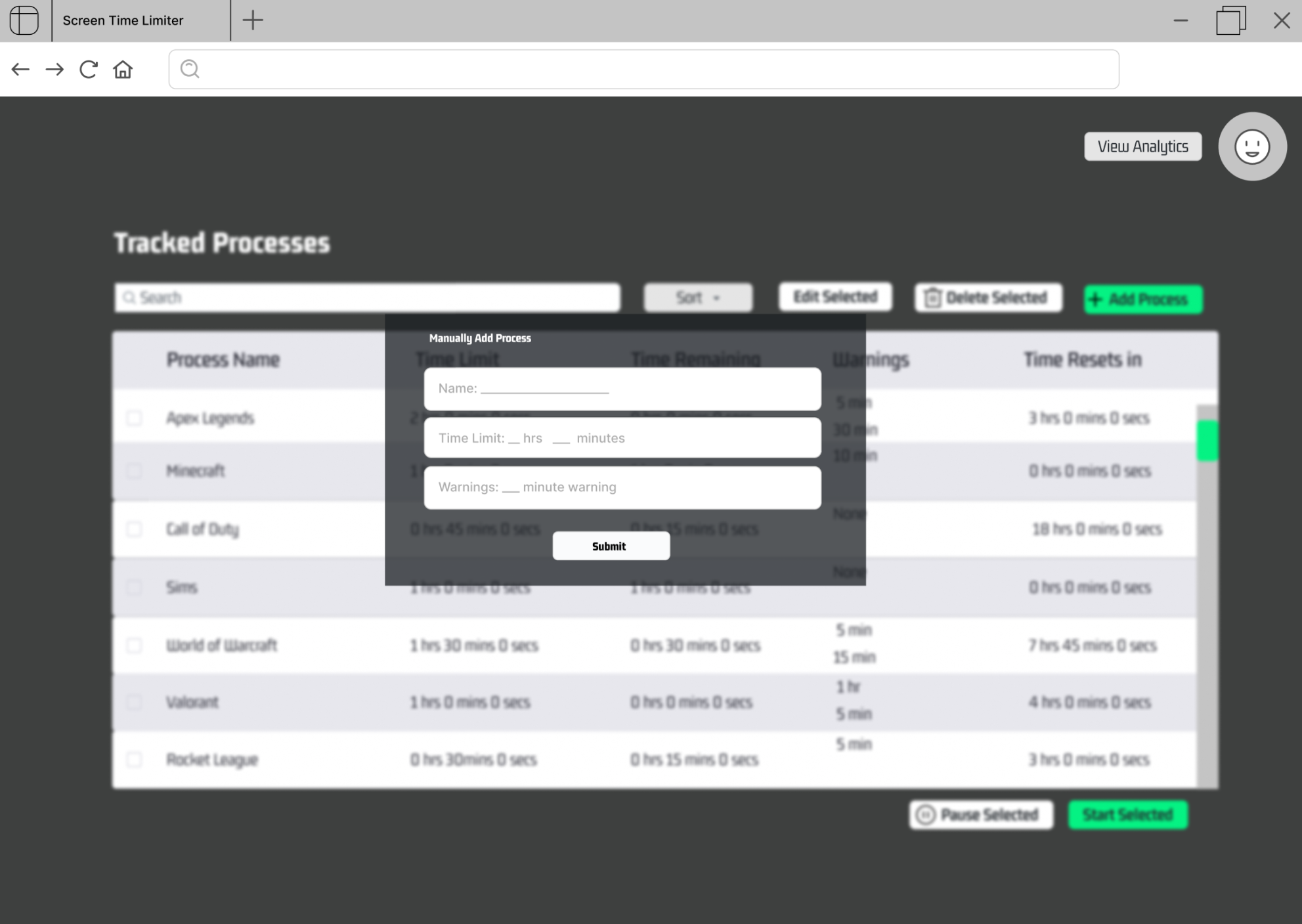
The user can manually add a process to track through a form including:
3.1. process name
3.2. time limit
3.3. time remaining warning
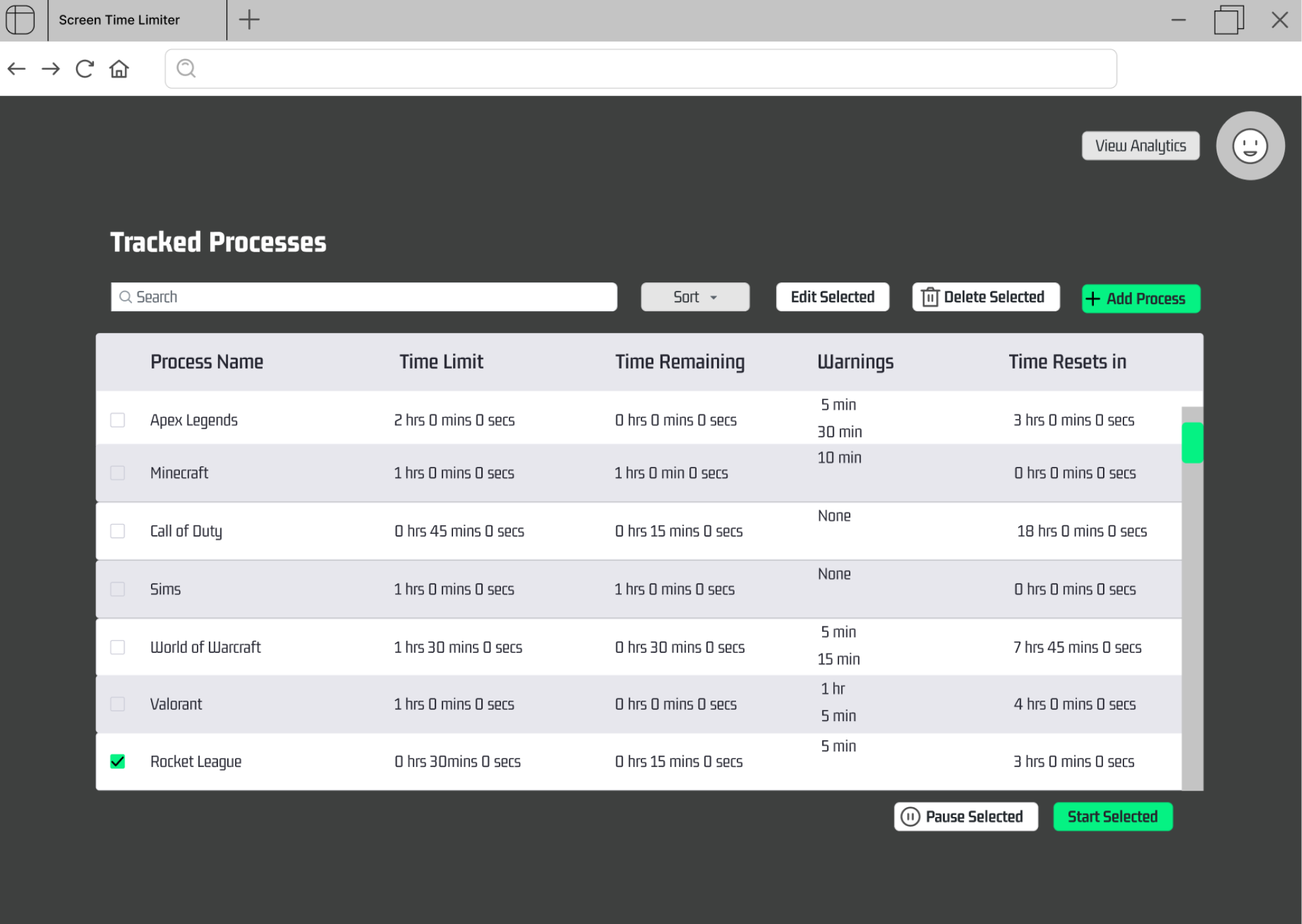
- The user can start a process' timer by selecting a process and clicking the start selected button.
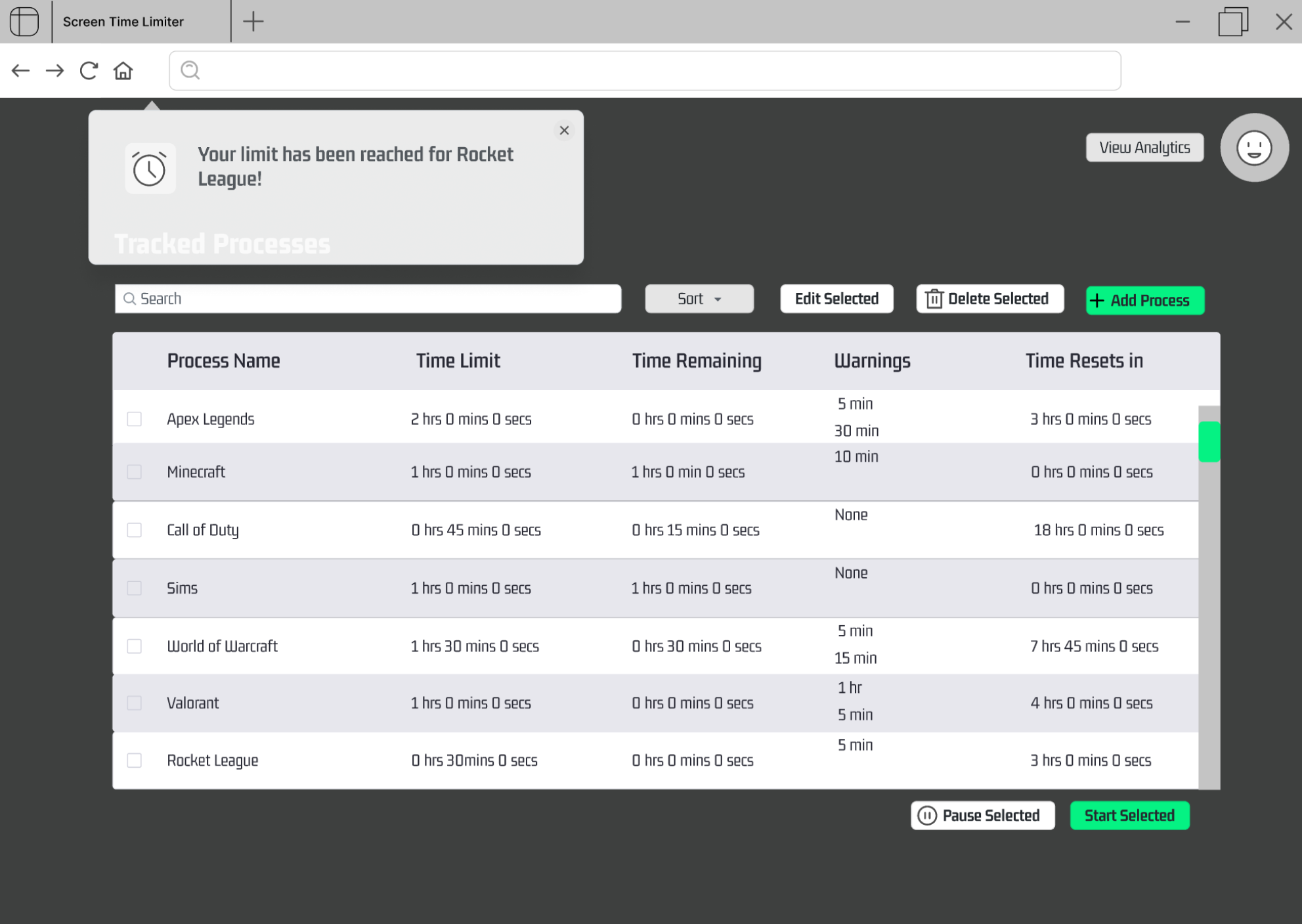
- The user can receive a notification when the process' timer ends.
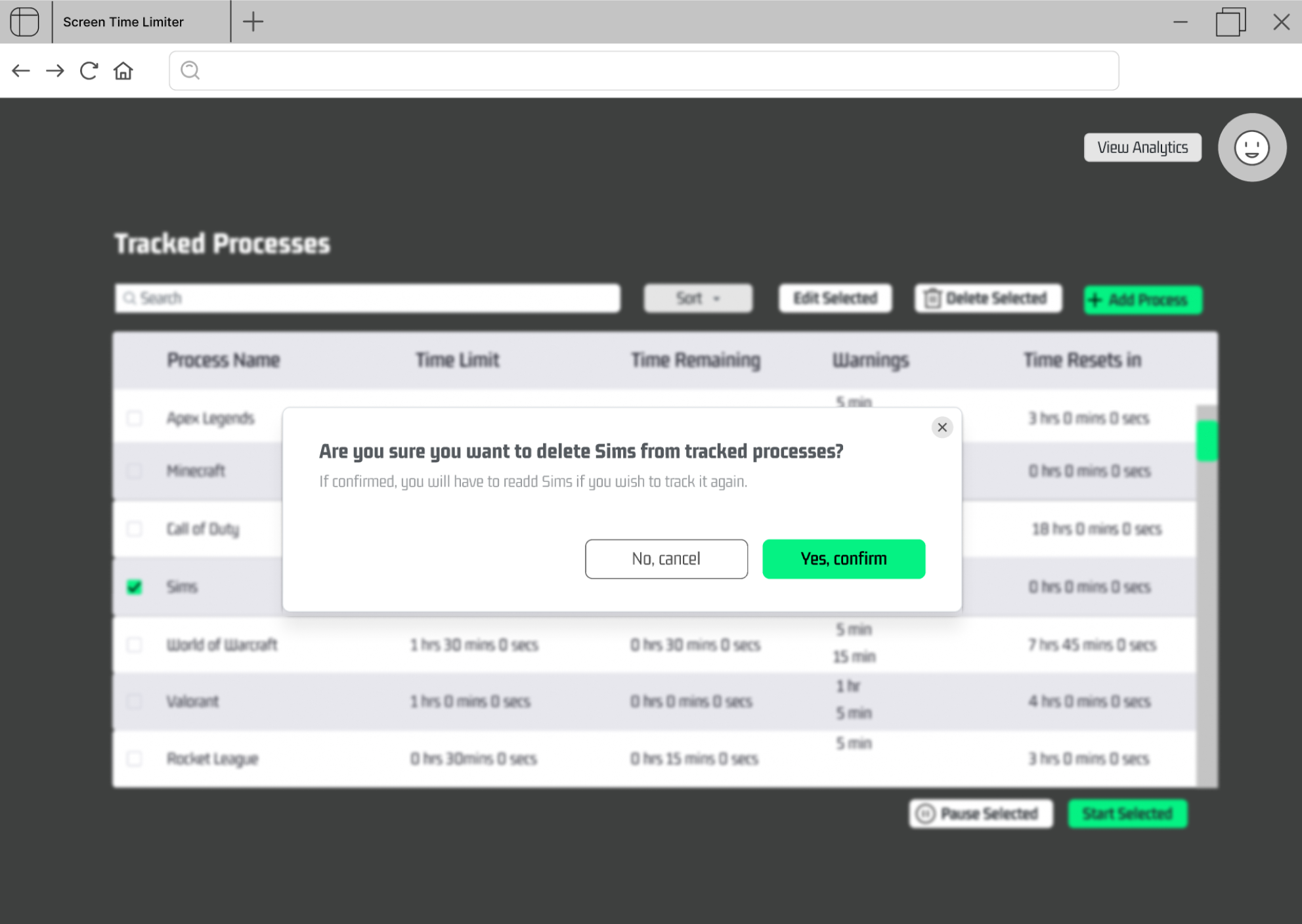
- The user can remove a process by selecting it and clicking "Delete Selected".
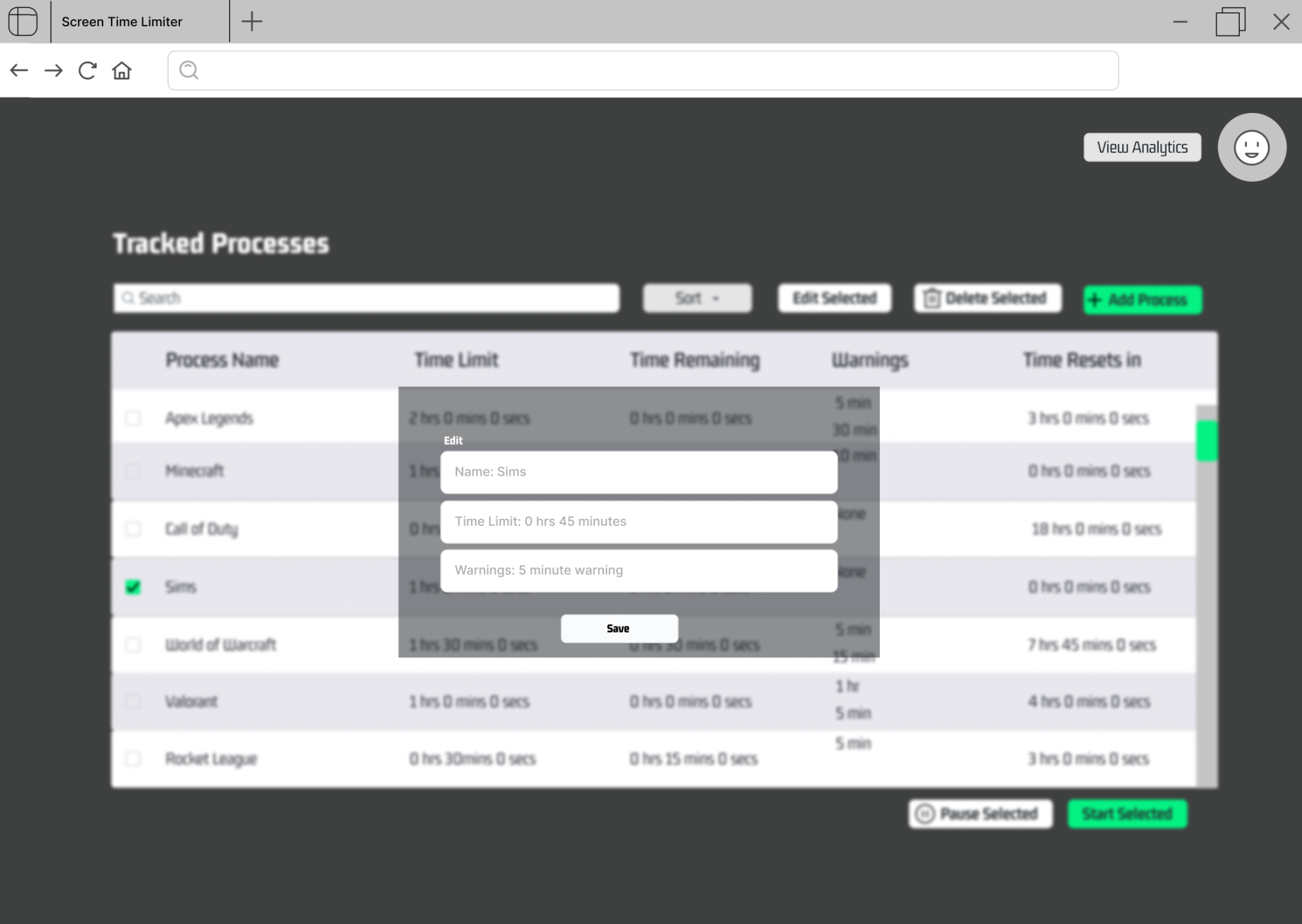
- The user can edit a process' time limit by selecting it and clicking "Edit Selected".
-
The user can pause a process' timer.
-
The user can receive notifications for specified time remaining.
-
The user can view time spent on each tracked process.
-
The user can sort processes by:
11.1. name
11.2. time remaining
-
The user can download the automatic mode.
-
The user can establish scheduling for automatic processes including:
13.1. limits per day
13.2. limits per week
13.3. off-hours per day