Repository navigation
Sensors Simulator GUI
through the GUI you can create new sensors, clone sensors and give them a new alias and connect them to the system while generating traffic to simulate the actual function of the sensor.
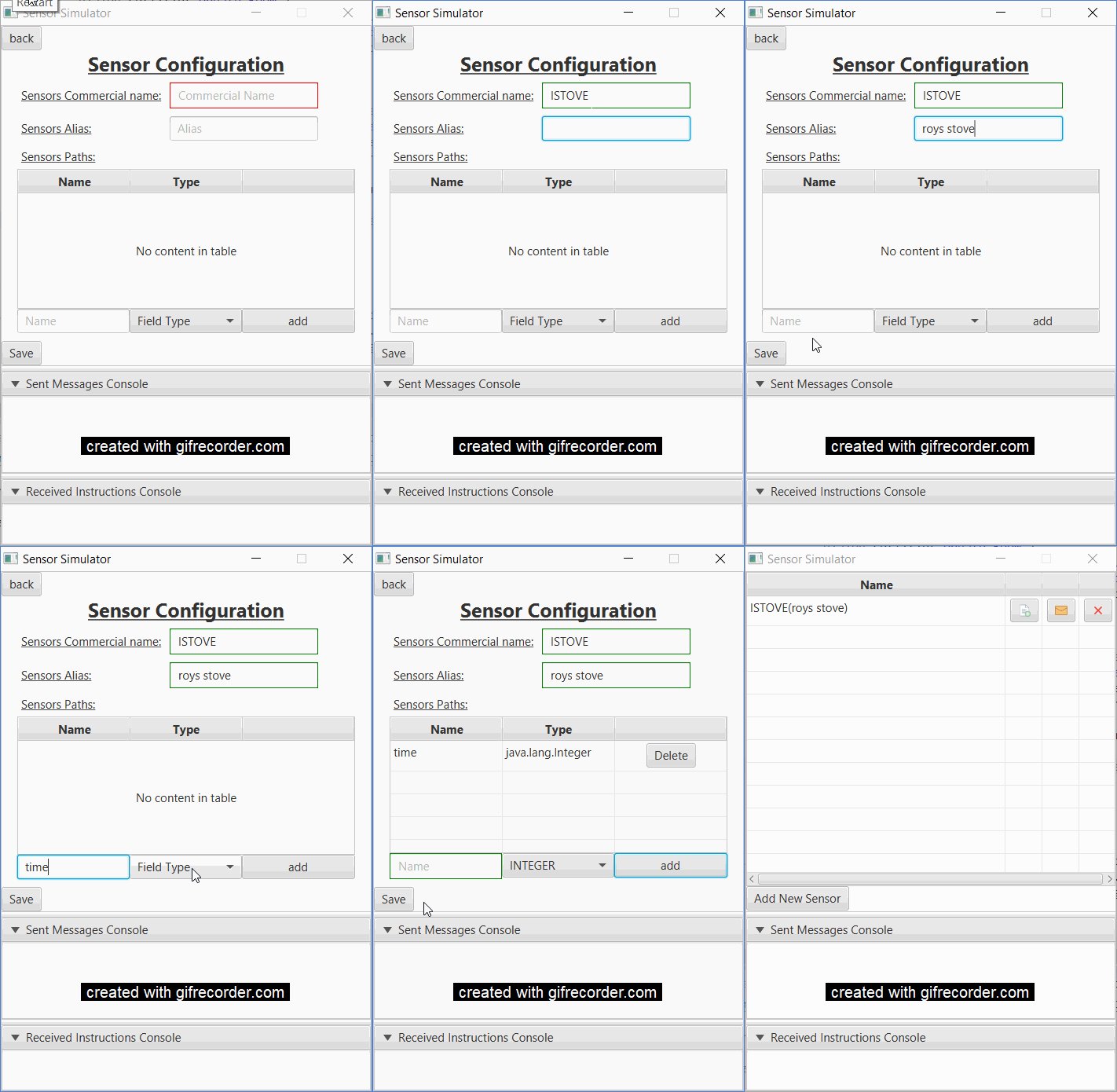
you click the add a new sensor button and config the fields:
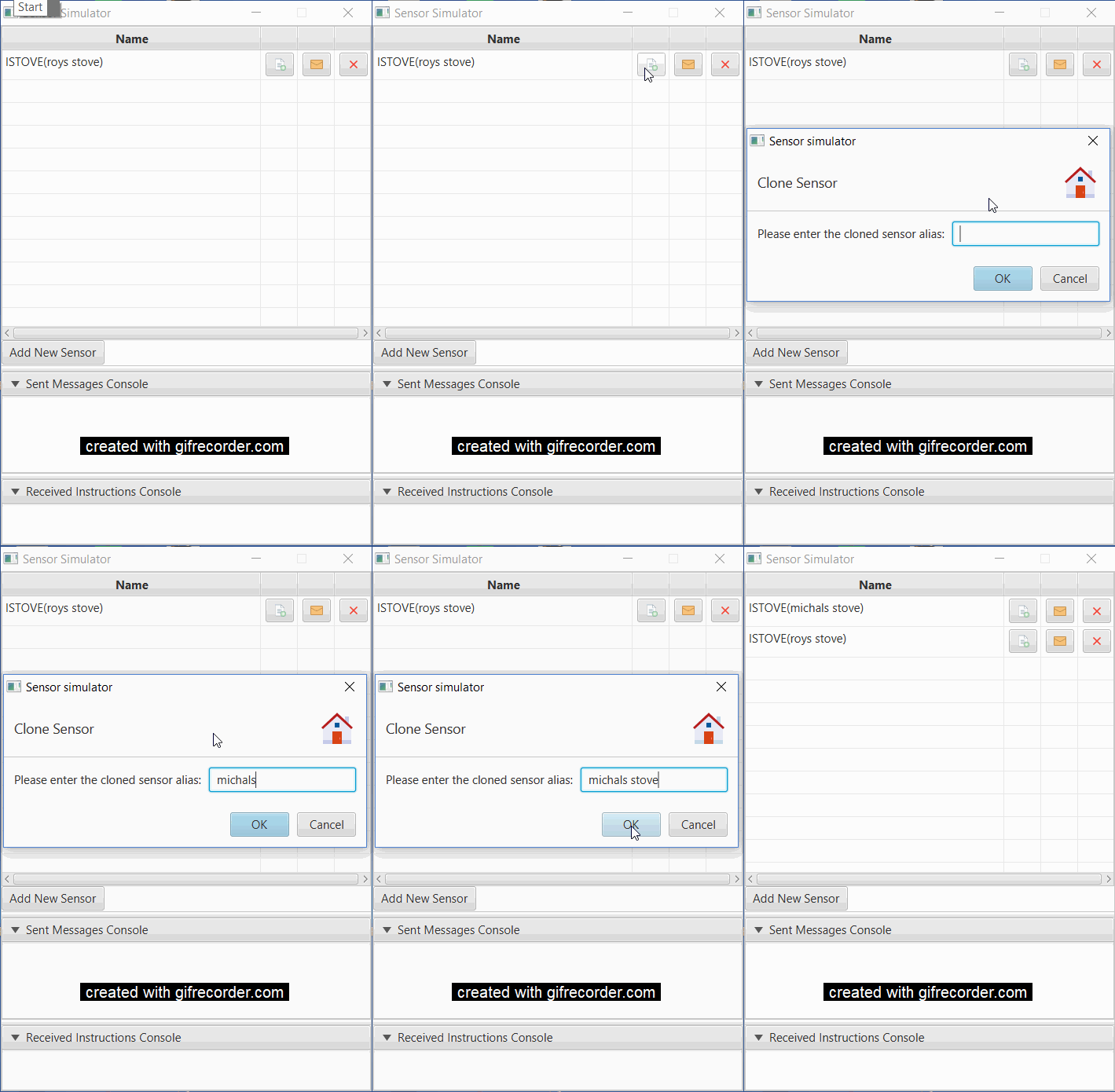
you can create a new clone of a sensor by clicking the clone button
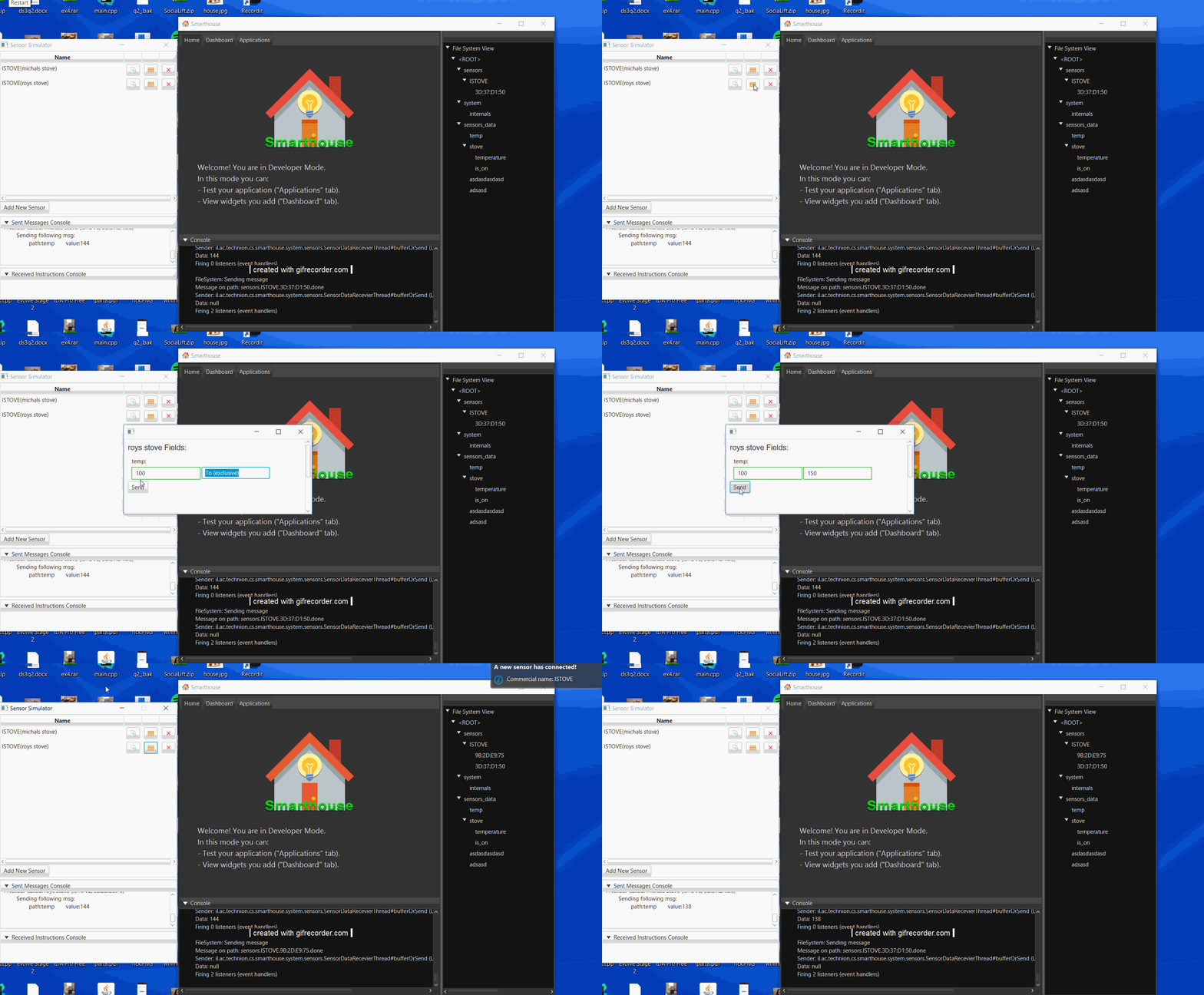
and start streaming messages by clicking the message button
and deleting sensors by clicking the re x button (no gif here its pretty straight froward)

Overview
Quick Start
Smarthouse Usage for Owners
Development Manuals
Continuous Development
Misc.