Repository navigation
User Information Management
To register, open the Smart-House in User Mode.
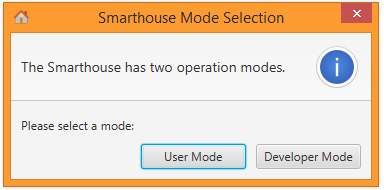
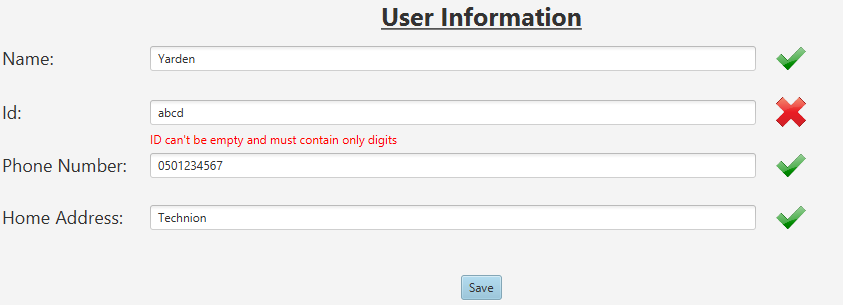
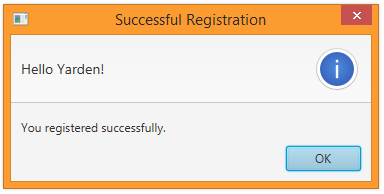
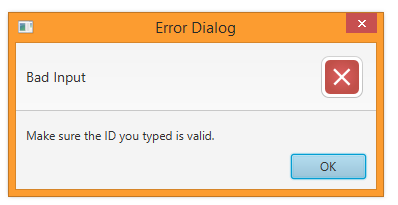
After you registered, you can update your phone number and home address by modifying the relevant fields and clicking "Save" again.
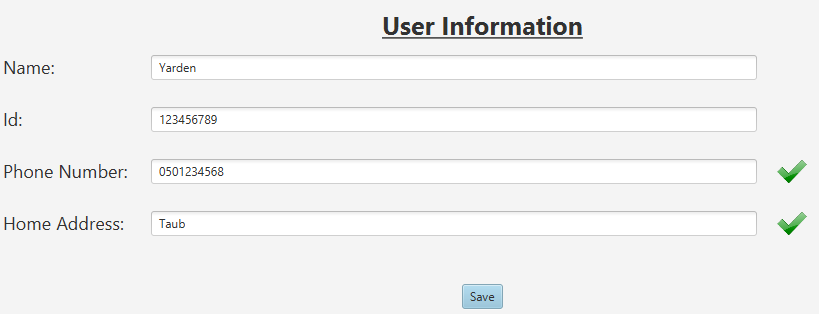
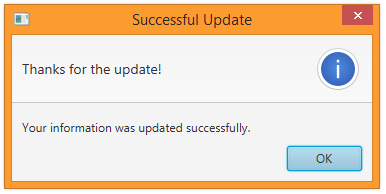
After registration, you can add people to your emergency contacts list. People on this list will be notified in case something worrying is happening. To add an emergency contact, fill his / hers name, ID, phone number and e-mail address in the empty fields under the table at the "Emergency Contacts" section. If you filled a field correctly, it will be marked in green. Otherwise, it will marked in red. You also must choose his / hers emergency level.

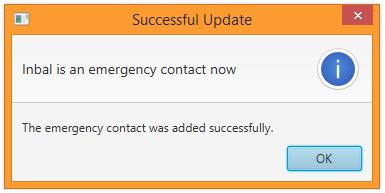

The emergency level defines the cases in which this contact will be notified. These are all the emergency levels:
- Notify Client: Send a notification to the client, and notify him there is an abnormality.
- Email Emergency Contact: Send an email to the emergency contact.
- SMS Emergency Contact: Send a SMS to the emergency contact.
- Call Emergency Contact: Call the emergency contact.
- Contact Police: Notify the emergency contact in any case requiring contacting the police.
- Contact Hospital: Notify the emergency contact in any case requiring contacting the hospital.
- Contact Fire Fighters: Notify the emergency contact in any case requiring contacting the fire fighters.
Note! In the current version of the Smart-House, you cannot delete an emergency contact or update his / hers details after you added him / her (this is a known missing functionality).

Overview
Quick Start
Smarthouse Usage for Owners
Development Manuals
Continuous Development
Misc.