Repository navigation
System Developers Manual

Hello programmer, welcome to our family!
Here we will go over some guidelines to help you start working with the Smarthouse system's source code.
- Joining the Project
- Starting the System
- Persistence Storage
- Widgets
- User / Developer Mode
- Coding Conventions
- Logger
- future development directions
First, you should clone the project. Then, import it to your IDE with Maven.
That is it! now you can start coding.
The system's main class is system_presenter.SystemPresenter. A factory for this class is provided: system_presenter.SystemPresenterFactory. With the factory you can start the system with different configurations.
For now, the main function that creates the system can be found in the smarthouse.Entry class:
public static void main(final String[] args) {
    final SystemPresenter p = new SystemPresenterFactory()
                        .setUseCloudServer(false) // false for now, because there is only one instance of the cloud server
                        .enableLocalDatabase(true).build();
}Read more about the persistence storage on the local machine and on the cloud here.
You can extend our widgets collection by following the steps below -
- Implement a class that
extends BasicWidget, override methods:getTitle()-
update(final Double value, final String key)and/orupdate(final Object value, final String key)
- Extend
enum WidgetTypeand add the new widget type.
Look into package system.dashboard, system.dashboard.widget for specific examples.
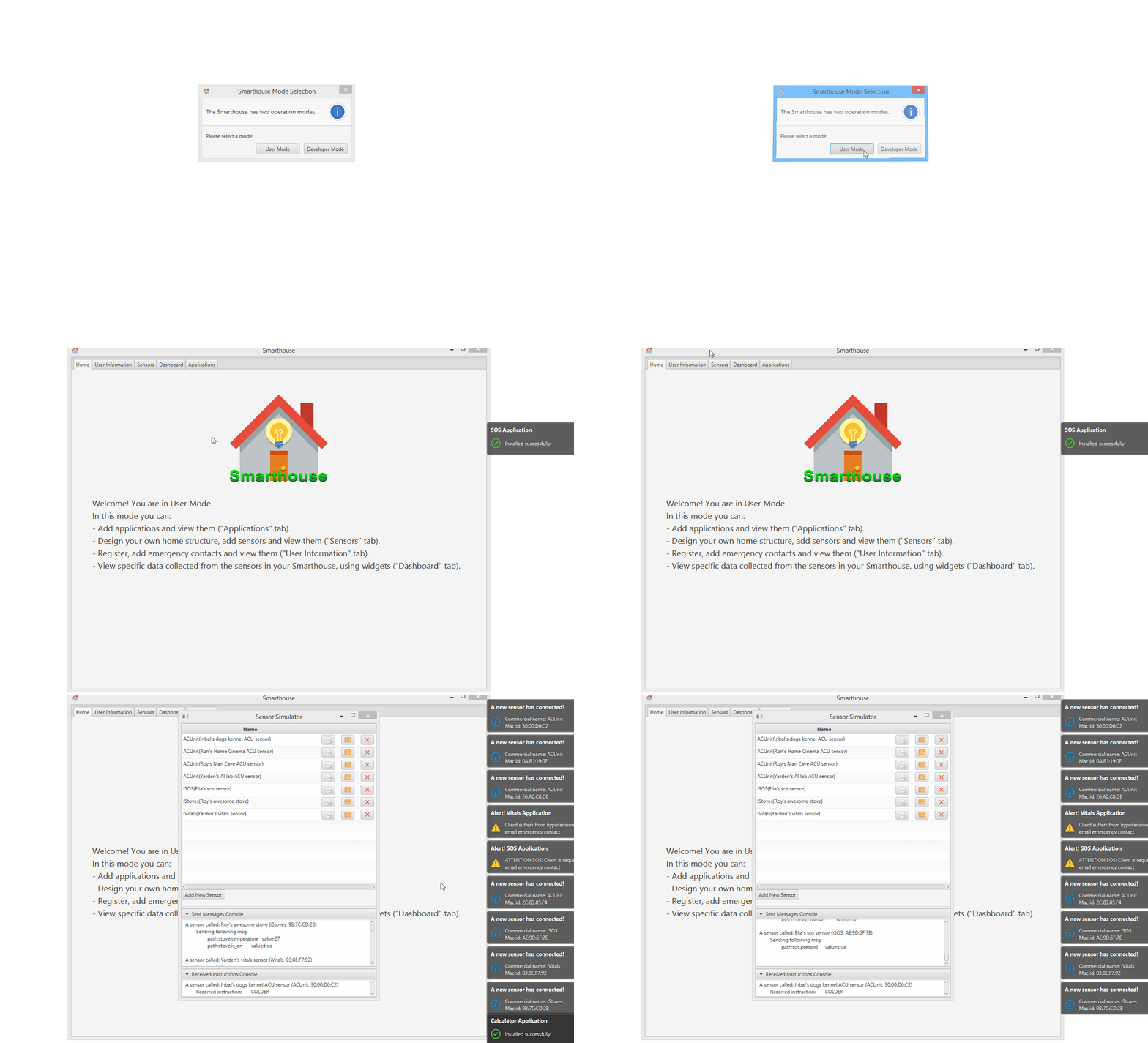
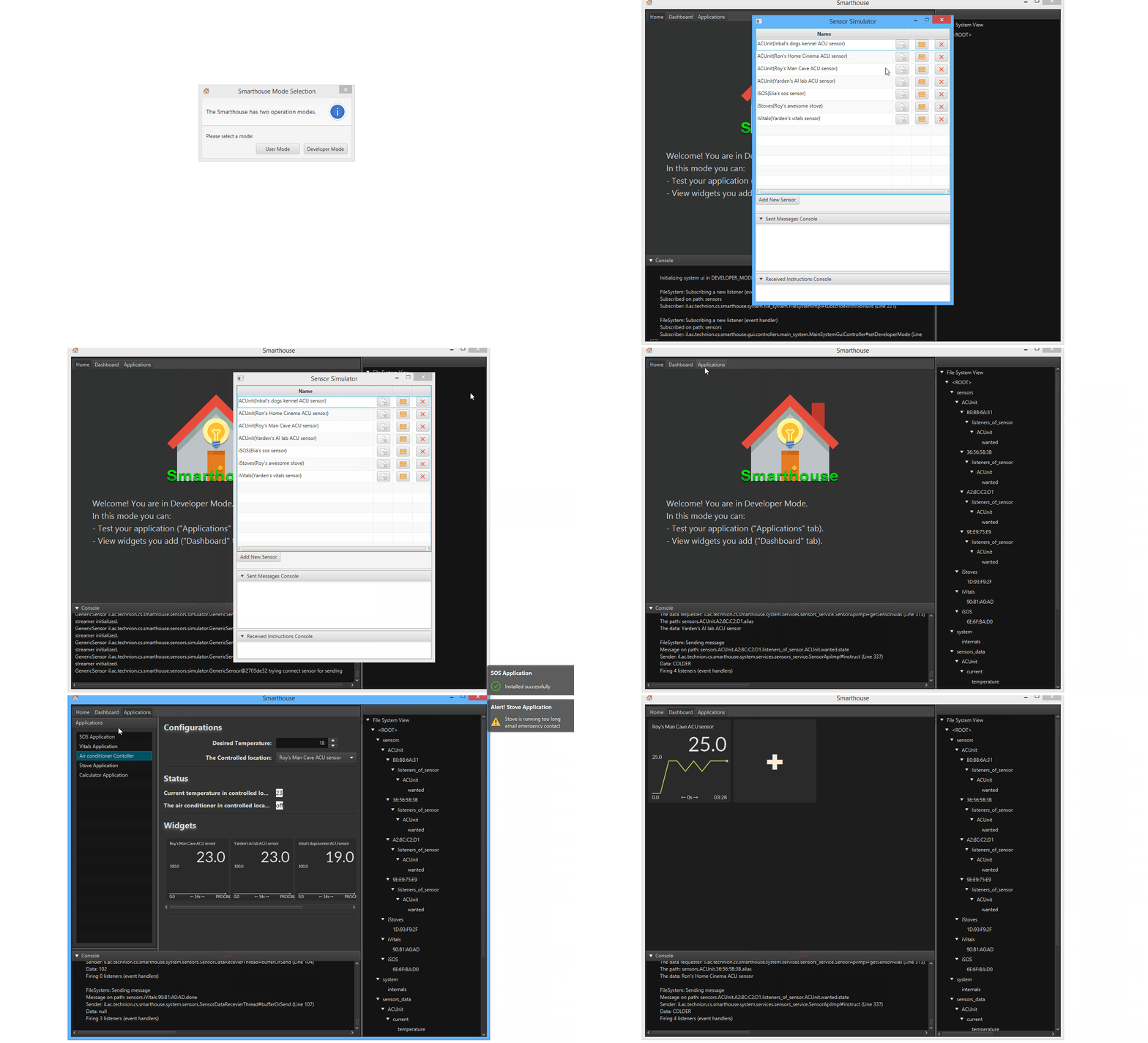
The house can run in 2 modes: User and Developer. You can chose the mode with the system_presenter.SystemPresenterFactory, or allow a mode_selection_popup to appear:
Read our coding conventions in the following sections:
When running the system, a new Logs folder will be created with log files created during the run-time.
- features extending the existing system
- adding widgets
- adding services
- extend the
AppBuilder: add regions or more intricate mechanizems
- features going in new directions
- migrating from javafx to different GUI library
- optimize real-time preformance
- develop an app store
- develop a sensors catalog
- develop a mobile application to communicate with the house

Overview
Quick Start
Smarthouse Usage for Owners
Development Manuals
Continuous Development
Misc.