Repository navigation
Getting the map data
The server's own command suggestions give the mod the list of open spawns live, with no setup. The claim shapes, names and terrain background come from the server's web map, which a program cannot read directly (it sits behind a browser check), so you export it once from your own browser:
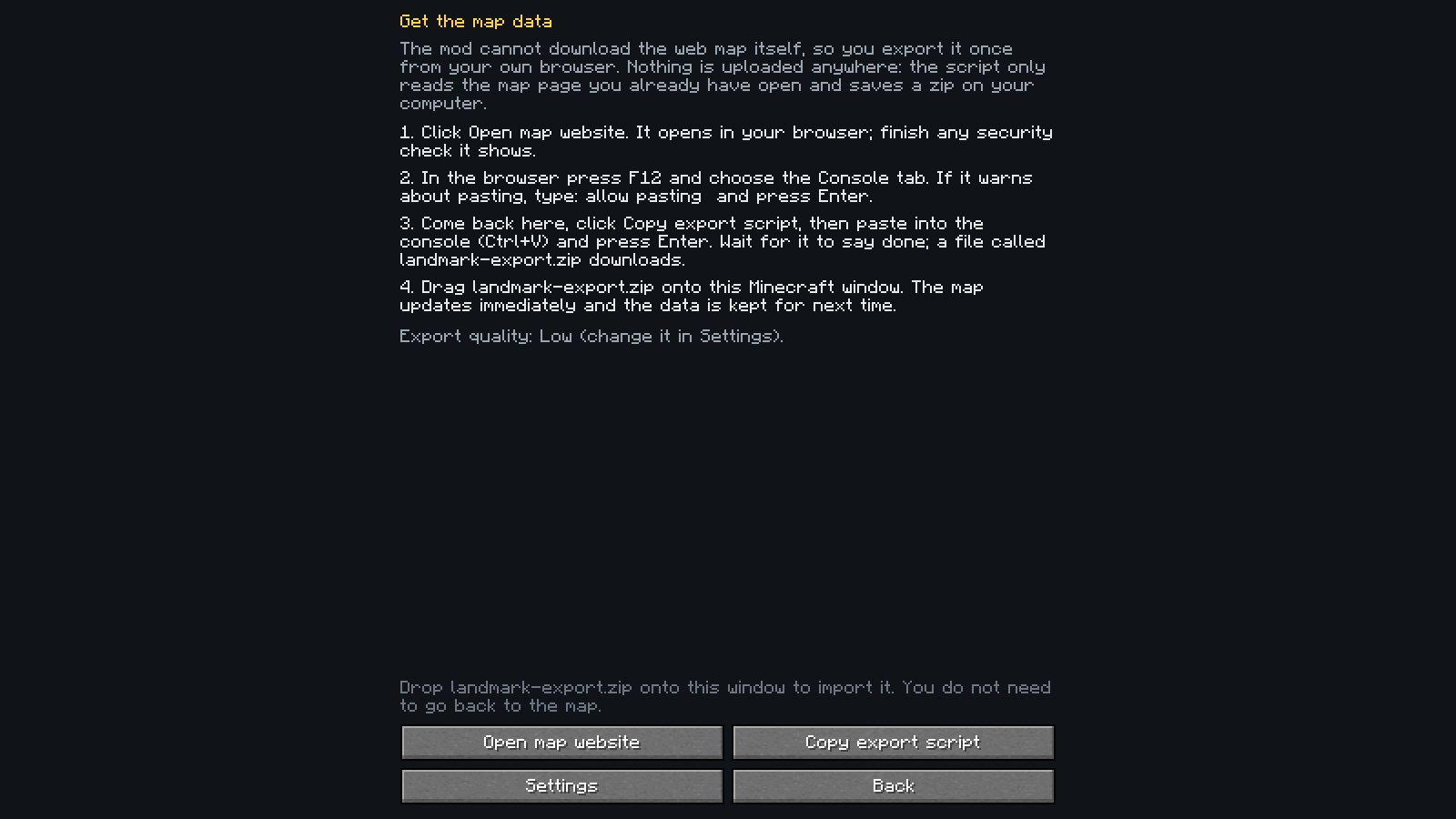
- In the mod, open the map and press Get map data. It walks you through the steps and has buttons to open the web map and to copy the export script.
- Run the script in the browser console on the map page. It saves
landmark-export.zip. - Drag the zip onto the Minecraft window. You can do this right on the help page; there is no need to go back to the map
first. The data is stored in your game folder (
landmark/) and reused next time.
The copied script uses the export quality you chose in Settings.
The script only reads the page you have open and saves a file on your computer. Nothing is uploaded, and the mod needs no account, key or token. Re-export now and then if the claims on the server have changed; the map shows how old its data is.
| You have | You get |
|---|---|
| Nothing | A clear message, and you can still type an exact land name and teleport |
| The live open-spawn list (always available on the server) | A searchable list of open-spawn lands |
| Plus an imported export | The full map: claims, owners, highlights, terrain |
| Plus your own teleports | Cyan pins at spawn points the mod saw you arrive at, even for lands newer than your export |
Teleporting never depends on map or claim data. Claims are stored per dimension; only the Overworld has data today, and nothing is drawn in a dimension without data.
The zip's layout is documented in docs/export-format.md.