Repository navigation
Settings
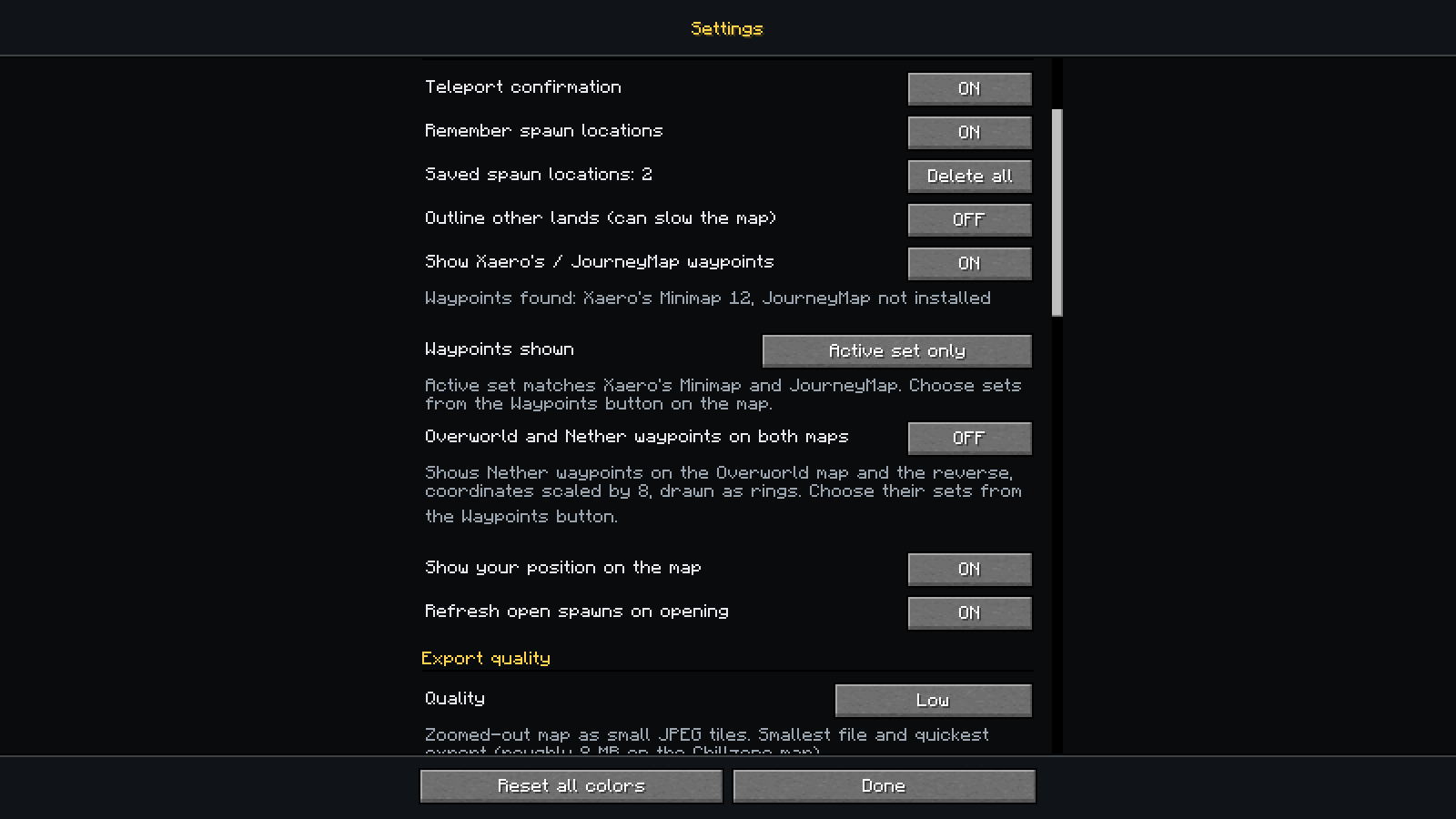
Open them with the Settings button on the map, or from the mod's entry in Mod Menu if you have it (it is optional). Everything applies immediately.
-
Keybinds. Click the key, press the new one (Esc cancels); if the key is already used the mod asks before binding it. It is the same setting as in Options > Controls, so it changes in both places.
-
Features. Teleport confirmation, remembering spawn locations after you teleport (with a count and a Delete all button), showing Xaero's / JourneyMap waypoints, showing your own position on the map, refreshing the open-spawn list when the map opens, and an optional outline around every non-open land. That outline is off by default because with thousands of lands it can slow the map down; its colour is editable once you turn it on.
-
Export quality. Decides what the copied export script fetches:
Preset Map detail Tile format Roughly, on the Chillzone map Low (default) zoomed out small JPEG 8 MB Medium zoomed out full-quality PNG 50 MB High 2x the detail full-quality PNG 170 MB Ultra 4x the detail full-quality PNG 300 MB or more Higher quality means larger files and longer export times. Only the tile detail and format change; the claims are identical in every preset. Change it before copying the script.
-
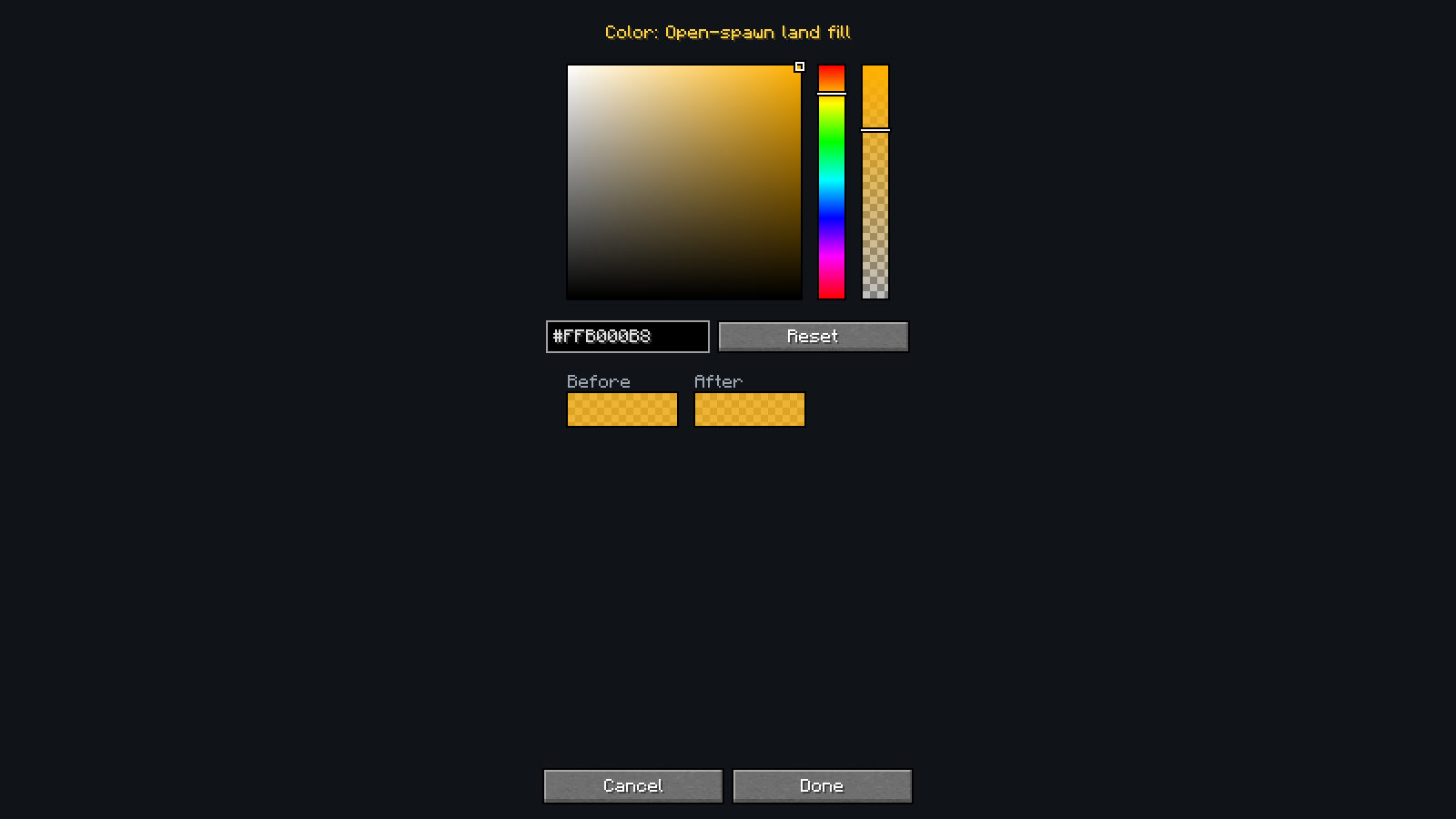
Colors. Every color the mod draws with: a picker plus a hex box that always match (
#RRGGBB, or#RRGGBBAAfor colors with opacity), a Reset for each color, and a Reset all.
The same settings, in config/landmark.json (created on first save):
| Key | Default | Meaning |
|---|---|---|
confirmTeleport |
true |
Ask before running /lands spawn
|
saveSpawns |
true |
Remember where you arrive after a teleport and show a pin there |
showExternalWaypoints |
true |
Show waypoints from Xaero's Minimap and JourneyMap |
waypointSets |
active |
active (only the set or group the other mod shows), all, or pick (everything except hiddenWaypointSets) |
hiddenWaypointSets |
[] |
Sets switched off in pick mode, as xaero:<dimension>:<set> or journeymap:<group>
|
crossDimensionWaypoints |
false |
Also show Nether waypoints on the Overworld map and Overworld ones on the Nether map, coordinates scaled by 8 |
showPlayerMarker |
true |
Show your own position on the map |
outlineOtherLands |
false |
Outline lands that are not open-spawn (can slow the map down) |
refreshOnOpen |
true |
Request the open-spawn list when the map opens |
viewDimension |
"" |
The dimension the map is pinned to (minecraft:overworld, minecraft:the_nether, minecraft:the_end); empty follows the dimension you are in |
exportQuality |
low |
low, medium, high or ultra
|
colors |
{} |
Colors you changed, by name, as hex; anything not listed uses its default |
mapUrl |
https://map.chillzone.cc/ |
The web map the help screen opens (https only) |
tileCacheSize |
48 |
Detail map tiles kept in memory (8 to 512; grows to fit what is on screen) |