Managing Projects
A Green Tea Project is basically a folder where the Engine stores all the files that are needed to remember what were you working on. The Engine stores a lot of files in order achieve a better user experience when you close and reopen it at a later time.
The engine comes with a build in Project Manager as you can see the Picture bellow. Currently it's capabilities are limited but it has the most essential tools like creating new project, opening existing projects from disk (discovering), searching for project on the list and starting projects with the editor.
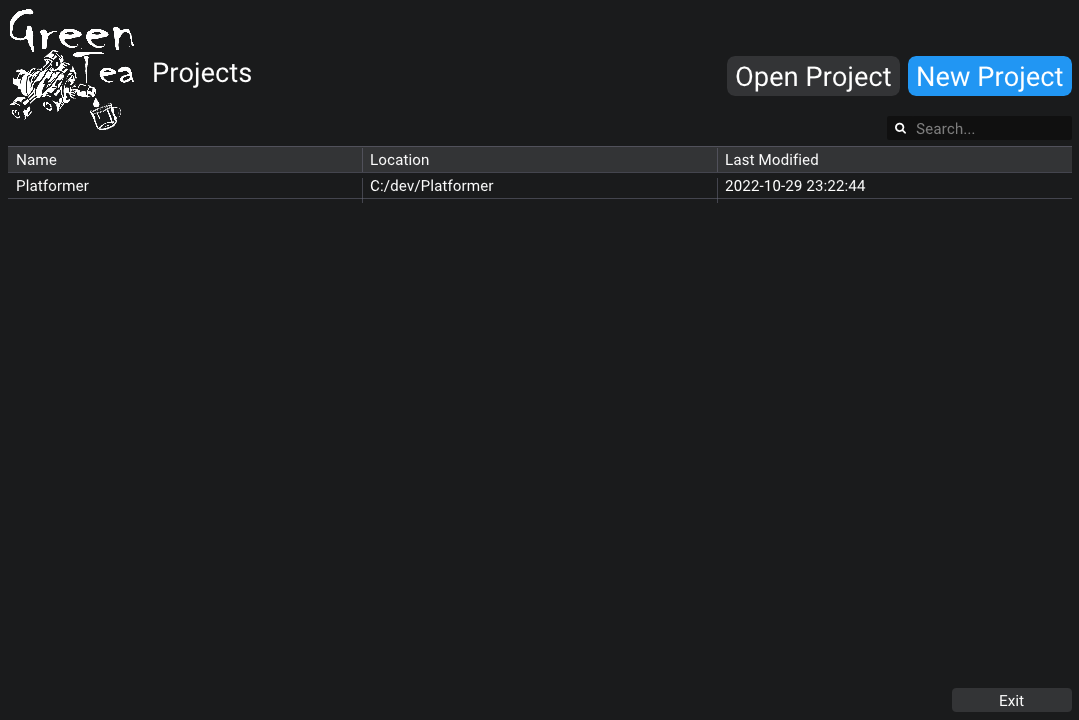
To create a new project start by opening the Engine, and press the big blue button on the top right corner of the screen New Project. A popup should appear that you can use to specify the Name for your Project as well as the location where the Project folder that we discuss earlier will be saved. By clicking to the folder Icon you can select the location using the default Navigation system of your operating system.
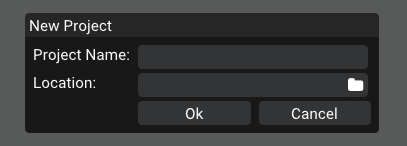
Once you have fill the both fields with the desired values press Ok to Create your Project (The project will be atomatically opened by the Editor).
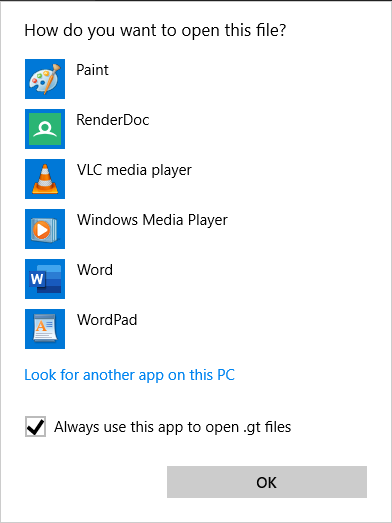
NOTE: If this is you first time starting a project using the Engine the Open With functionality will be triggered because your operating system doesn't know which program to use for open *.gt files. In this case make sure you tick the option Always use this app to open .gt files and navigate to the directory where CupOfTea.exe is located to choose it.
To open a project that you have locally on disk, but doesn't appear into the list of project just press the Open Project button on the top right and select Project folders.
The easiest way to start a project is to double click it on the list of Project Manager. This will automatically open the project using the editor as well as open the Visual Studio solution that will be used for building your scripts.
If you want to mannually start the project then navigate to the project's folder and double click on the .gt file.