Repository navigation
Introductory Video
Keep the Work Oriented is a 1 minute 50 second motion-graphics introduction
to .SYSTEMX: portable project memory, explicit agent responsibilities, and
reviewed progress across sessions.
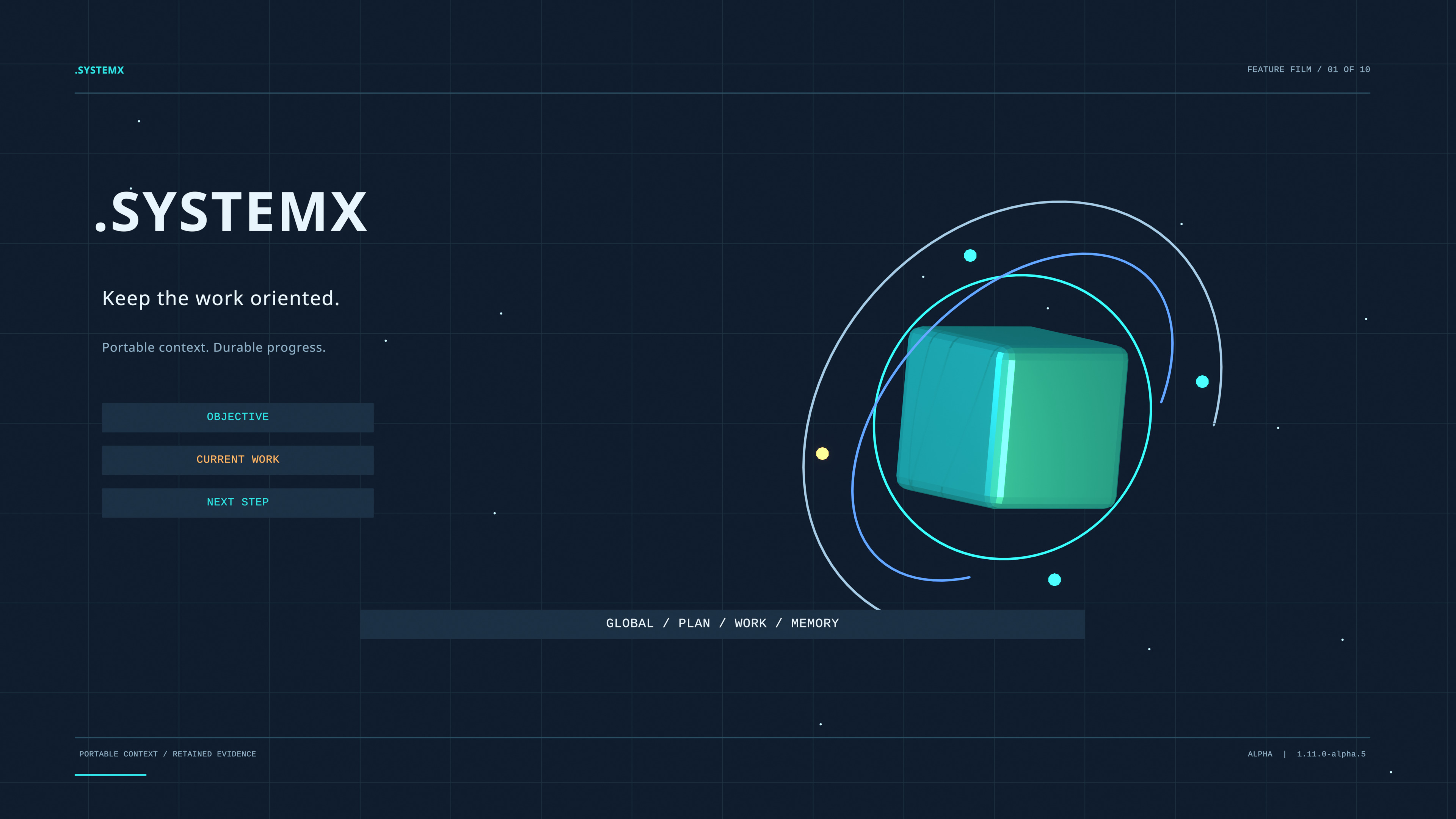
Open or download the Full HD film · Download the 4K poster · Media release and checksums

English captions · Narration transcript · Publication metadata · SHA256SUMS
Click the poster to open or download the MP4. GitHub and your browser may handle that link differently; the poster is a linked preview rather than a promise of inline playback on every README or wiki client.
The ten animated chapters move from the basic project records through routing,
review, task-list observations, selected references, independent project scopes,
and adoption. Native Blender geometry, cameras, moving task cards, routed
signals, and an opening DATA vault carry the explanation. The soundtrack combines
natural-sounding synthetic American English narration with original ambient
music and transition sounds. The voice is generated with Kokoro af_heart.
| Approximate start | Chapter | Main subject |
|---|---|---|
| 0:00 | .SYSTEMX | Objective, current work, and the next step in a portable folder |
| 0:08 | One project and one task ledger | Global context, Master Plan, canonical tasks, and selected memory |
| 0:20 | Agent 0, X, and Z | Coordination and acceptance; recorded time/events; fixed-policy review |
| 0:30 | Agent Y | Authorized CLI execution, owned worktrees, evidence, and optional draft PRs |
| 0:41 | ROOT | SYSTEMX/harness/optional-bot observations, comparison, reconciliation, and readback |
| 0:52 | Agent Alpha and AUTOBOT | Ten selected reference functions and request reuse |
| 1:05 | SYSTEMX PROJECTS | Separate .SYSTEMXP records and shared outer tools/defaults |
| 1:14 | DATA | TEMP, LARGE, IMPORTS, RESEARCH, ASSETS, EXPORTS, CACHE, and ARCHIVE |
| 1:26 | Adoption and recovery | CLI, shell, library, version pins, preserved updates, uninstall, and restore |
| 1:38 | The next accepted outcome | Evidence, checkpoints, and an explicit measurement boundary |
The approximate starts are rounded from the encoded chapter markers. The film contains visible English captions. Its text describes the implementation's responsibilities, not a live application demonstration or a measured productivity study. For the full account, use the white paper and manual.
- Film edition: 1.0; 109.833333 seconds; 1920 × 1080; 24 fps; H.264 MP4 with stereo AAC audio.
- Poster: 3840 × 2160 JPEG, exported from the native 4K Blender poster.
-
Feature reference: template
1.11.0-alpha.5, source85c9d6b78b9143b7ad928cc2b26050d1194921fa. -
Media release:
media-intro-v1.0; this is a media label, not a new installer/defaults version. -
Publication source:
78eb15467bd07ed1d3075959e7735c933c07e4ed; the annotated media tag names this source.
The media prerelease is published and immutable: GitHub release 423103796,
published 25 October 2026 at 02:28:32 UTC (24 October in the creator's
America/Los_Angeles publication date). Its six public assets include the film,
poster, captions, transcript, publication metadata, and SHA256SUMS.
The film does not change the alpha.5 template, white paper edition 2.0 (which examines alpha.4), or the alpha.3 four-part 4K field-guide edition. The large film and authoring dependencies are separate from the portable template. The README and wiki link published assets; viewing them installs no runtime or agent tooling.
Agent 0/user retains acceptance. Agent X records events and due items rather than executing schedules. Agent Y runs an explicitly authorized selected CLI; optional PR and cleanup gates remain separate from task completion. Agent Z scores supplied answers instead of executing its hundred questions. Alpha selects AUTOBOT references, not ten automatically running models.
ROOT compares retained observations and does not continuously synchronize a live provider. Actual authorized tools reconcile and read back external changes. DATA ignore rules do not establish privacy or exclude cloud sharing. Ordinary updates preserve adopted files; token, cost, and time benefits require comparable measurement. See evidence and acceptance, ROOT, and tokens, cost, and time.
First-time setup · Copy a setup prompt · White paper · Visual Guide · Four-part 4K field guide
Created by Lucas (SatoshiUNO). A product of Wayne Tech Lab LLC.