Installation
Note
If you need to install Node.js first, see Node.js Setup (Windows and macOS) before continuing.
-
Clone or download the
dep-clirepository to your local machine -
Open your terminal:
- Windows: PowerShell
- Mac: bash
-
Navigate to the
dep-clidirectory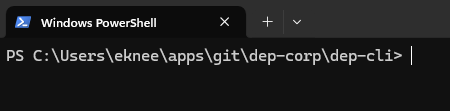
-
Install dependencies:
npm install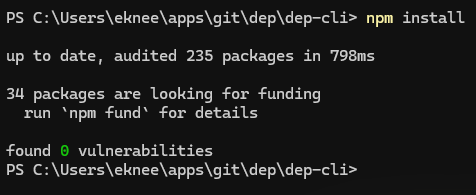
-
Start the CLI:
npm start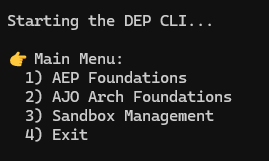
-
To exit at any time:
CTRL+C(Windows) orCommand+.(Mac)
If you already have the CLI cloned and want to pull the latest version:
- Navigate to the
dep-clidirectory - Pull the latest changes:
git pull - Update dependencies:
npm install
npm install is a no-op if nothing changed, so it is safe to run every time.
Next: Environment Setup