Community
- Main Page - List of all posts
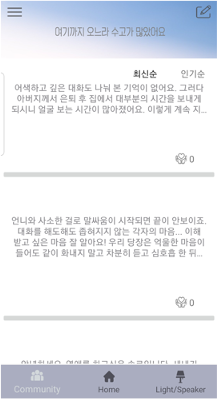
- Click hamburger button in the upper left -> 4 Post category (Family/Gender/Relationship/Ego)
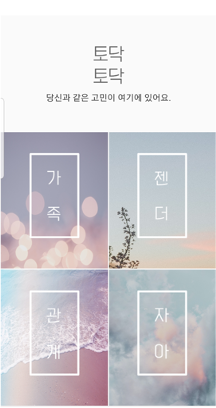
If select one of them, can see posts belonging to that category.
- Click image button in the upper right -> To see my reports or write posts
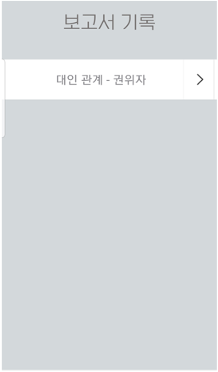
Here are the Todack chatbot reports you received.
- Click one of the reports -> Can see detailed analysis of reports
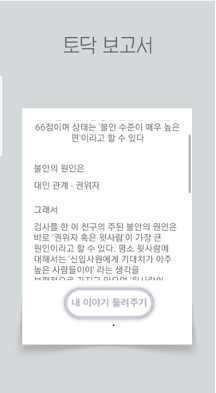
- Click '내 이야기 들려주기'button -> To write my own solution about that psychological problem
- Back on the main page, click on one of the posts -> Can see detailed of the post / Can press "Like" / Can see the writer's report.
If click '레포트 보러가기'button, can see the writer's report.