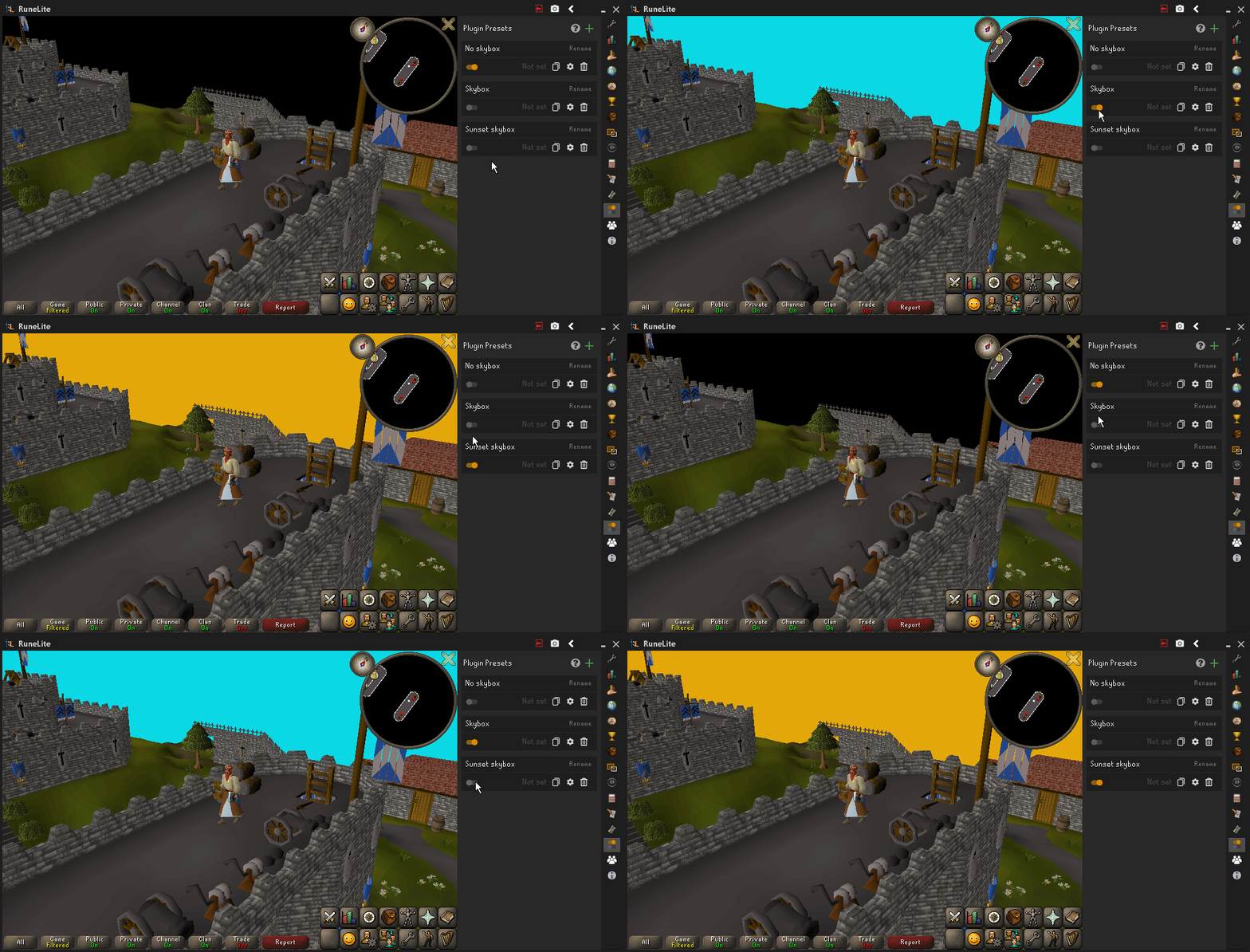
Plugin toggler presets
Most of the time presets are just simple plugin on/off toggles. To make plugin togglers, you need to create 2 presets for the plugins enabled and disabled states. The first preset stores the information about the plugin being enabled and the other stores the information about it beind disabled.
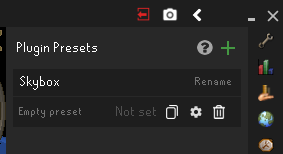
- Create a new preset called Skybox by clicking the green + icon. This preset will store the plugins enabled state.
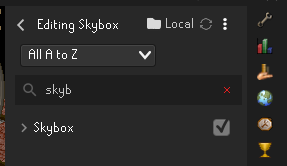
- Enable the Skybox plugin from the RuneLite settings tab and then add its state to the Skybox preset by opening the edit panel and selecting the Skybox checkbox. The Skybox preset now stores the Skybox plugins state.
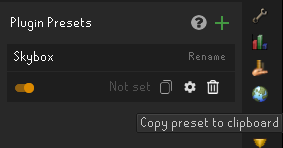
- Duplicate the made Skybox preset by clicking the copy icon and then import from clipboard.
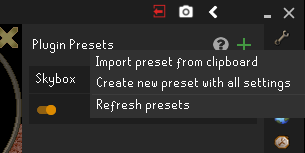
- Rename the copied preset as "No skybox", disable the Skybox plugin from the RuneLite settings, edit the "No skybox plugin" and click then "Update all" button. The preset now stores the Skybox plugins disabled state.
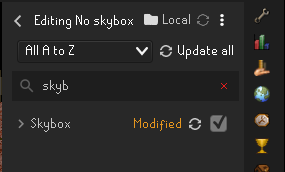
You can now switch between the presets by clicking the switch icon to easily toggle your Skybox plugin.
This example work for all other plugins and in a similiar manner, you can add other toggles to same the presets by just including their disabled/enabled state by selecting the checkbox in the edit panel.
Toggles also work for the plugin settings so you can make presets to just change the inner plugin settings e.g. Skybox color, not just the enabled/disabled state.