2.3.92 Satellite Daytona
Handle:
daytona
URL: http://localhost:35000
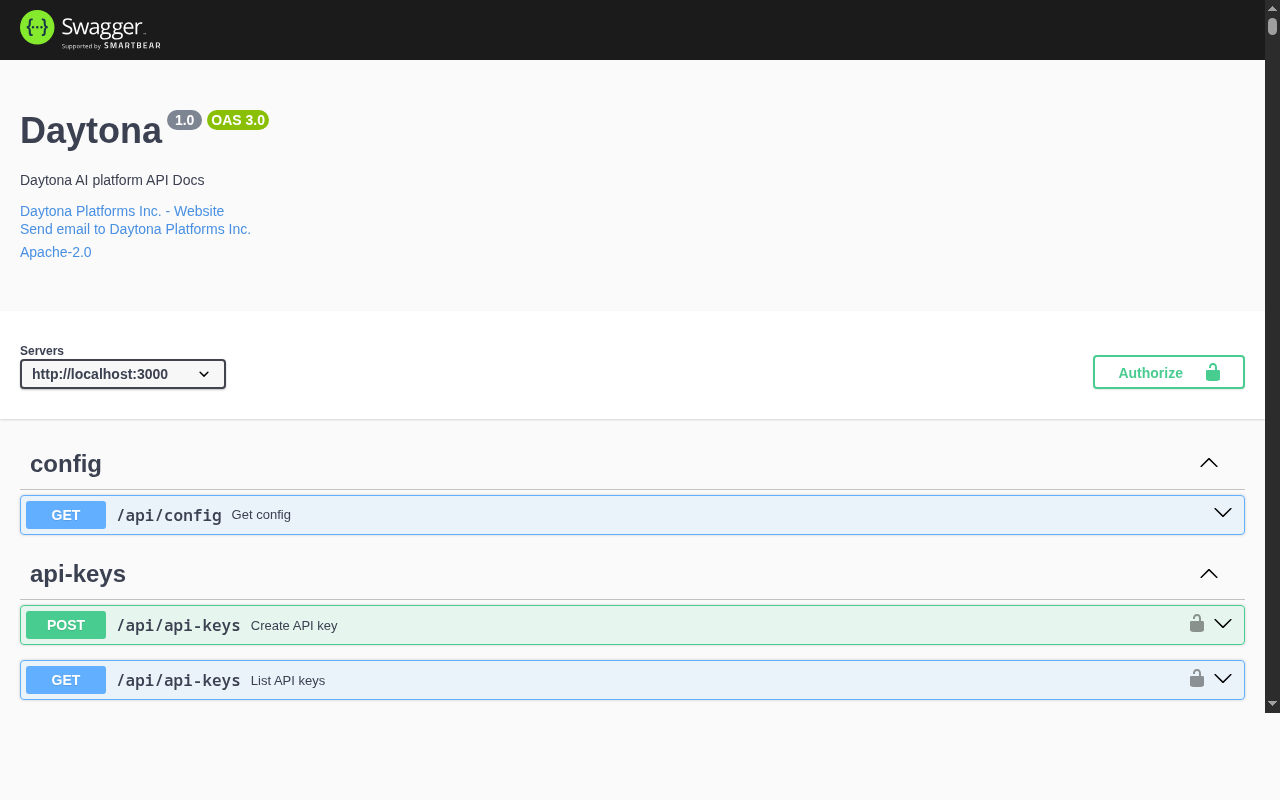
Daytona is a self-hosted sandbox platform for AI agents. It provides isolated environments with Docker-in-Docker support, desktop computer use (screenshot, mouse, keyboard via API), and GPU passthrough. Sandboxes are managed via REST API, Python/TypeScript SDKs, or the Daytona CLI with MCP integration for Claude Code.
# Pull the images (14 containers)
harbor pull daytona

# Start Daytona
harbor up daytona --open- Default credentials:
dev@daytona.io/password(via Dex OIDC; login is by email) - Email:
dev@daytona.io - Admin API key: configured via
HARBOR_DAYTONA_ADMIN_API_KEY - The dashboard is available at
http://localhost:35000/dashboard
# Point the Daytona CLI at the local instance
daytona login --api-key $(harbor config get daytona.admin_api_key)Following options can be set via harbor config:
# Ports
HARBOR_DAYTONA_HOST_PORT               35000   # API + Dashboard
HARBOR_DAYTONA_PROXY_HOST_PORT         35001   # Sandbox preview proxy
HARBOR_DAYTONA_RUNNER_HOST_PORT        35002   # Runner API
HARBOR_DAYTONA_SSH_HOST_PORT           35003   # SSH gateway
HARBOR_DAYTONA_DEX_HOST_PORT           35006   # OIDC provider
HARBOR_DAYTONA_DB_HOST_PORT            35007   # PostgreSQL
HARBOR_DAYTONA_PGADMIN_HOST_PORT       35008   # pgAdmin UI
HARBOR_DAYTONA_REGISTRY_HOST_PORT      35009   # Container registry
HARBOR_DAYTONA_REGISTRY_UI_HOST_PORT   35010   # Registry browser
HARBOR_DAYTONA_MINIO_HOST_PORT         35011   # S3-compatible storage
HARBOR_DAYTONA_MINIO_CONSOLE_HOST_PORT 35012   # MinIO console
HARBOR_DAYTONA_JAEGER_HOST_PORT        35013   # Tracing UI
HARBOR_DAYTONA_MAILDEV_HOST_PORT       35014   # Mail capture UI

# Images
HARBOR_DAYTONA_IMAGE                   daytonaio/daytona-api
HARBOR_DAYTONA_VERSION                 latest
HARBOR_DAYTONA_PROXY_IMAGE             daytonaio/daytona-proxy
HARBOR_DAYTONA_PROXY_VERSION           latest
HARBOR_DAYTONA_RUNNER_IMAGE            daytonaio/daytona-runner
HARBOR_DAYTONA_RUNNER_VERSION          latest
HARBOR_DAYTONA_SSH_IMAGE               daytonaio/daytona-ssh-gateway
HARBOR_DAYTONA_SSH_VERSION             latest

# Database
HARBOR_DAYTONA_DB_USER                 user
HARBOR_DAYTONA_DB_PASSWORD             pass
HARBOR_DAYTONA_DB_NAME                 daytona

# Security
HARBOR_DAYTONA_ENCRYPTION_KEY          supersecretkey
HARBOR_DAYTONA_ENCRYPTION_SALT         supersecretsalt
HARBOR_DAYTONA_ADMIN_API_KEY           harbor-daytona-admin-key

# Sandbox defaults
HARBOR_DAYTONA_DEFAULT_SNAPSHOT        daytonaio/sandbox:v0.185.0-amd64

# Workspace
HARBOR_DAYTONA_WORKSPACE ./services/daytona/dataThe SSH gateway (daytona-ssh, published on HARBOR_DAYTONA_SSH_HOST_PORT) requires an RSA gateway keypair and a host key. Harbor does not ship any keys — on the first harbor up daytona, unique per-install keys are generated with ssh-keygen and persisted (base64-encoded) to your .env as:
-
HARBOR_DAYTONA_SSH_GATEWAY_PRIVATE_KEY/HARBOR_DAYTONA_SSH_GATEWAY_PUBLIC_KEY HARBOR_DAYTONA_SSH_HOST_KEY
ssh-keygen (OpenSSH client) must be installed on the host; Harbor aborts startup with instructions if it is missing. To rotate keys, clear all three values (harbor config set daytona.ssh_gateway_private_key "", etc.) and run harbor up daytona again.
Daytona persists data in the following directories:
-
services/daytona/data/db/- PostgreSQL database -
services/daytona/data/dex/- Dex OIDC state -
services/daytona/data/registry/- Container image registry -
services/daytona/data/minio/- S3-compatible object storage
The service runs 14 containers:
| Container | Role |
|---|---|
daytona |
API server + dashboard |
daytona-proxy |
Sandbox preview URL proxy |
daytona-runner |
Sandbox lifecycle manager (privileged) |
daytona-ssh |
SSH gateway for sandbox access |
daytona-dex |
OIDC identity provider |
daytona-db |
PostgreSQL database |
daytona-pgadmin |
Database admin UI |
daytona-redis |
Cache and queue |
daytona-registry |
Container image registry |
daytona-registry-ui |
Registry browser |
daytona-minio |
S3-compatible object storage |
daytona-jaeger |
Distributed tracing UI |
daytona-otel |
OpenTelemetry collector |
daytona-maildev |
Mail capture for dev |
# Check API server logs
harbor logs daytona

# Check runner logs (sandbox creation issues)
harbor logs daytona-runnerharbor down daytona
rm -rf services/daytona/data/db
harbor up daytonaThe Dex OIDC config at services/daytona/dex/config.yaml has hardcoded port numbers. If you change HARBOR_DAYTONA_HOST_PORT, HARBOR_DAYTONA_PROXY_HOST_PORT, or HARBOR_DAYTONA_DEX_HOST_PORT, update the corresponding values in that file.
Daytona's runner scheduler considers host disk usage when assigning work. If host disk usage exceeds ~80%, the default snapshot initialization will loop with "No available runners" errors even though the runner is registered and healthy. Free up disk space (docker system prune -f) to bring usage below 80%, then restart:
harbor down daytona
rm -rf services/daytona/data/db
harbor up daytonaOn first start, the Dex container may fail with "Permission denied" because Docker creates services/daytona/data/dex/ as root but Dex runs as UID 1001. Fix:
docker run --rm -v ./services/daytona/data:/data alpine:3.20 chown -R 1001:1001 /data/dex
harbor up daytona