8.5 OpenAI Compatible Local LLM Backends
A local OpenAI compatible API is useful when you want the same model stack to serve browser frontends, agent tools, scripts, and development CLIs. Harbor gives you several local backend choices, including Ollama, llama.cpp, vLLM, Docker Model Runner, MLX, and oMLX, then wires compatible services to those backends through Docker Compose.
This guide explains the user-level workflow: which backend to start, how to switch between them, and how OpenAI-compatible clients fit into Harbor.
Many AI tools know how to talk to an OpenAI-style provider. In a local setup, that usually means pointing the tool at a local base URL, choosing a model name, and supplying whatever API key convention that local service expects.
Harbor uses that compatibility layer as a common integration point:
- Open WebUI and other frontends can be configured for Harbor backends.
- Satellite services can receive backend URLs and model settings through cross-service Compose files.
- Harbor Boost can route requests to local backends.
- Harbor Launch can run host tools against a selected local backend from your current project directory.
The exact API surface still belongs to each backend. Harbor does not make every backend identical; it gives you a consistent way to start, configure, connect, and swap them.
 Open WebUI model provider settings showing Ollama integration with available local models.
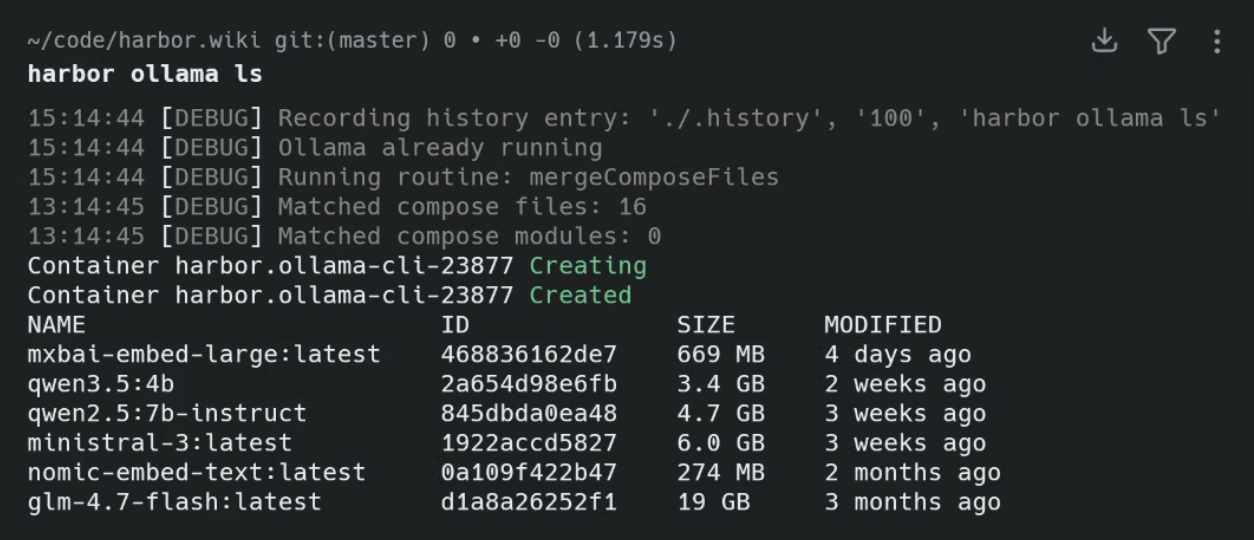
Ollama is Harbor's default backend because it is convenient for most users. The Ollama service is started by the default harbor up workflow alongside Open WebUI:
harbor upUse Ollama when you want simple model management, a familiar local runtime, and the broadest default integration path in Harbor. The Ollama service doc describes Harbor's Ollama OpenAI compatible API path, including how many Harbor consumers use the service's /v1 endpoint and conventional local key.
For an explicit Open WebUI plus Ollama startup:
harbor up webui ollamaThat is the simplest Harbor path for users searching for an Ollama OpenAI compatible API behind a local web UI.
llama.cpp is useful when you want direct GGUF serving without the Ollama layer. Harbor can pull GGUF models from Hugging Face and run llama.cpp in router mode so downloaded models are discoverable by the service.
harbor pull microsoft/Phi-3.5-mini-instruct-gguf
harbor up llamacpp
The llama.cpp service documentation shows the local server URL, model management commands, and examples for its /v1/chat/completions path in router mode. Use this path when your search intent is a llama.cpp OpenAI compatible server managed by Harbor rather than a hand-written container command.
vLLM is a throughput-oriented backend for serving Hugging Face models through an OpenAI-compatible interface. Harbor builds and starts the vLLM service, applies GPU or ROCm overlays when available, and connects compatible services such as Open WebUI, Chat UI, Aider, Boost, and LiteLLM through cross-compose files.
harbor vllm model Qwen/Qwen3.5-4B
harbor up vllm
Use vLLM when you want a vLLM OpenAI compatible server for higher-throughput serving, batched/concurrent workloads, or model formats that fit vLLM better than a GGUF-first runtime.
Treat vLLM as a heavier backend than the default Ollama path. The vLLM service doc covers its local image build, Hugging Face cache, GPU overlays, ROCm path, and host IPC behavior; choose a model and quantization strategy that fit your GPU or accelerator capacity before making it part of your default stack.
Docker Model Runner is useful when you want Docker to manage the local model runtime while Harbor services consume a normal OpenAI-compatible endpoint.
harbor models pull --source dmr ai/smollm2
harbor up dmr
On Apple Silicon, DMR is the preferred Docker-managed path for host-native Metal inference. Harbor starts a proxy container at http://dmr:8080/v1; Docker Model Runner itself stays on the host.
When host management is enabled, harbor up dmr also attempts to bootstrap missing Docker Model Runner components before the proxy starts.
For a longer walkthrough (model search, pulls, and multi-platform setup), see Docker Model Runner with Harbor.
MLX is useful when you specifically want Apple's MLX runtime on an Apple Silicon Mac. Harbor manages mlx-lm on the host and exposes it to the Compose network through a proxy container.
harbor up mlx
harbor launch --backend mlx --model mlx-community/Qwen3.5-4B-4bit codex
MLX acceleration does not run inside Harbor's Linux containers. The Harbor service owns lifecycle, config, docs, and integration; Metal inference runs on macOS.
When host management is enabled, harbor up mlx automatically starts mlx-lm on macOS via uv run.
For HuggingFace discovery, pulls, and Apple Silicon stack examples, see Run MLX on Apple Silicon with Harbor.
oMLX is useful when you want an Apple Silicon MLX backend with multi-model serving, continuous batching, a web admin dashboard, and paged SSD KV caching. Harbor manages omlx serve on the host and exposes it to the Compose network through a proxy container.
harbor up omlx
harbor launch --backend omlx --model Qwen3.5-4B-4bit codex
Like MLX, oMLX acceleration does not run inside Harbor's Linux containers. The Harbor service owns lifecycle, config, docs, and integration; Metal inference runs on macOS.
When host management is enabled, harbor up omlx automatically starts oMLX on macOS via uv run.
The default Harbor profile starts Ollama and Open WebUI. You can still start another backend directly:
harbor up llamacpp
harbor up vllm
harbor up dmr
harbor up mlx
harbor up omlx
For repeatable day-to-day startup, manage Harbor defaults:
harbor defaults
harbor defaults rm ollama
harbor defaults add vllm
harbor up
That changes which backend starts with the default stack. You can use the same pattern for llamacpp when a GGUF-first workflow is a better fit:
harbor defaults rm ollama
harbor defaults add llamacpp
When you only want to test a backend, starting it by handle is usually enough. When you want a backend to become part of your normal stack, make it a default.
Harbor integrations are stored as cross-service Compose files. When you start compatible services together, Harbor includes the matching integration files and injects the backend settings those services expect.
Examples:
harbor up webui ollama
harbor up webui llamacpp
harbor up webui vllm
harbor up webui dmr
harbor up webui mlx
harbor up webui omlx
The exact integration differs by service. The backend docs list which Harbor frontends and satellite tools auto-configure for each backend, including the internal URLs and keys used where they are documented locally. If you need to inspect the generated Compose selection, use:
harbor cmd webui vllmUse this when you want to see which Compose files Harbor selected before running or debugging a stack.
OpenAI-compatible backends are not only for browser frontends. Harbor Launch can run installed host tools against a Harbor backend from the directory where you invoke the command:
harbor launch --backend ollama --model qwen3.5:4b codex
harbor launch --backend llamacpp --model Qwen3.5-4B opencode
harbor launch --backend vllm --model Qwen/Qwen3.5-4B mi
harbor launch --backend dmr --model ai/smollm2 codex
harbor launch --backend mlx --model mlx-community/Qwen3.5-4B-4bit codex
harbor launch --backend omlx --model Qwen3.5-4B-4bit codex
Launch can use a running backend, start an explicit stopped backend, or start llamacpp when no compatible backend is running. It can also read compatible /v1/models responses when no model is supplied, while --model gives you a repeatable choice.
For tools that support configuration output, you can write or inspect the adapter config without starting the tool:
harbor launch --config opencodeSee Run Coding Agents with Local LLMs for the dedicated guide to Codex, Claude Code, OpenCode, and other host tools.
Use Ollama when:
- You want the default Harbor path with Open WebUI.
- You want convenient model pulls and local model management.
- You want the broadest set of pre-wired Harbor consumer integrations.
Use llama.cpp when:
- You want to run GGUF models directly.
- You want router-mode model discovery from the local Hugging Face cache.
- You need behavior close to the upstream llama.cpp server.
Use vLLM when:
- You want a throughput-oriented OpenAI-compatible server.
- You are serving Hugging Face models rather than GGUF files.
- You are tuning for concurrent or batched use instead of only a single local chat session.
Use Docker Model Runner when:
- You want Docker to manage the host model runtime.
- You want Apple Silicon Metal inference while keeping Harbor's Compose service workflow.
- You want models managed through
harbor models --source dmr.
Use MLX when:
- You are on an Apple Silicon Mac and want direct MLX-backed inference.
- You want Harbor to manage
mlx-lmstartup on the host. - You want Harbor-managed proxying for a host-native MLX process.
Use oMLX when:
- You are on an Apple Silicon Mac and want MLX-backed inference with multi-model serving.
- You want continuous batching, a web admin dashboard, and paged SSD KV cache.
- You want Harbor-managed proxying for oMLX while the runtime stays host-native.
For many users, the practical workflow is simple: start with Ollama, add llama.cpp when you want direct GGUF serving, use vLLM when serving throughput or model format support matters more, and use DMR, MLX, or oMLX on Apple Silicon when Metal acceleration is the goal.
- Start with Local LLM Stack with Docker Compose for the broader Harbor stack.
- Read Ollama + Open WebUI + SearXNG Local Web RAG Setup if the backend will power a local web-search workflow.
- Use Harbor vs Manual Docker Compose for Local AI if you are deciding between Harbor and a hand-written Compose stack.
- Return to the docs Home for the full documentation index.
- Return to Harbor Guides for the full guide index.