Repository navigation
Home
Your Valheim server, its admin panel and its website — installed from the browser.
Leia em português · Repository
Current release: 1.2.0 · Release notes
| Guide | What you will find | |
|---|---|---|
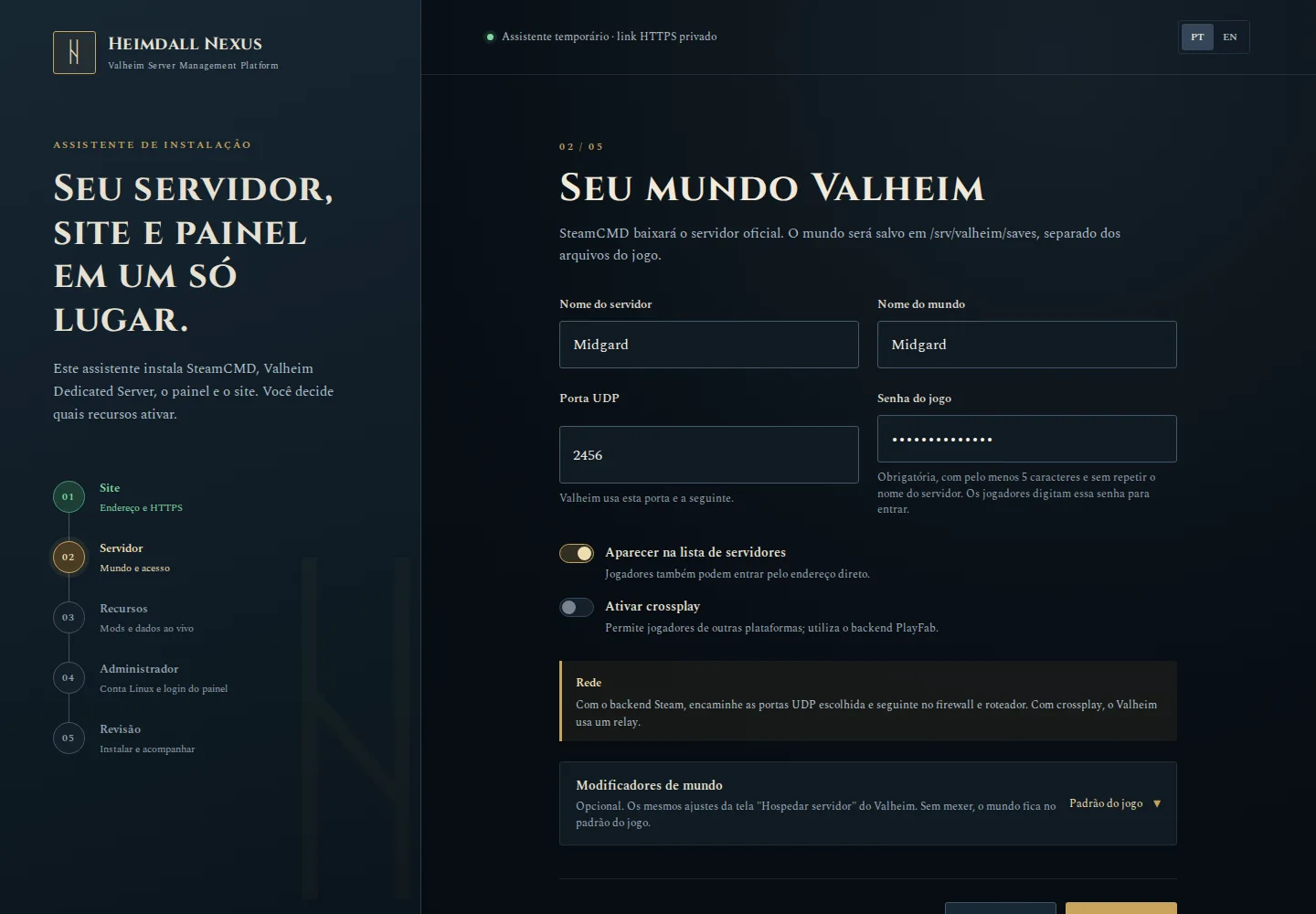
| 1 | Installation | Choose Linux (Ubuntu/Debian) or Windows, open the visual installer and fill in five screens. |
| 2 | Configuration | Where settings live, modpacks, live data and HTTPS. |
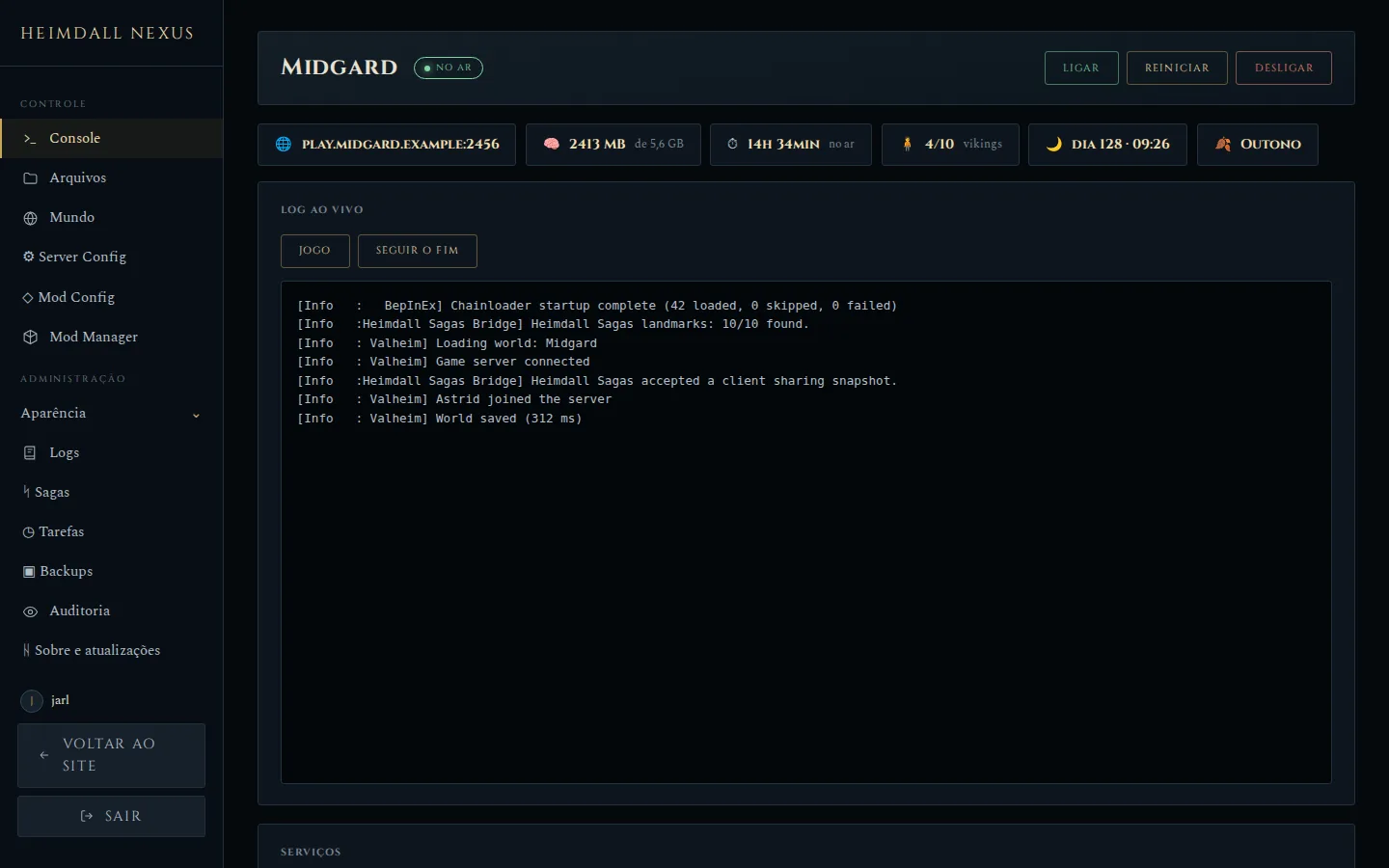
| 3 | Operations | Console, Server Config, Mod Manager, world wipe, Logs, Tarefas (schedules), Backups, updates and update channels. |
| 4 | Layout Editor | Edit pages with the Layout Editor sidebar, the site menu, name, logo, colors and pages in Aparência. |
| 5 | Sagas | Optional map, stories, the Armory with a 3D portrait of each viking, and recent rankings; install the bridge and set player consent. |
| 6 | Screenshots | A visual tour of the website and the panel, handy before installing. |
| Visual installer | Admin panel | Your website |
|---|---|---|
 |
 |
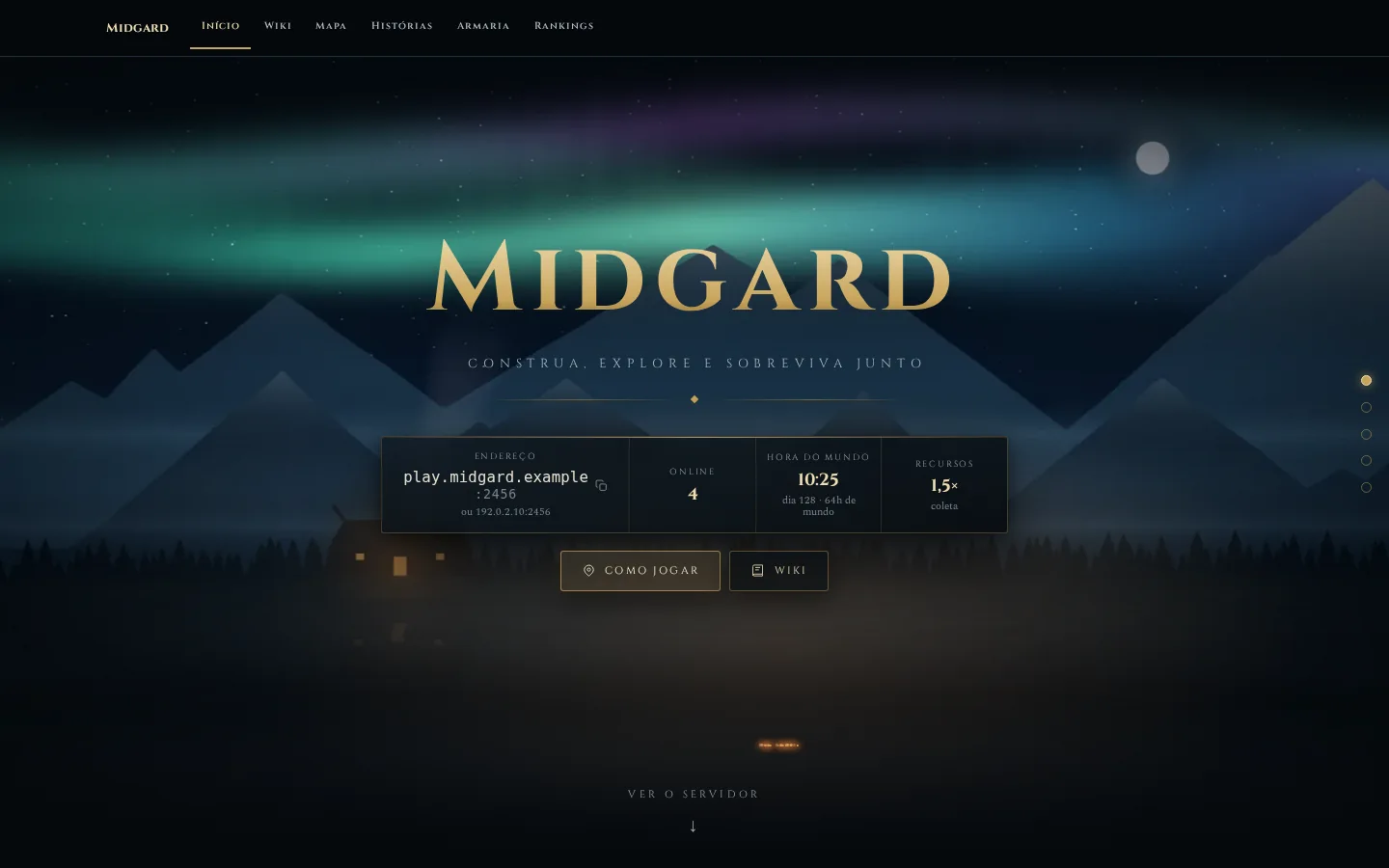 |
Screenshots show illustrative data, not a real server.
Tip
Testing on a Linux VM in your own network? Run sudo ./deploy/install.sh --direct and open the link it prints — no tunnel or SSH needed. On Windows, download the HeimdallNexus-Windows-….exe app and follow the Windows guide: it is all clicks, no commands.
Open an issue with the installer step and the error it showed. Never paste passwords or setup links.