Repository navigation
Home
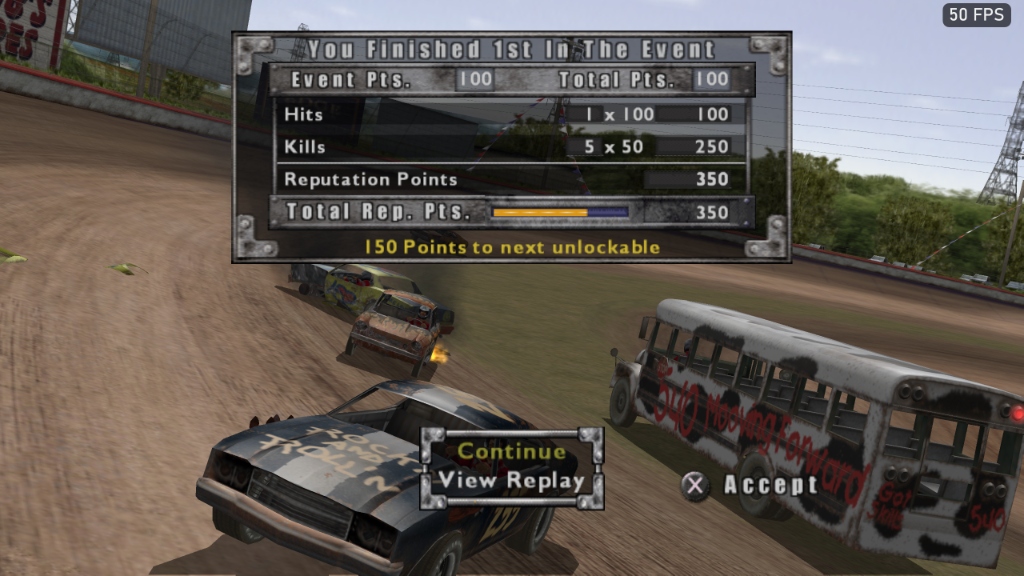
Welcome to the official technical encyclopedia and modding wiki for EOD Recomp — a commercial-grade native PC (Windows 11 x64, Vulkan) and Apple Silicon (macOS, Metal) static recompilation, remaster, and World Editor & Creation Kit for Monster Games' 2004 PlayStation 2 demolition racing classic, Test Drive: Eve of Destruction (North American release SLUS_209.10).
| Section | Wiki Page | What You Will Find |
|---|---|---|
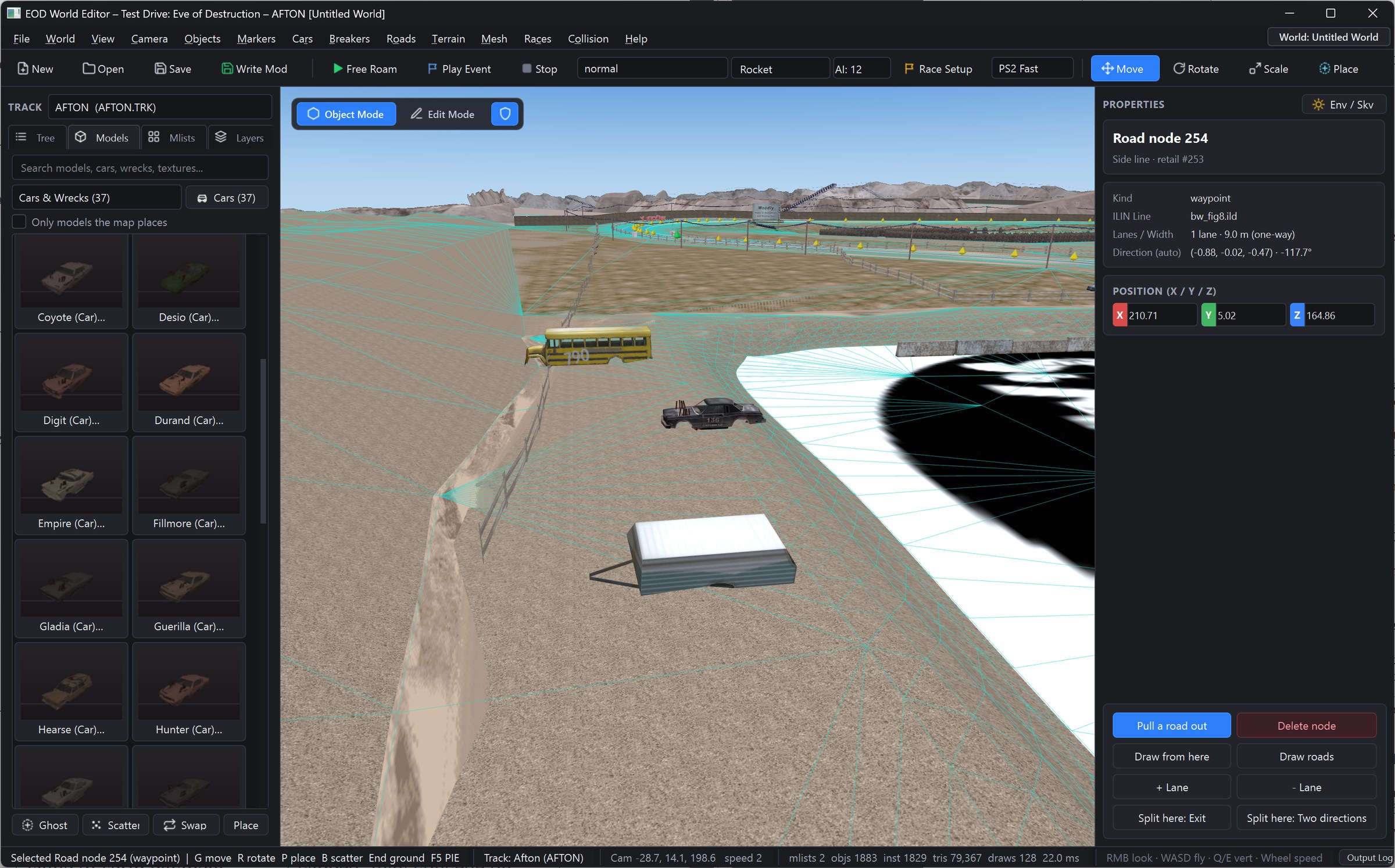
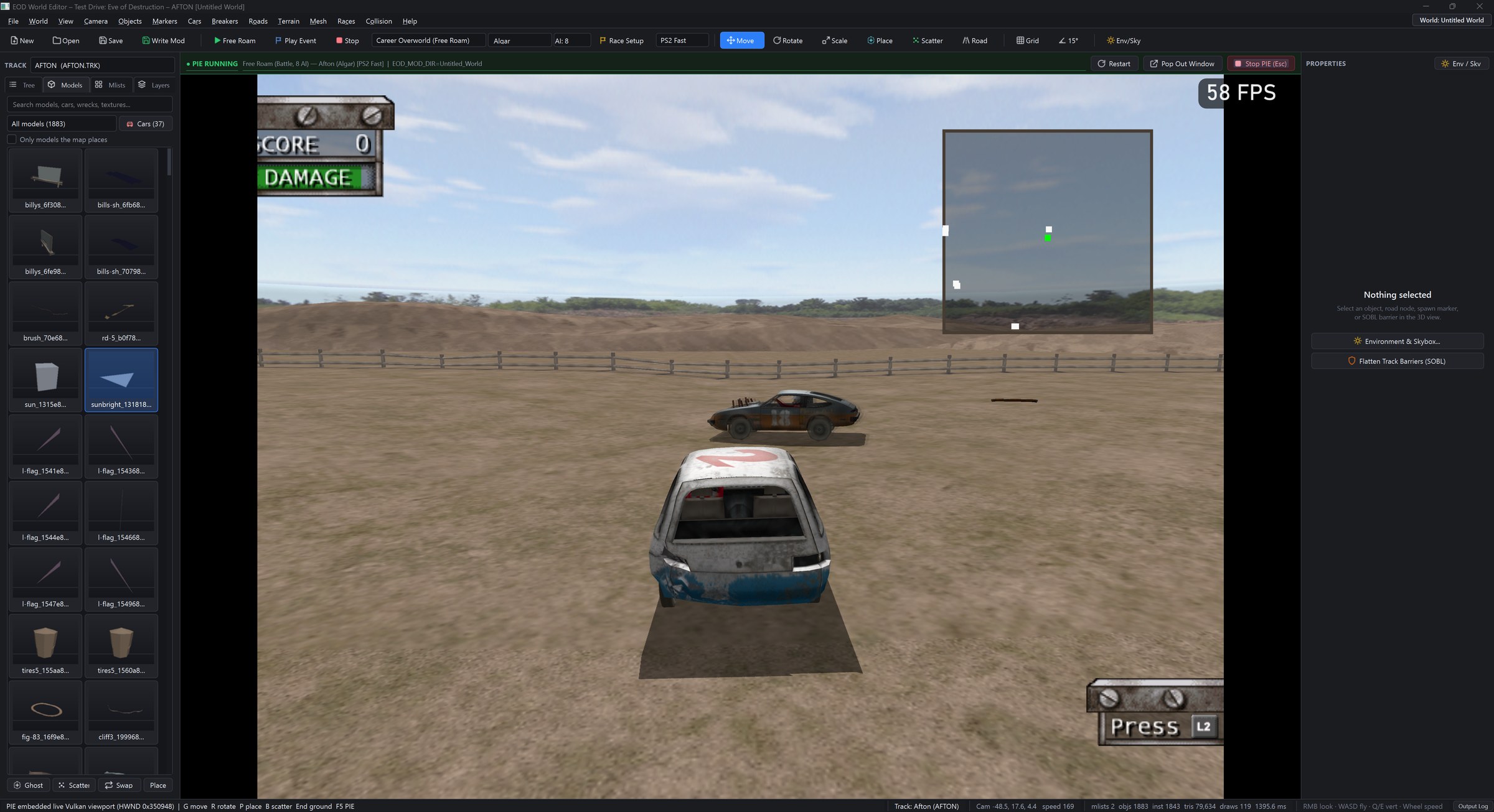
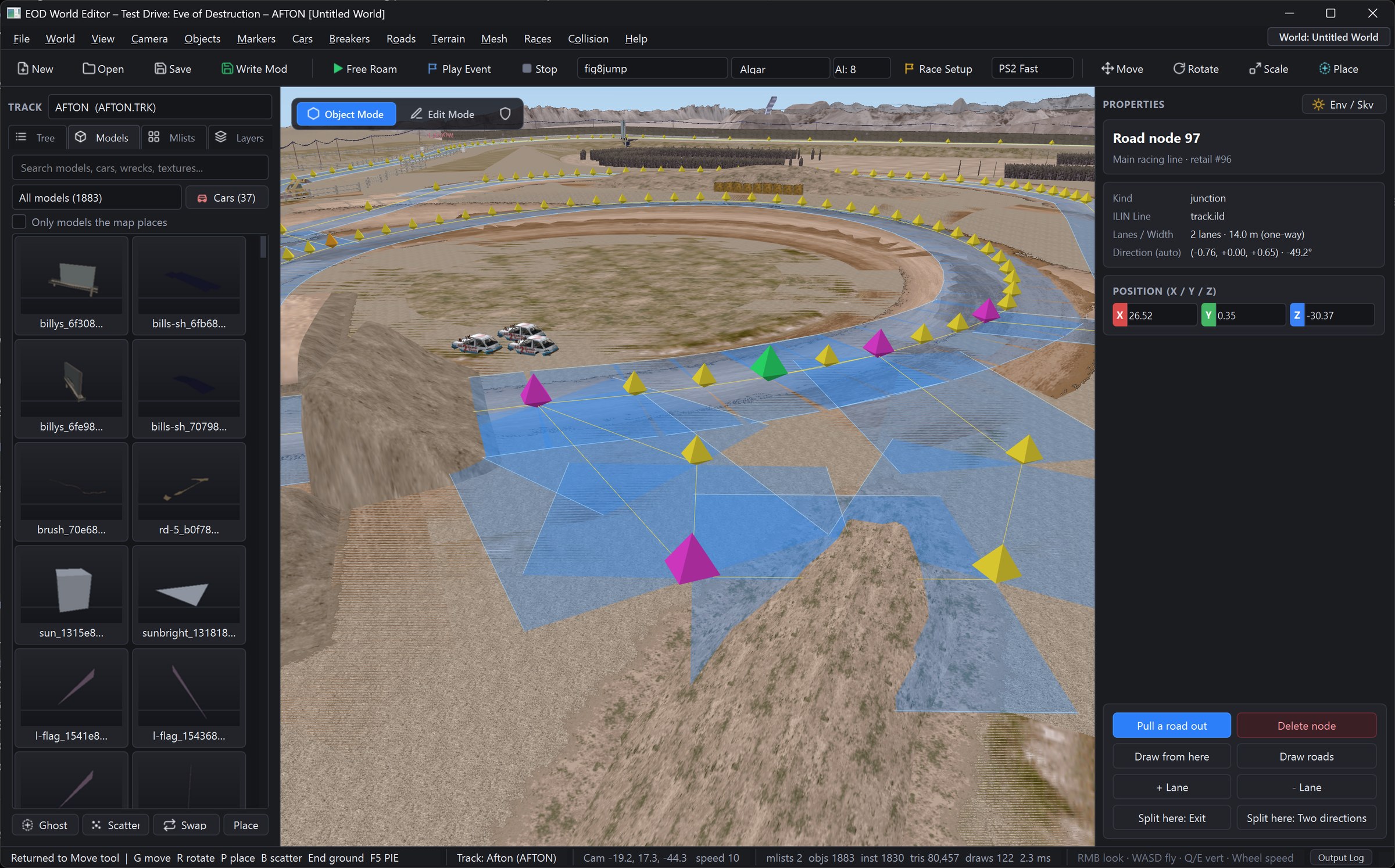
| 1. Tutorials & Modding Guide | Modding-Tutorials | Step-by-step visual tutorials (Tutorials 1–7): Zero-friction PS2 .ISO setup, F9 Classic/Modern toggle, F1 Mods menu, World Editor track modding, Play-In-Editor (PIE), fence & SOBL invisible-wall removal, Ghost Place (P) & Scatter Brush (B) with all 37 retail Cars & Wrecks, ILIN AI pathfinding & custom modes (Tag, Cat & Mouse, Fat Kid / Juggernaut), 4K HOSTTEX textures, skybox swapping, NASCAR: Dirt to Daytona car importing, and .eodmod packaging. |
| 2. Engine Architecture | Architecture-Overview | Emotion Engine (MIPS R5900) static binary translation (tools/recomp.py), 32 MB linear EE RAM map, 16 KB Scratchpad, VU0/VU1 vector microcode (tools/vurecomp.py), 4 MB GS VRAM, IOP HLE (stream.irx, mcserv, padman, libsd), 6-phase boot-to-race lifecycle, 9 core subsystems, and PS2 limit removals. |
| 3. Native Plume Renderer | Native-Plume-Renderer | Why we built on Plume (Vulkan / Metal) instead of Filament, 1-frame F9 Classic PS2 vs. Modern PBR toggle, Stages R0–R8 & R9, C++17 VIF Mesh Decoder (44,584 parts in 160 ms), V4-5 prelit world colors vs. V4-8 normals, character skinning & 157-bone Bone.mvl car crumpling, full-resolution shadow volumes, particles/sprites/flares, and P1–P13 / S1–S4 / D1–D5 gates. |
| 4. File Formats Encyclopedia | File-Formats-Encyclopedia | Complete binary specifications for all 72 archives, 7,329 internal assets, and 24 FourCC types: 0TSR v6 (.TRK/.CAR/.RES, CRC-32 0x04C11DB7), GRAF v18, MODL v9, 4SPS VIF, TEX v10 & .tm0, .eodhtx (HOSTTEX), ILIN v27 (.ild/.ili), SCOL v4 (track.bsc), SOBL v3 (track.sol), VALT v11, SETU v2 (.gar), LAYT v5, IMAG v3, LANG v1, STAB, GTEX, CANV, SFX0/ESFX/SPEECH.BNK, Anim/Anm0, and HSCM v3 saves (0xFEEDFACE). |
| 5. Decompiled Subsystems & Symbols | Decompiled-Subsystems-and-Symbols | Canonical function & global address catalog (config/symbols.txt), HLE hooks (config/hle.txt), the EOD_DIFF & EOD_DIFF_REPLAY live verification harness, 6-DOF vehicle physics, 8-panel detachment & expandable debris phob pools, Explosive Chicken 3 ballistic regimes & 100×100 spatial hash shockwave, AI control injection & BattleMaster 26 event modes, Career progression, and deterministic netplay. |
| 6. World Editor & Creation Kit | World-Editor-and-Creation-Kit | Standalone Windows 11 World Editor (tools/world_editor/) & Creation Kit (tools/kit_service/) software architecture (ADRs 01–08), 4-tier process isolation, 6 Ishikawa Fishbone friction analyses, 80.lv UX principles & 5-competitor synthesis (NFSU2 FRS, Twinmotion, Lumion, UE5, Minecraft Bedrock Editor), JTBD-01..08, and CLI modding tools. |
-
Instant Classic / Modern Toggle (
F9orL1+R1+R3): Switch mid-race in 1 frame (<= 33 ms) with flat GPU memory between a pixel-faithful PlayStation 2 Classic look (SSIM >= 0.98vs. software GS replay) and a 2026 Remastered PBR look with cascaded sun shadows, sky IBL, clear-coat car paint, water refraction, and GPU particle VFX. -
Unthrottled Scale, Maximum LOD & Split-Screen Parity: Render at
1x(640×448) up to8x+(5120×3584), unlocked frame rates (60–240+ FPS), native Hor+ 16:9 widescreen with edge-anchored HUD gauges,Detail=maximumlocking all 20 vehicles toLow1.modat every distance, andSplitScreenParity=1giving 2P/4P split-screen the full 1P world passes, draw distance, flares, and Woodly (AFTON.TRK) water. -
Photo Mode & Video Ready: Pause anywhere, hide the HUD, fly the free camera with roll/FOV/DOF, and export
7680×4320(8K) PNGs in< 2 s. -
First-Class Modding & Creation Kit: Non-destructive overlay architecture (
EOD_MOD_DIR), 4K/8K VulkanHOSTTEX(.eodhtx) texture replacement, full 3D World Editor with embedded Play-In-Editor (PIE), delta-only.eodmodpackages with 3-tier conflict merging, and[MOD]roster badges in Single & Multiplayer Arcade. -
Instant PC Boot: Skips startup
.PSSintro movies, artificial loading delays, and PS2 memory-card checks by default—booting straight to the main menu in under 2 seconds.
<!-- slide -->
<!-- slide -->
<!-- slide -->
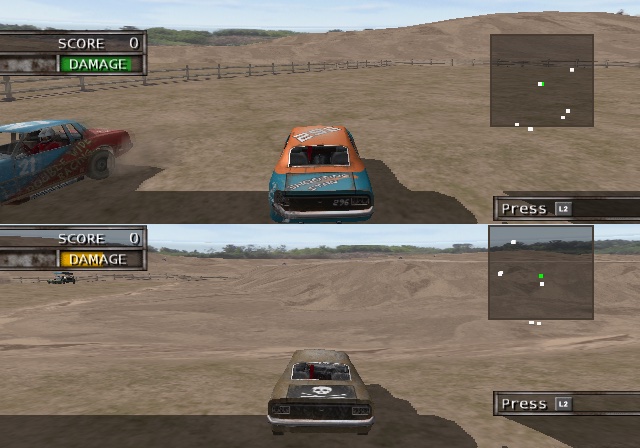
<!-- slide -->
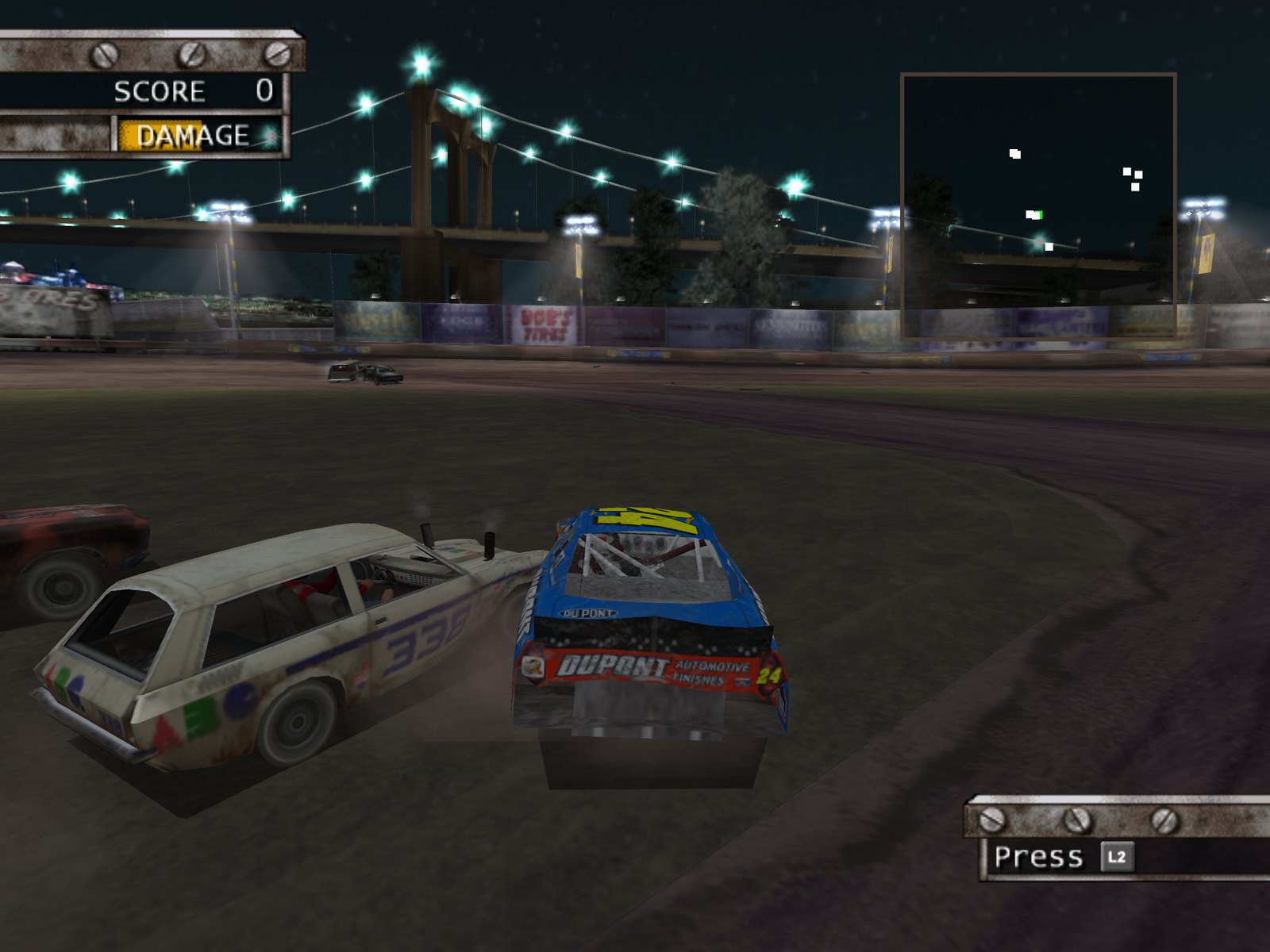
Launch the World Editor (tools\world_editor\launch_editor.bat) and drag-and-drop your retail North American Test Drive - Eve of Destruction (USA).iso onto the First-Run ISO Setup Wizard—or extract via CLI:
python tools/iso_extractor.py --iso "Test Drive - Eve of Destruction (USA).iso" --out "D:\Test Drive - Eve of Destruction (USA)".\eod.exe --data "D:\Test Drive - Eve of Destruction (USA)"- Press
F9mid-race to toggle PS2 Classic ↔ Modern Remastered. - Press
F1(or controllerL3 + R3) to configure RenderScale (1x–8x), 16:9 Widescreen, Maximum LOD, Explosive Chicken Fight (L2), Turbo Boost, Single-Player Battle Mode, Battle Bots, and Manual Recovery.
tools\world_editor\launch_editor.bat- Pick any of the 15 retail tracks (e.g.
AFTON (Woodly)orDUNDAS), scale a jump ramp, flatten the 16 mSOBLinvisible barriers, scatter wrecked School Buses withB, and pressF5to drive your modded track immediately inside the viewport!