Repository navigation
Tutorials 7 Packaging and Sharing Mods
Part of the EOD Recomp Modding & World Editor Tutorials · Previous: Tutorial 6: 4K Textures, Skyboxes & NASCAR Cars · Back to Overview: Modding-Tutorials
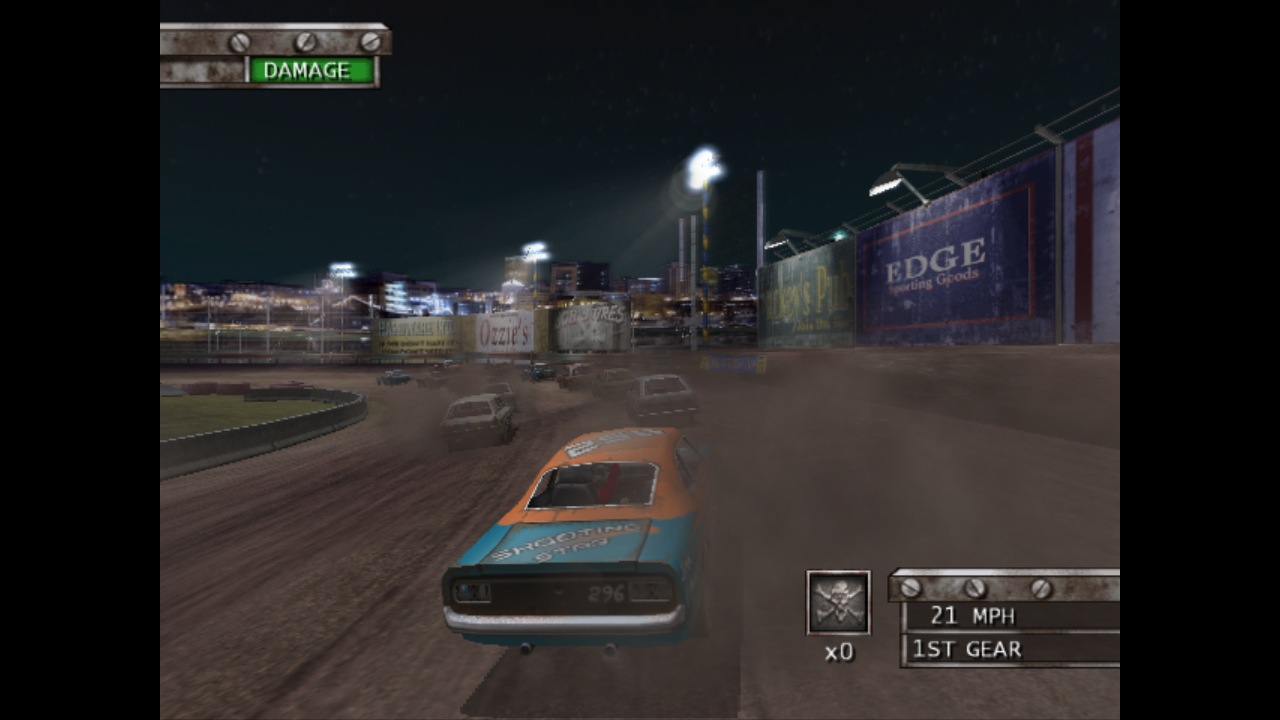
In this tutorial, you will export your custom track, 4K textures, and custom race into a compact, legal, delta-only .eodmod package (50 KB – 8 MB instead of a 70 MB copyrighted .TRK archive), install and combine multiple mods using 3-Tier Hierarchical Conflict Resolution, and race friends online with 0-desync netplay parity.
- Press
Ctrl + Shift + E(or clickFile → Package Mod as .eodmod…). - Enter your Mod ID (
woodly-mega-jumps), Display Name, Version (1.0.0), and Description, then clickBuild .eodmod Package. - The packager diffs your build against the retail
SLUS_209.10disc and bundles only:- Modified binary archive members (
native/DATA/TRACKS/AFTON.TRK/track.grf,track.sol,c_jump_race.va0) - 4K host texture replacements (
host/) - Structured sub-record deltas (
deltas/<track>.eodworld.json) - An auto-captured
preview.pngviewport thumbnail and SHA-256 provenance manifest.
- Modified binary archive members (
python tools/mod_package.py from-project "mods\WoodlyJumps\project.eodproject" `
  --disc "D:\Test Drive - Eve of Destruction (USA)" `
  --id woodly-mega-jumps --version 1.0.0 --name "Woodly Mega Jumps" `
  --out "build_pkgs\woodly-mega-jumps"

python tools/mod_package.py verify "build_pkgs\woodly-mega-jumps" --disc "D:\Test Drive - Eve of Destruction (USA)"
python tools/mod_package.py zip "build_pkgs\woodly-mega-jumps" "Woodly-Mega-Jumps-v1.0.0.eodmod"Drag any .eodmod file onto the EOD World Editor window (or open File → Mod Manager & Profiles…), or use the CLI:
python tools/mod_install.py install "Woodly-Mega-Jumps-v1.0.0.eodmod" --disc "D:\Test Drive - Eve of Destruction (USA)"
python tools/mod_install.py status
python tools/mod_install.py compose
python tools/mod_install.py launch-env-
Tier 1 (Disjoint Members in the Same
.TRK/.RES): If Mod A editsAFTON.TRK#track.grfand Mod B editsAFTON.TRK#track.solorAFTON.TRK#oval.ild, both members merge intoactive/DATA/TRACKS/AFTON.TRKautomatically. -
Tier 2 (Same Member, Disjoint Sub-Records via
deltas/*.eodworld.json): If Mod A moves a ramp inAFTON.TRK#track.grfand Mod B scatters buses in the infield, their non-overlapping object, barrier, ILIN, and VALT deltas merge cleanly on top of the retail base member! -
Tier 3 (True Same-Record / Binary Collision): Prompts you to pick a winner (
python tools/mod_install.py accept-conflict "DATA/TRACKS/AFTON.TRK#track.grf" woodly-mega-jumps).
-
Match
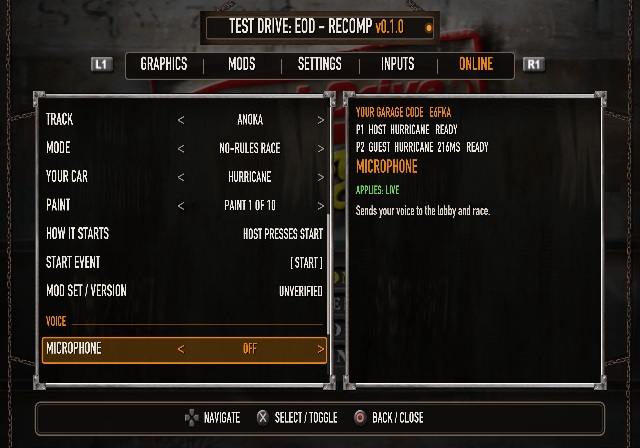
PROFILE.TXTfor Physics-Affecting Mods: All players in an online lobby must run identical physics-affecting.eodmodpackages (track.sol,track.bsc,c_*.va0,*.ild,physics.val,COMMON.RES). Verify thatactive/PROFILE.TXTnative member SHA-256 hashes match across peers. -
Client-Independent Visual Mods:
HOSTTEX4K texture packs (.eodhtx),RenderScale(1x–8x+), and theF9Classic vs. Modern toggle only affect the host Plume rendering layer—never EE RAM (0x00000000..0x02000000) or the 59.94 Hz physics step (0x00177718)—so every player can choose their own visual look and resolution with 0 desyncs! -
[MOD]Roster Badges: Any modded track or vehicle automatically displays a[MOD]badge in the Single-Player and Multiplayer Arcade rosters.