Repository navigation
Player Guide
Pictures, pixel art and labels on Valheim signs that every player sees, with or without the mod.
Links: GitHub · Wiki · Nexus Mods · Thunderstore · Buy me a coffee
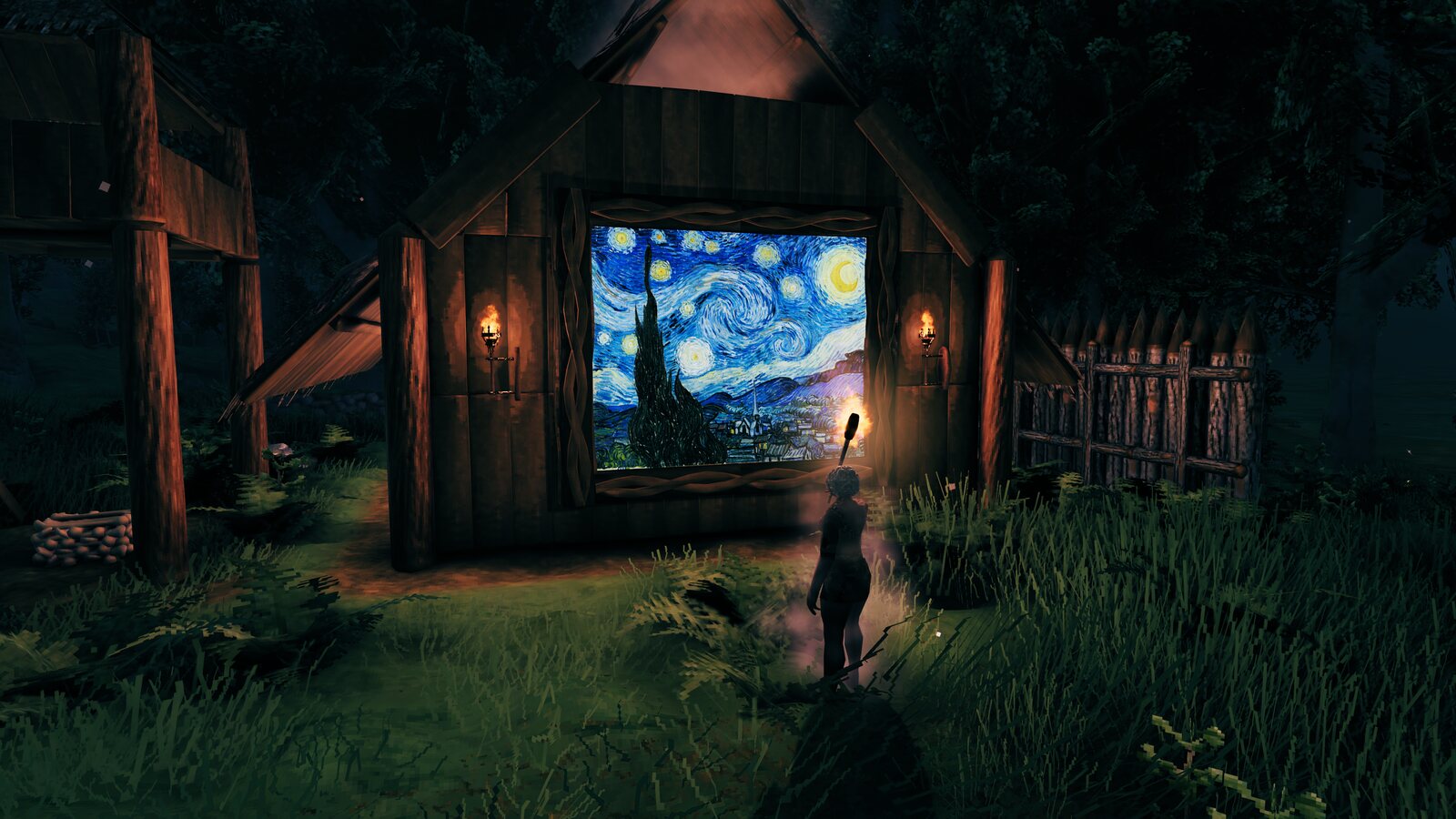
- 🖼️ Your own pictures on any sign. Drop a PNG, JPG or GIF into a folder, pick it in game, put it up. Your clan's crest, a map of the base, a holiday photo, a famous painting.
- 👀 Everyone sees it. Your friends don't need the mod, and neither does the server. The pictures are ordinary signs saved in your world.
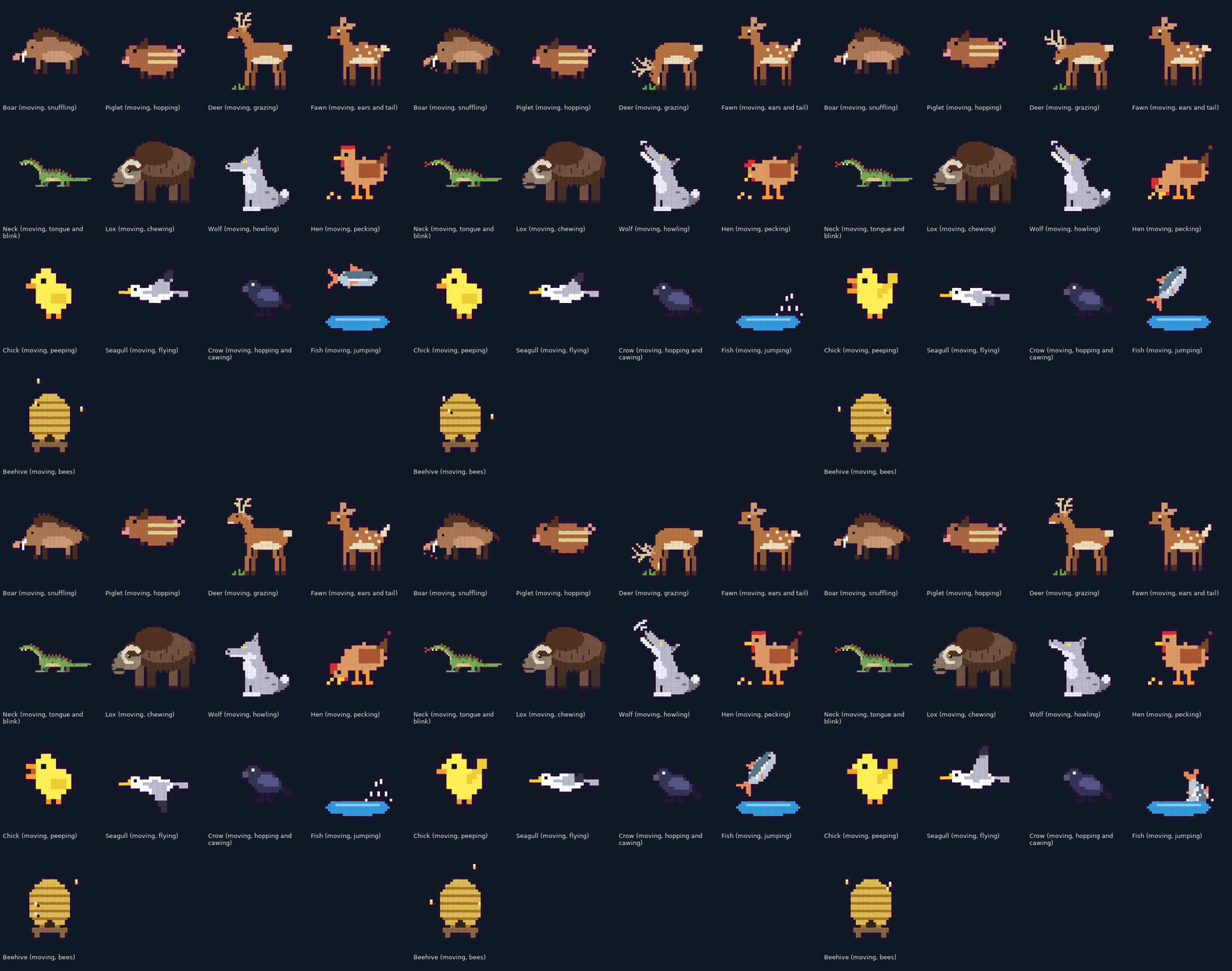
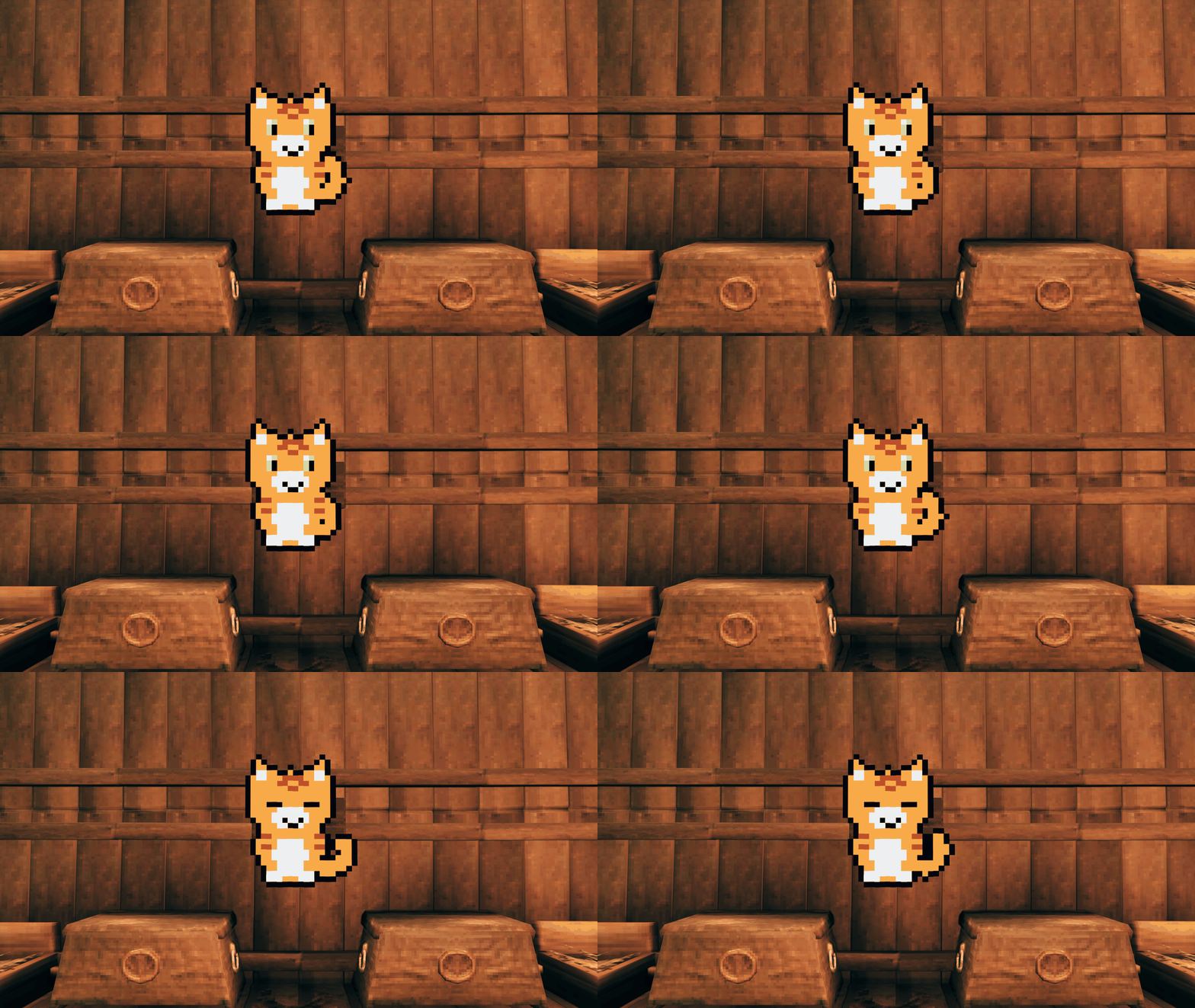
- 🐉 Over 200 ready-made art pieces, 150 of them animated: Valheim's creatures, cats and forest animals, scenes, runes, and kitchen icons for your chests.
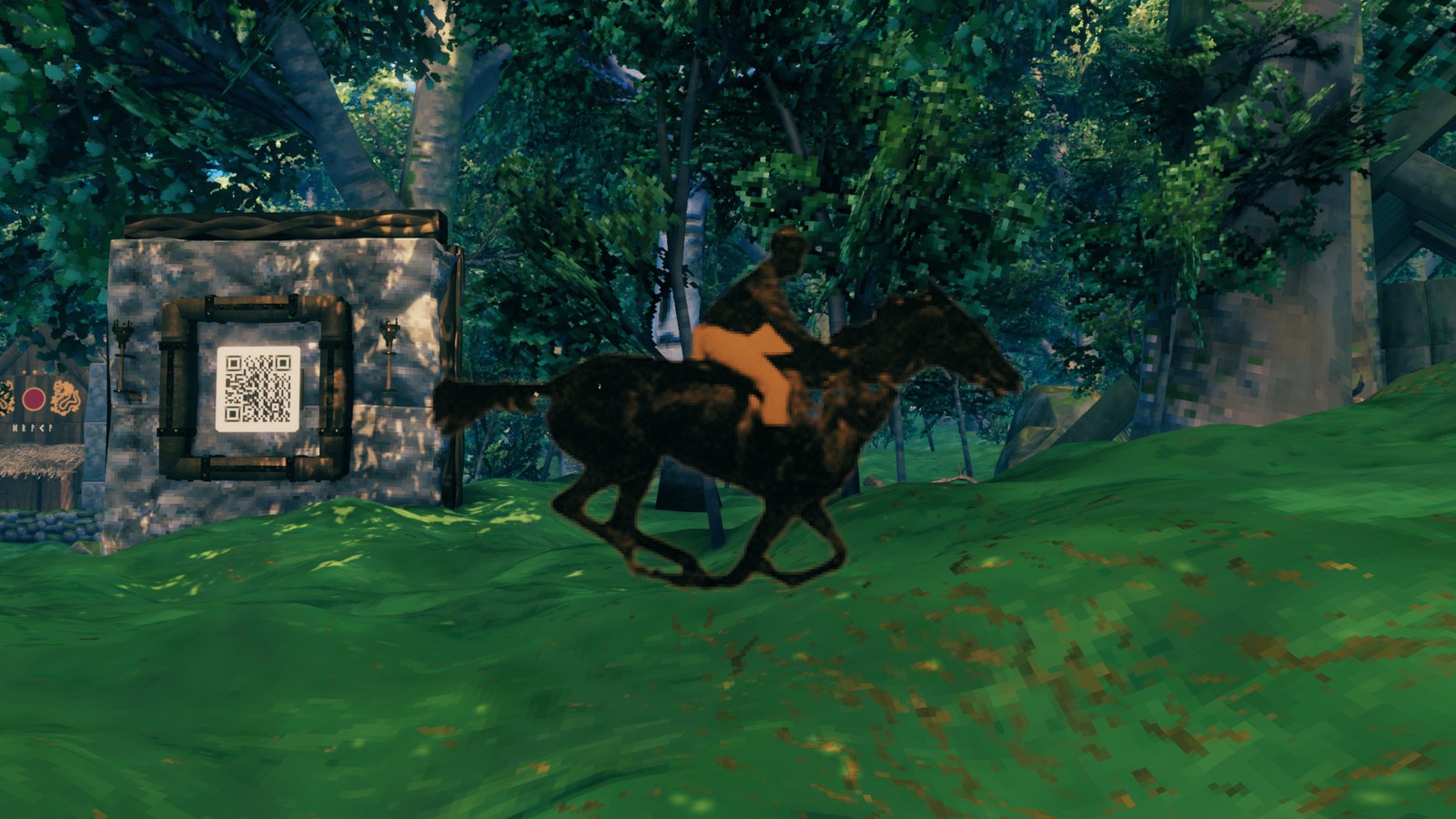
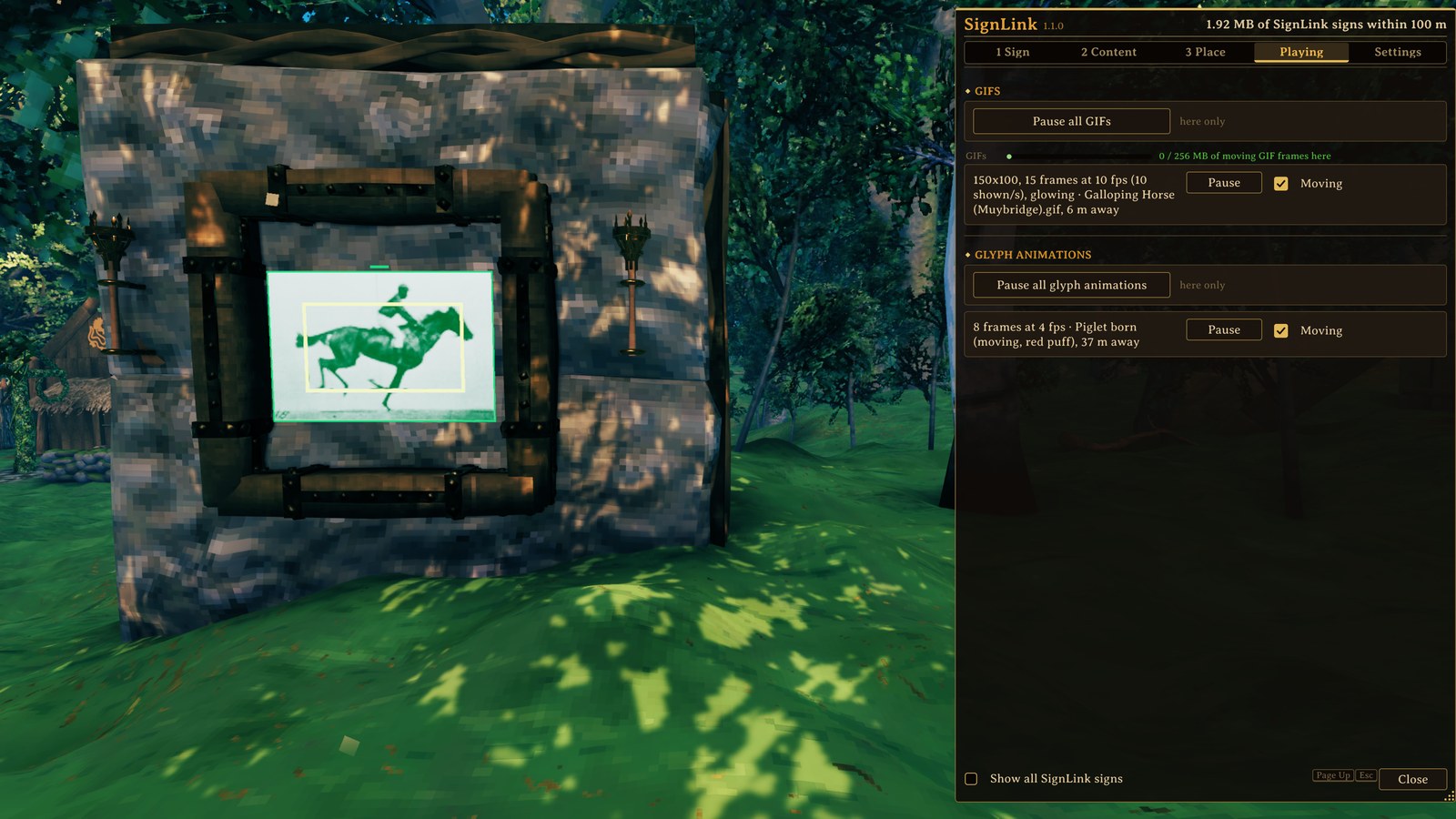
- 🎞️ Moving pictures. The animated pieces move for every SignLink player, and your GIFs move wherever the GIF file is.
- 🧱 From a chest label to a whole wall. A big picture spreads over several signs and still looks like one.
- 🫥 Transparent PNGs: cut-out shapes sit right on the wall or the ground, with no box around them.
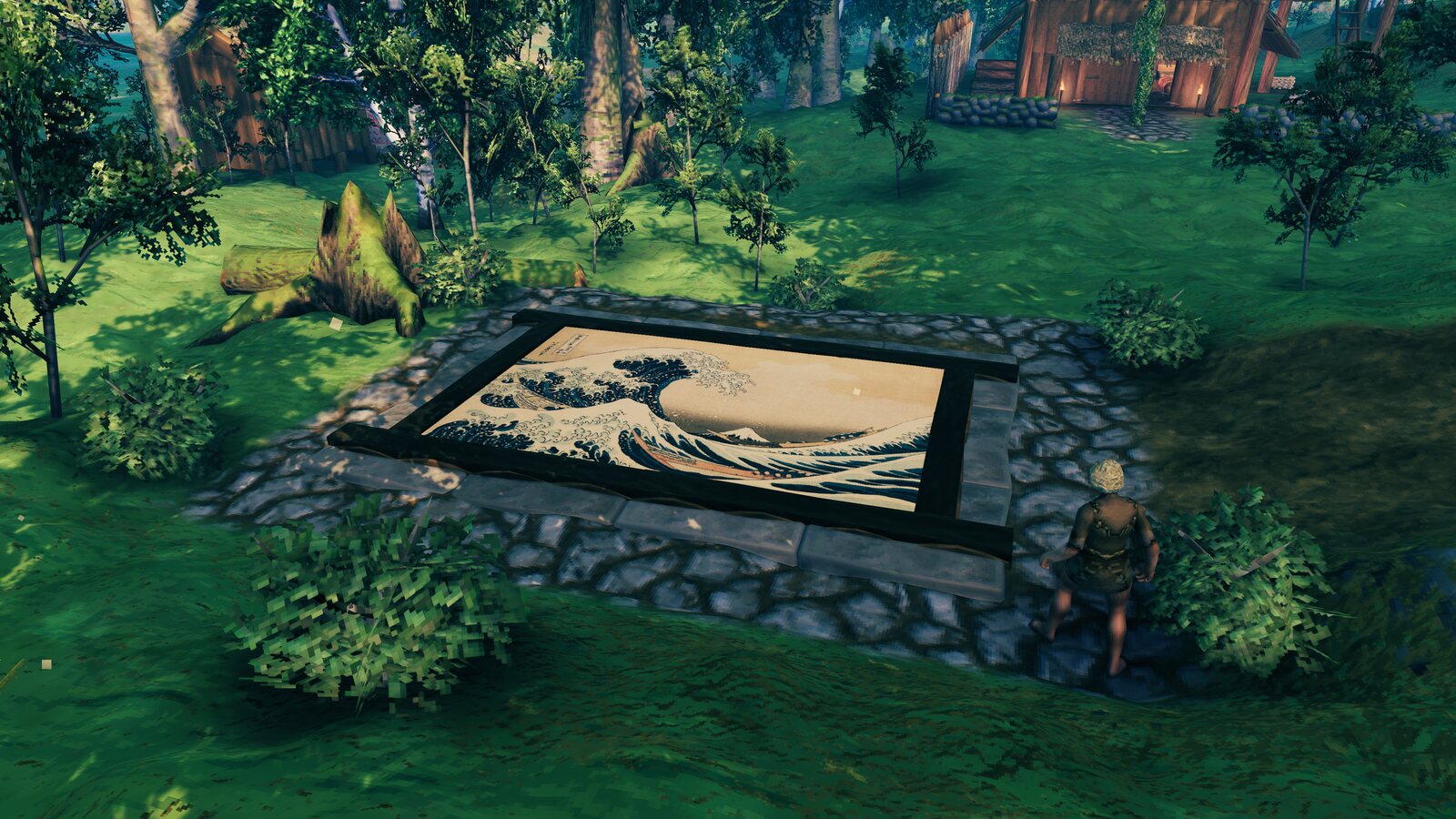
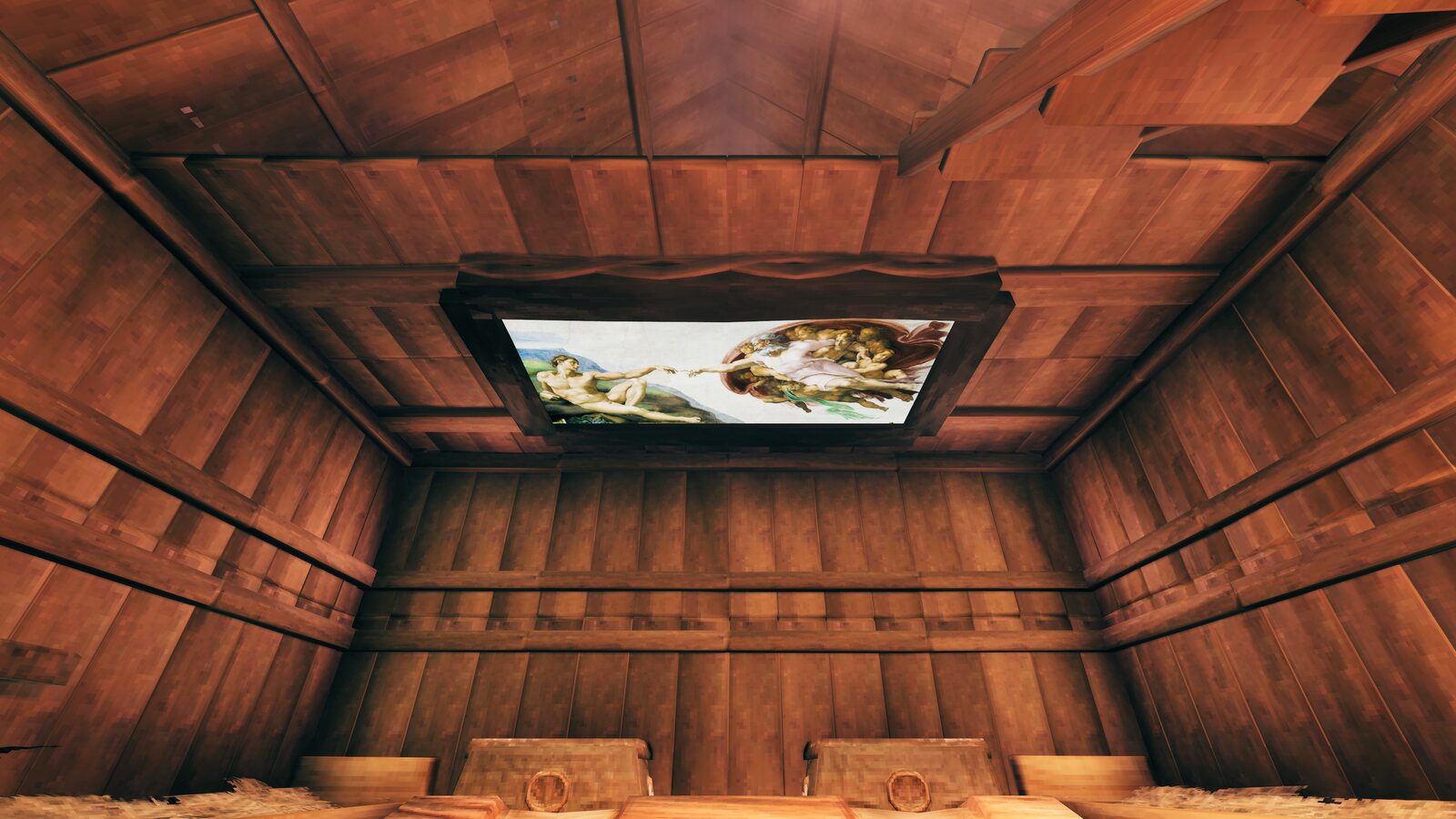
- 📐 Any angle: on a wall, on the floor, on the ceiling, tilted on an easel, turned any way you like.
- 💡 Glowing or lit: pictures glow in their own colours at night, or take the light of the scene.
- 🔤 Labels in one click: coloured text, blocks to paint a wall, symbols, patterns, even a QR code phones can read.
- ✏️ Change it any time. Select the sign again and everything you set is still there; Copy and Paste carry a picture to another sign.
- 🌍 Language support: Game default (follows your game's language), English, Magyar, 简体中文, Русский.
- 🎨 Two looks for the window: Classic (dark wood and gold) and Nordic (slate and amber).
| Floor mural | Ceiling fresco |
|---|---|
 |
 |
| Glyph art | Signposts and labels |
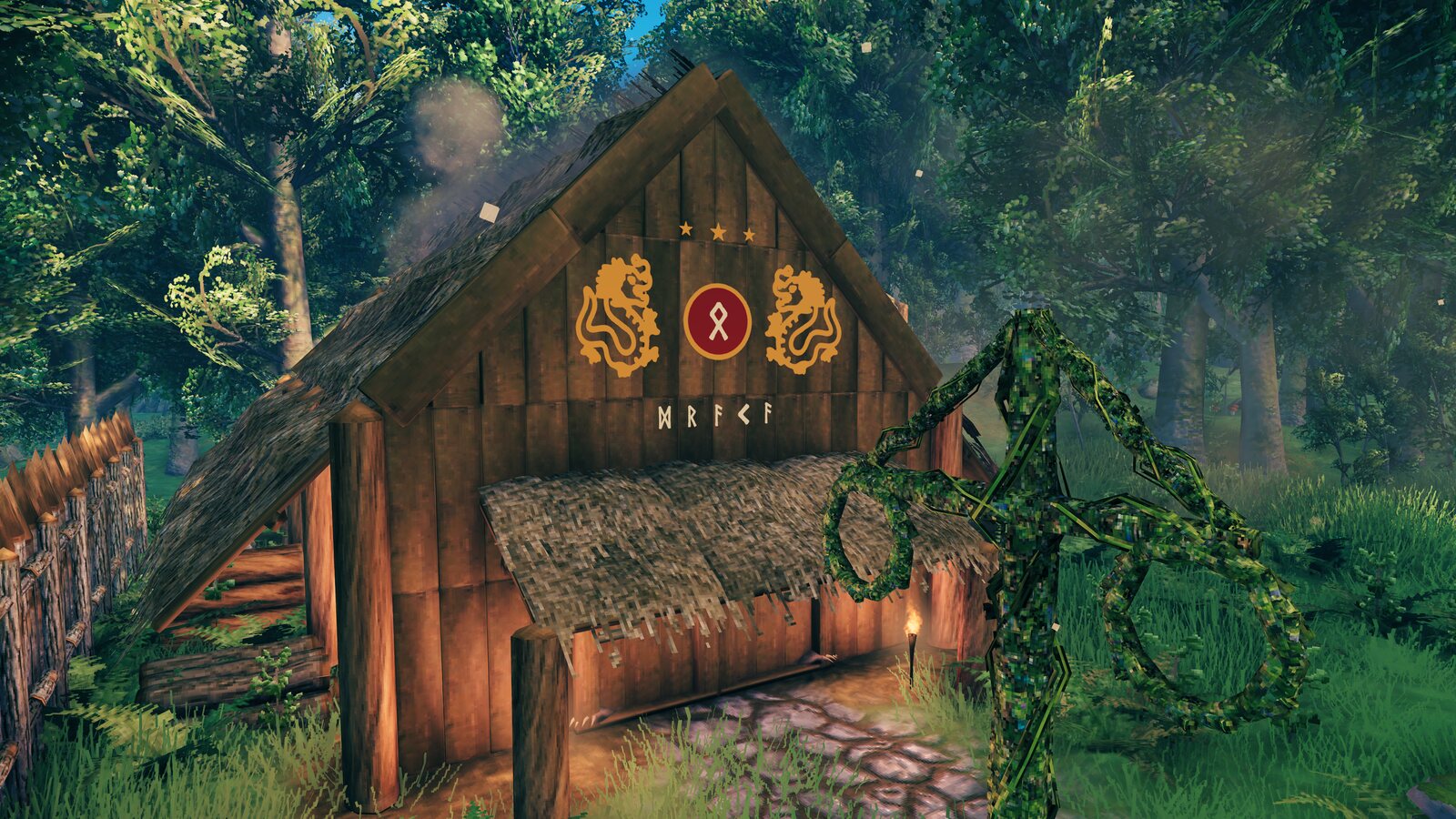 |
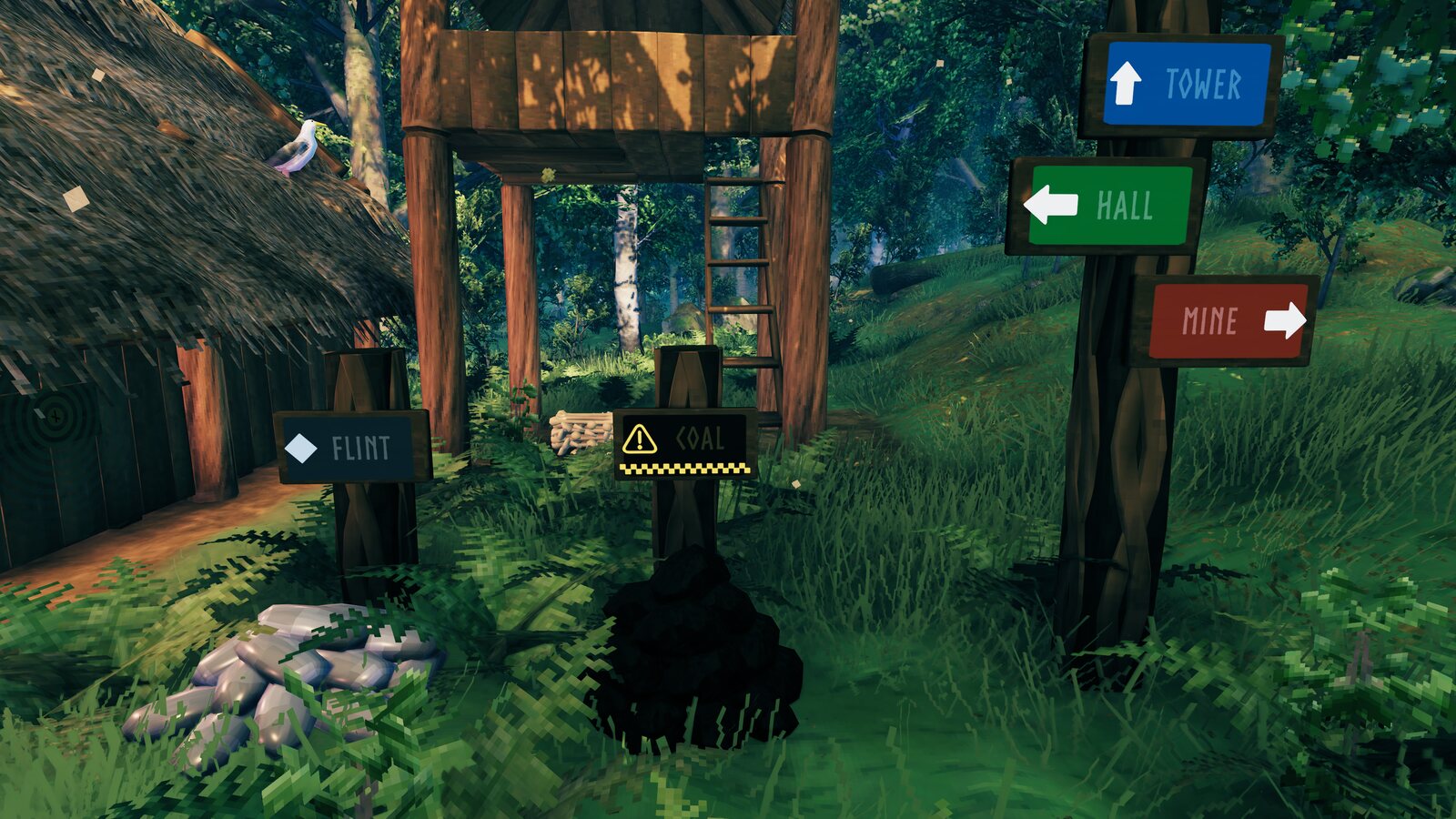 |
| QR code | Tilted |
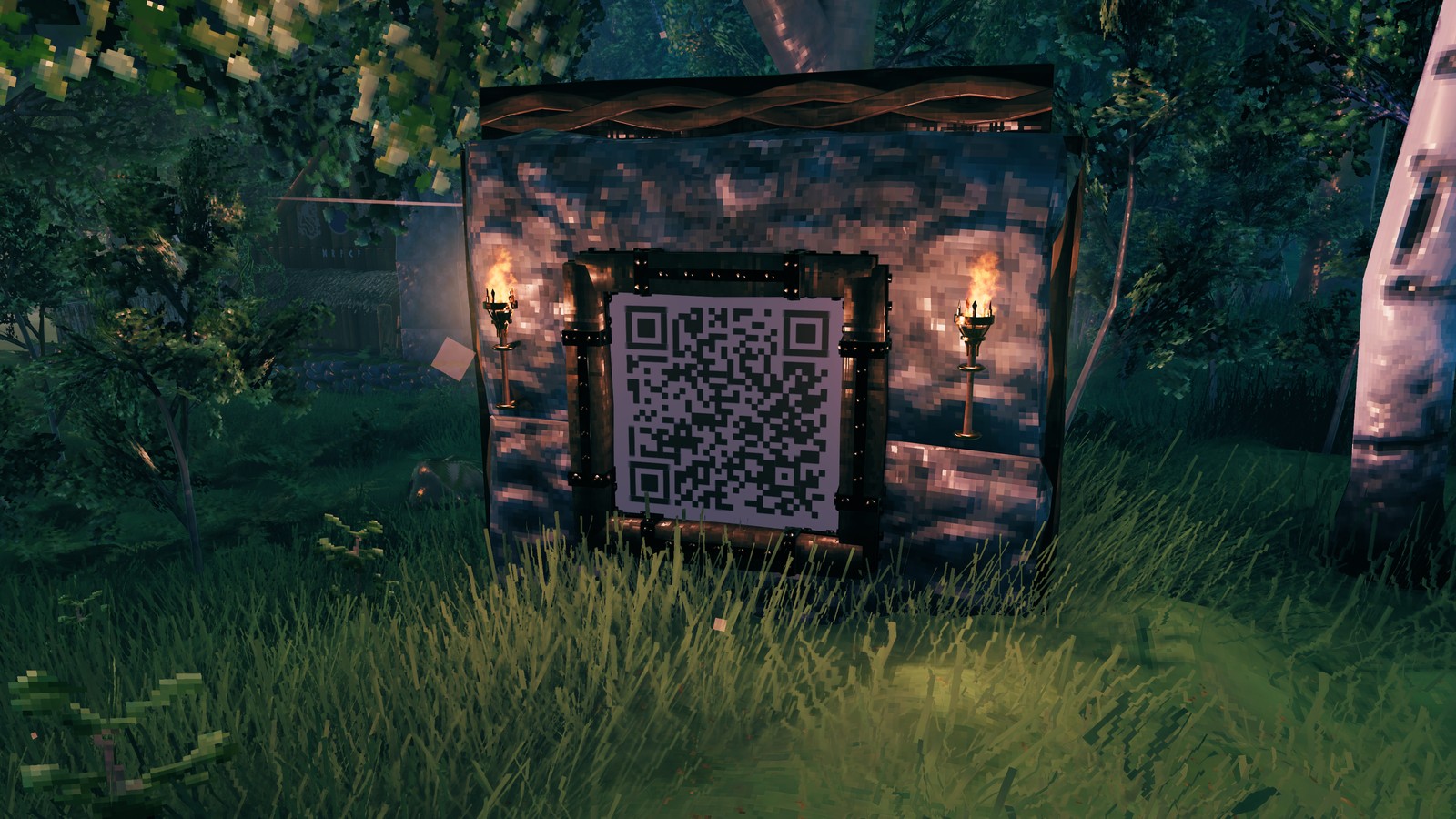 |
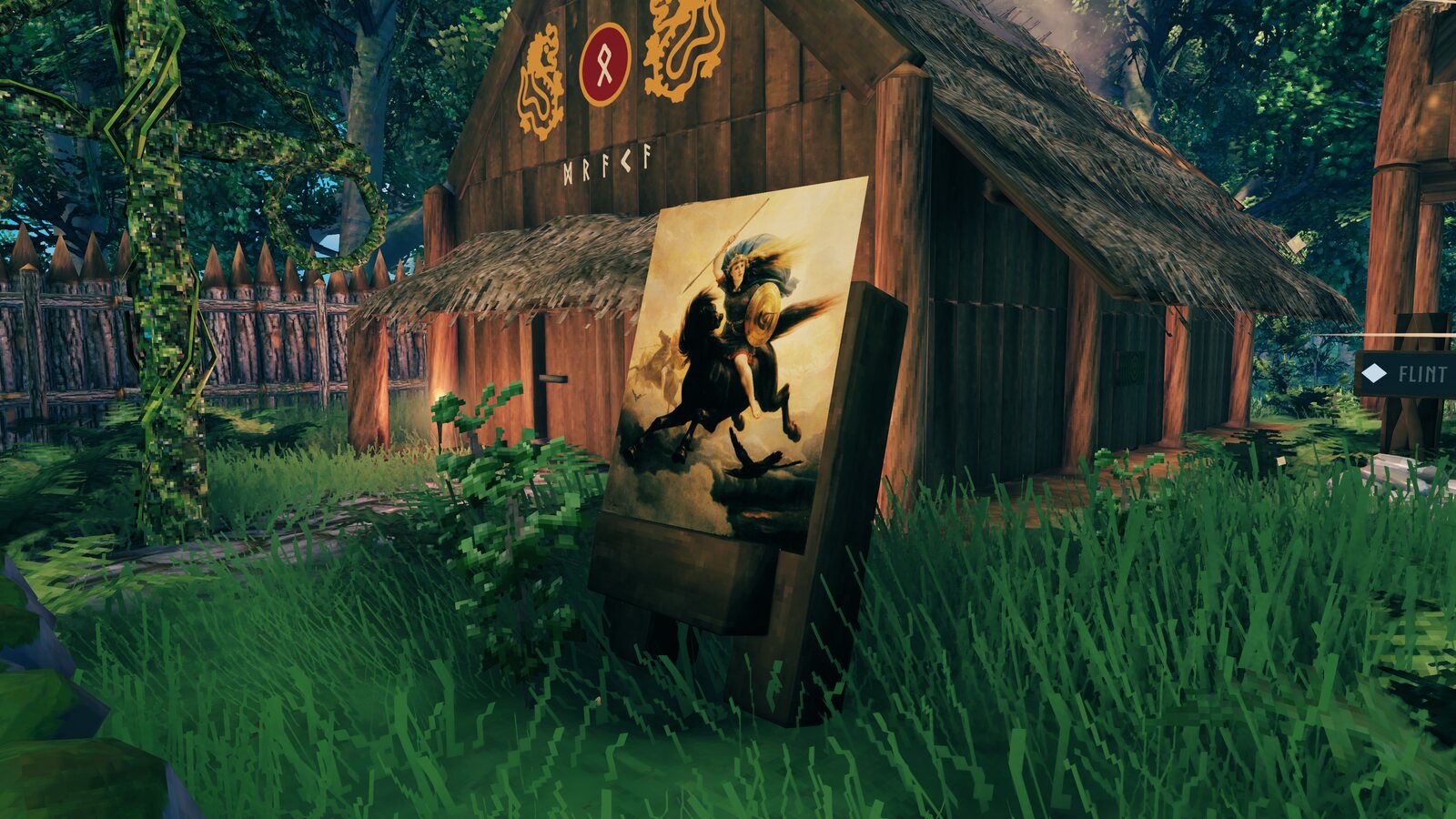 |
| Transparent PNG | Animated pixel art |
 |
 |
Build a sign, press Page Up (or type /signlink in the chat), and the window walks you through it:
- 1 Sign: press Select sign and click your sign.
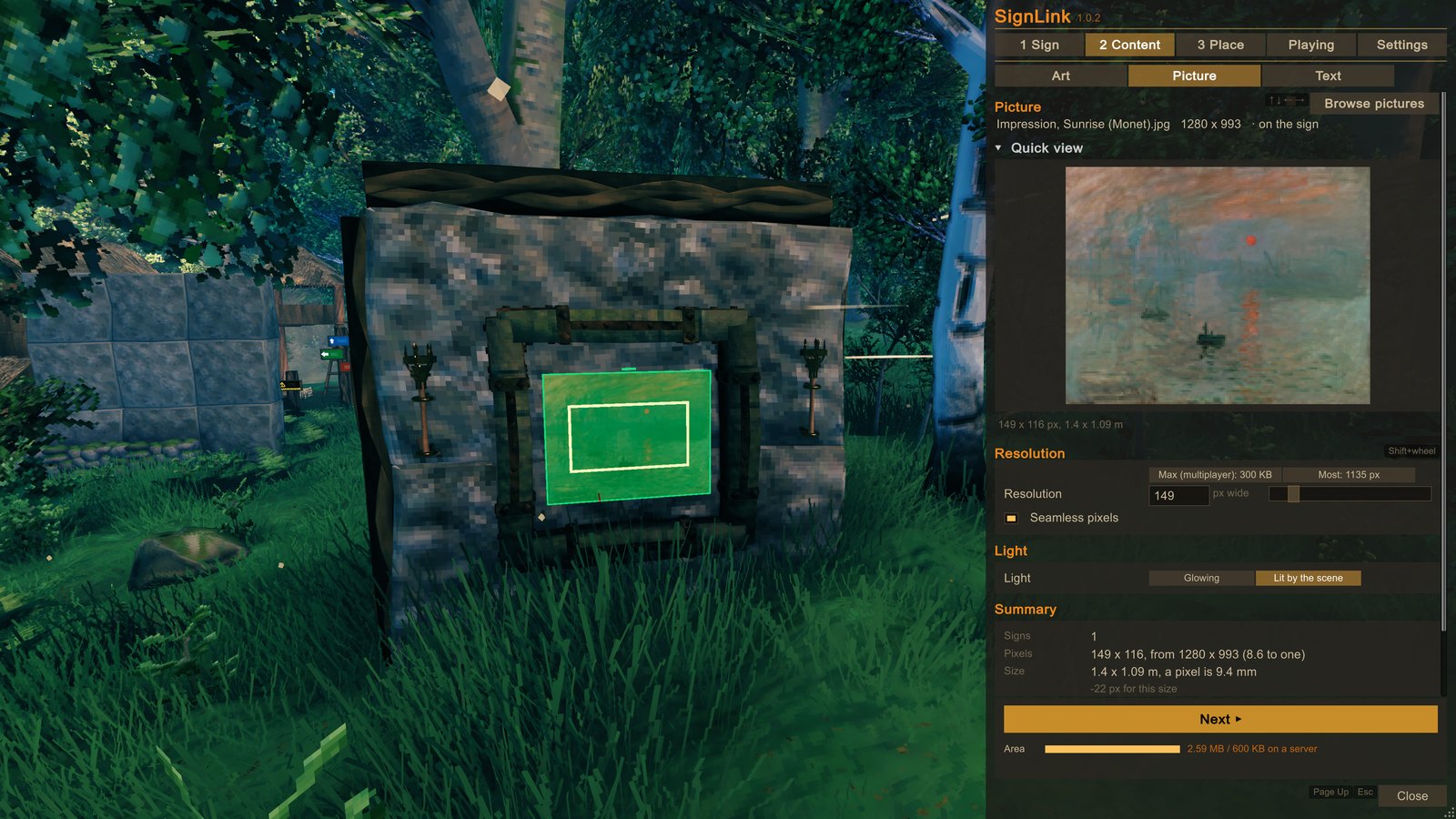
- 2 Content: pick an art piece, one of your pictures, or write a text. You see it on the sign right away (only you, for now), and the Summary tells you how big it is.
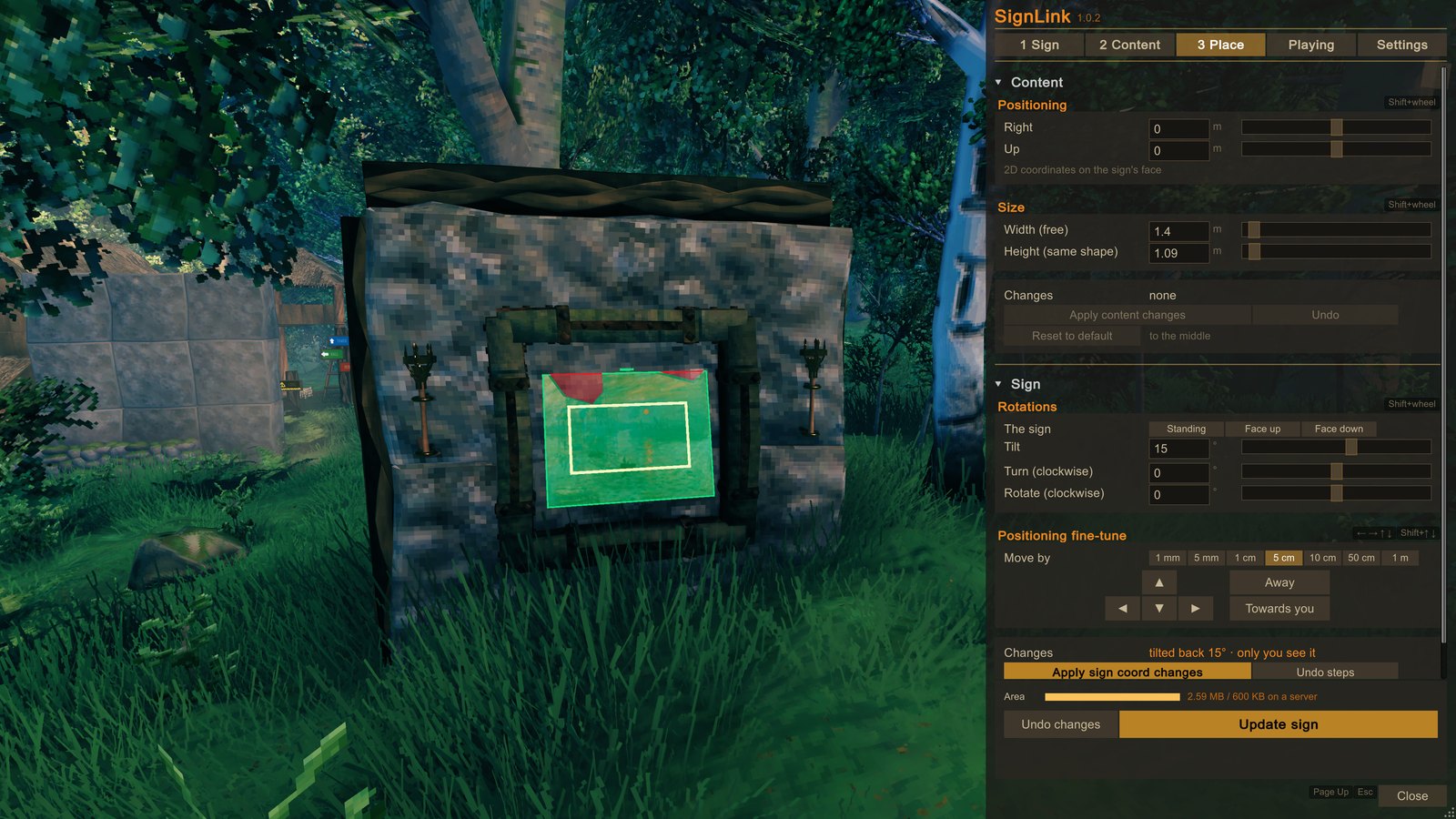
- 3 Place: size it, move it, tilt it, then press the button at the bottom. Now everyone sees it.
Walk around with the window open, and hold the right mouse button to look around.
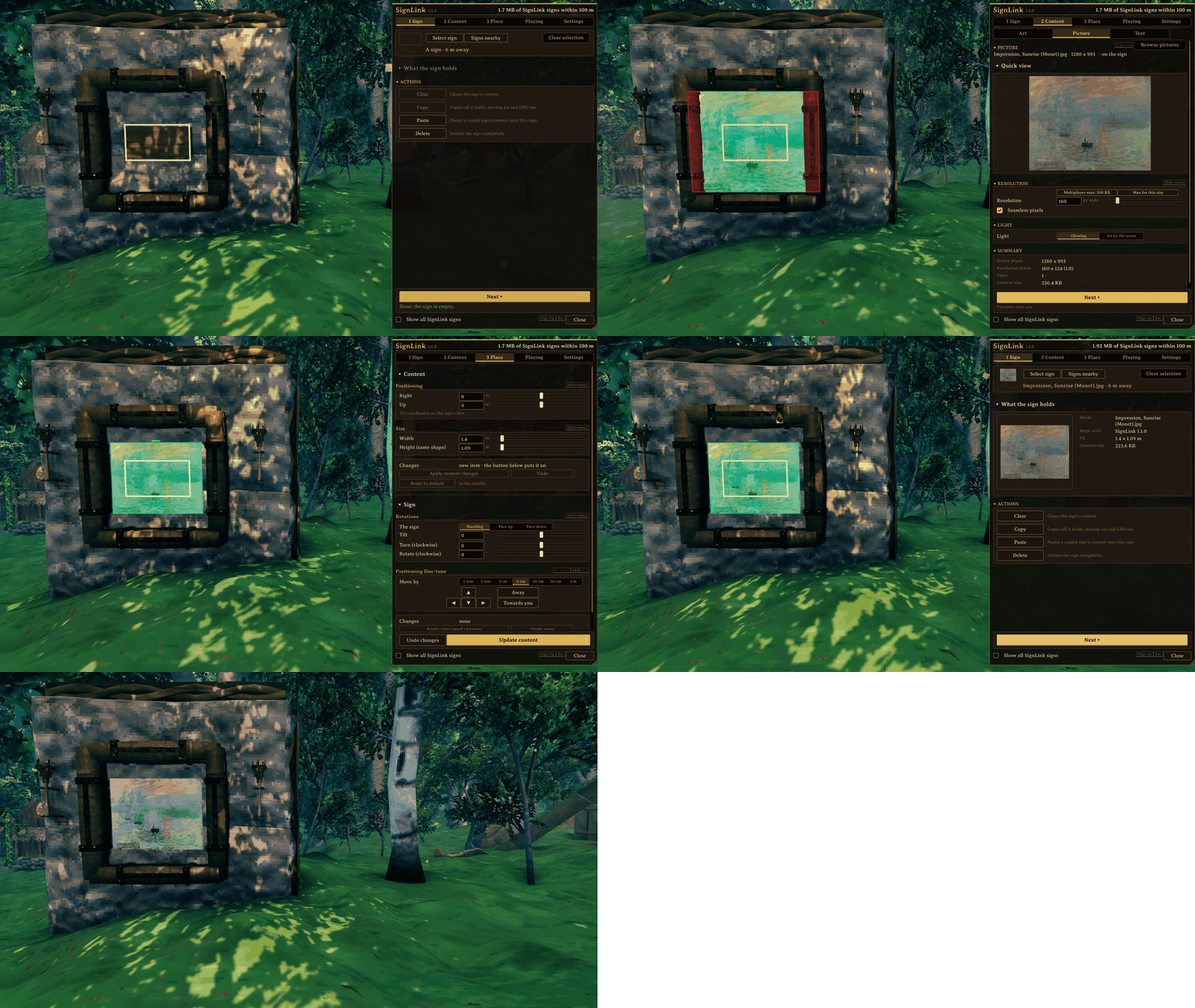
| 1 Sign | 2 Content | 3 Place |
|---|---|---|
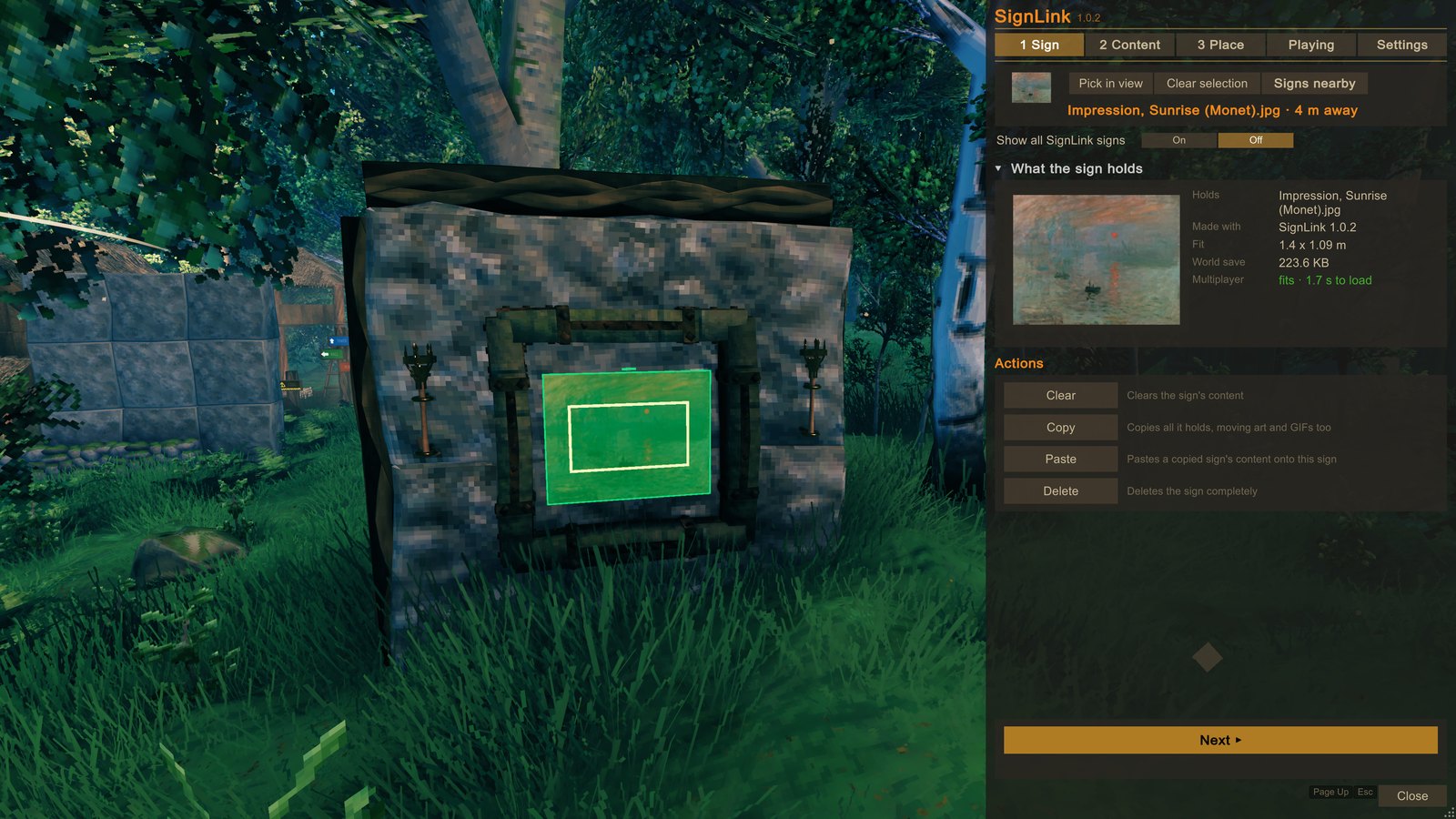 |
 |
 |
| Playing | Settings |
|---|---|
 |
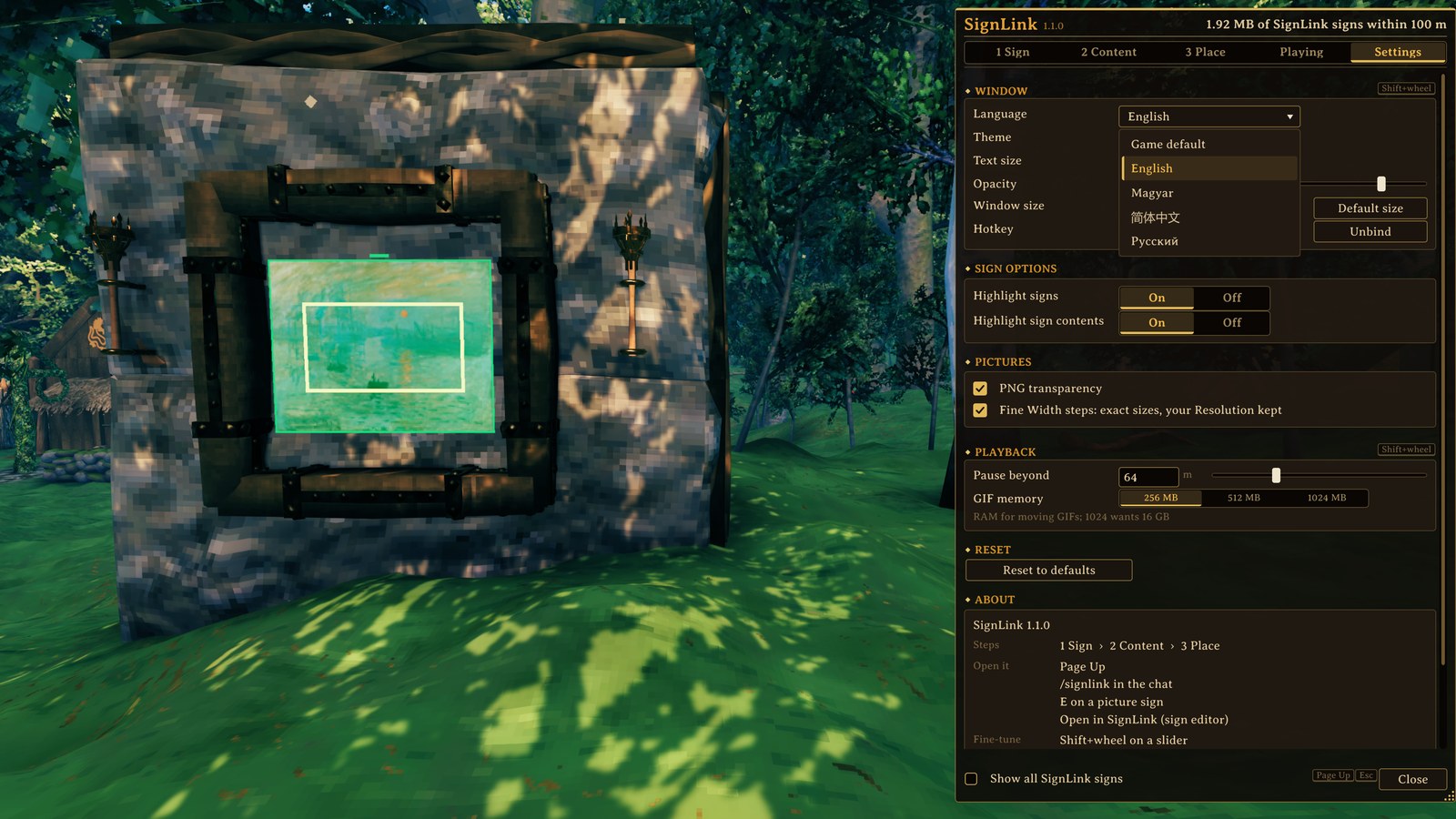 |
| Two looks: Classic and Nordic | Your language: Русский and 简体中文 |
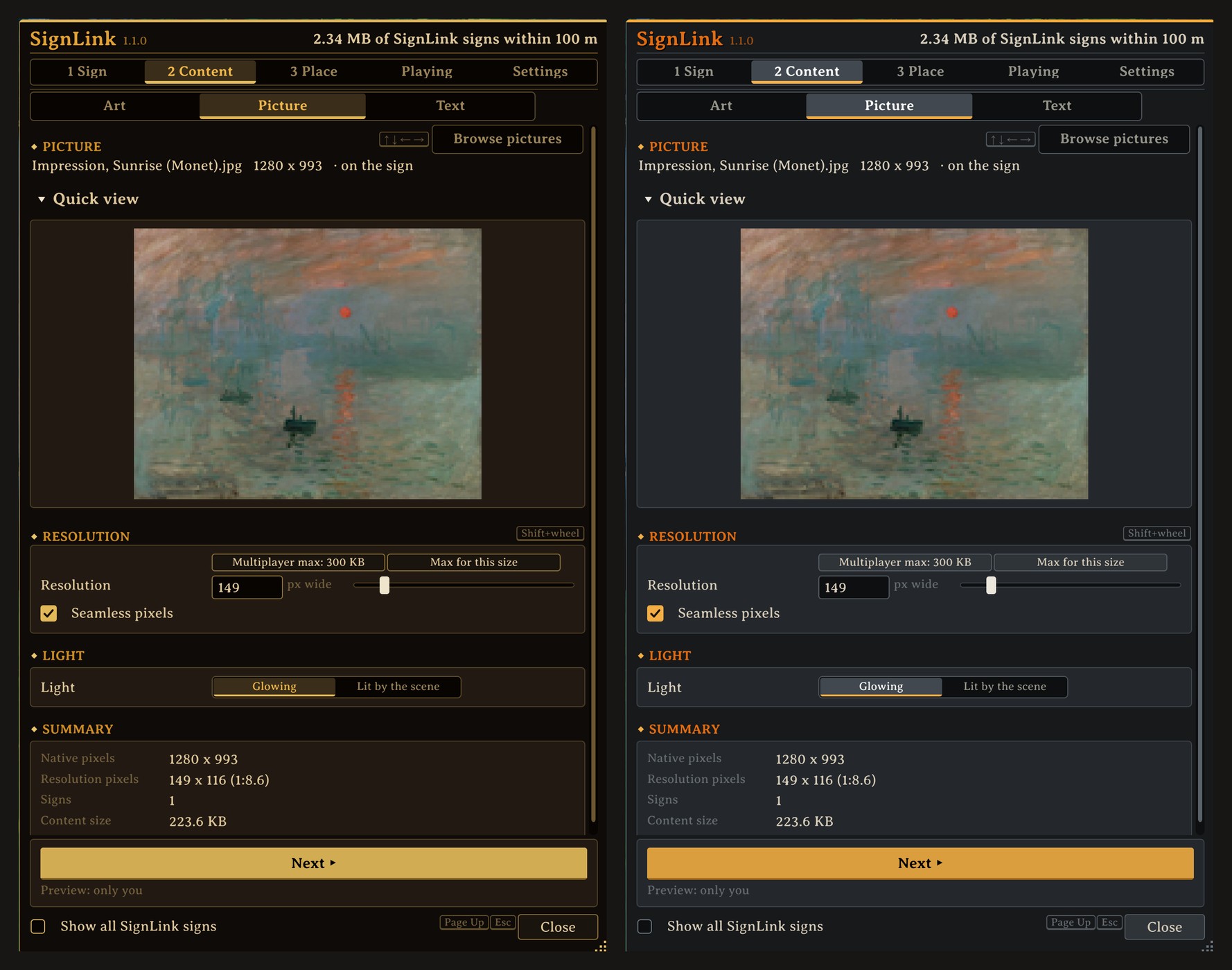 |
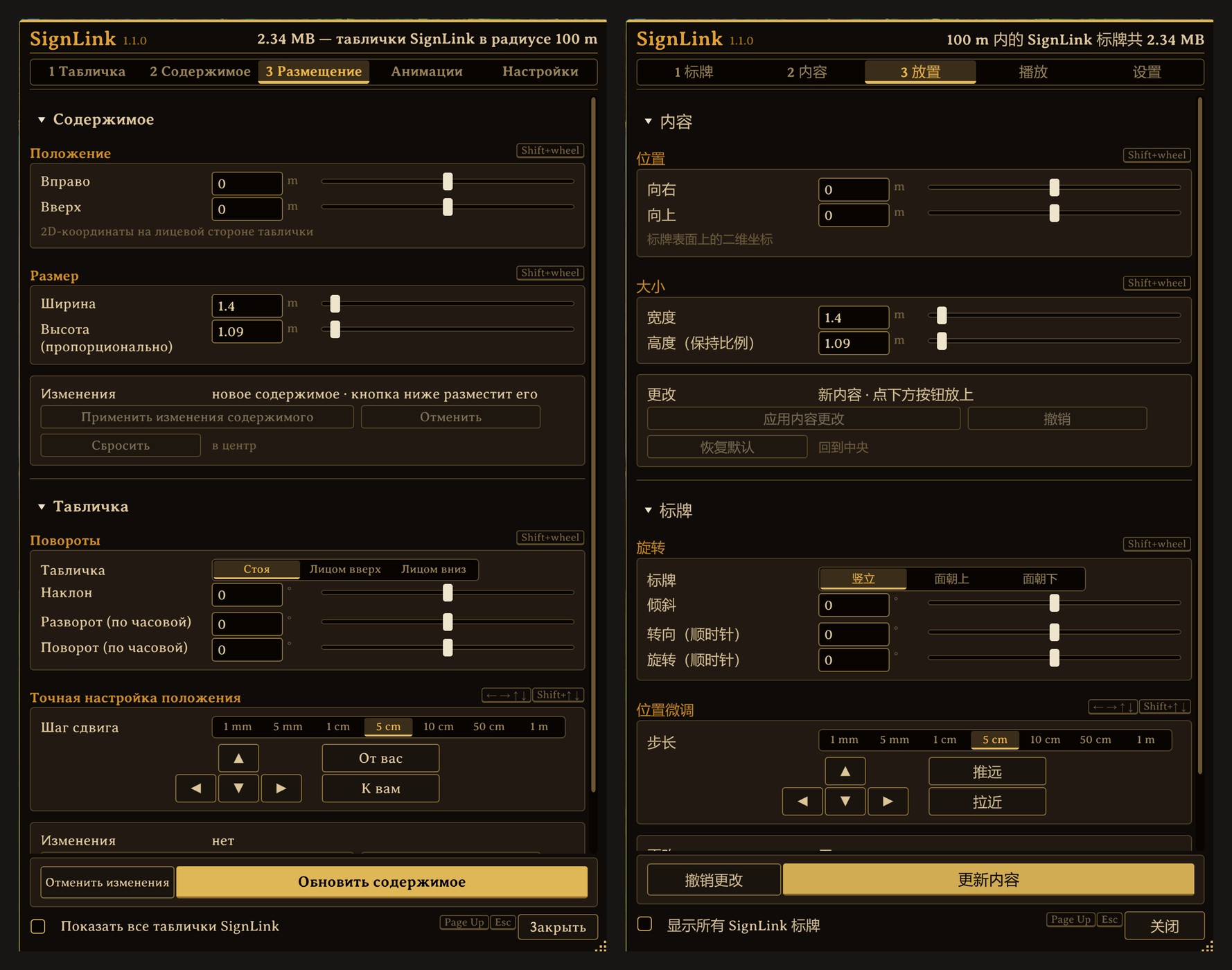 |
Your pictures go into the SignLink/images folder next to your worlds (on Windows
%USERPROFILE%\AppData\LocalLow\IronGate\Valheim\SignLink\images); the Open folder button takes you there. Six
famous paintings and a galloping horse GIF are waiting in it to start with.
- Nobody else needs the mod, and the server needs nothing.
- Built for shared worlds: a picture is something every arriving player downloads, so on a server SignLink keeps them light: at most 300 KB on one sign and 600 KB within 100 m. The Area bar shows how much room is left, and Multiplayer max picks the best quality that fits. Single player has no limits at all.
- Moving GIFs: share the GIF file with your friends and it moves for them too.
- Wards are respected. You can edit a friend's picture wherever you have access.
- Tip: turn Bloom off in the game's graphics settings: glowing pictures look much sharper without it.
- Keyboard and mouse. A dedicated server does not need SignLink.
- A big picture takes a moment to appear when a player walks up to it.
- Players without the mod: E and then Enter on a picture sign opens the game's own editor, which cuts the picture (Escape leaves it alone). Hide the sign in a wall with only its picture showing, and there is nothing to press E on.
- Uninstall: remove it in the mod manager. Your pictures stay in the world as ordinary signs.
Every setting, the limits and the details are on GitHub and in the wiki.
SignLink is made by ChesTeRcs (team PetyusPolisz). It was written with Claude (Anthropic's AI) under their direction and tested on their worlds with Valheim 1.0.20. The code is MIT licensed (LICENSE); the art library is CC BY 4.0 (LICENSE-ART): playing with the pieces needs no credit, sharing the pieces themselves does. The six paintings and the GIF that come with it are public domain: The Starry Night (Van Gogh), The Great Wave off Kanagawa (Hokusai), The Creation of Adam (Michelangelo), Impression, Sunrise (Monet), The Wild Hunt of Odin and Valkyrien (Arbo), and Muybridge's galloping horse (1887).
Found a bug or have an idea? Report it on GitHub.
204 ready-made art pieces come with the mod, and 150 of them are animated (see them all):