Settings and Equipment
English · 한국어
Open Settings → CubicJ Brewing.
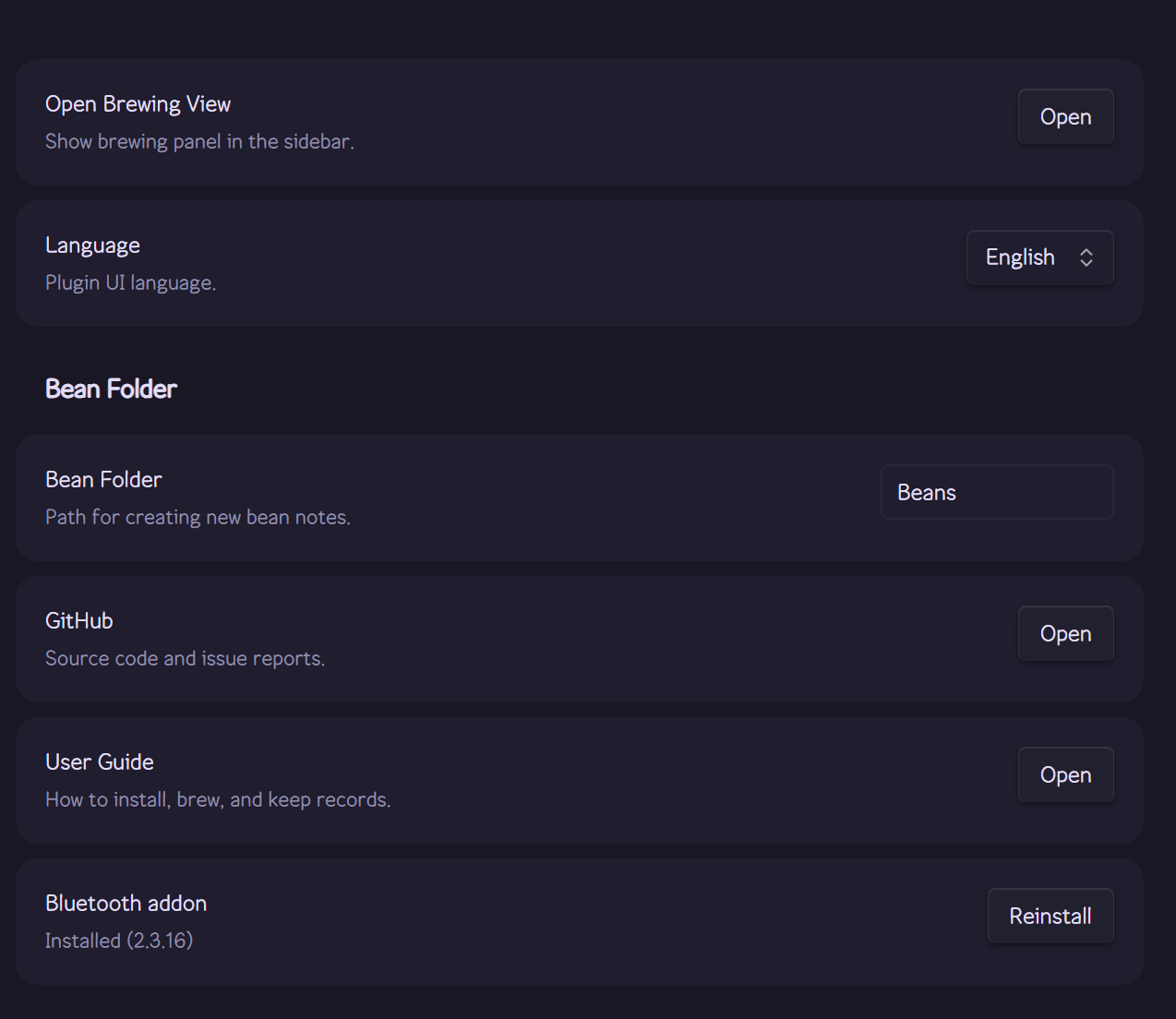
Choose where bean notes go and which language the plugin uses.
- Bean Folder — choose where new bean notes are created.
- Language — choose English or Korean, then restart Obsidian to apply the change.
- Bluetooth addon — shows whether the native Bluetooth addon for the scale connection is installed. Install (or Reinstall) downloads it (about 3 MB) from this plugin's GitHub release and verifies it before installing. If the scale connection was used in this session, reinstalling asks you to restart Obsidian first. Desktop only.
In the brewing view toolbar, select Data Manager, then open the Equipment tab. Add the gear you use so grinders, drippers, filters, baskets, and accessories are ready for selection during the brew flow.
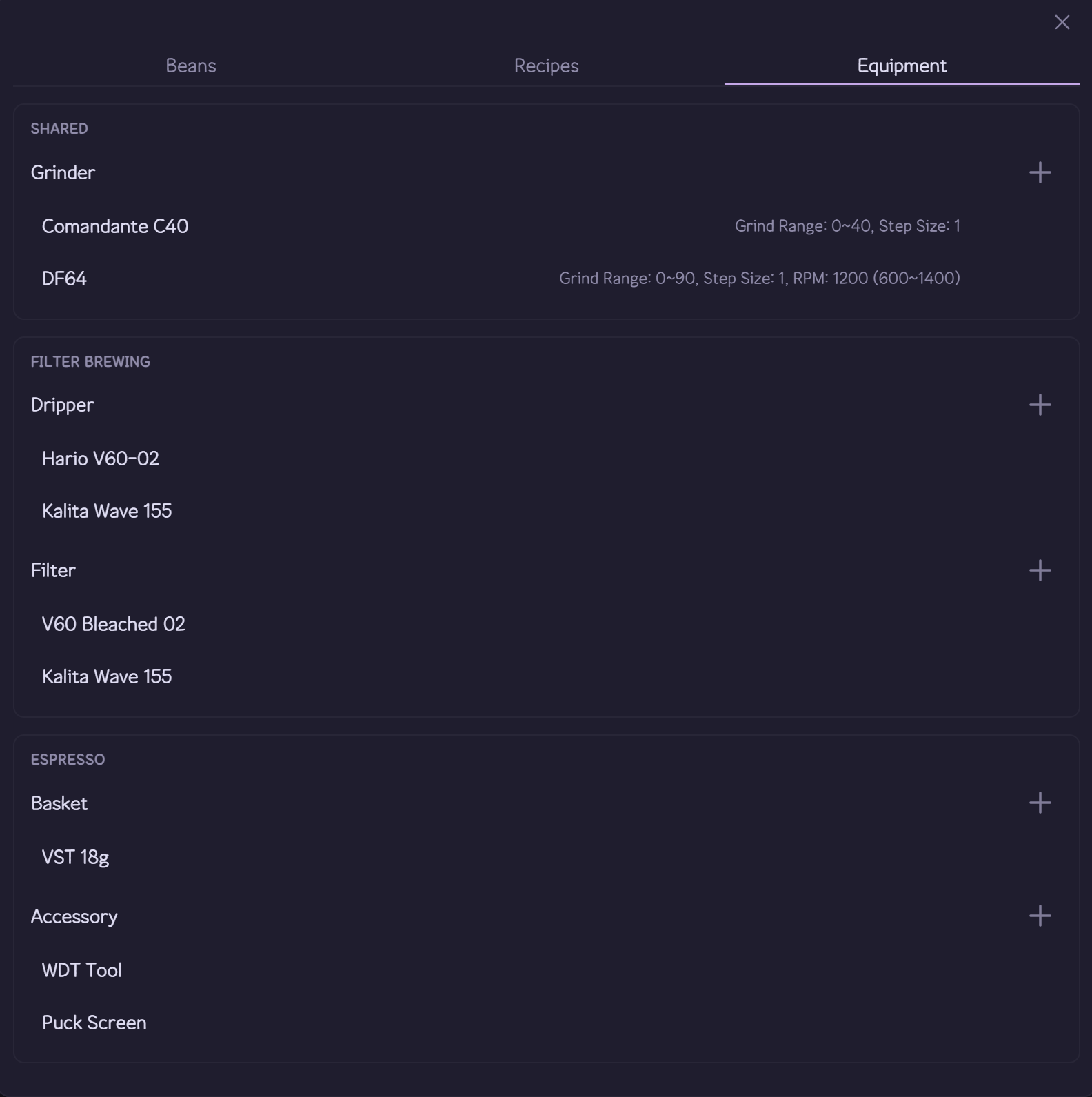
Manage grinders and their optional RPM ranges alongside the rest of your brewing equipment.
Each grinder can have an optional RPM range. Your equipment list is stored at cubicj-brewing/equipment.json in the vault.