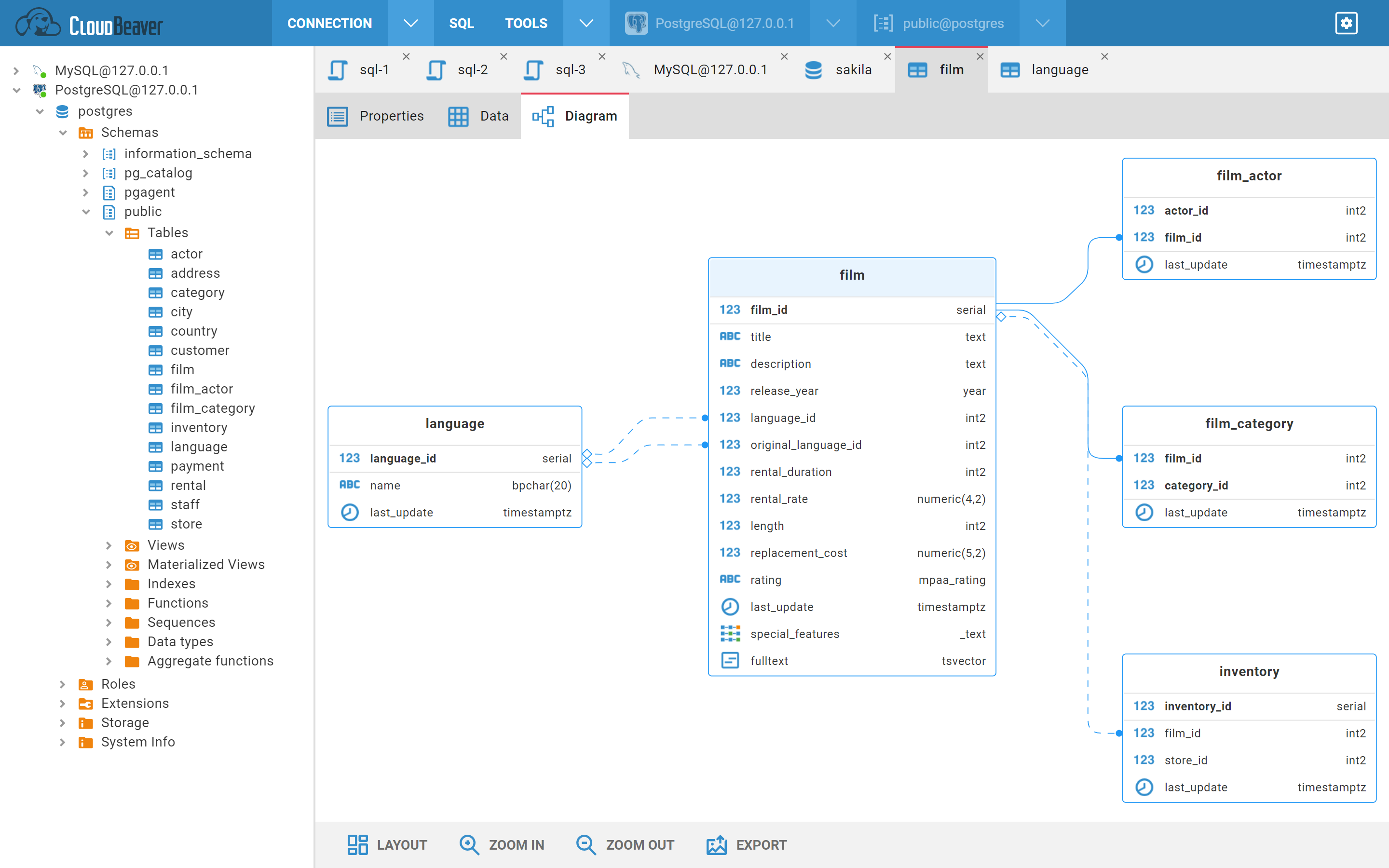
Entity Diagrams
- Display entities with attributes
- Display relations
- Navigation to entity/attribute metadata editor
- Highlighting
- Auto layout
- Entity drag & drop
- Zoom
- Export to png/svg
- Navigate to your connection and open some table or schema
- Select tab "Diagram" (if tab is not presented than the object doesn't support diagram presentation)
You can click on diagram entity to get highlight:
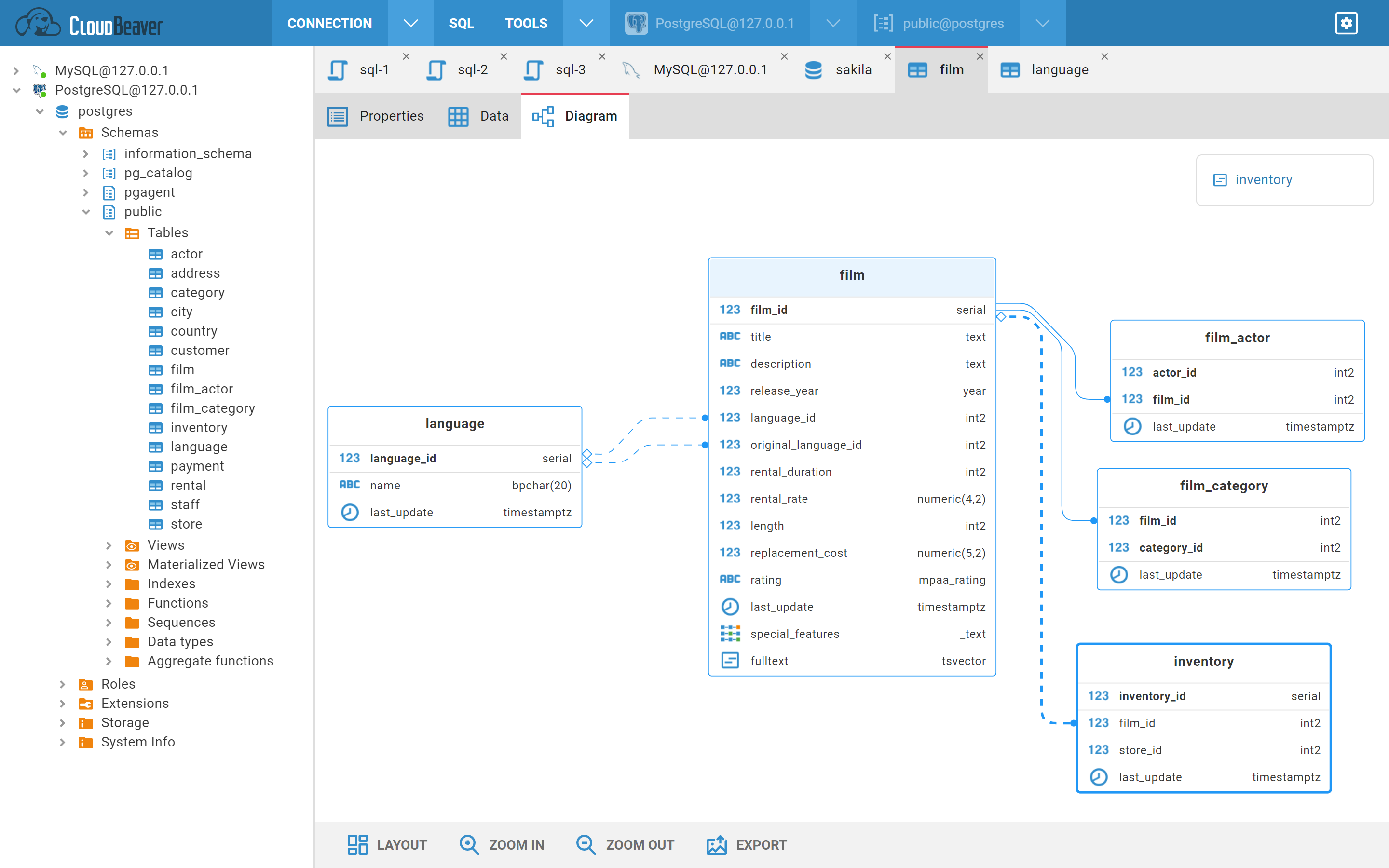
Also you can click on relation to get highlight:
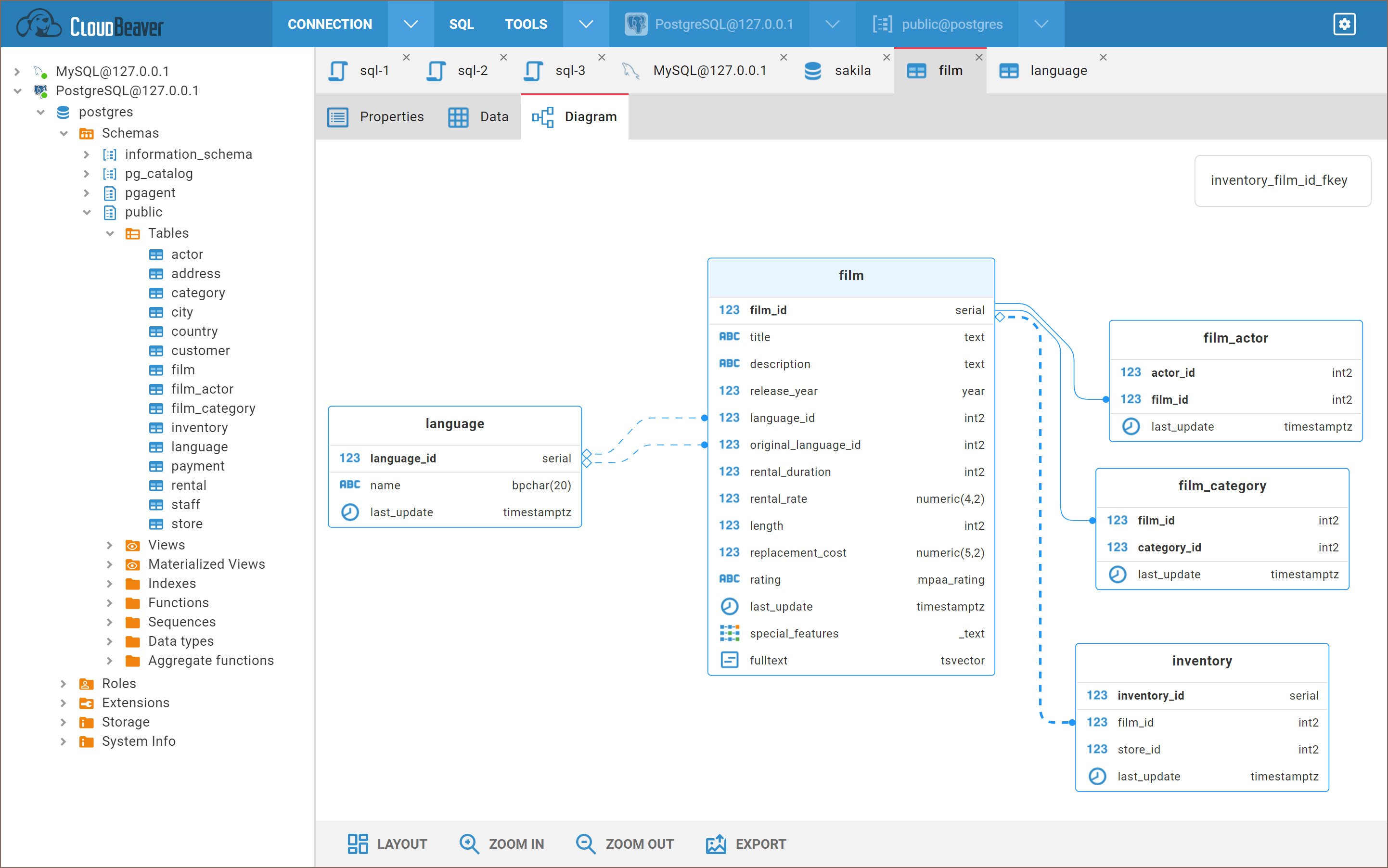
You can open entity in metadata editor by double-click on entity or entity attribute or by click on link in tooltip.
In bottom toolbar you can find some tools to act with diagram:
-
Layout - auto layout
-
Zoom in/out
-
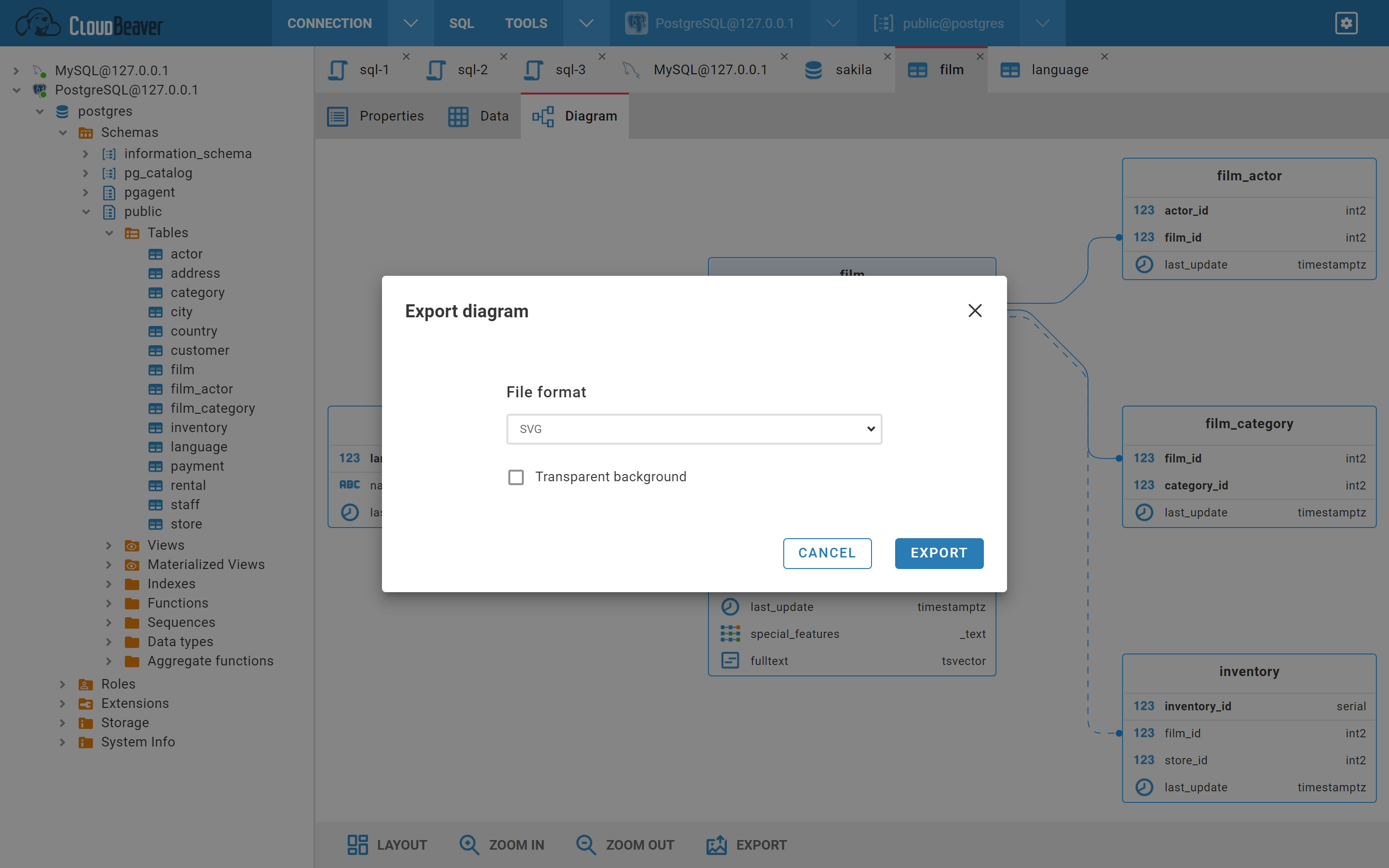
Export - export to png or svg file
- Getting started
- Create connection
- Connection network options
- Supported databases
-
Drivers management

- Database authentication methods
- Database navigator
- Properties editor
- Data editor
- SQL editor
-
Entity relation diagrams
- Cloud services
- Data transfer
- General user guide
- Administration
- Server configuration
-
Server security and access configuration
- Authentication methods
- Access management
- Proxy configuration
-
Secret management
- Logs
-
Query manager
- Workspace location
- Command line parameters
-
Session manager
- Deployment options
- CloudBeaver Editions
- FAQ
- Development