Home
Welcome to the official documentation for the 2D6 Dungeon App—a complete digital companion and adaptation of the classic-style print-and-play solo dungeon crawler, 2D6 Dungeon, designed by Toby Lancaster (DR Games).
This digital adaptation helps you automate the tedious bookkeeping, card/table references, and paper-tracking of your adventures so you can focus entirely on the exploration, tactical combat, and story!
This application is a digital companion. To play and fully experience the game, you still need to purchase the official rulebooks and files.
- Get the Game: You can purchase the official rules, tables, and print-and-play materials directly from the DR Games Itch.io Store.
- Respect the Creator: This app does not replace the rulebook. Instead, it serves as a digital sheet, map constructor, and dice helper to streamline your sessions!
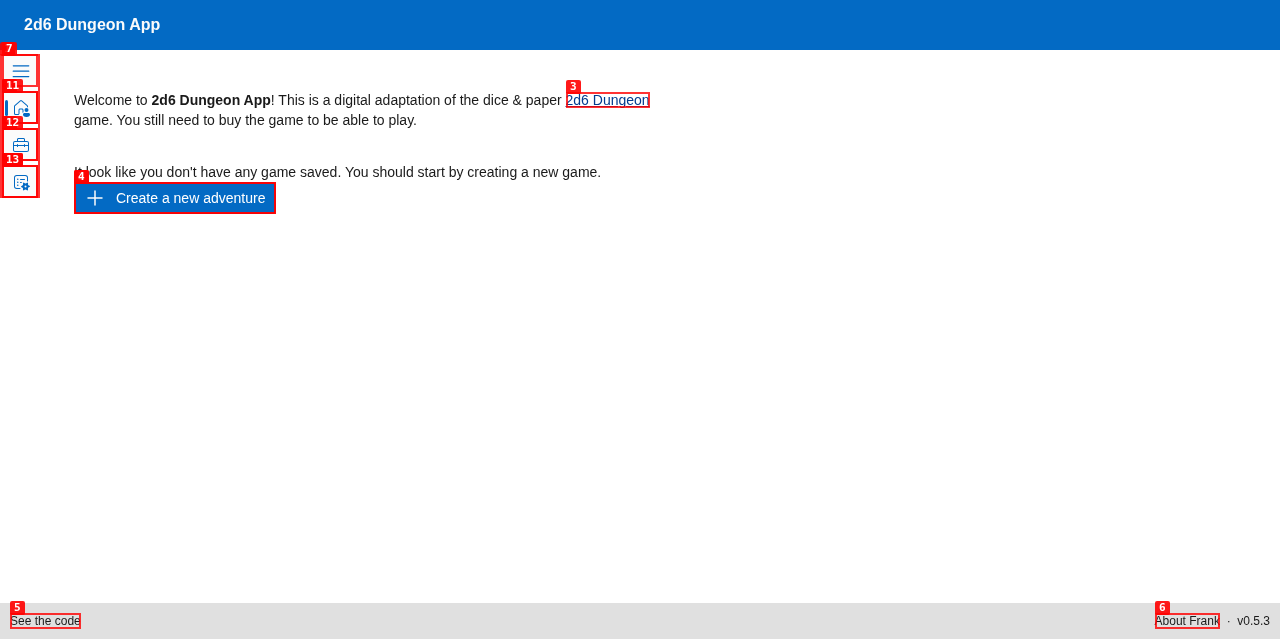
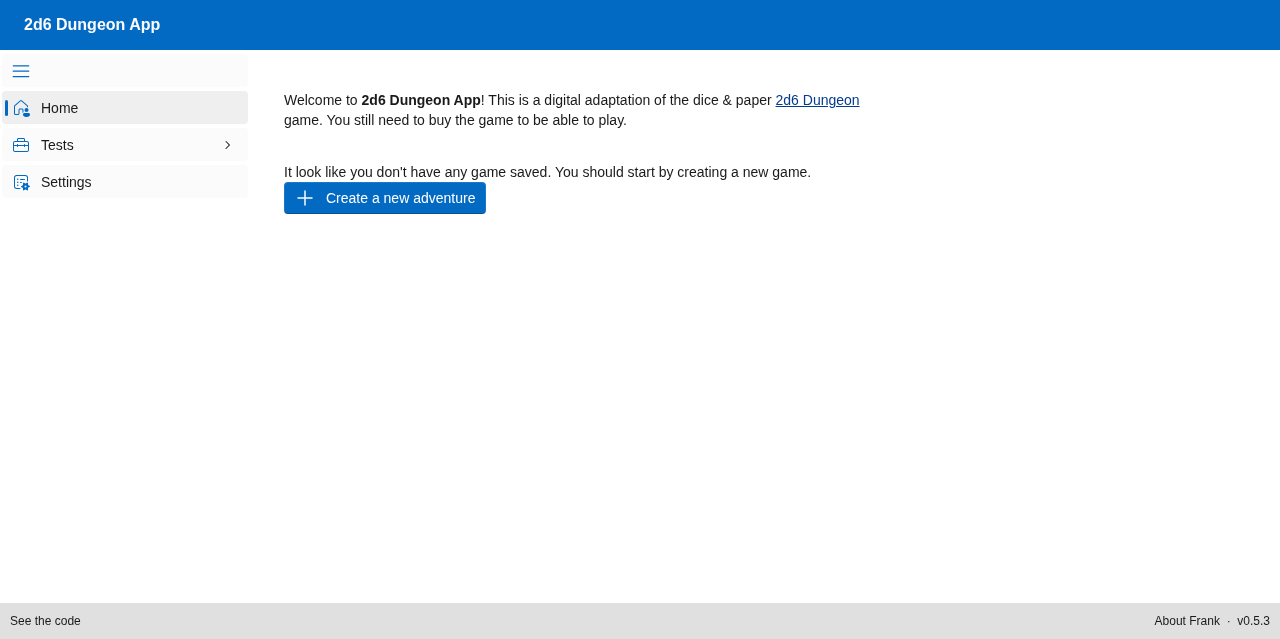
When you first launch the application, you'll be greeted by the clean, retro-styled Home Page.
-
Dynamic Welcome Message: The app automatically scans your database to see if you have existing adventures.
- First Run: If no saved games are detected, the app displays a helpful tip suggesting you begin by creating a new adventure.
- Returning Adventurers: If you have active campaigns, the system detects them and displays options to either continue a saved game or start a fresh quest.
-
Navigation Sidebar: Toggle the sidebar (using the hamburger menu button in the top left) to access the core screens:
- Home: Return to this launch page.
- Adventurers: Create, view, and manage your hero sheets.
- Settings: Configure game rules, database preferences, and UI options.
- 🛡️ Hero Customization: Build and save multiple adventurers. Choose weapons (like Longswords, Greataxes, Heavy Maces), select their starting combat manoeuvres, customize armour pieces, and track magic scrolls.
- 🧭 Dungeon Exploration: Generate and map out dungeon rooms dynamically based on your 2D6 rolls. Construct pathways, place doors, and explore deeper into the unknown.
- ⚔️ Automated Combat Tracker: Manage encounters with dungeon creatures. Log initiative, execute combat turns, track health (HP), and roll active combat manoeuvres seamlessly.
- 💾 Campaign Persistence: Save and load your adventures. Your hero sheets, explored maps, and inventory are saved in a local database so you can pick up your quest exactly where you left off.
To dive deeper into specific systems and guides, follow the articles below:
- Getting Started — How to run the app locally using Docker, customize database properties, and launch your first campaign.
- Creating Your Adventurer — A step-by-step guide to rolling stats, selecting starting weapons, and training your manoeuvres.
- Exploring the Dungeon — Mastering the map viewer, room placement, door interactions, and dungeon exploration.
- Combat System — Detailed breakdown of how to wage battles, resolve manoeuvres, and log turns.
- Saving & Loading — Managing multiple adventurers and campaigns safely.
- Settings — Customizing preferences, debugging logs, and developer options.