User Guide Organisational Context
ISO 27001 clause 4 asks you to establish the context of the organisation before anything else : what you are protecting, who cares, and what you are trying to achieve. This module is where that lives, and everything downstream attaches to it.
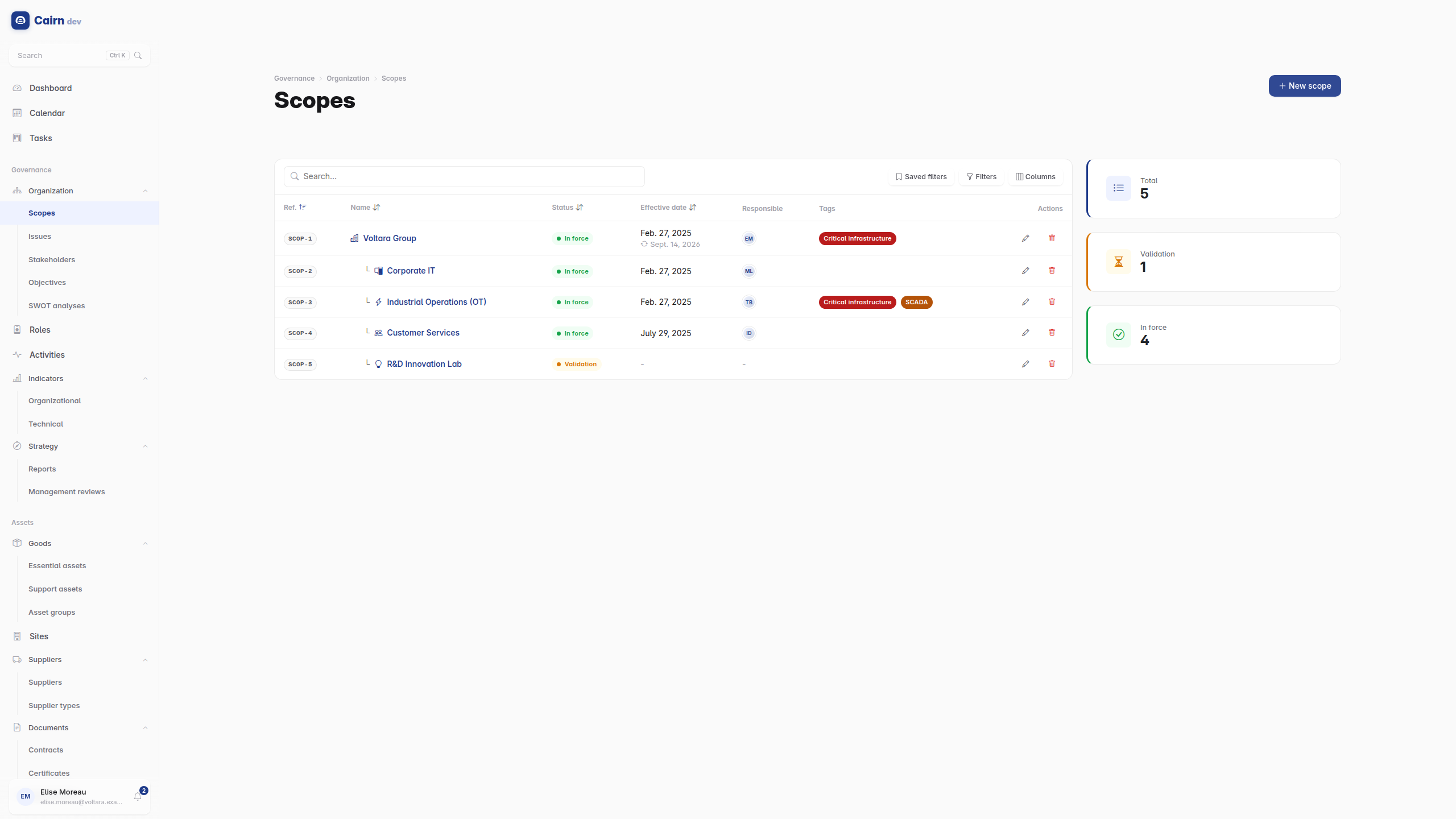
A scope is an organisational perimeter : a subsidiary, a business line, a certified domain. They are hierarchical, so a parent can contain children.
Scopes are also the tenancy model. A user is assigned scopes, and Cairn filters what they see to those perimeters. This is why two colleagues can look at the same list and see different counts. It is not a bug and not a caching problem; it is the perimeter working.
A scope carries what a certification body will ask for : boundaries and exclusions, the justification for those exclusions, the geographic, organisational and technical extent, the applicable standards, an effective date and a review date.
It runs its own lifecycle rather than the default one, because a perimeter is not simply approved or not:
Draft ──▶ Definition ──▶ Validation ──▶ In force ──▶ Review
                                            ▲            │
                                            └────────────┘
Only In force and Review count in reports and can be linked to. Review loops back to In force, because a perimeter is re-examined periodically rather than replaced.
Create at least one scope before anything else. A record created with no perimeter has nowhere to live.
The internal and external issues of clause 4.1, classified with PESTLE (political, economic, social, technological, legal, environmental), each with an impact level and a trend. The trend is what makes the register useful over time : an issue whose impact is rising is a different management conversation from one that is stable.
Interested parties and their expectations (clause 4.2), with influence and interest levels so you can prioritise, and RACI support for who does what.
Expectations are recorded against the stakeholder rather than free-form, which is what lets you answer "what did we commit to, and to whom" without rereading minutes.
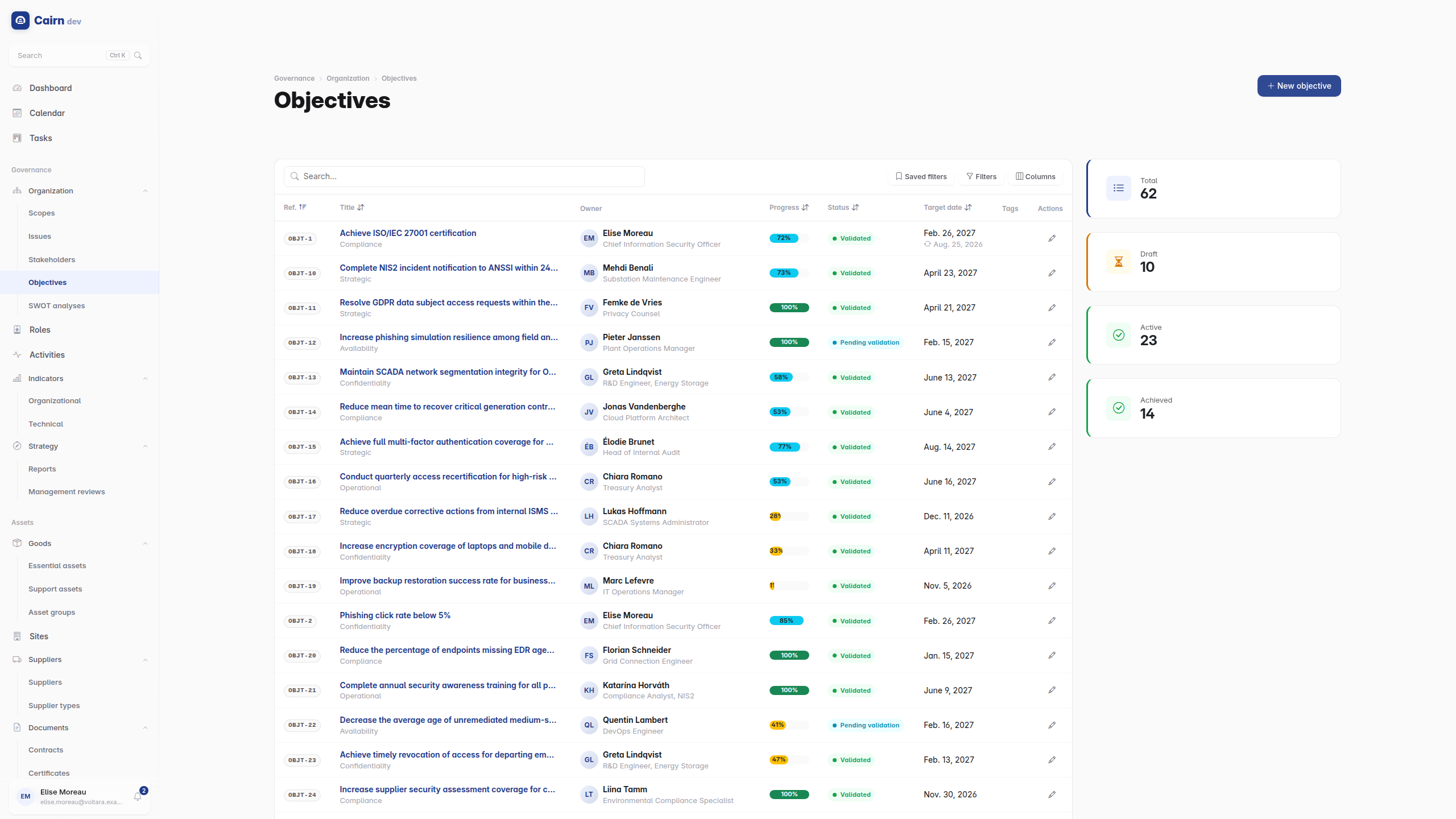
Security and business objectives with measurable targets : a target value, a current value, and a progress percentage derived from the two.
An objective has two independent axes, and confusing them is the usual source of puzzlement. Its status says how the work is going (active, achieved, not achieved, cancelled). Its lifecycle state says whether the objective itself is a validated commitment or a draft. An objective can be validated and not yet achieved; that is the normal case.
Strengths, weaknesses, opportunities and threats, structured with impact levels rather than as four free-text boxes. The structure is what allows a SWOT entry to be cited from a management review.
The ISO 27001 role assignments : who is the CISO, who is the DPO, who owns which process. Roles can be marked mandatory, and the dashboard tells you when a mandatory role has nobody assigned to it. An unassigned mandatory role is a finding waiting to happen, and this is where you see it before the auditor does.
Roles also matter operationally : some lifecycle transitions are restricted to whoever holds a given role for that record's perimeter. Assigning roles is what makes those gates work.
The business processes, hierarchical, classified as core, support or management, each with a criticality level and an owner. The dashboard flags critical activities with no owner, for the same reason as mandatory roles.
Activities are what essential assets attach to, so a well-built activity map makes the asset inventory follow naturally.
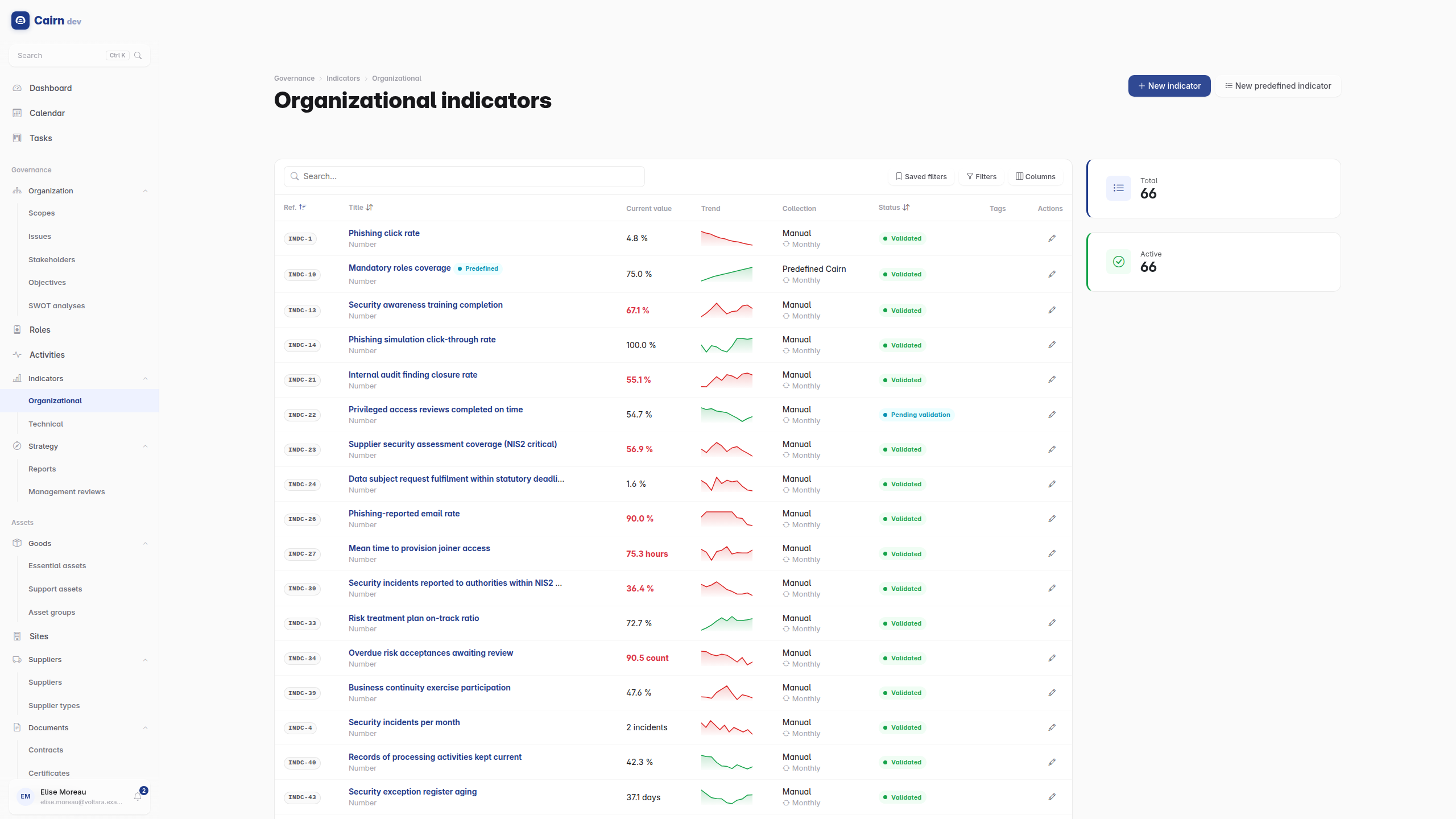
KPIs, split into organizational and technical. Each carries its measurements over time, so an indicator has a history and a trend, not just a current number.
Indicators are what the dashboard's Indicator widget displays. Because that widget is reusable, you can place one tile per indicator you actually steer on, rather than one list of everything you measure. See the dashboard.
Reusable labels assignable to any record in any module, for the classifications that cut across the model : "PCI scope", "2026 audit", "cloud". They are managed under Administration -> Tags.