0 overview
navTitle: Overview navSubTitle: How to get started with Kadira Debug title: Kadira Debug - Getting Started
Kadira Debug helps developers see what's really happening inside the Meteor app while they are developing it. It shows both server and client activities at once.
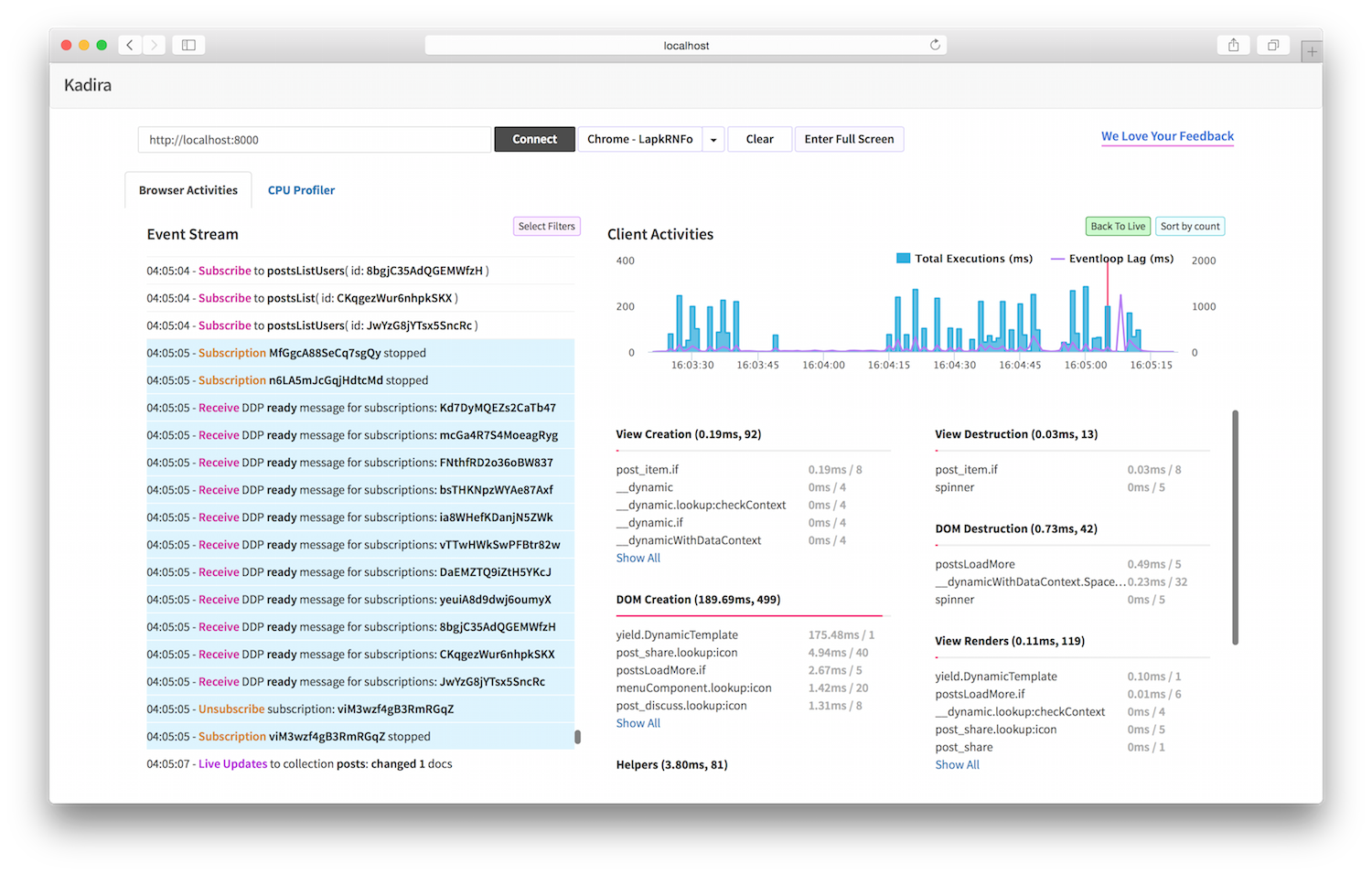
- First add
kadira:debuginto your app:meteor add kadira:debug - Then visit http://debug.kadiraio.com/debug
That's all you have to do. Now you can see what's happening in your app at the same time as you are developing it.
Read this guide to see how to understand your Meteor app with Kadira Debug.
Kadira Debug does not send data outside of your machine. For more information about how Kadira Debug works, read the FAQ section.