2015 07 20 introducing kadira debug v2
layout: blog_post title: Introducing Kadira Debug, Version 2 category: product summery: Today, we are introducing a new version of Kadira Debug. It comes with many UI improvements and support for CPU profiling.
Today, I'm very excited to be launching Kadira Debug version 2. This version comes with a lot of UI improvements and few CPU related functionalities.
This version of Kadira Debug is published as a new package: kadira:debug. So, you need to remove meteorhacks:kadira-debug if it's in your app:
meteor remove meteorhacks:kadira-debug
meteor add kadira:debug
After you've added kadira:debug, simply visit http://debug.kadiraio.com/debug and you'll be able to see what's going on in your app.
Let me show you couple of new features and enhancements that we've added.
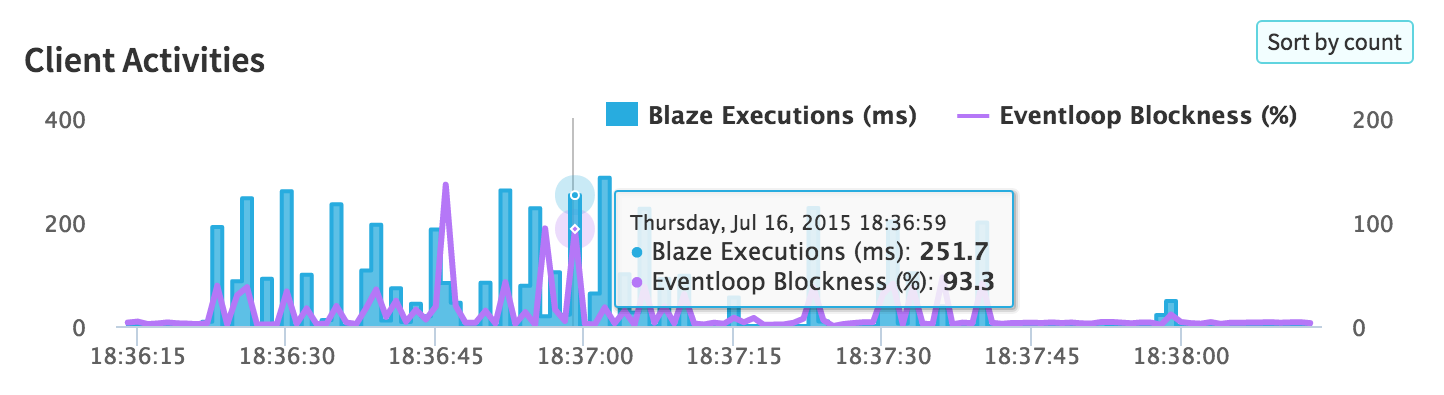
These days we do many things on the client side, which means there is a lot of CPU activities on the client side of your app. Sometimes, your app will become slower to use because of these activities.
Now, we've a real-time CPU usage monitor based on EventLoop usage:
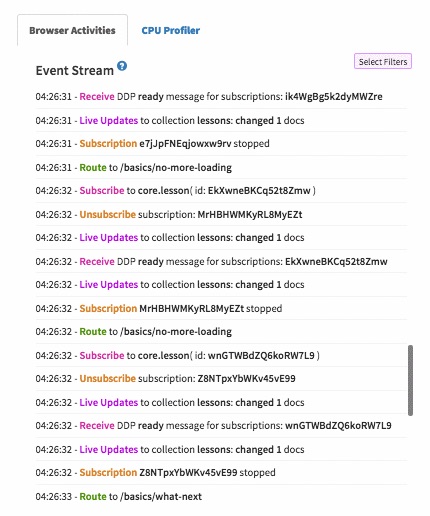
In the previous version, the event stream was very hard to use if there was a lot of data in it. Now the event stream will pause if you click on it. Also, now you'll be able to filter the event stream for the data you actually need:
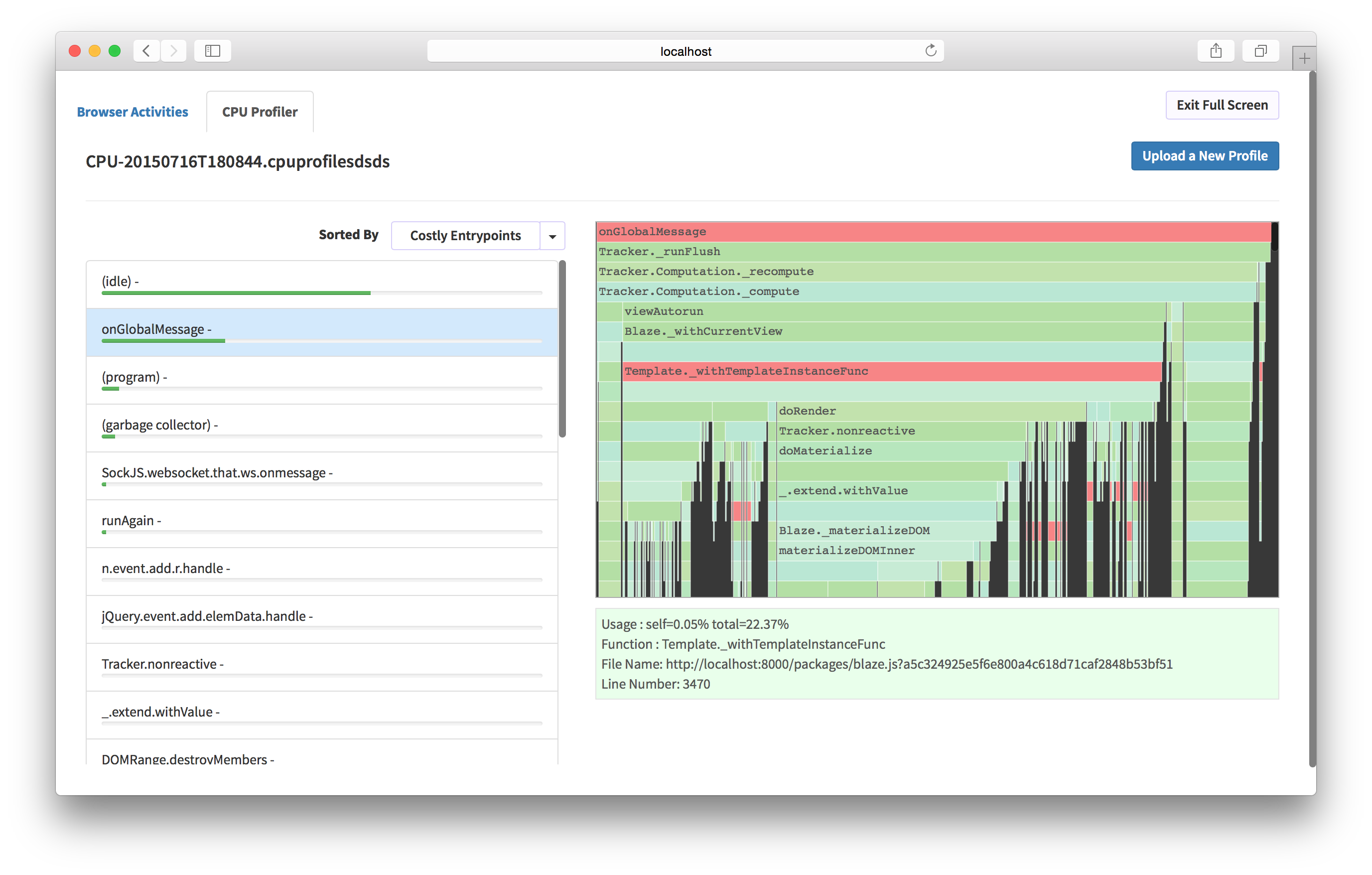
Now you can analyze both client and server CPU profiles using our CPU analyzer. Earlier it was only available inside our Kadira app and it was a bit hard to use. Now anyone can use it.
Besides these major changes, we've added many UI improvements, making Kadira Debug very productive to use.
Try the new Kadira Debug and let us know what you think about it.