Labels Sharing and Calendar
Ways to get your mead out of the app — onto bottles, in front of friends, and into your calendar.
- Bottle labels — procedurally generated from each batch (name, dates, OG/FG, ABV, batch number), styled with your brand. A Label Maker lets you customise where elements appear.
- A4 label sheets — print a page of labels at once.
- Storage-box labels — for the boxes your bottles live in, showing batch identity, contents, drinking window and a QR code.
- Certificates, gift cards and permanent-record print-outs — for gifting and archiving.
- QR codes — every label can carry a QR code that deep-links back into the app (to the batch, recipe or a view).
Every batch can produce a public, read-only share page reached via an unguessable URL:
https://your-server/share/<token>
The <token> is a per-batch secret. The server resolves it to that one batch only — no other batches, supplies, settings or Home Assistant credentials are exposed. The page shows the bottle label (without the QR/drinking-window boxes), the batch's live age, a fermentation curve with both gravity and ABV, a human-readable drinking window, the gravity log and tasting notes.
- Revoke a token any time to kill the link.
- A missing or unknown token reveals nothing.
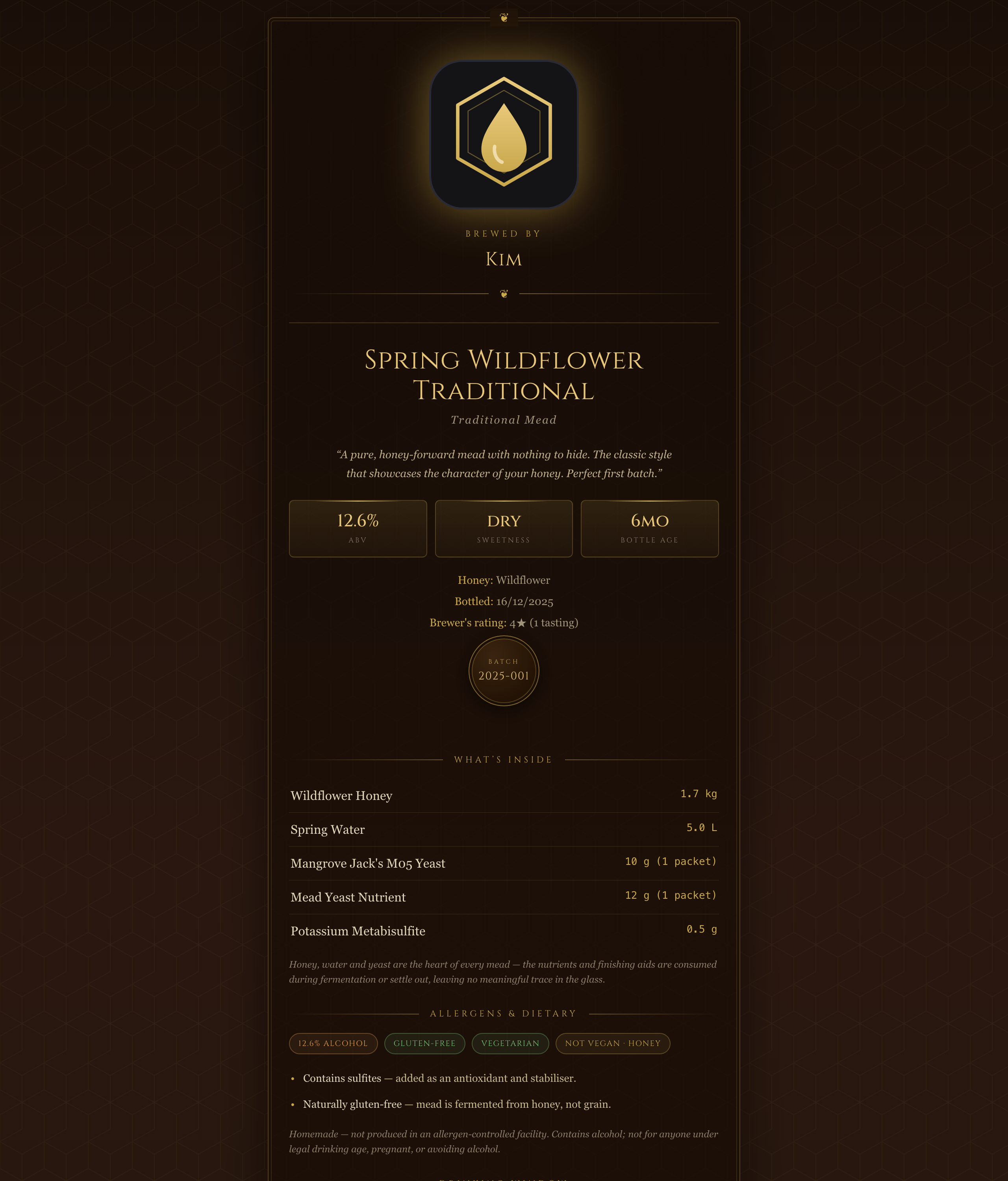
If you run MeadOS behind a reverse proxy, set Settings → Server Data → Public URL (e.g. https://mead.example.com). All share links and QR codes are then built from that address instead of whatever internal URL you happen to be browsing on.
The app understands bookmarkable / printable deep links:
| Link | Opens |
|---|---|
#batch=… |
a specific batch (by id or serial) |
#recipe=… |
a recipe detail page |
#view=… |
a named view (e.g. #view=cellar) |
These are what the QR codes use, and you can put them on printed labels.
Subscribe any phone or desktop calendar to a private .ics feed of your brewing schedule — nutrient doses, racking, bottling, and ready/peak dates — so reminders show up alongside the rest of your life. No Home Assistant required.
- Security & Deployment — exposing share pages safely
- Home Assistant — push notifications as an alternative to the calendar feed