Getting Started
Grab your platform's bundle from the latest release and unzip it. No installers, no dependencies.
Run the engine binary (monworks.exe / monworks.x86_64 / the .app). It loads Meadowbrook, the starter sample, from the project/ folder beside it:
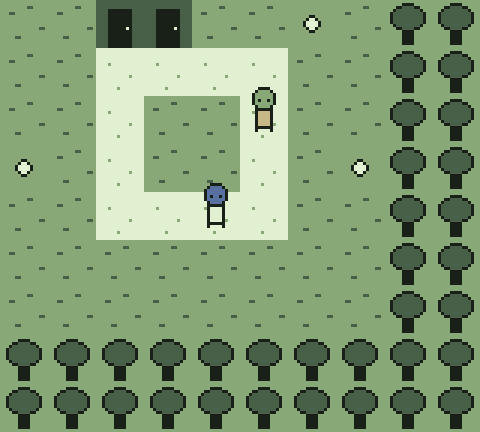
Controls: arrow keys move · Enter/Space = A (interact/confirm) · Esc = B/START (cancel/menu). Controllers just work — D-pad or left stick, face buttons, no setup. Rebind anything (keys or pad) in-game: F9 → INPUT, press-to-capture. Volume and display filters live on the same screen.
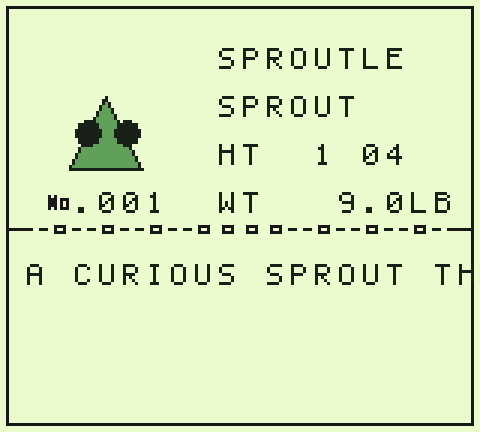
Everything you'd expect is in there — a party, wild battles, a monster index (this project calls it the MONDEX; that's a project setting, like almost everything else):
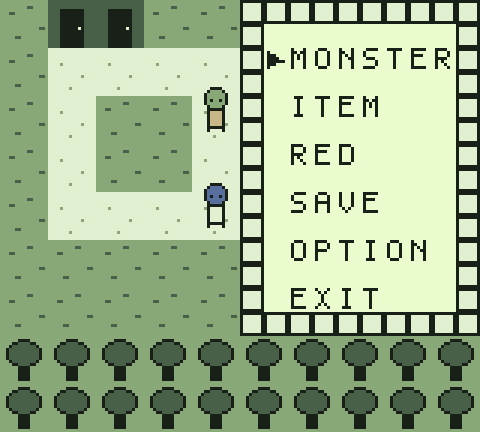
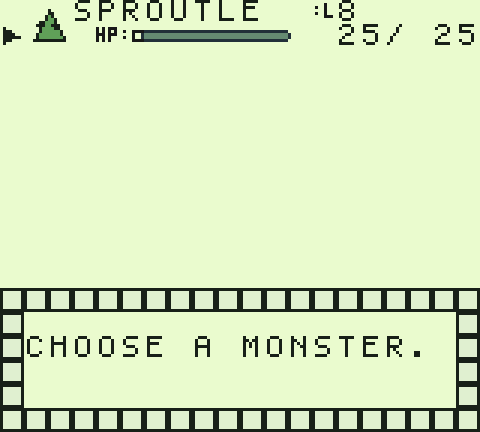
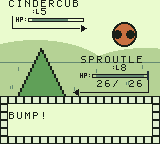
Run the play-bramblewick launcher in the same folder. Bramblewick is deliberately different under the hood — its own type chart, its own catch/experience math, a lever puzzle, and a finishable quest:
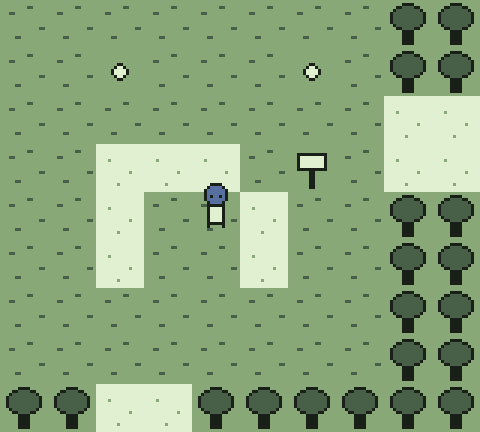
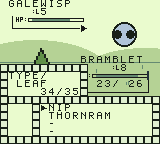
Both samples are CC0: copy them, break them, ship what you make from them. That's what they're for — head to Make Your Own Game.
The engine's other life is a byte-faithful Kanto. That build is not downloadable — it derives from Nintendo's game and stays personal-use — but making it yourself is two commands on top of your own pret/pokered clone: see the repo README.