Repository navigation
Settings
The menu (⋮) above the conversation list holds these.
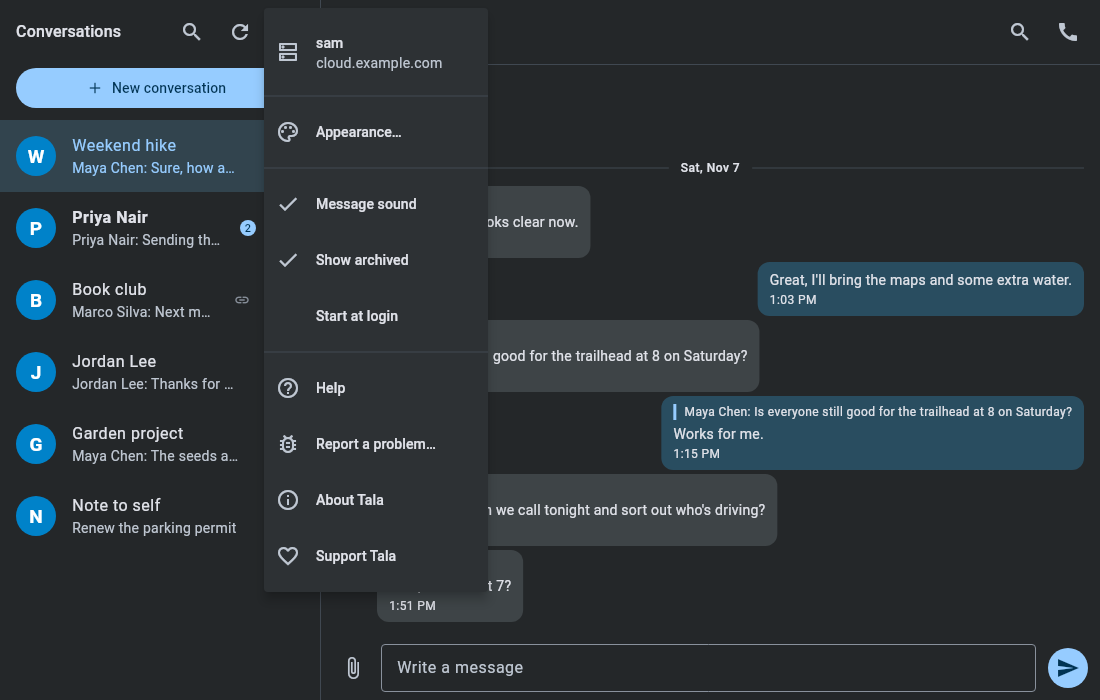
The top of the menu shows who you're signed in as and on which server. Choose it, then Change server…, to move to another server or address.
This starts a new sign-in. You stay on the current server until it succeeds. Tala then removes its app password from the old server, so going back means signing in again.
Tala uses one account at a time.
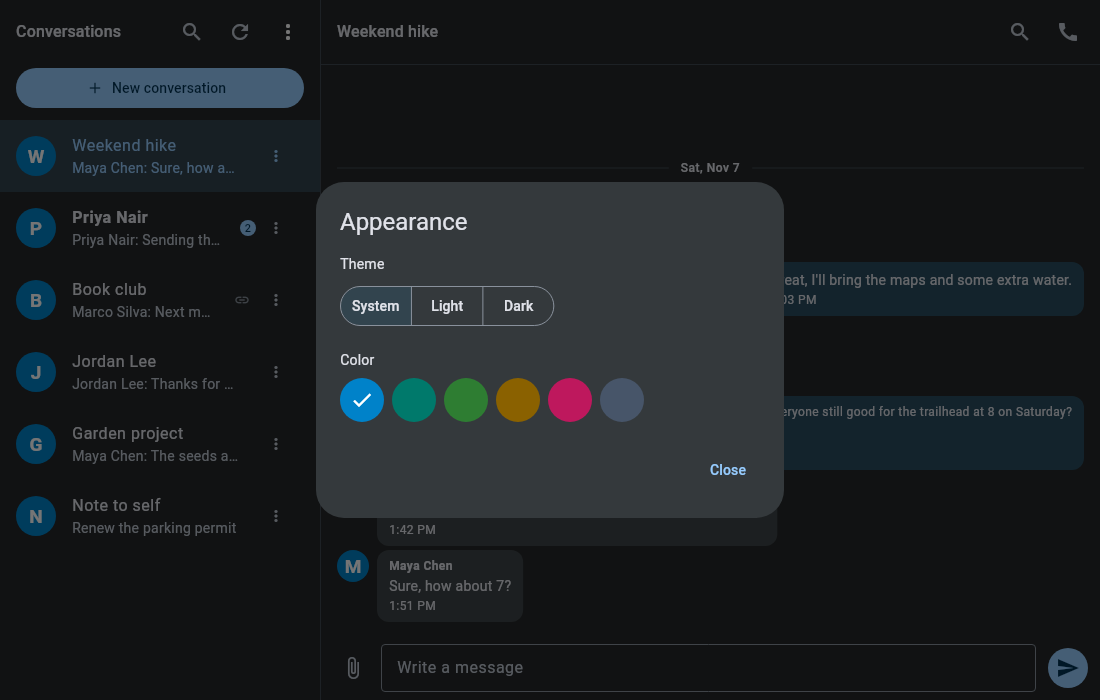
Appearance… sets the theme (System, Light or Dark) and the accent color. The title bar is drawn by your desktop, so it may keep following your system theme.
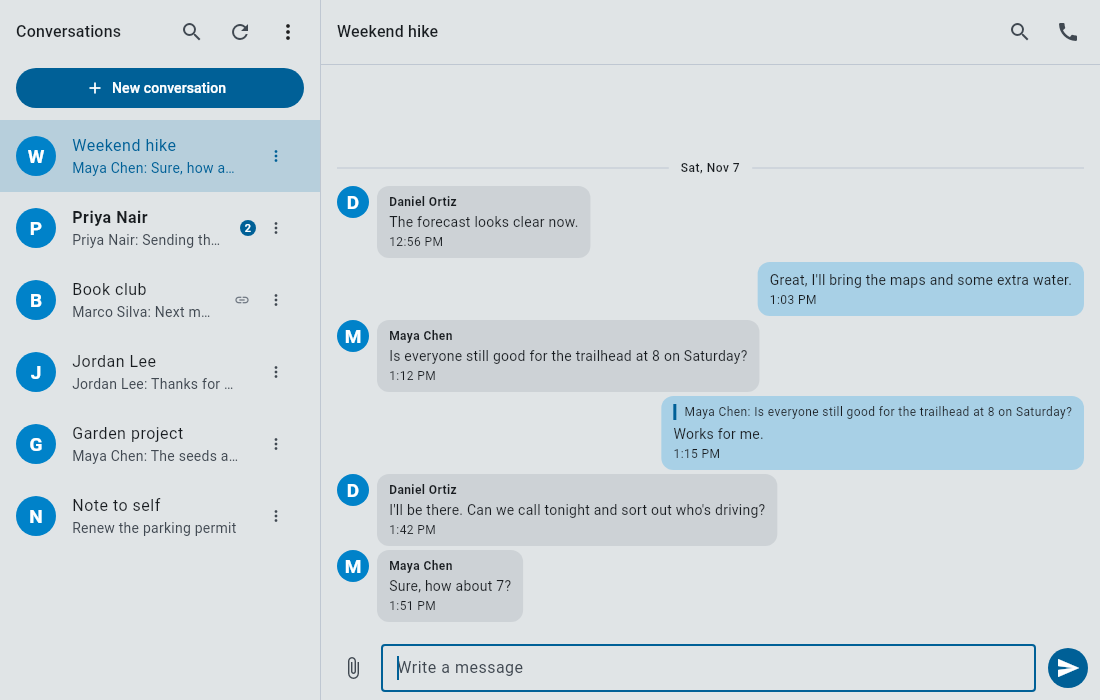
Turns the new message chime on or off. Your desktop's notification system plays it, so Do Not Disturb silences it too. It doesn't play during a call or while one is ringing.
Shows or hides the Archived section. See Chat.
Starts Tala hidden in the tray when you log in.
Help opens this wiki. About Tala shows the version and licenses. Support Tala opens Ko-fi.