Repository navigation
Tour help
TACTIC Stream · Русский · Knowledge Base · Full feature tour
Open Help from the main menu. A tool’s Help button goes straight to its article, with command descriptions, settings and procedures.
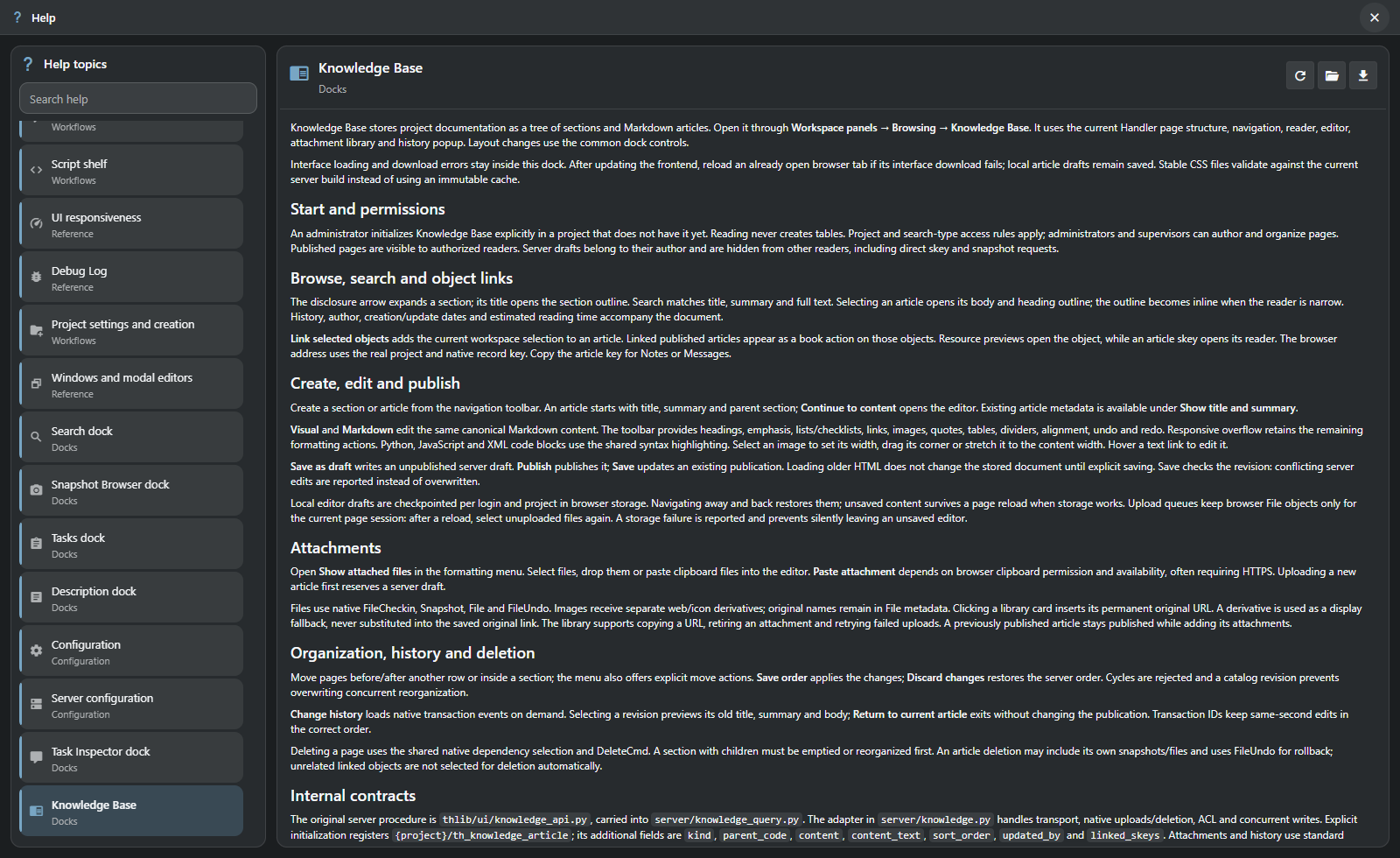
The catalog covers search, configuration, administration, scripts and workspace panels. Search includes article titles and body text. Related links connect the procedures.
| When you need to… | Help provides… |
|---|---|
| Find an unfamiliar action | Search across article titles, groups and text. |
| Follow a procedure | A formatted article with headings, examples and links to related topics. |
| Move between topics | A searchable catalog, keyboard navigation and remembered article scroll positions. |
| Read in your working language | English and Russian articles, selected with the interface language; English fallback when needed. |
| Keep a reference | Download a Markdown copy of the current article. |
The catalog and articles ship with Stream’s browser application. Articles can be reloaded or saved as Markdown. Material from Handler Help is marked separately; its desktop functions belong to Handler.
Help documents application behavior. Studio instructions, such as scene requirements before delivery, belong in the project’s Knowledge Base.
Getting started · Search guide · Knowledge Base guide
Help in the current Stream prototype.