Getting Started
git clone https://github.com/m-dohmen/openToolbox
cd openToolbox
npm install
npm run build     # → dist/index.html
Open dist/index.html in a browser. That's the whole thing — no dev server, no npm start, no
port to remember. The build takes well under a second and produces a single ~240 KB file
(size varies a bit with which features — logo, translations — end up inlined).
The live demo is a full build of
examples/portfolio.domain.js, published from main. Everything below works the same way in it.
The shipped example is an action items tracker (audits, approvals, steering-meeting follow-ups) with 11 seeded demo records, so the file isn't empty on first open. It's meant as a working reference, not the point of the template — see Building Your Own Tool for swapping it for your own domain.
- Click New action item, fill in a title, hit Apply.
- Made a mistake?
Ctrl/Cmd+Zundoes it,Ctrl/Cmd+Yredoes it — same two actions as the undo/redo buttons in the file bar. It's session-only history, not written to the file; see Limits and Troubleshooting. - Click Save (or
Ctrl/Cmd+S). Depending on your browser:- Chromium (Chrome, Edge): a native "Save As" dialog appears once; every save after that writes straight back to the same file, no dialog.
- Firefox / Safari: it goes to your Downloads folder.
- Close the tab, reopen the saved file. Your record is still there — it's now baked into the file's payload block, not stored anywhere else.
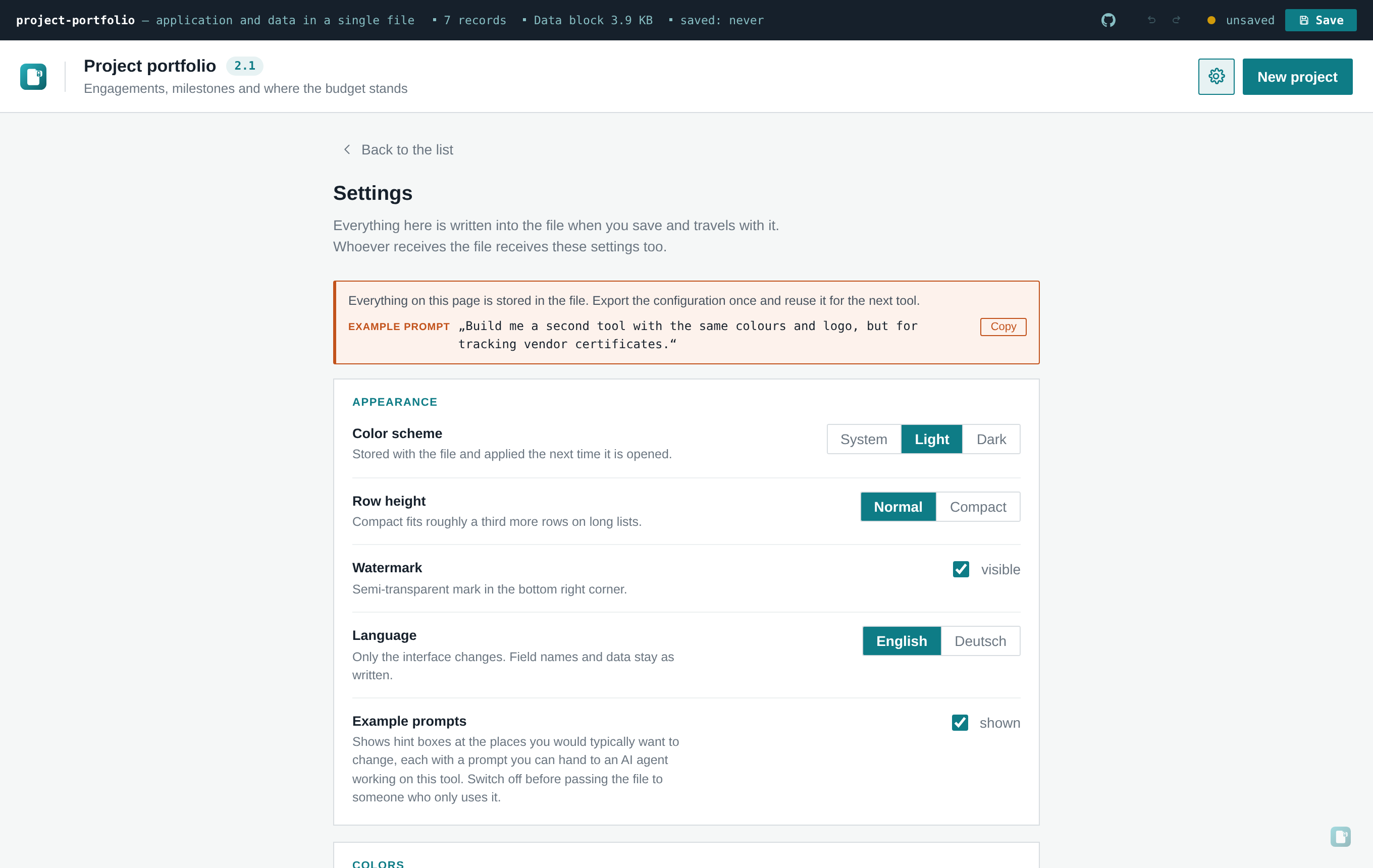
- Open Settings (gear icon) and look around: color scheme, row density, language, colours, branding, encryption, AI integration, CSV/JSON export and import, configuration export.
Settings → Security → Encrypt. Set a passphrase (a strength hint appears, but nothing is blocked — a short passphrase is a legitimate choice in an already-secured environment). Save. Reopen the file: you're asked for the passphrase before anything renders. Wrong passphrase, clear rejection; no way to recover data without it — see Security and Encryption.
Off by default — the app opens no network connection until you turn this on. If you want to try it against a real OpenAI-compatible endpoint (OpenAI itself, Azure AI Foundry, LiteLLM, Ollama, vLLM, OpenRouter…), see AI Assistant for the CORS caveat you'll hit from a local file, and for how the client negotiates whatever dialect your endpoint speaks.
npx playwright install chromium   # first time only
npm test
Drives a real headless Chromium against the built file and walks the entire feature set — see Testing for what exactly gets exercised.
- Swap in your own domain: Building Your Own Tool
- Understand what's actually happening under the hood: Architecture
- Set your own colours and logo: Branding