Unity
3D simulators that allow the use of realistic robot models such as CoppeliaSim or Gazebo are computationally cost software tools, complex to configure and not suitable for the starting educational level. But, on the other hand, if the simulators are too simple, the operation of sensors, motors and the physics of movement itself will be very different from those of the real robot. This means that students do not really learn robotics, since the problems they have to solve are different, so their training is clearly limited.
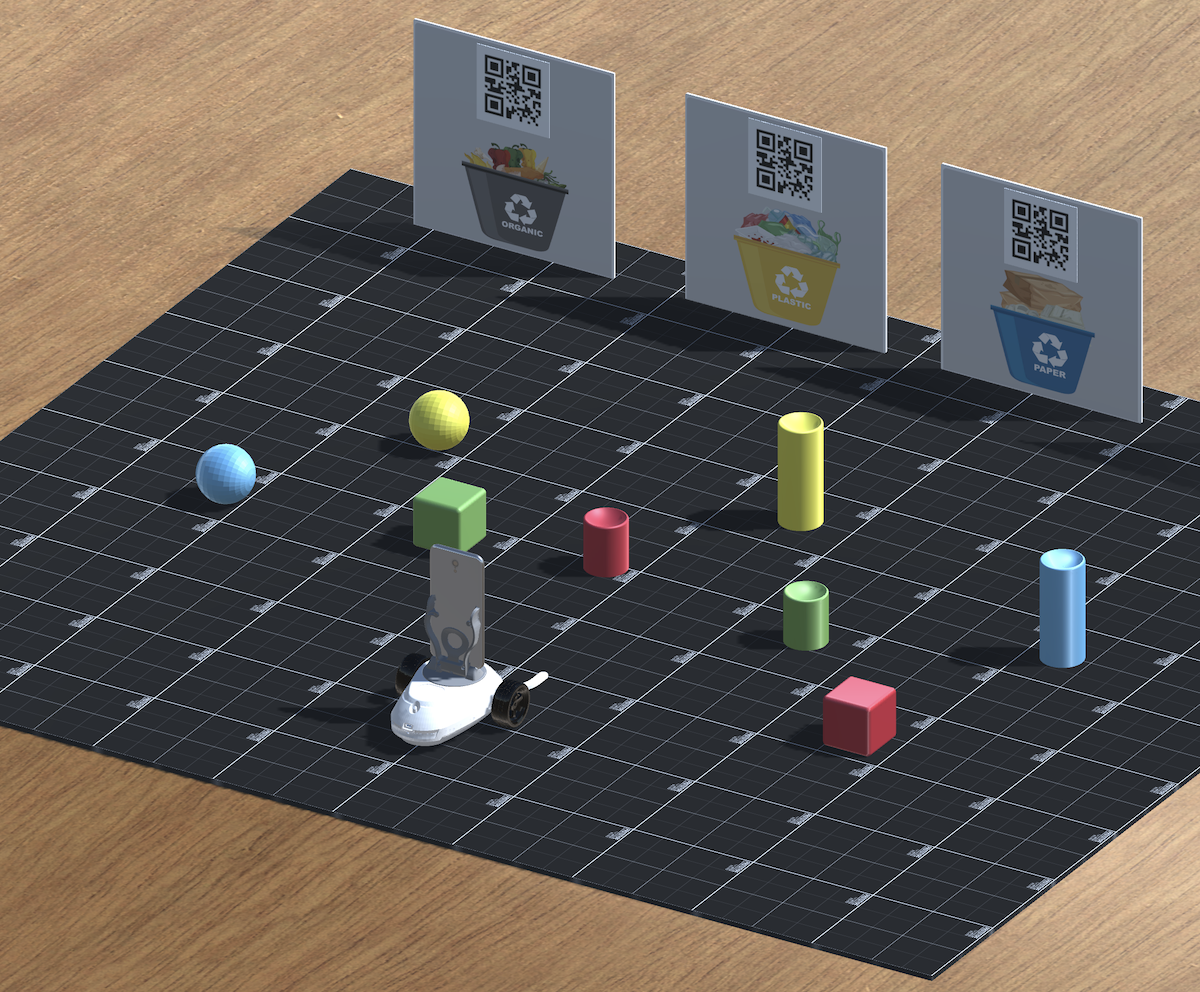
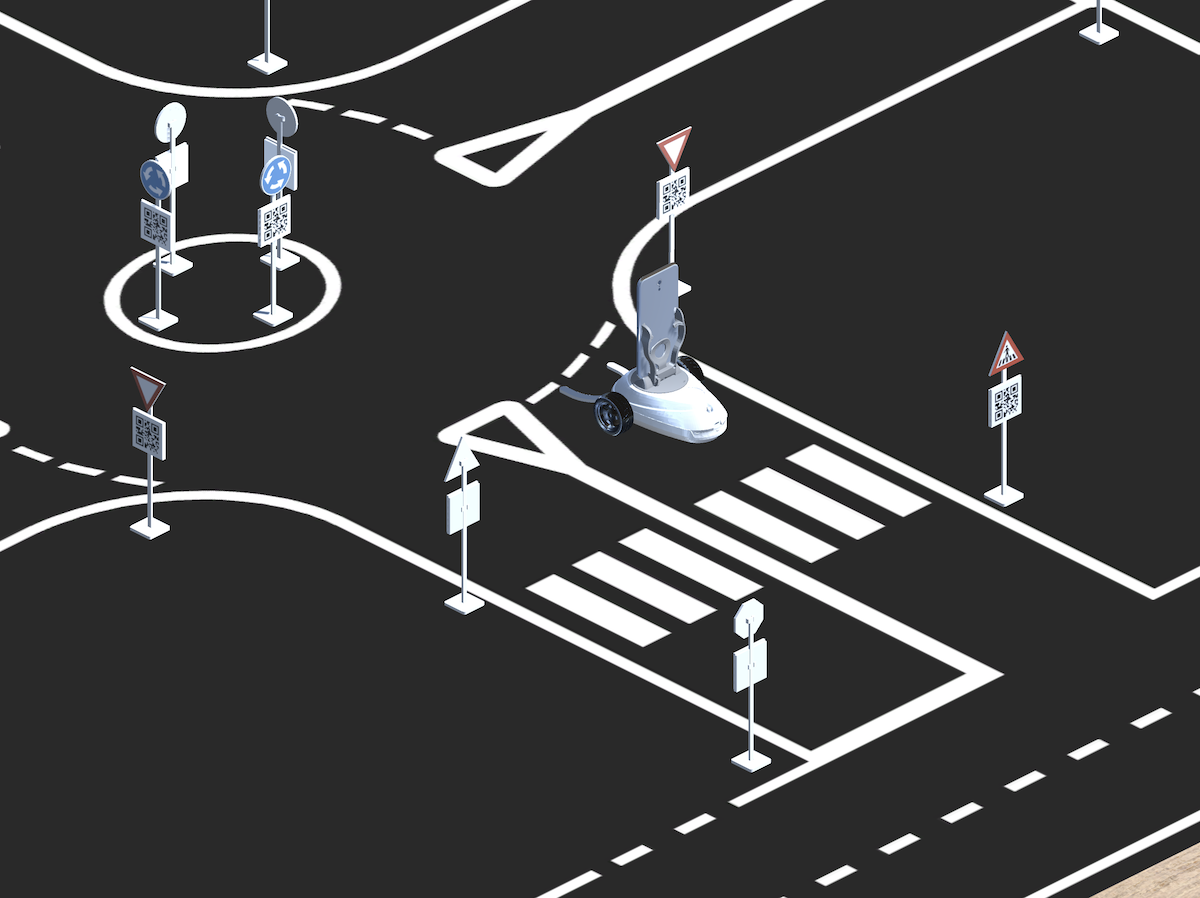
For these reasons, it was decided to develop our own simulator using Unity technology, which allows us to create a realistic and computationally light simulation, as well as allowing the simulator to run in a browser. It should be noted here that Unity is used as a development engine for many video games, so it has a usability and aesthetics similar to these, something that makes its acceptance by students is greater. The simulator can be downloaded from the following links depending on your computer OS:
MacOS: unzip the file and execute the following command from a terminal window in order to provide execution permission to this file: "chmod -R 777 RoboboSimulator0.1.3Mac.app"
Windows: unzip the file and execute the file "Robobo Simulator C1.exe"
Linux: unzip the file and execute the following command from a terminal window in order to provide execution permission to this file: "sudo chmod +x Robobo Simulator C1 0.1.3.x86_64"
