Repository navigation
Android and iOS
The Android and iOS apps share the desktop app's engine, so a library, its watch history and its settings behave the same everywhere. This page covers what is different on a phone, a tablet and a TV. Installation explains how to install each one.
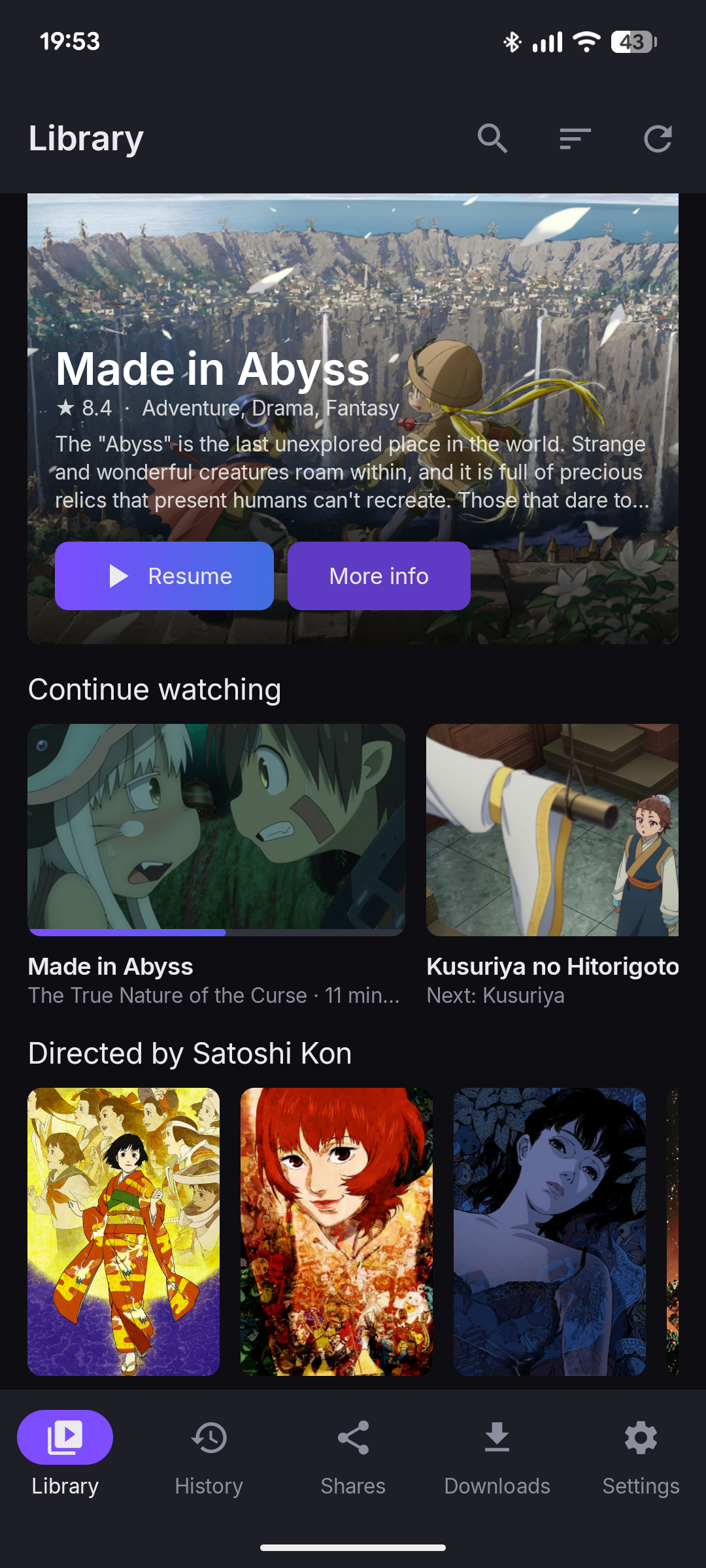 |
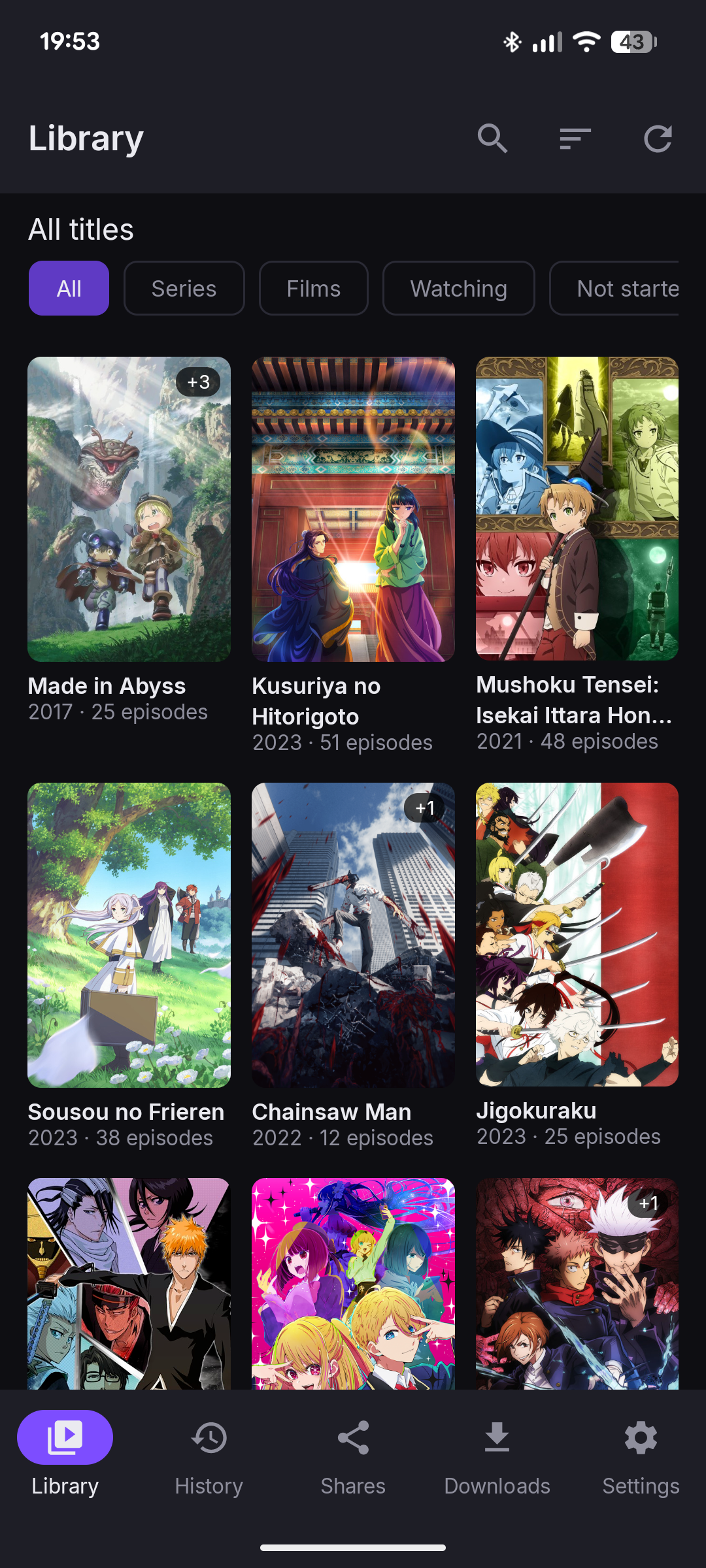 |
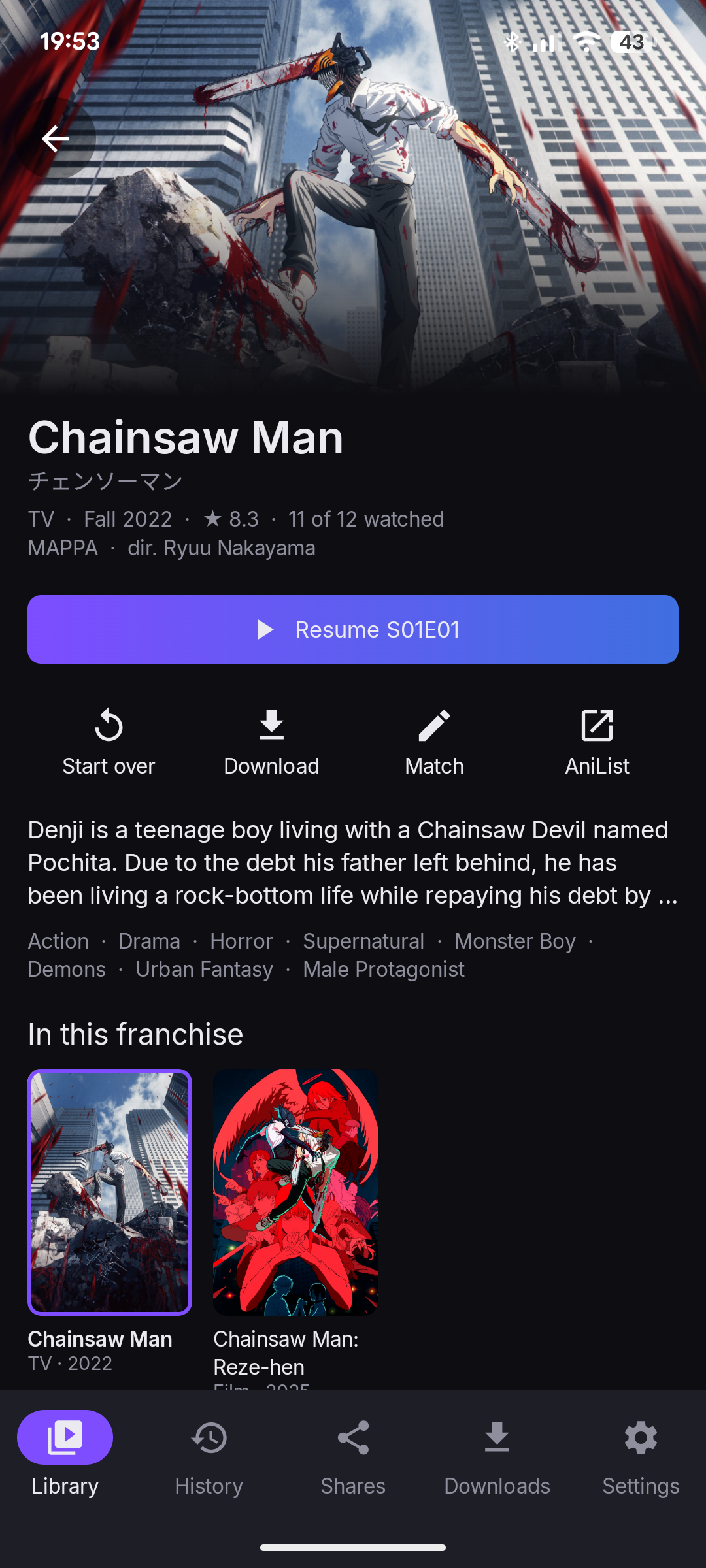 |
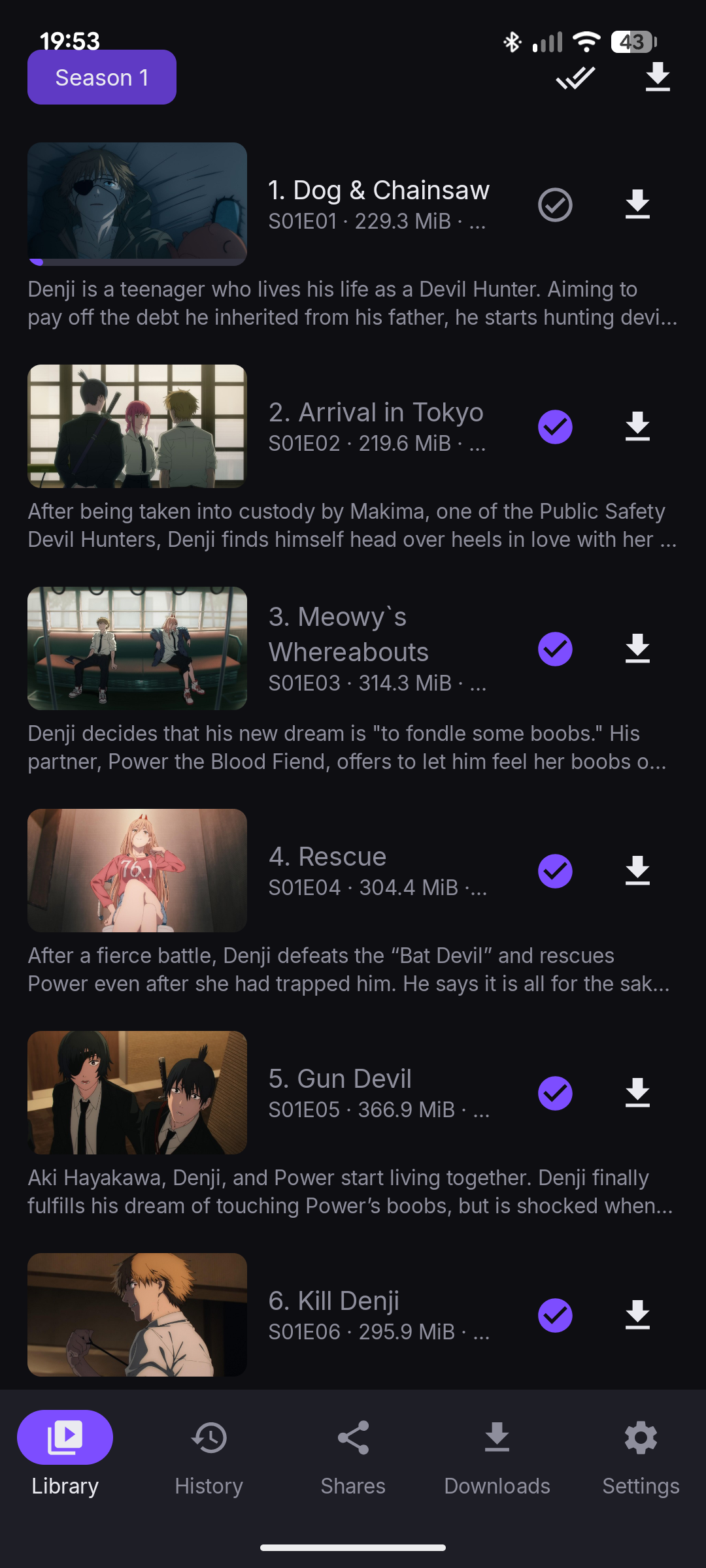 |
Tap Add share on the Shares tab, paste the link, and add a custom password if the link has one. The app checks the link before it saves it.
-
Android: you can also share a link to the app from your browser or a chat app, or open a
drive.proton.me/urls/…link directly if you allow the app to open supported links in the system settings. - iOS: there is no share sheet. Copy the link, then tap Paste link in the dialog.
Folders of your own Drive work as on the desktop: sign in on the Shares tab, then Add from your Drive. See Account and sync.
- Tap to show or hide the controls.
- Double-tap the left or right third of the screen to go back or forward 10 seconds. Double-tap the middle to pause.
- The menu has Episodes, Chapters, Playback speed, the audio and subtitle tracks, and Lock to landscape.
- Sound keeps playing with the screen off or the app in the background, with controls on the lock screen. Turn off Background audio in Settings to stop that.
Picture-in-Picture is not available on either platform.
The app appears in the TV launcher. With the controls hidden:
| Remote | Does |
|---|---|
| Left / right | Back or forward 10 seconds |
| Centre, up or down | Show the controls |
| Play/pause | Pause and play |
There is no separate TV layout yet, and the app has not been tested on a real TV. Reports are welcome.
Download an episode, a season or a show from its title page, and play it from the Downloads tab without a connection.
- Android waits for Wi-Fi unless you turn off Download on Wi-Fi only. Downloads continue with the app closed.
- iOS downloads only while the app is open, and for the short time iOS allows after you leave it. A stopped download resumes where it stopped.
Delete all offline episodes in Settings frees the space in one step.
When a share gains episodes of a show, the app sends a notification.
- Android checks about every 6 hours, when the device has a network and the battery is not low. Turn it off with New episode notifications in Settings.
- iOS asks the system to check every 6 hours or so; iOS decides when it actually runs.
- Android: in the app's private storage, encrypted with a key in the Android Keystore. If you change or remove the device's screen lock, Android may delete that key. The app then asks you to Re-enter link for each share.
- iOS: in the Keychain, only on this device, and not in backups.
- Android 12 or newer, on an arm64 or x86_64 device. 32-bit devices are not supported.
- iOS 17 or newer, on iPhone or iPad.