Repository navigation
Home
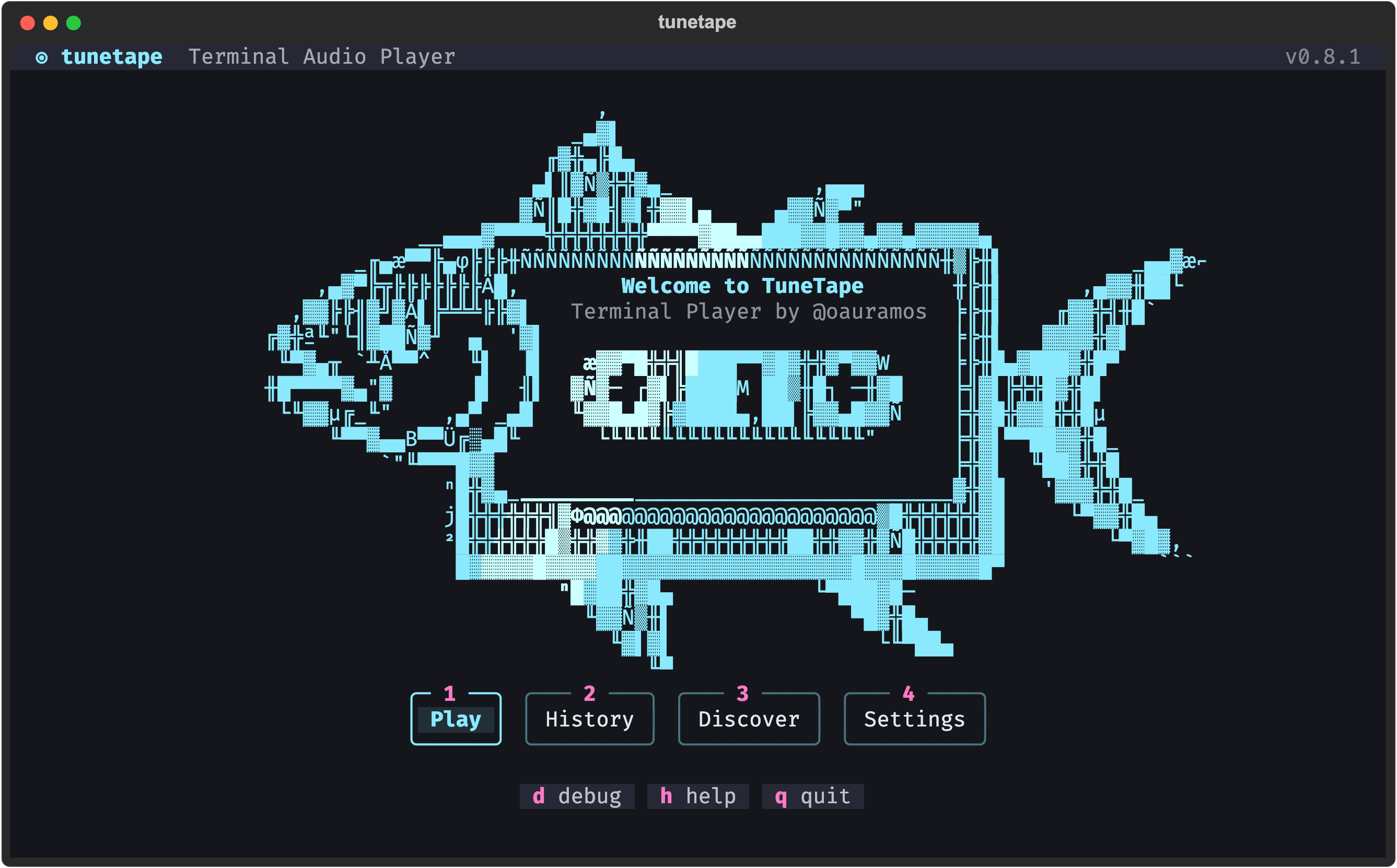
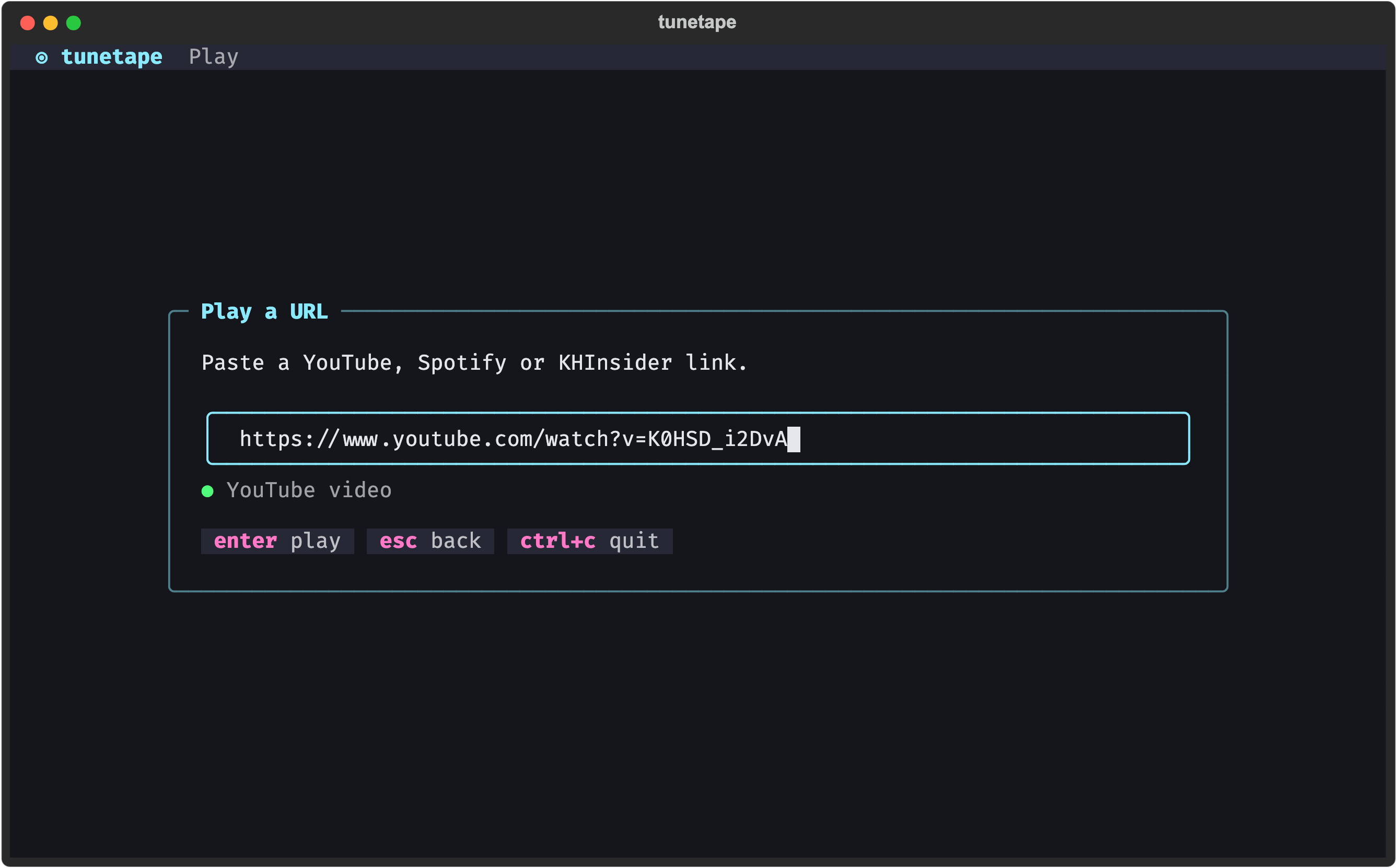
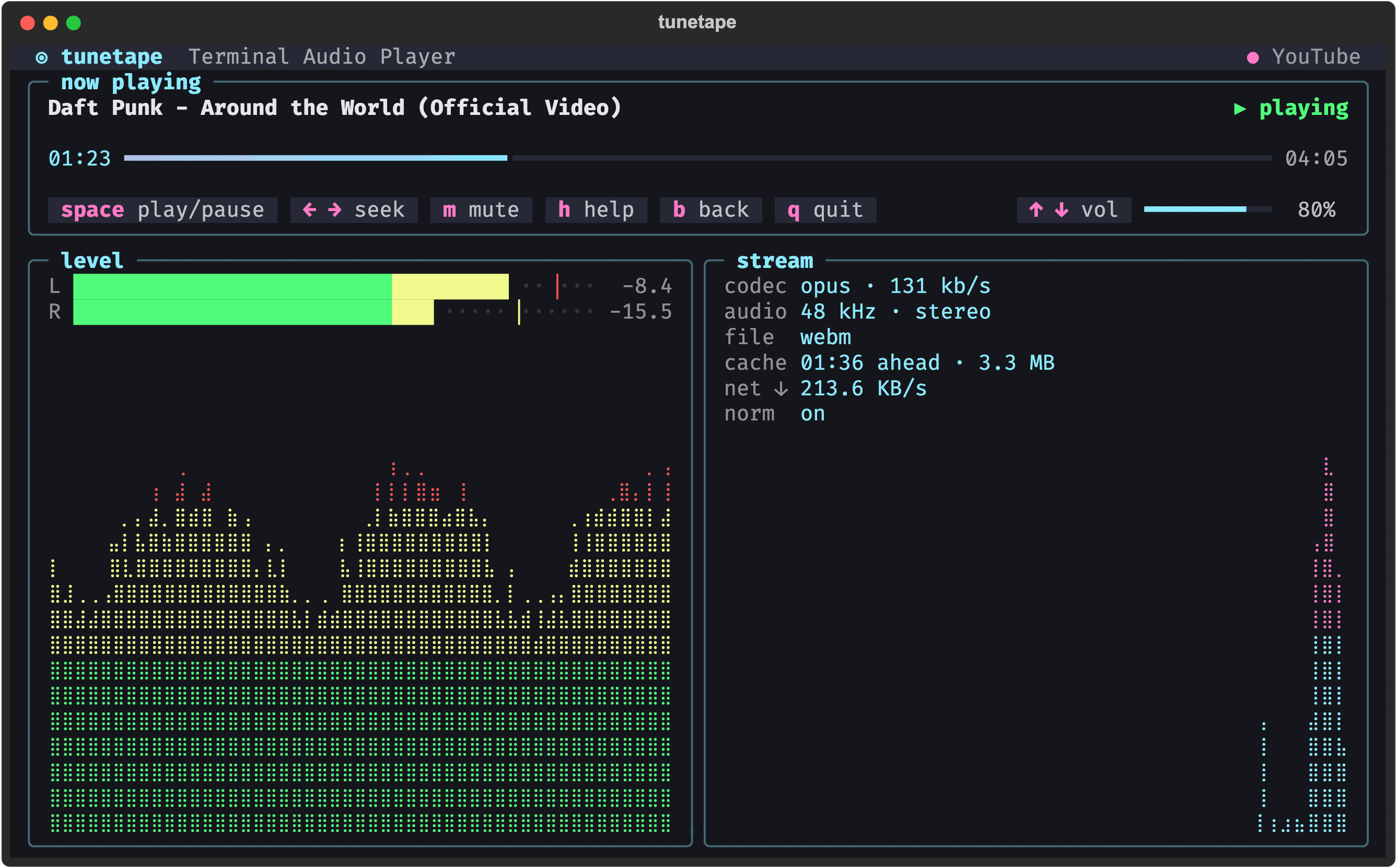
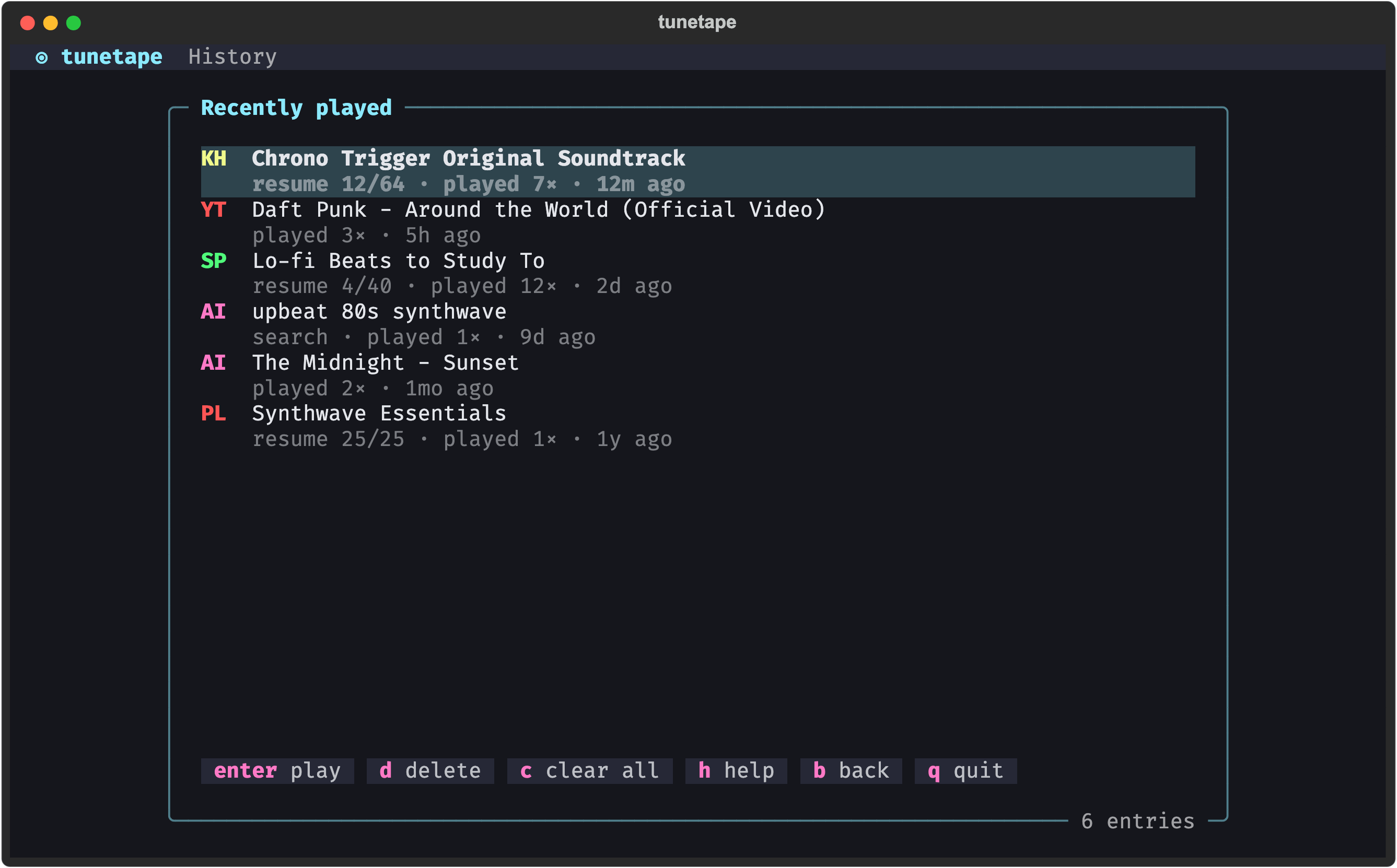
tunetape is a small audio player that runs in your terminal. Paste a YouTube, Spotify or KHInsider link, press Enter, and it plays through mpv behind a btop-style interface: live audio levels, stream stats, a queue, and controls you can press or click. Nothing is downloaded or stored: it streams, remembers what you played, and gets out of the way.
This wiki is the long-form companion to the README. The README gets you installed in one command; the pages here explain everything else.
- Install tunetape for your OS. See Installation (macOS is one
brew install). - Run it:
tunetape
- Press 1, paste a link, press Enter. Use
spaceto pause, the arrows to seek and change volume,hfor help,bto go back andqto quit. The mouse works too.
| Page | What you will find |
|---|---|
| Installation | Every install method (Homebrew, winget/scoop, apt, install script, from source, uv/pipx), upgrading and uninstalling |
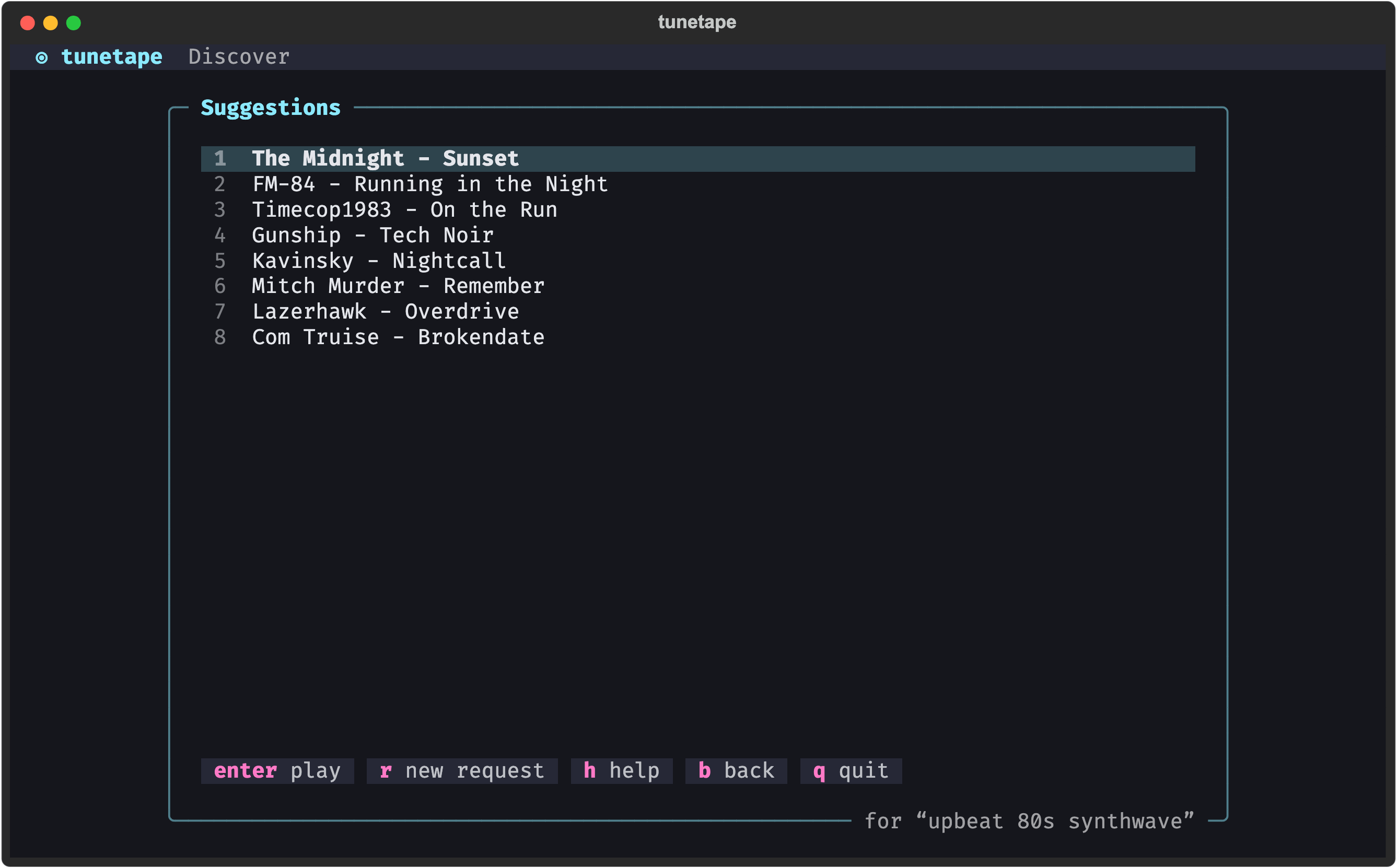
| Usage and Controls | A tour of each screen with screenshots, the keys and the mouse |
| Command Line and AI Agents |
tunetape play <link> and friends, the background daemon, and connecting Claude or any MCP client (press m on the menu) |
| Sources | Which YouTube, Spotify and KHInsider links work, and how each one is streamed |
| AI Discovery | Setting up the Discover feature with Anthropic, OpenAI-compatible endpoints or a local model |
| Settings | Volume normalization, themes, remembered volume, and where your data lives |
| Troubleshooting | Playback stuck at 0:00, missing tools, Windows notes, the Debug screen |
| FAQ | Short answers to common questions |
| Development | Running from source, tests, how the interface is built, how releases are cut |
| Play a link | Now playing |
|---|---|
 |
 |
| Recently played | Discover (AI) |
|---|---|
 |
 |