Mining Areas and Controls
Right-click while holding an infused pickaxe — the vanilla Use Item control — to cycle through its three mining areas:
1x1 → 1x3 → 3x3 → 1x1
Interacting with a door, chest, or any other usable block still takes priority over cycling, exactly like vanilla's own right-click behavior.
Changing mode shows the new area on the action bar (Mining area: 1x3)
with a brief amethyst chime — never a chat message.
The tooltip on an infused pickaxe only ever shows its current dimensions.
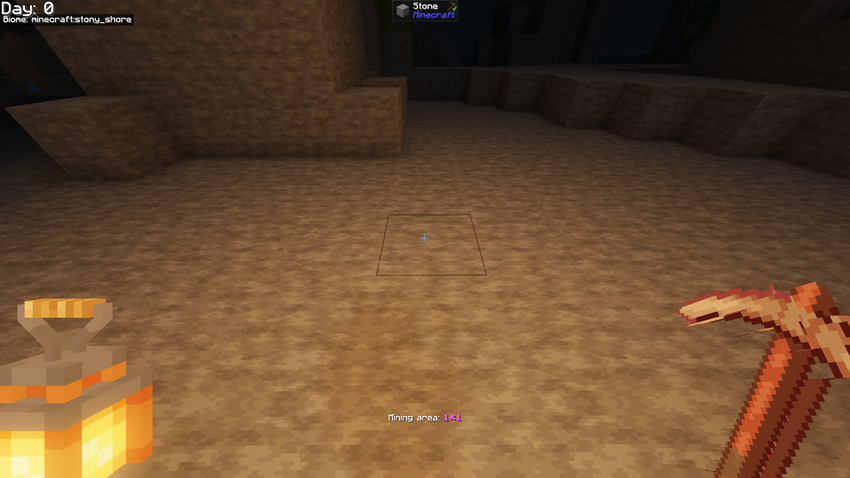
1x1 draws nothing extra — that's vanilla's own block-targeting box,
untouched.
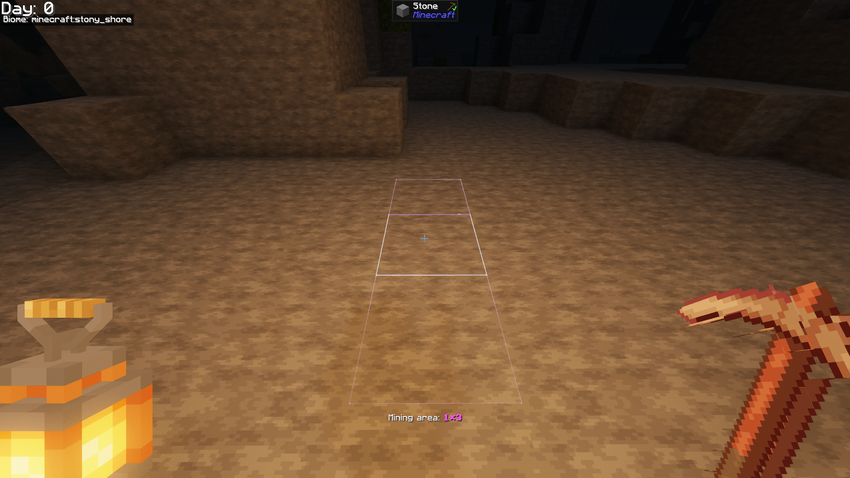
1x3 gets the amethyst preview outline, with the active area shown in
the action bar.
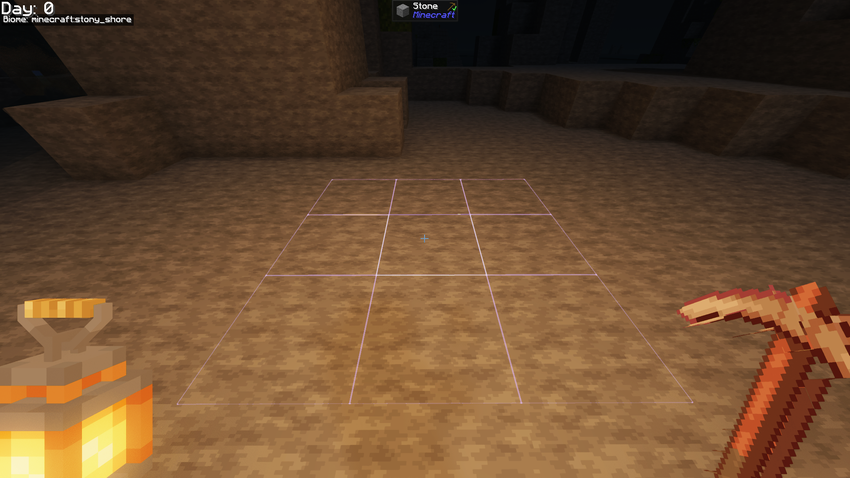
Same outline in 3x3, now covering the full plane.
Holding sneak while mining always forces a single-block break, regardless
of which mode is active. There's no need to cycle back to 1x1 for a
precise break — just sneak.
The extra blocks are oriented relative to the face you hit, not a fixed world axis:
- A wall hit produces a vertical
1x3line. - A floor or ceiling hit aligns
1x3with the direction you're facing. -
3x3is always the plane perpendicular to the face you hit.
Every secondary block broken by the infusion is subject to the exact same checks a normal, single swing would apply:
- Normal drops, experience, and durability cost
- Protection and unharvestable blocks are respected — never broken
- Block entities and blacklisted blocks are skipped
- Harder blocks that your tool can't normally break are skipped
- The pickaxe won't expand through shovel-only blocks
- Expansion stops immediately if the tool breaks or is swapped mid-swing
The server is the only source of truth for what actually breaks — client prediction never breaks a block by itself, and normal server permissions still apply to every extra block. Each player keeps an independent mode; switching yours never affects anyone else's.