Teleportation
Warp to any town, route or landmark — the full Hoenn and Kalos maps — plus your own saved warp points.
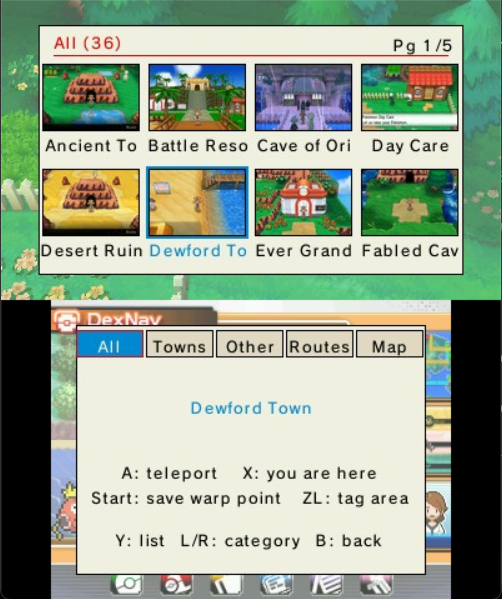
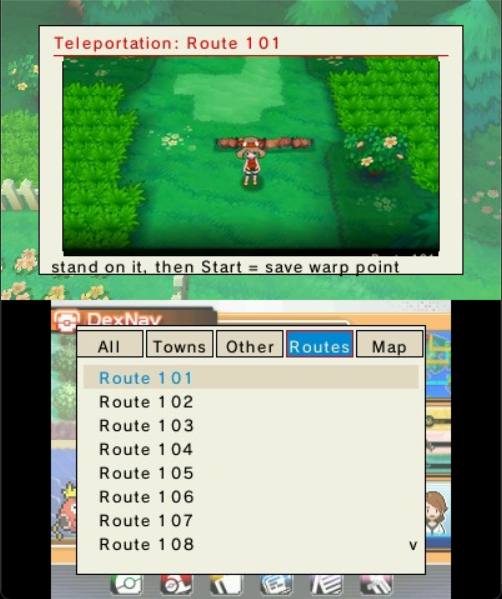
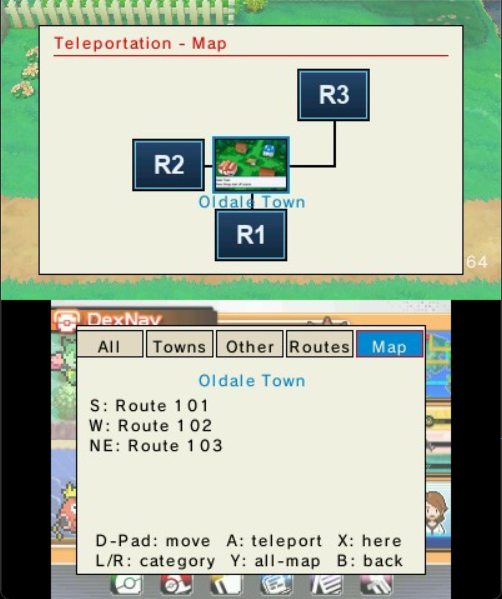
Destinations are sorted into tabs — All, Towns, Other, the Routes, and a walkable Map. Pick a place, then HOLD L into any door to warp there.
- Y (in the Map) — open a single picture‑grid overview of every place, laid out roughly like the region and filtered by tappable chips.
- X — jump the selection to where you're currently standing.
- START — save your exact landing spot (and make a route teleportable).
- ZL — teach it the hidden sub‑maps it doesn't recognise yet.
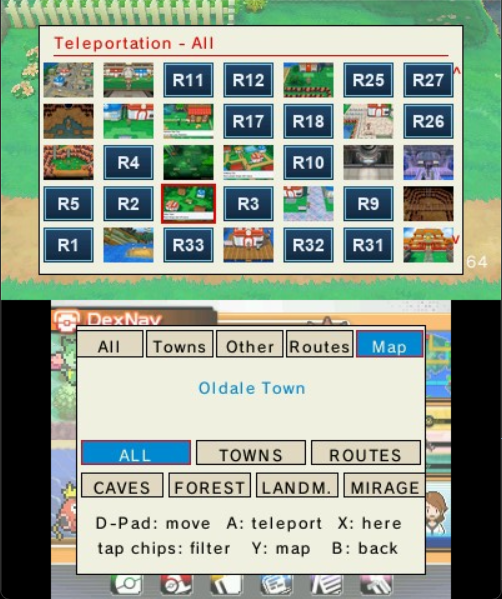
Everything you save lands in a hand‑editable MyTeleport.txt in the plugin folder — and it survives updates, so your custom spots stick around when you upgrade the plugin.
Hoenn maps apply to Omega Ruby / Alpha Sapphire; Kalos maps apply to X / Y. The plugin loads the right set for your game automatically.